Spend in another currency
Record a purchase in the currency you paid in. Expenselix converts it to your base currency.
6 stepsProThis feature needs Expenselix Pro.
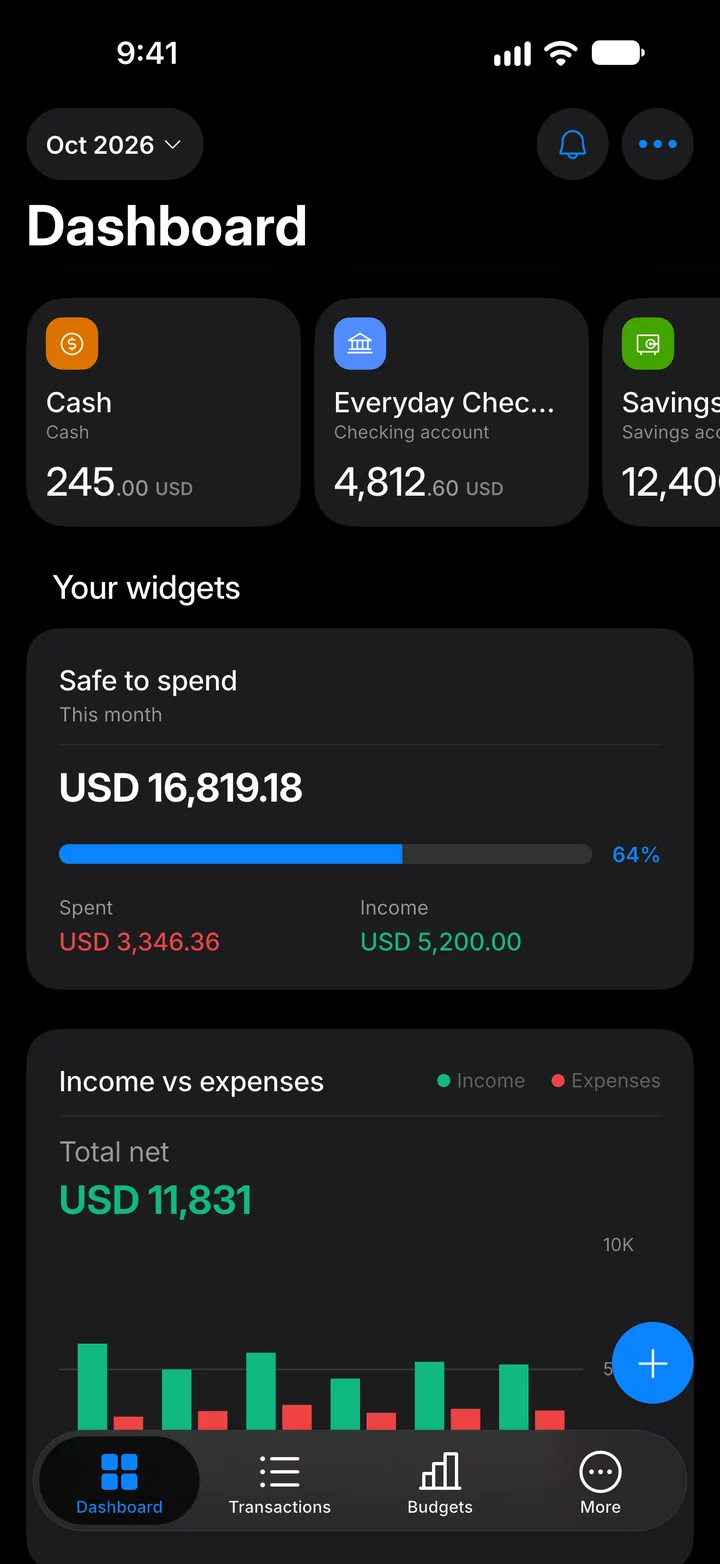
Step 1: Tap +
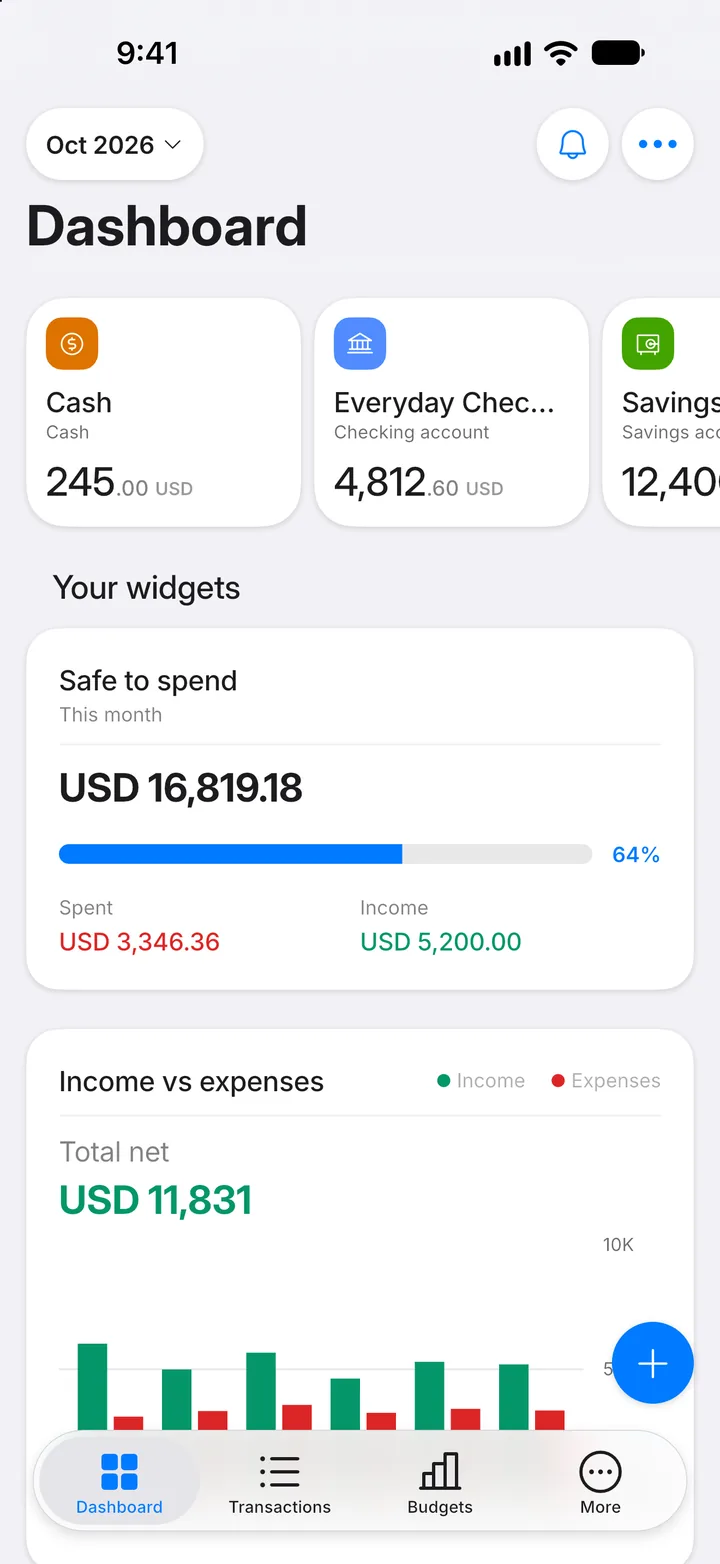
On the Dashboard, tap the + button to start a new transaction.
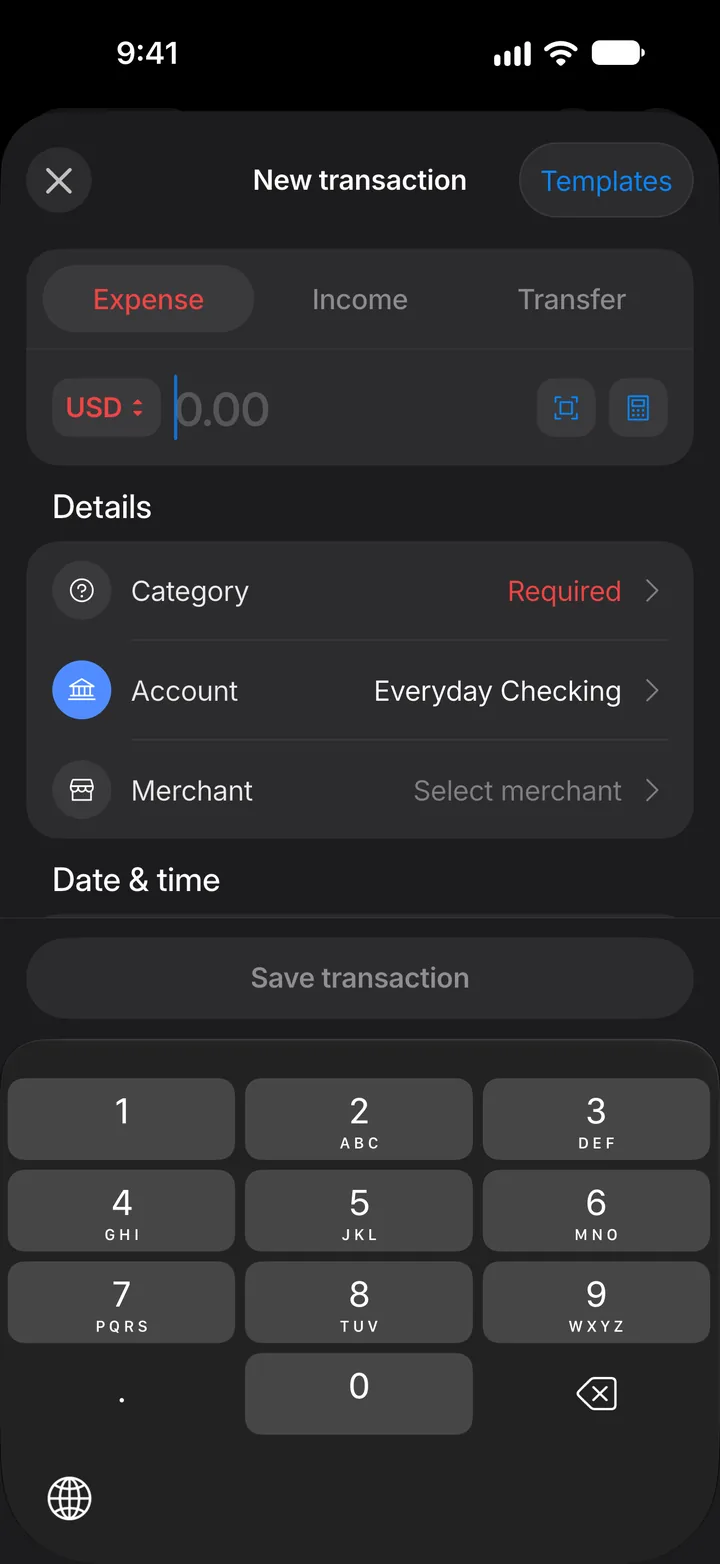
Step 2: Tap the currency code
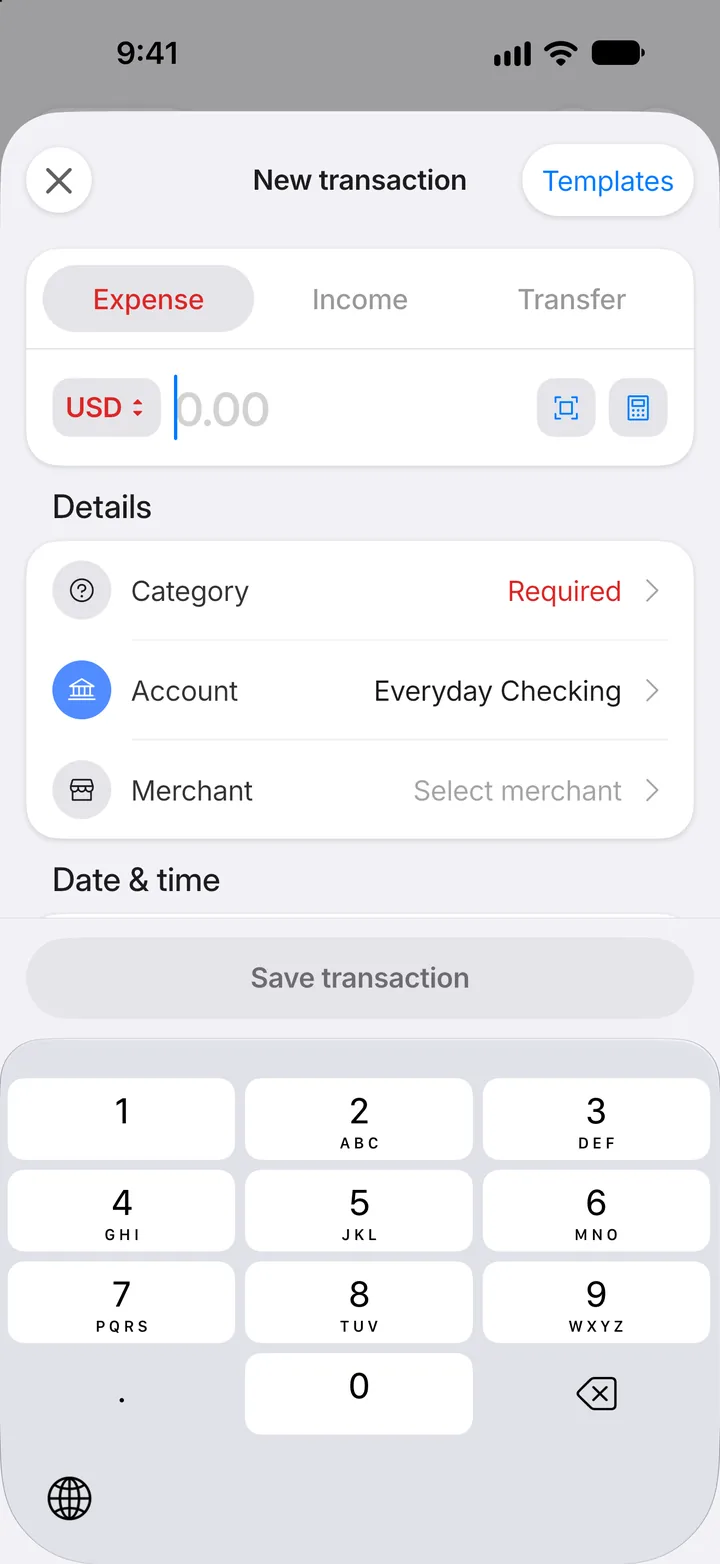
Tap the currency code next to the amount. It starts as your base currency.
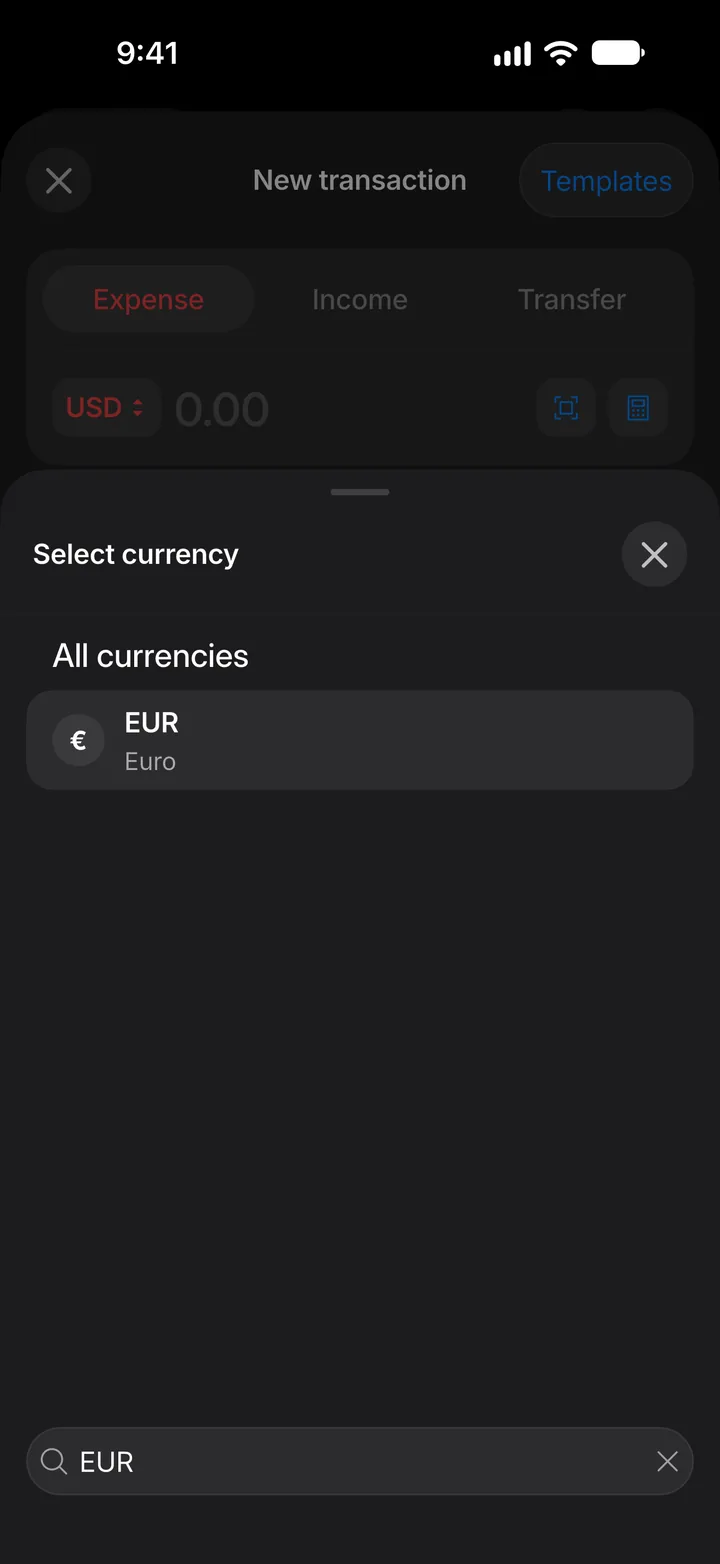
Step 3: Choose the currency
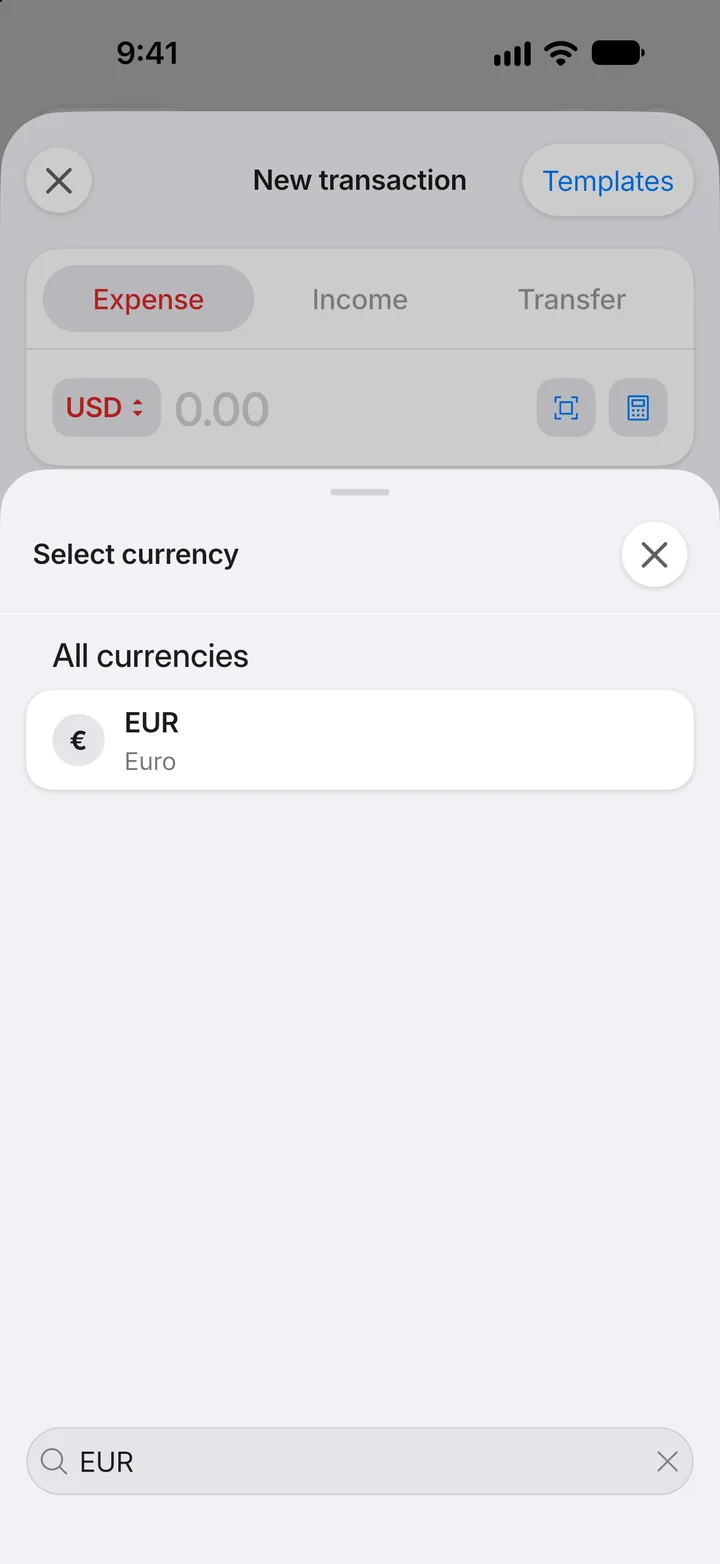
Search for the currency and tap it. Currencies you already use are listed first, under Your currencies.
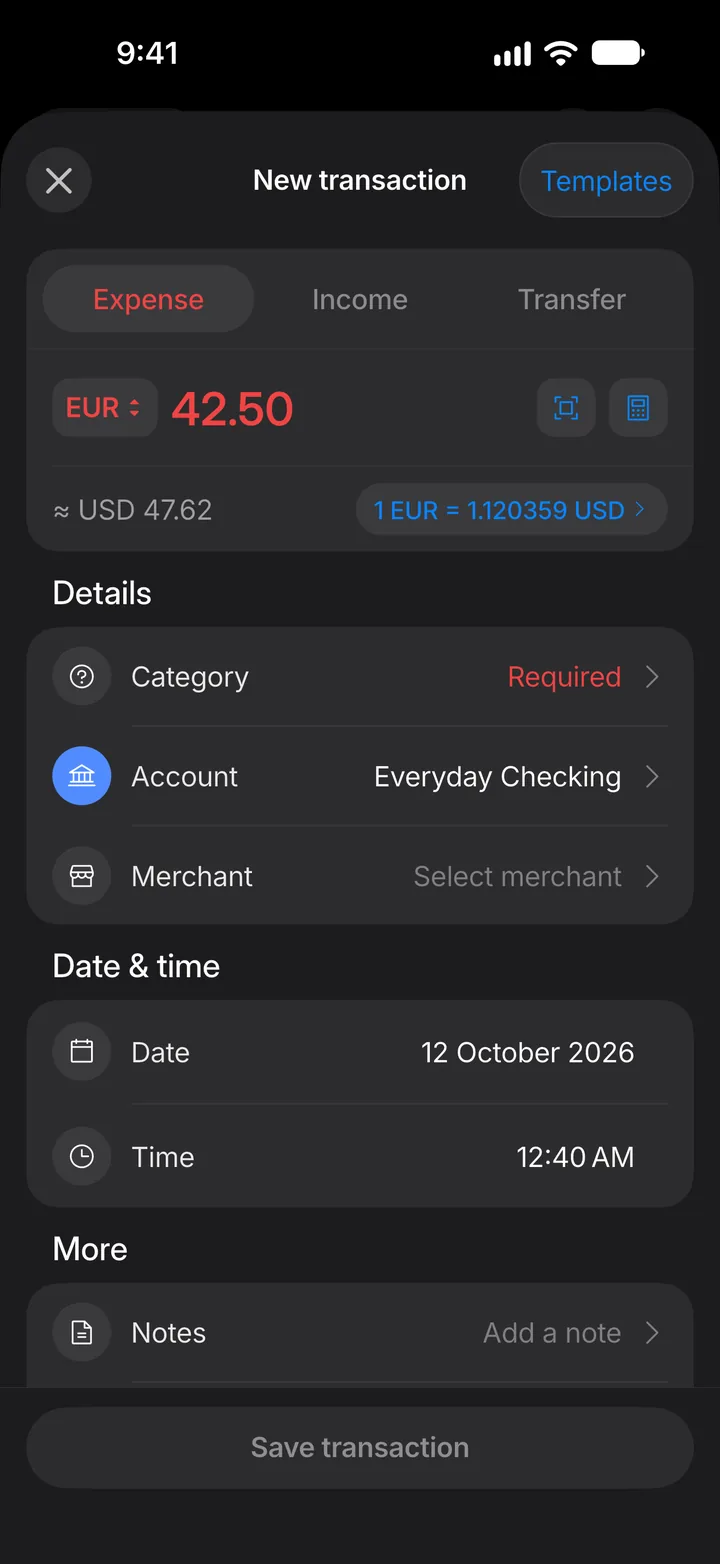
Step 4: Check the conversion
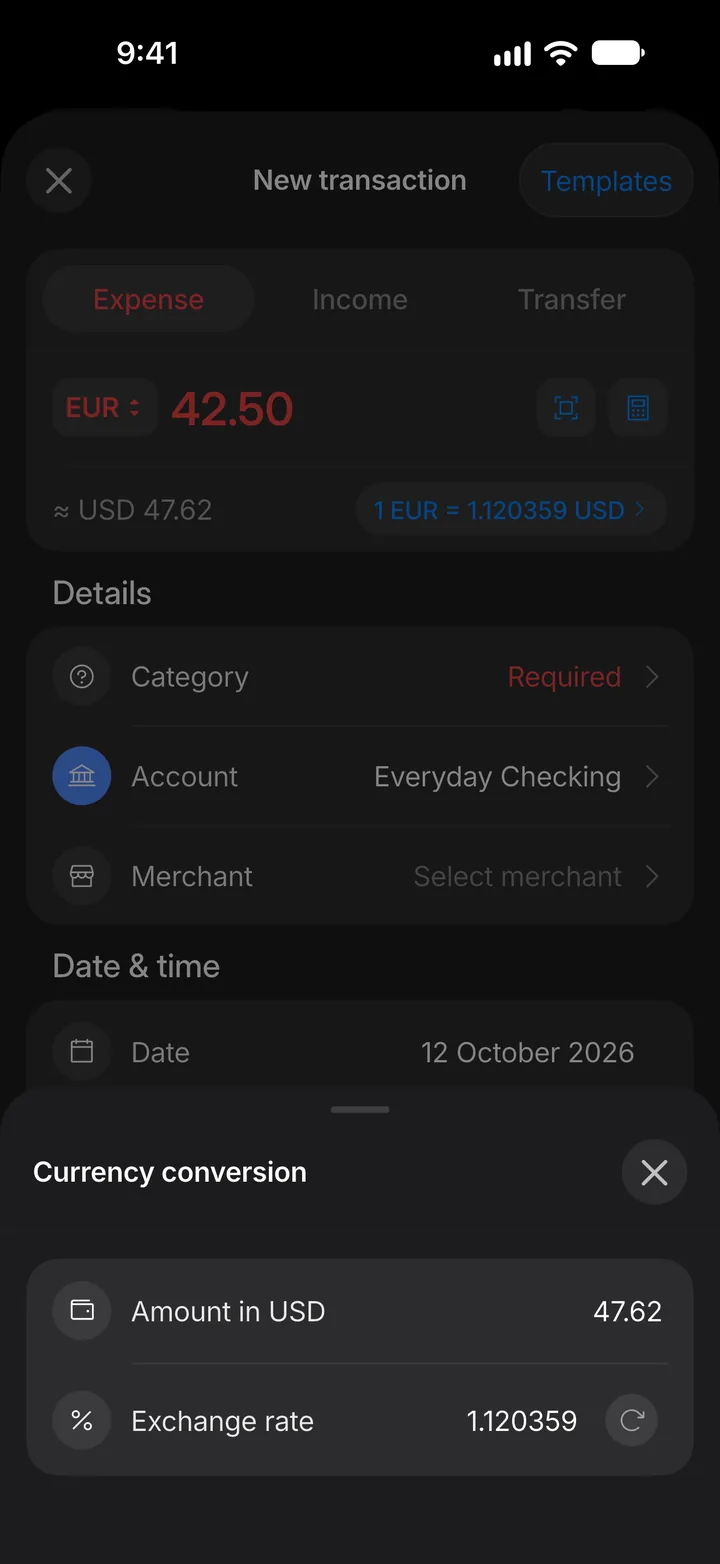
Type the amount. Underneath, you see it in your base currency, along with the exchange rate. Tap the rate to change it.
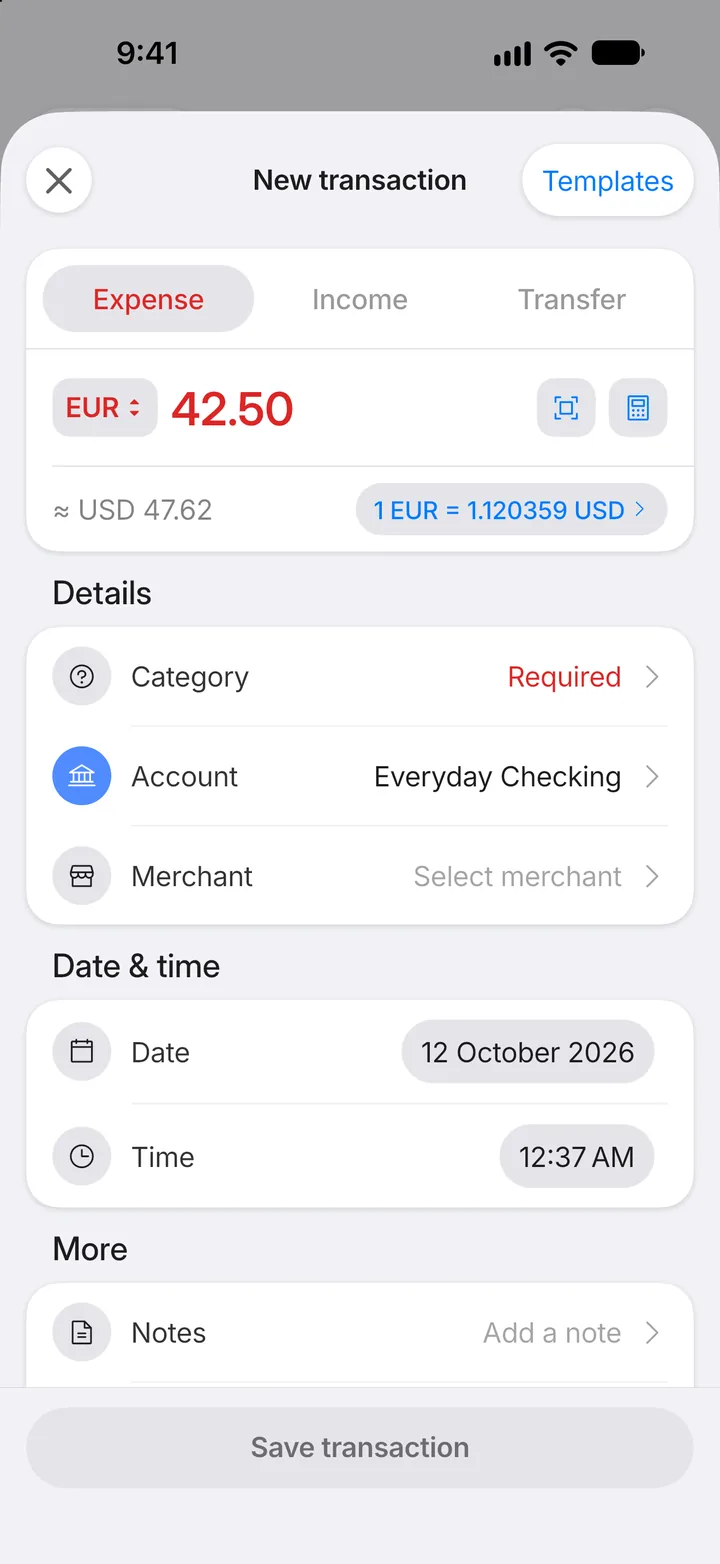
Step 5: Adjust the rate if you need to
Under Currency conversion, type your own Exchange rate, or enter the amount your bank actually charged.
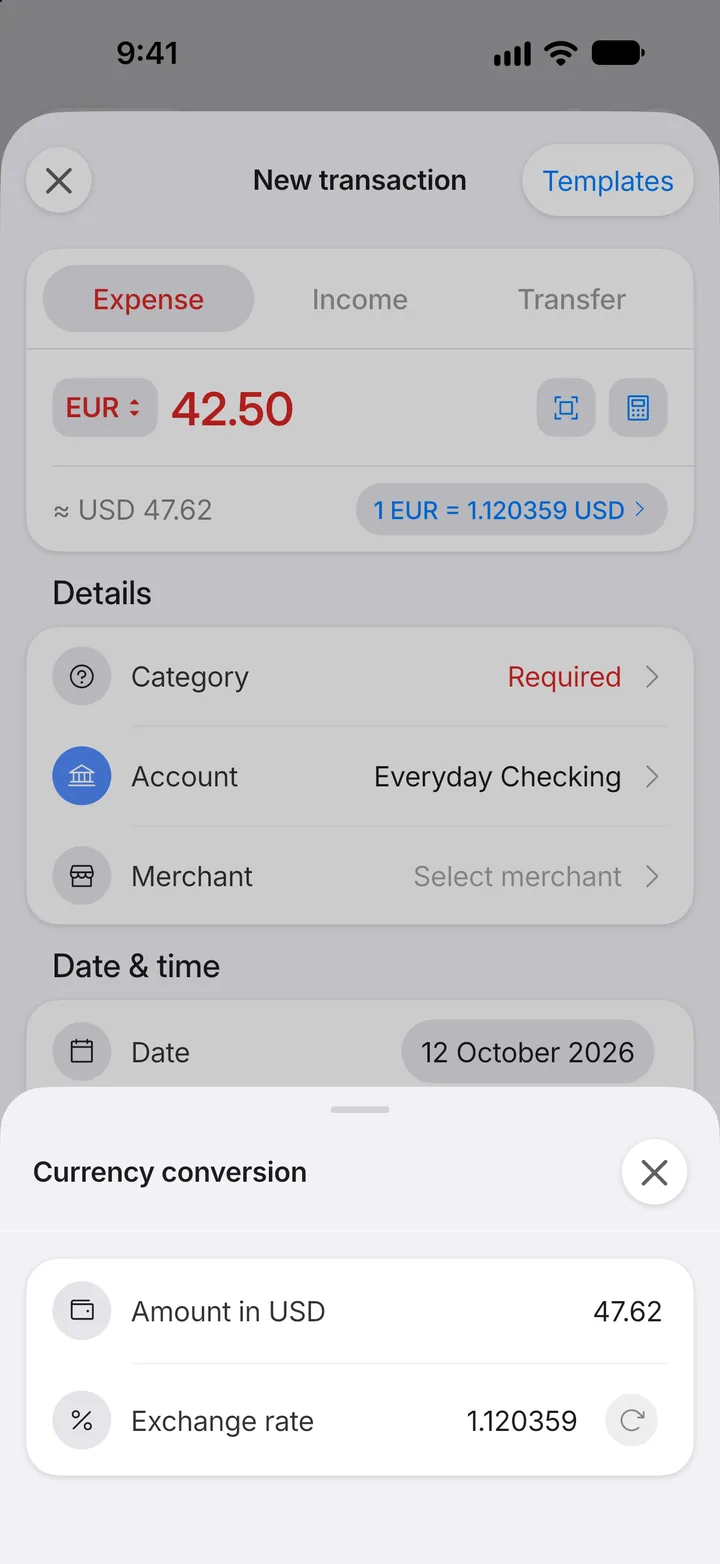
Step 6: Save
Choose a category, then tap Save transaction. Totals and budgets count it in your base currency.