Edit or delete a transaction
Fix a mistake or remove a transaction, from its details or straight from the list.
5 steps
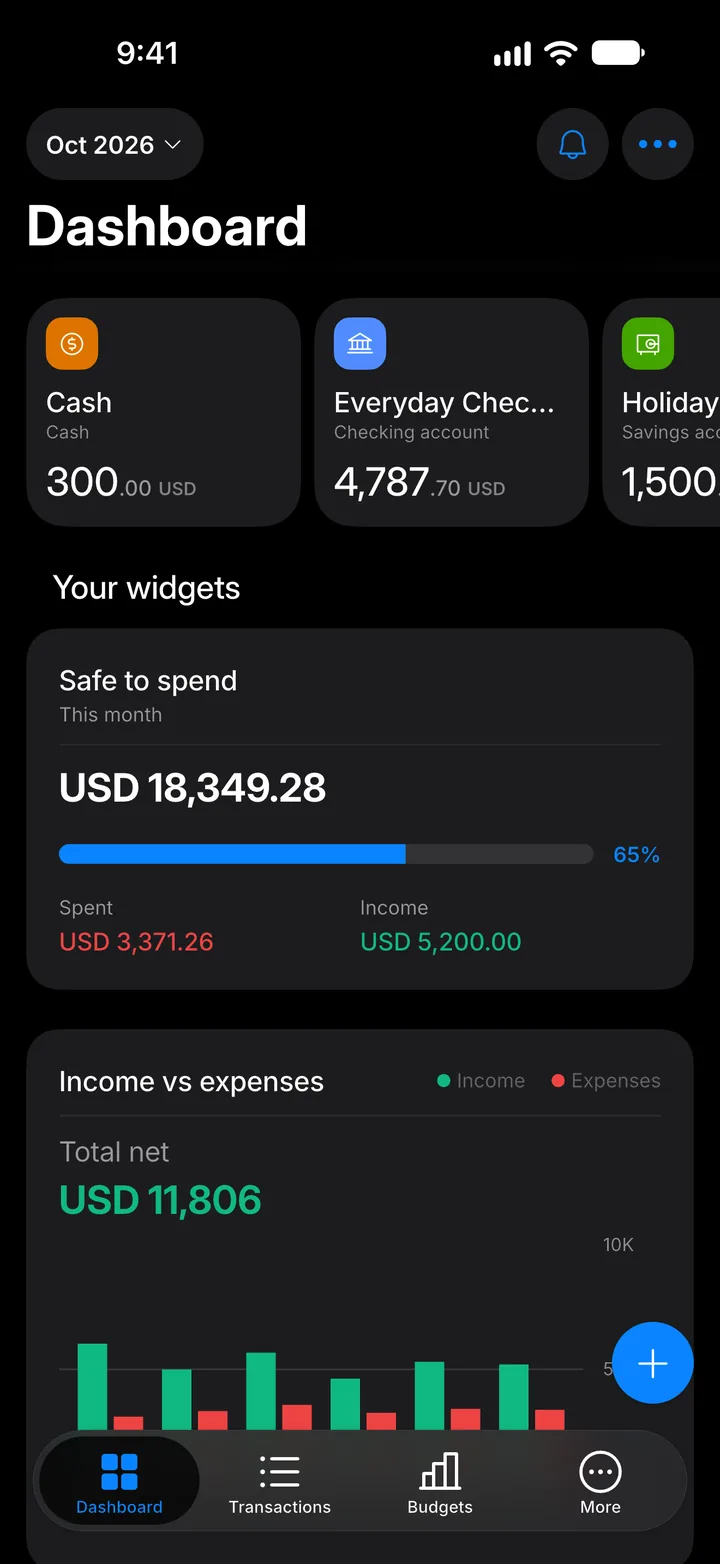
Step 1: Open Transactions
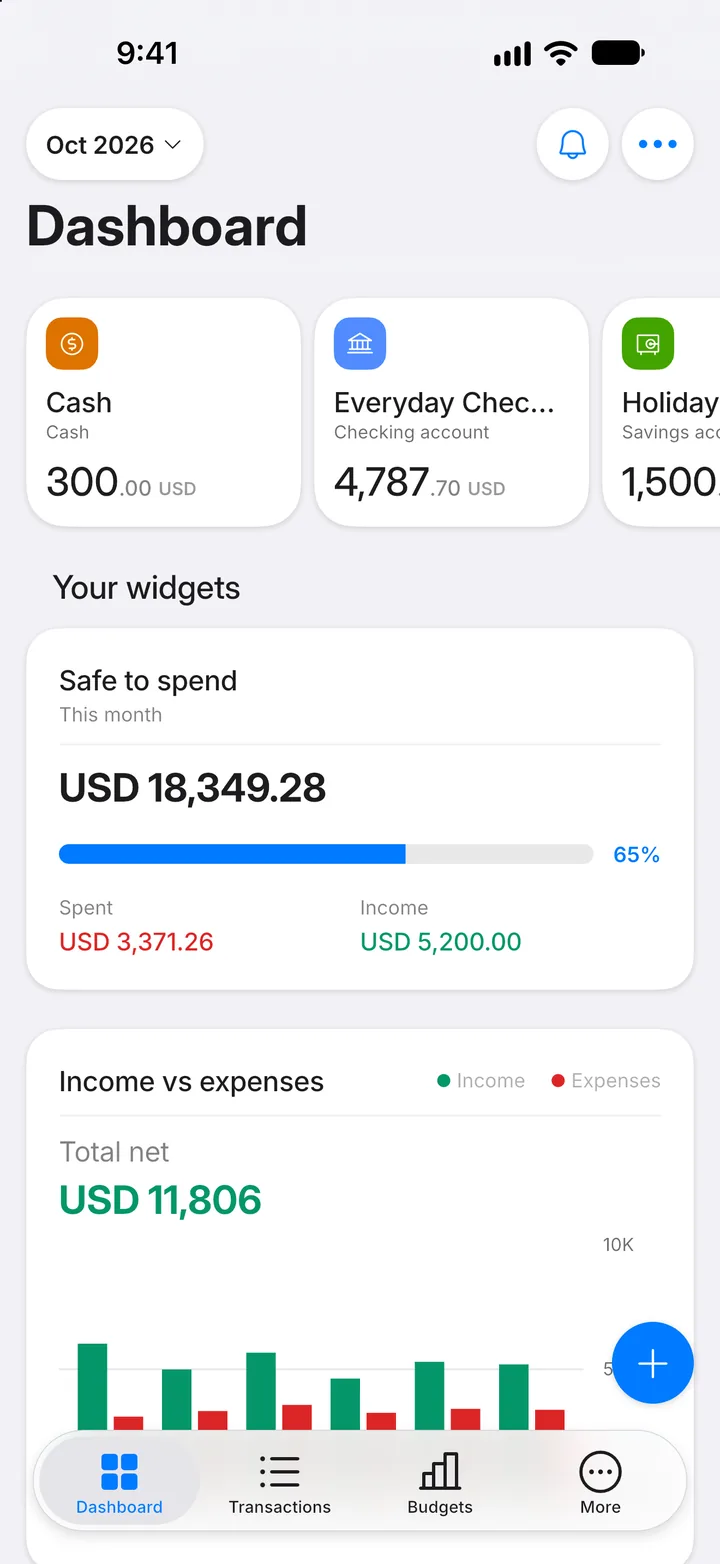
Tap the Transactions tab.
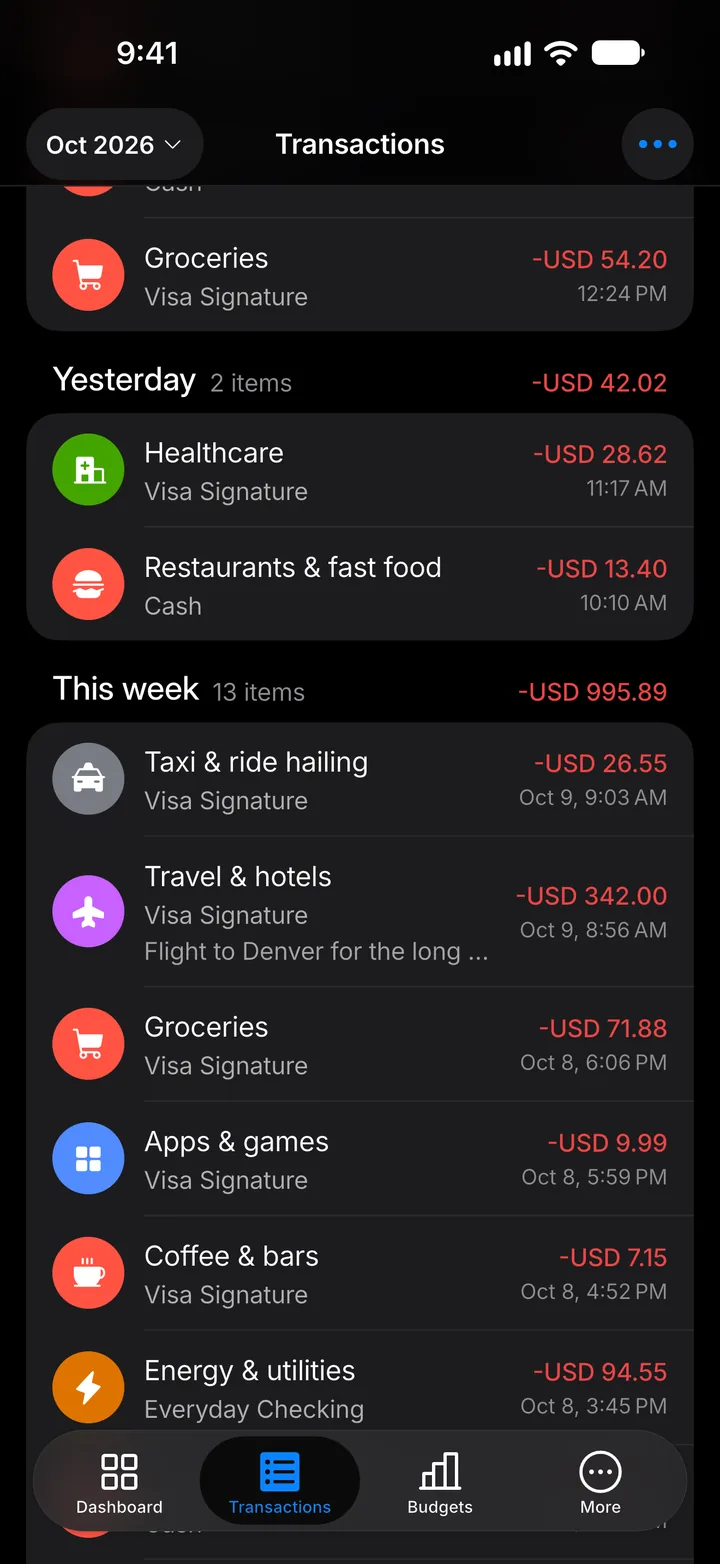
Step 2: Open the transaction
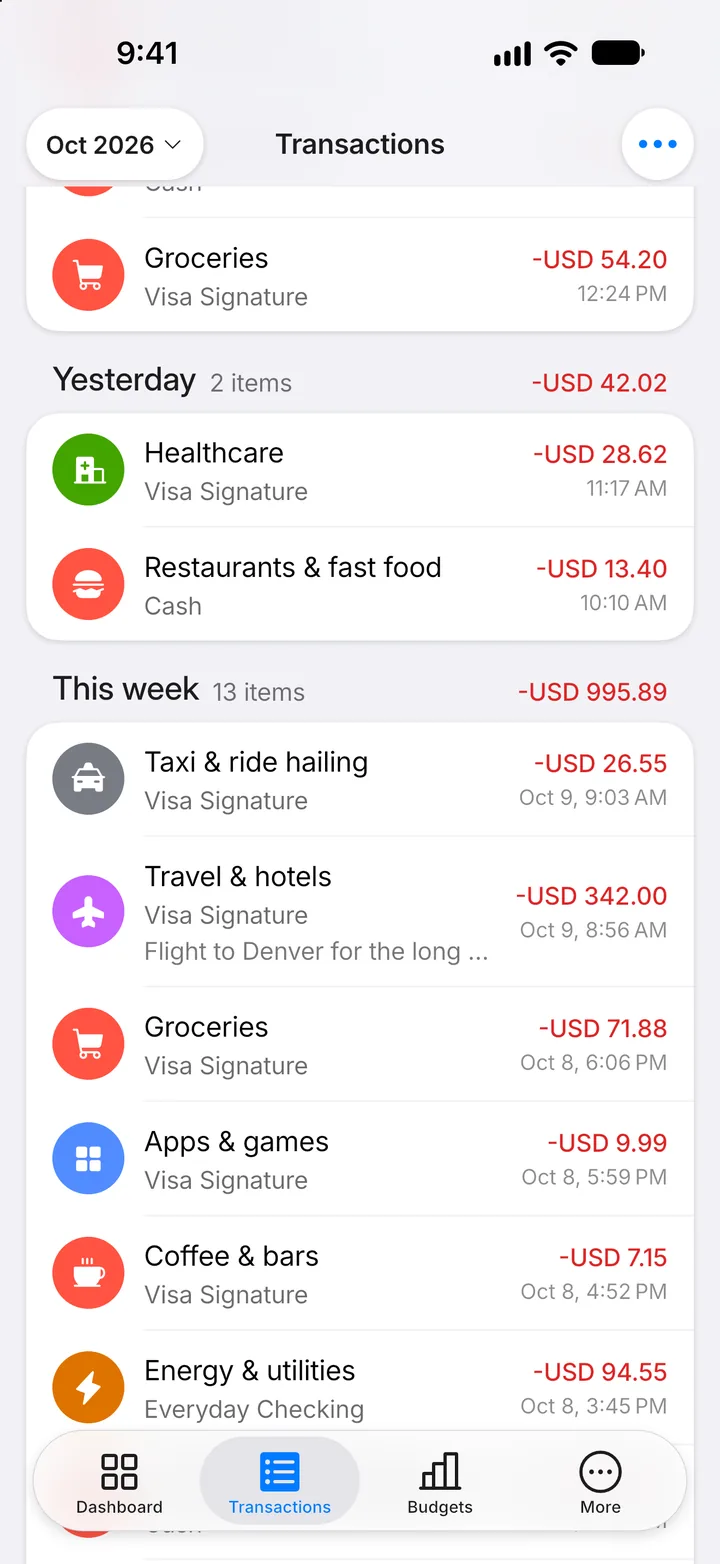
Tap the transaction you want to change.
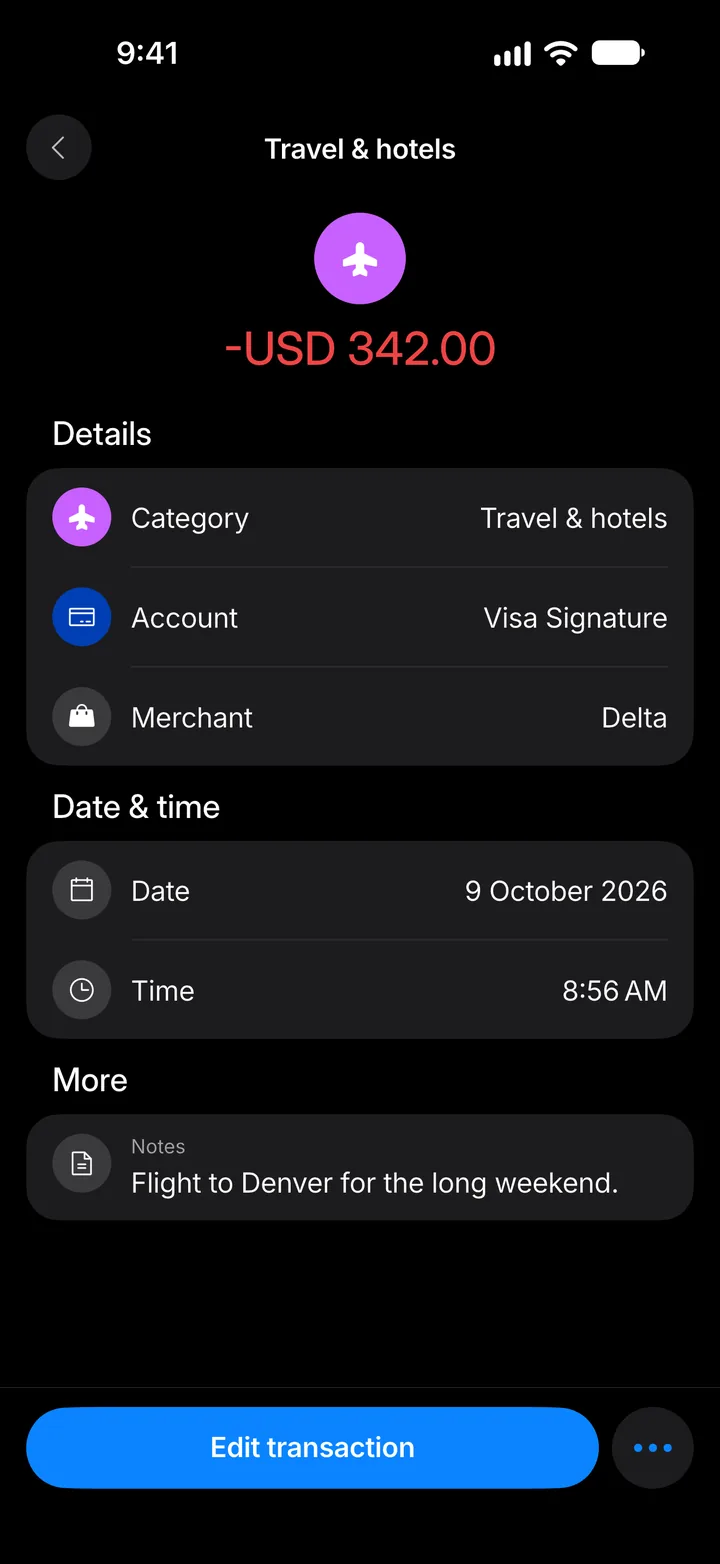
Step 3: Edit it
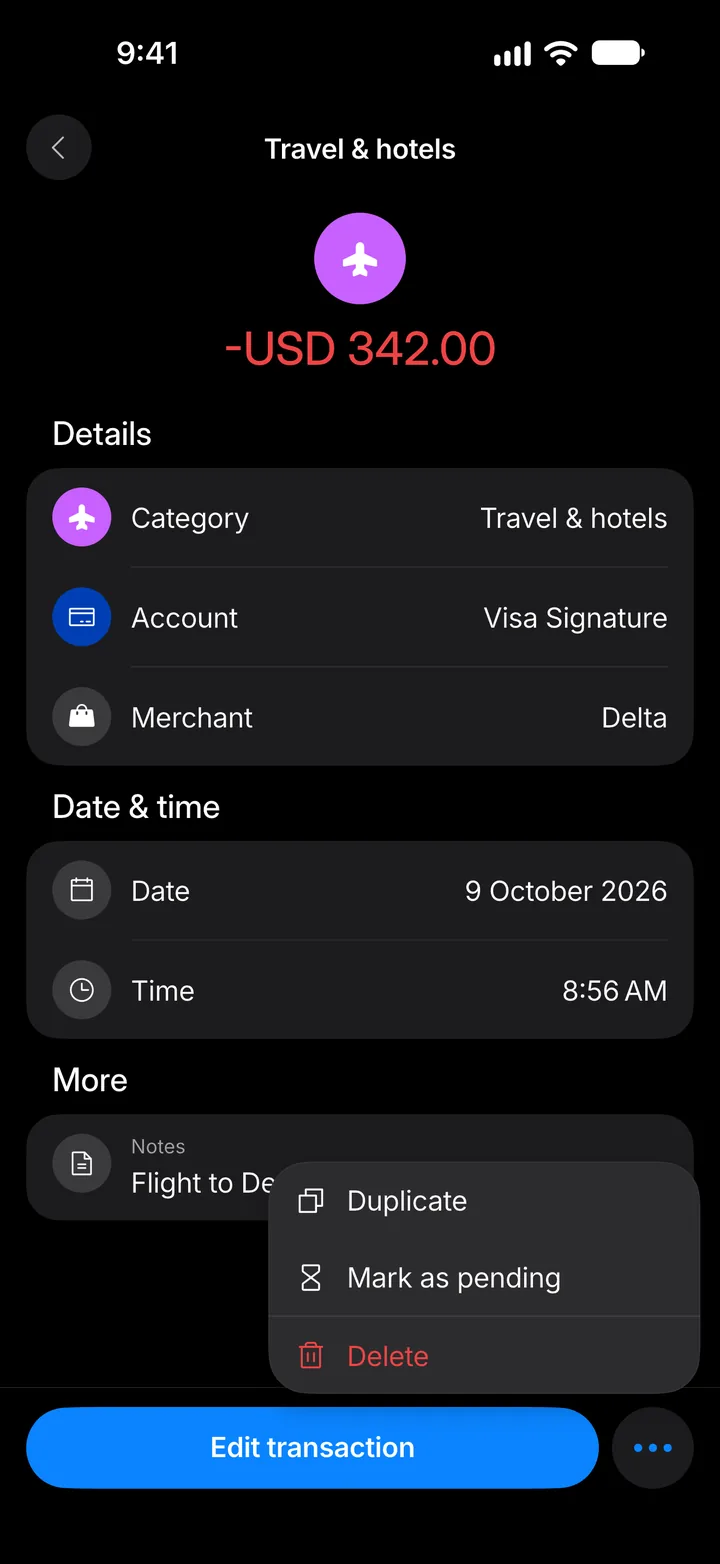
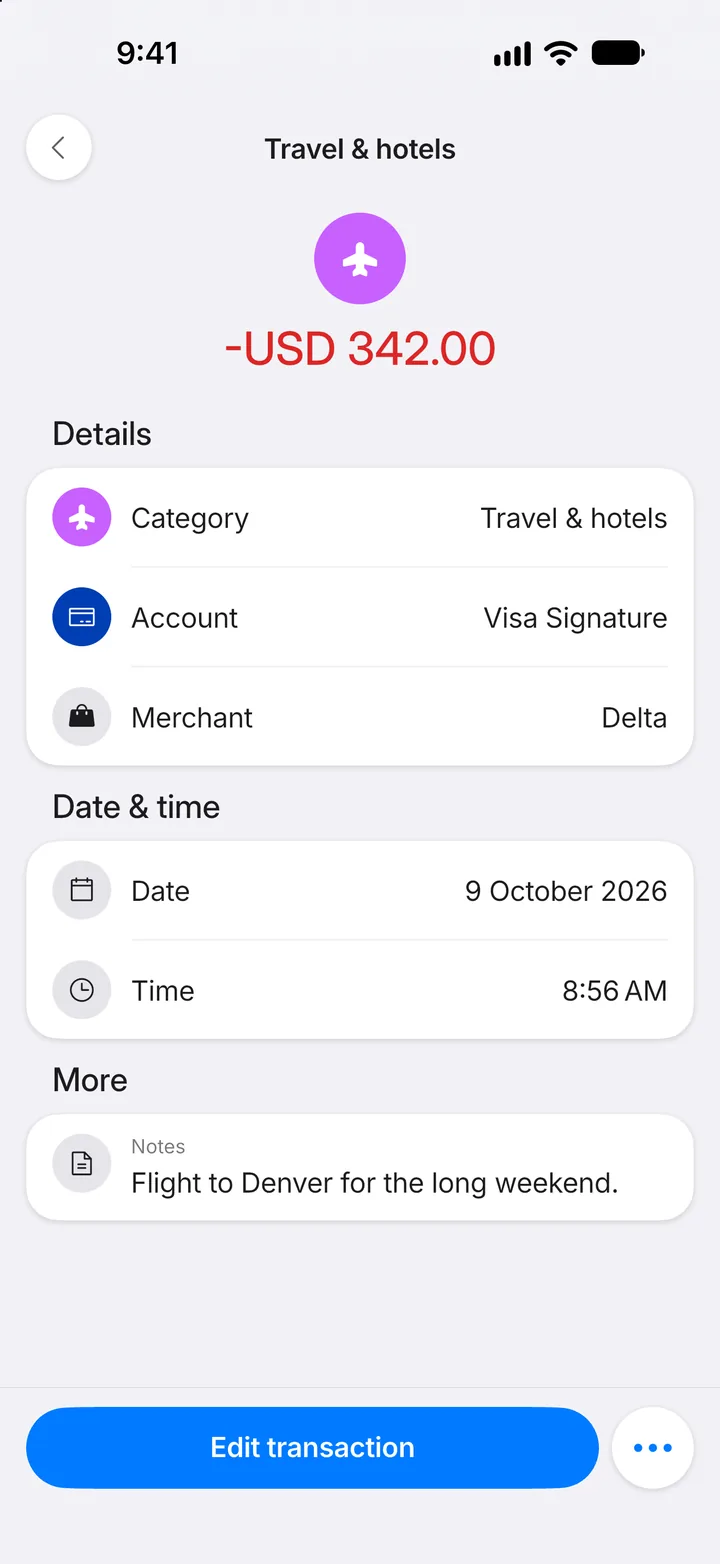
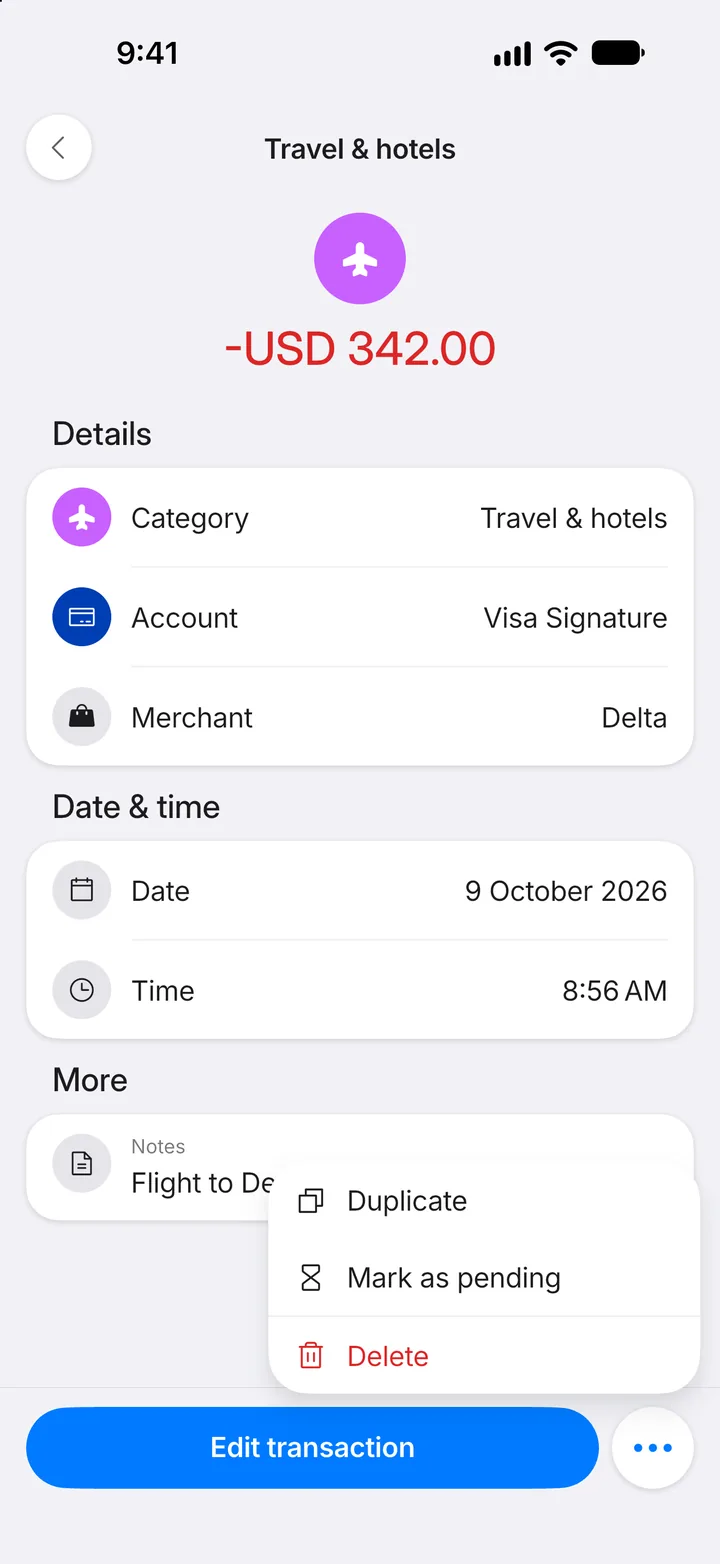
Tap Edit transaction to change any detail. For more options, tap •••.
Step 4: Or delete it
Delete removes the transaction. You'll be asked to confirm first.
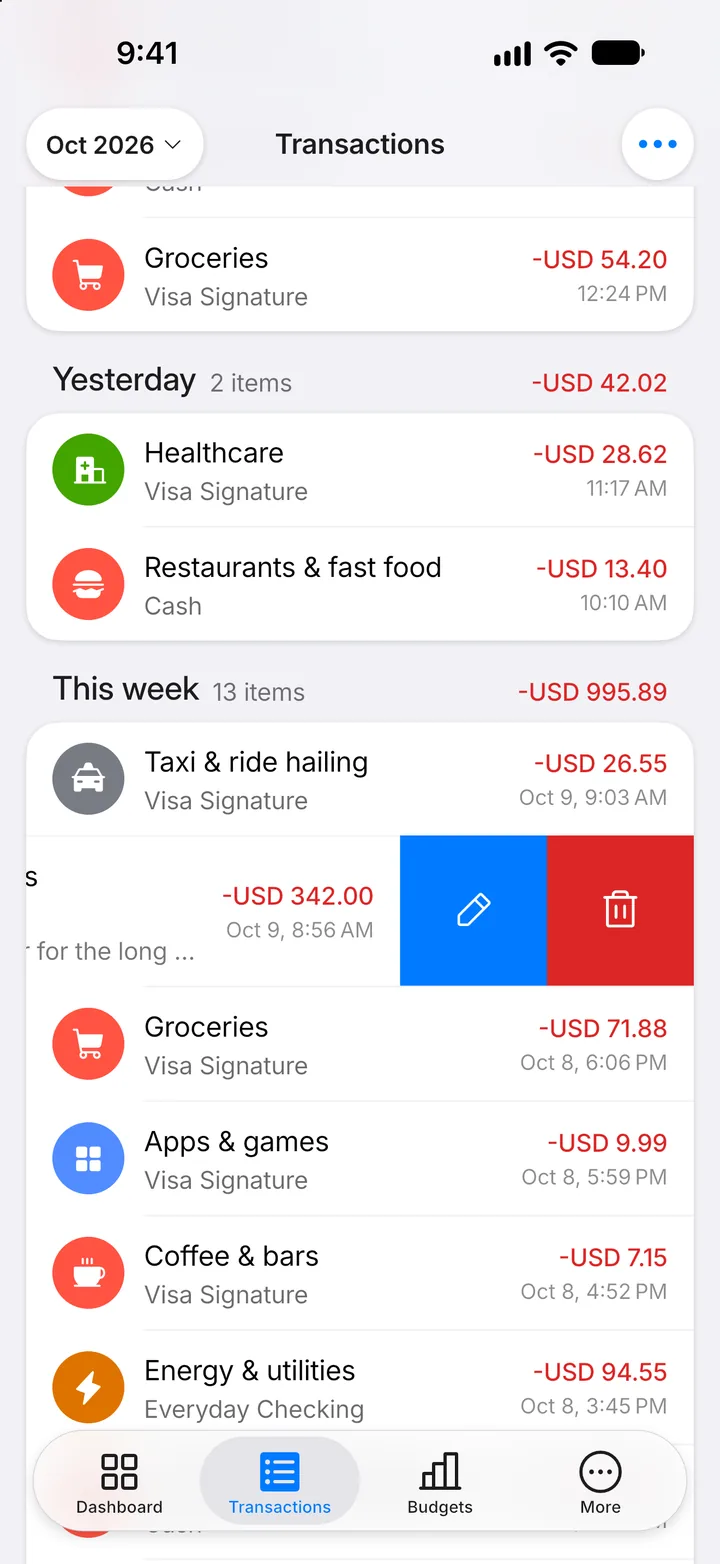
Step 5: Swipe for a shortcut
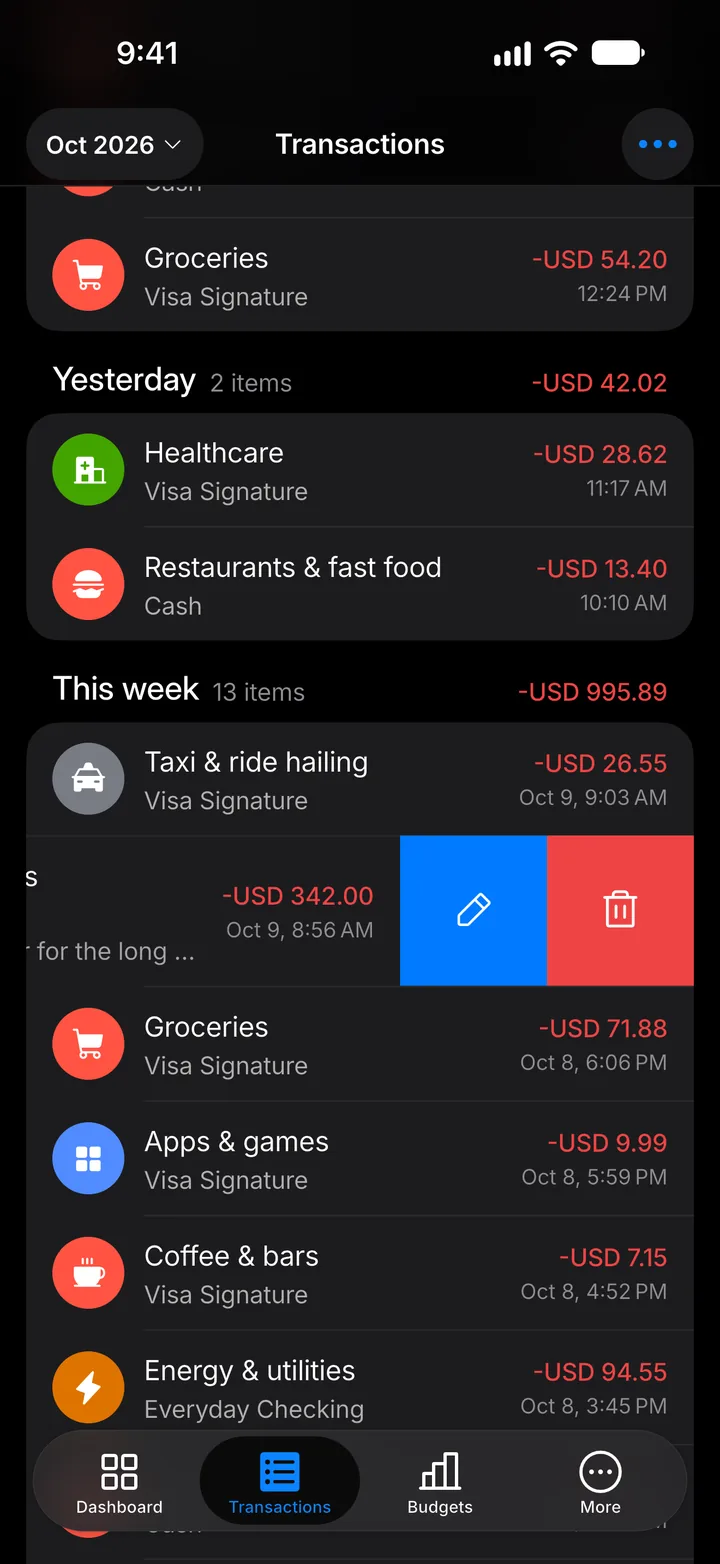
In the list, swipe a transaction to the left for edit and delete, or to the right to duplicate it or mark it as pending.