Know where the money went
A fast, private expense tracker for iPhone and Android. Join the list and we'll send your invite when the next round of testers goes out.
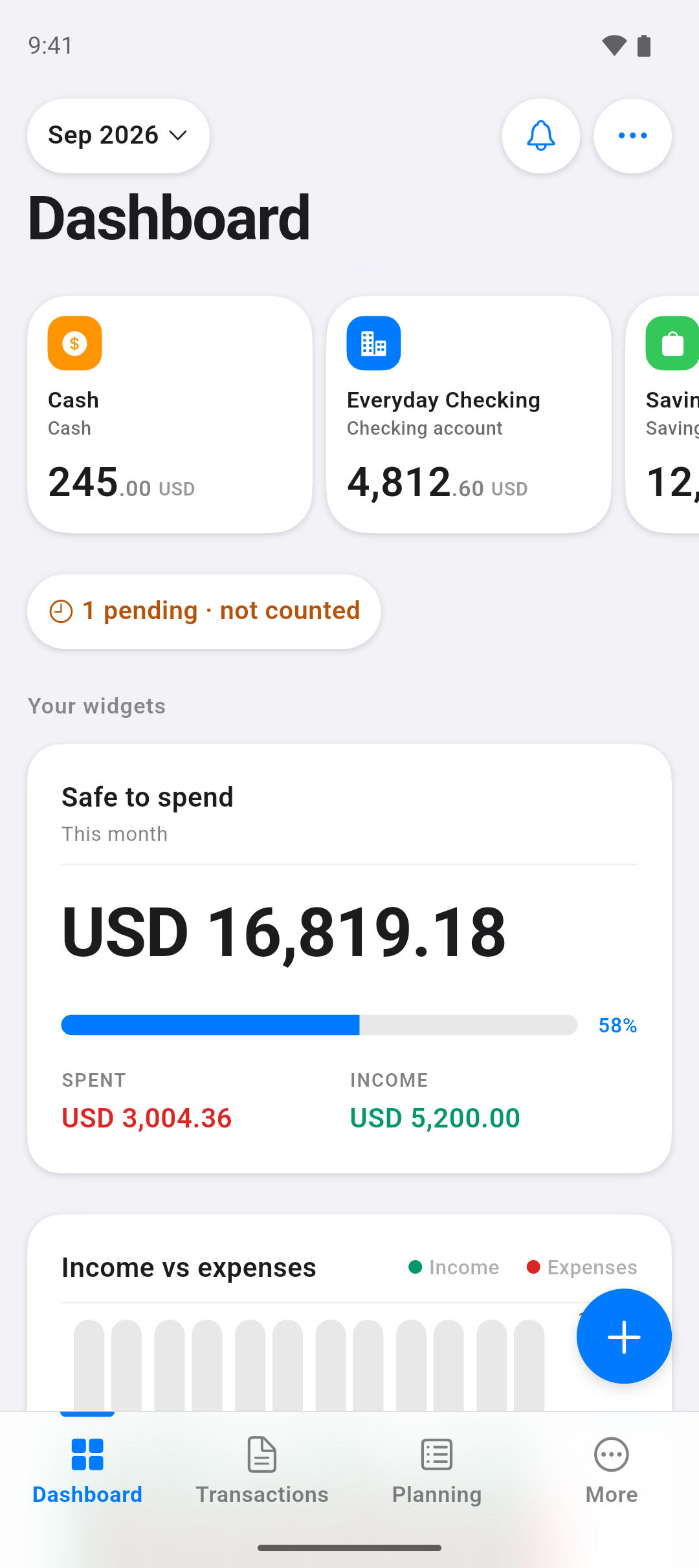
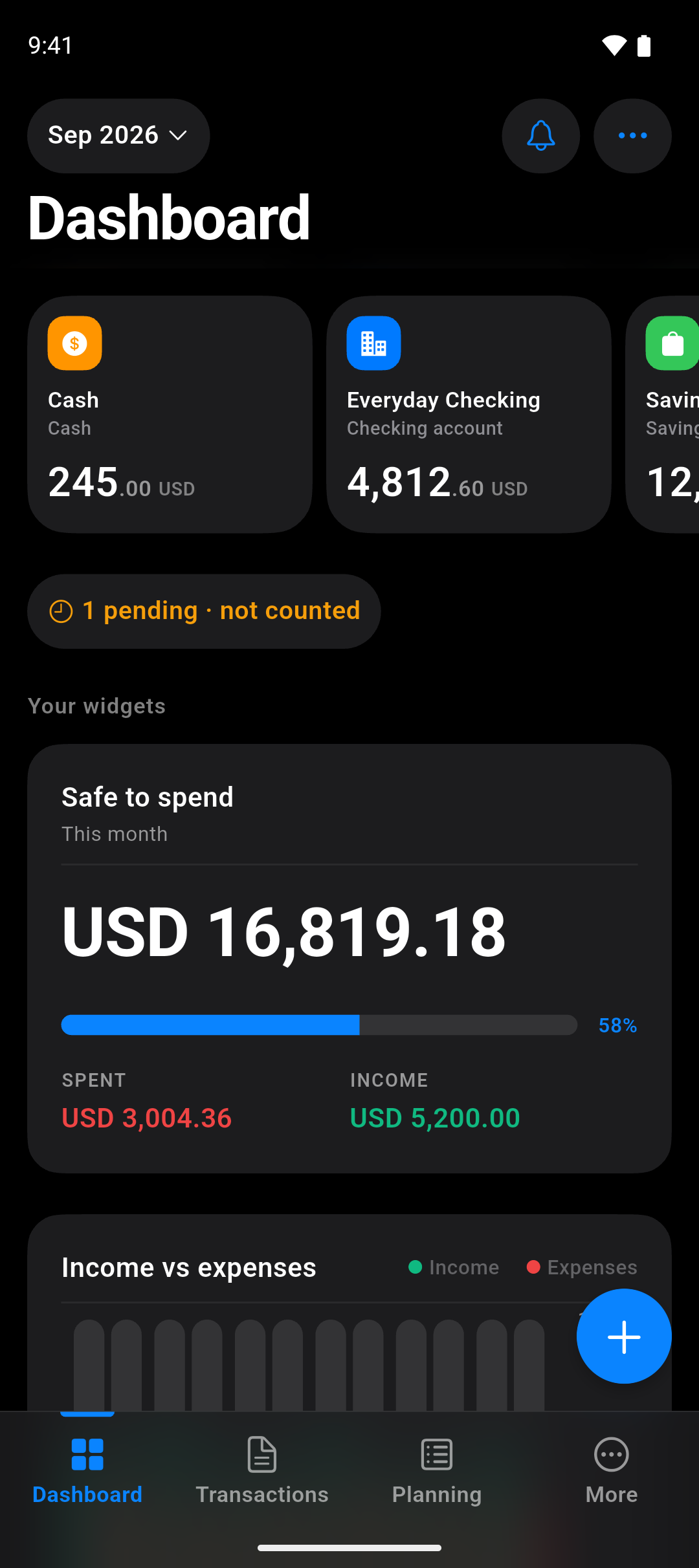
The basics, done properly
The screens you'll actually live in, built to be fast before they're clever.
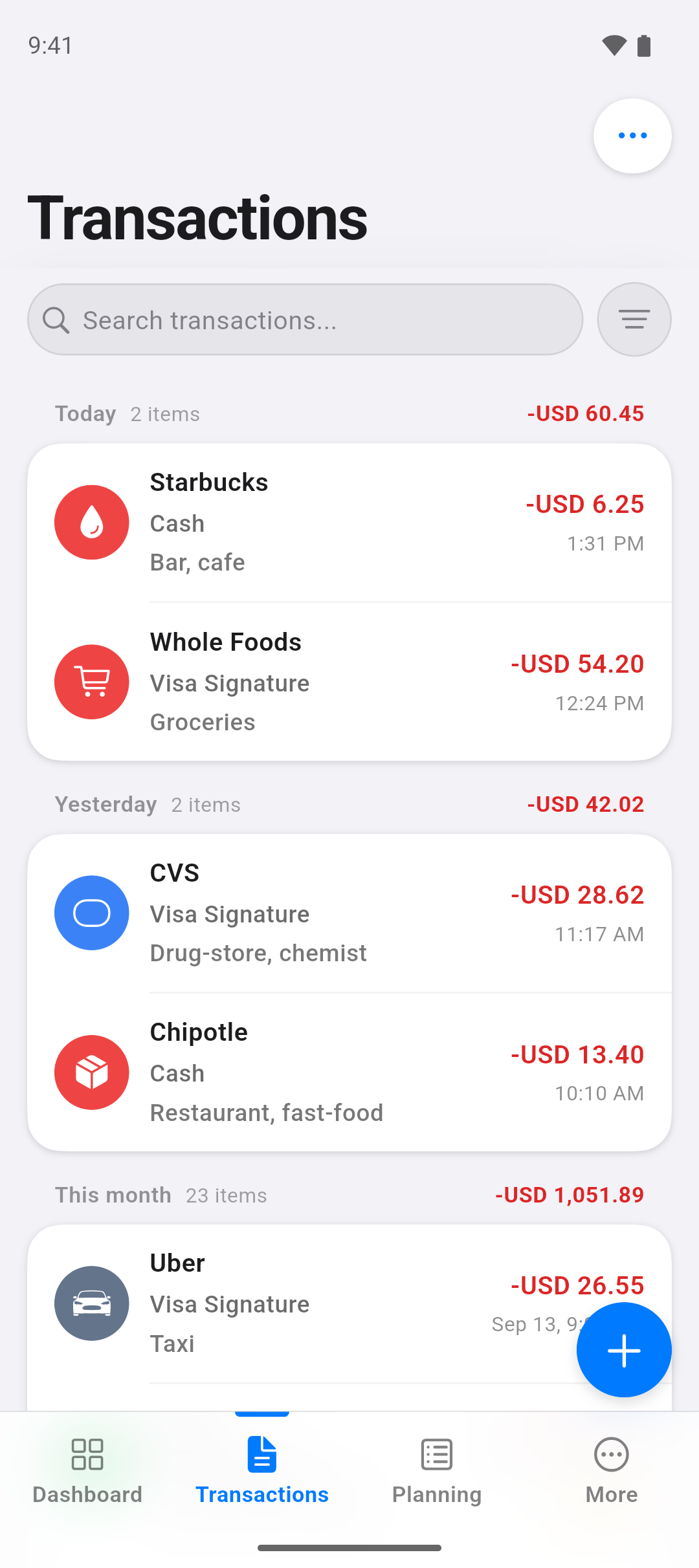
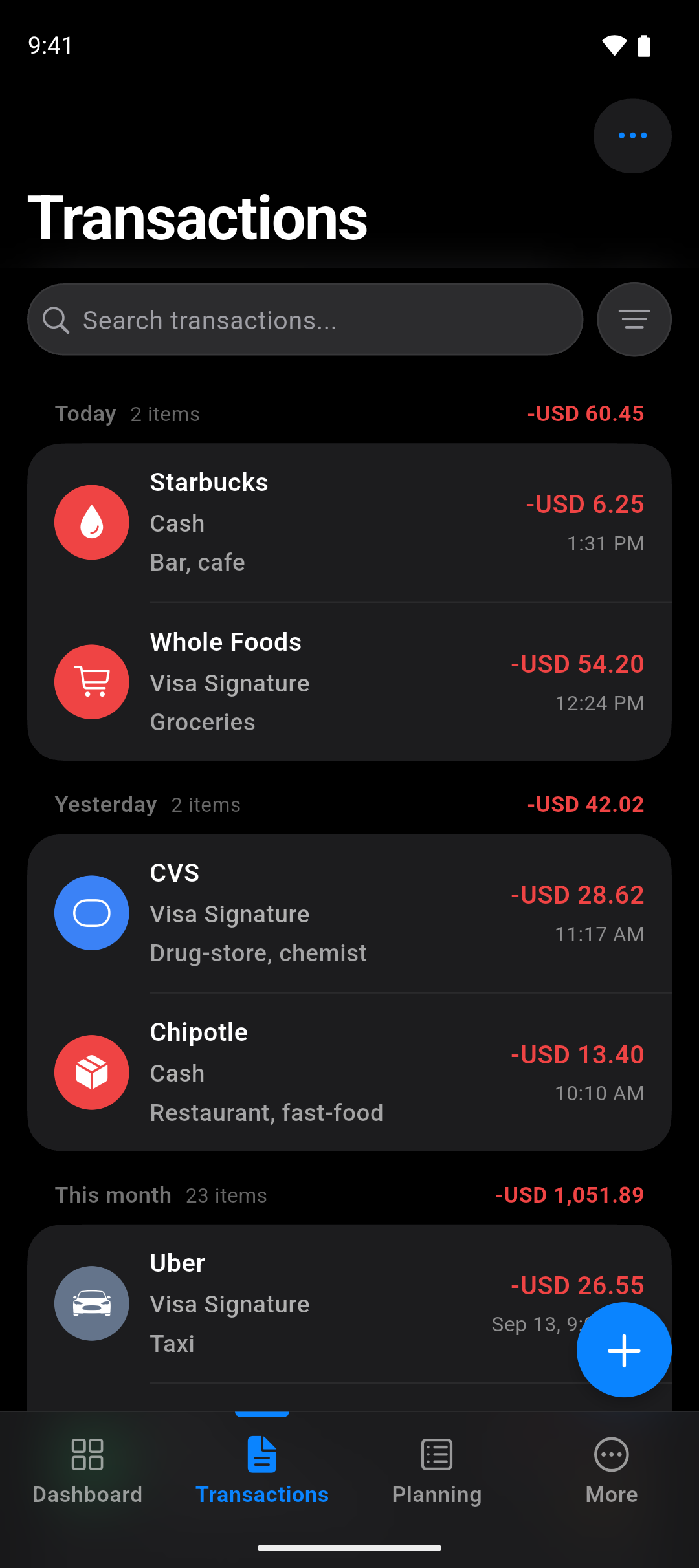
Every record
Search, filter and a running total for the period you're looking at.
Logged in seconds
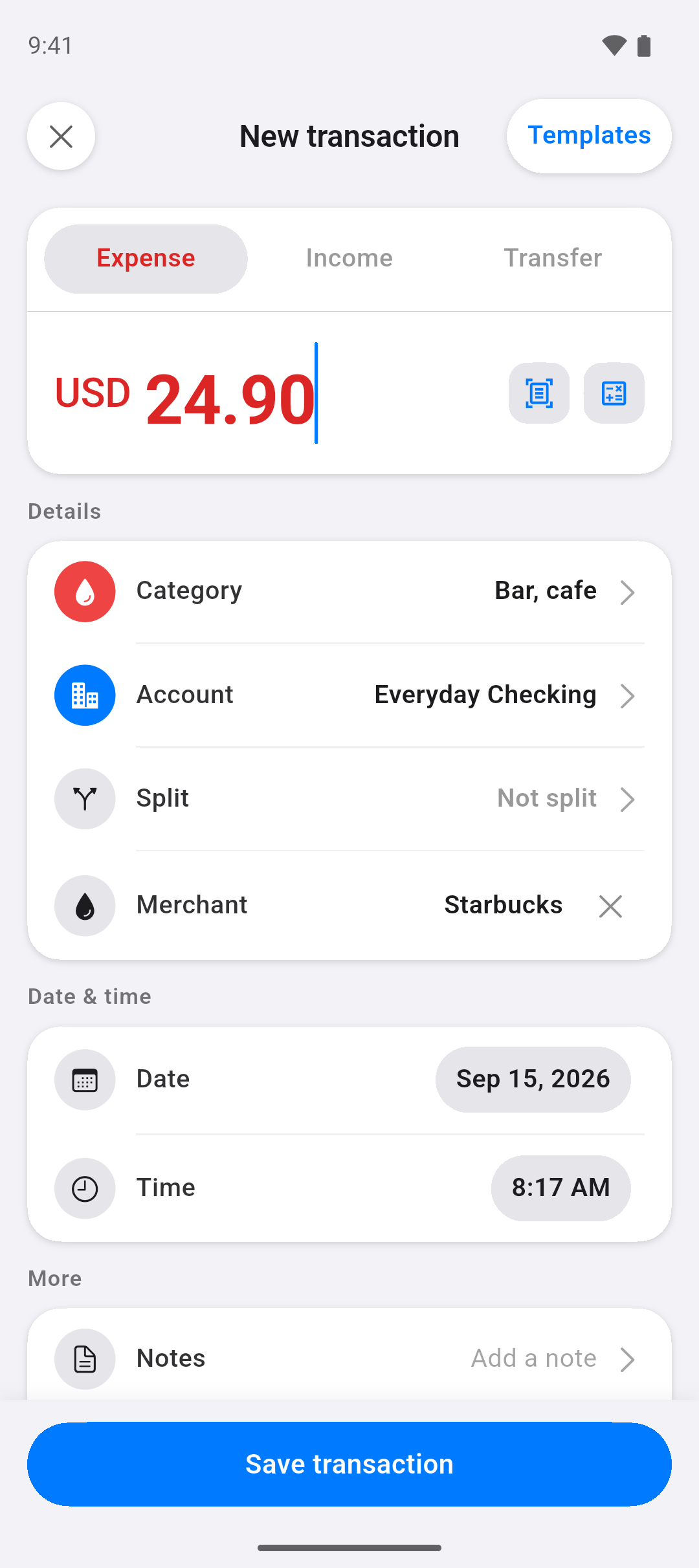
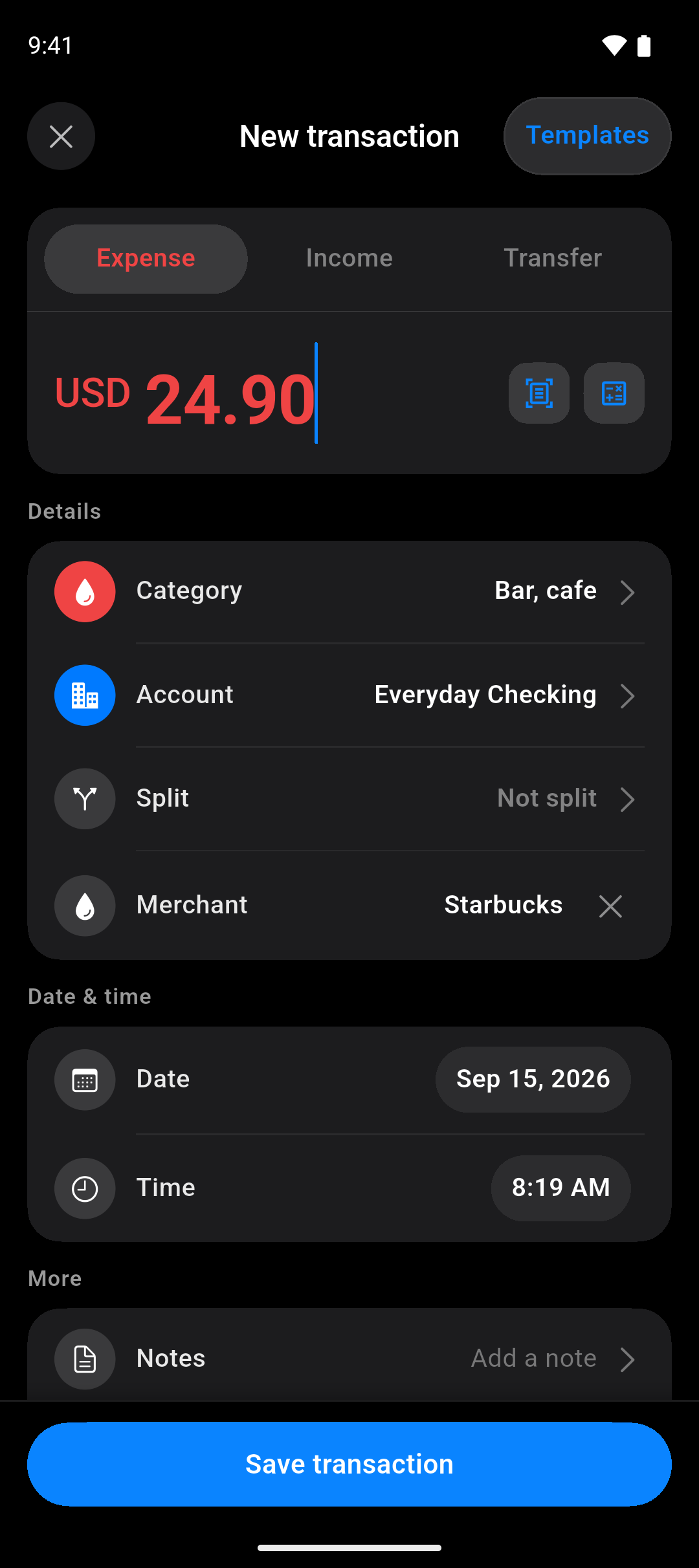
Amount first. Merchants remember the category and account for you.
The whole story
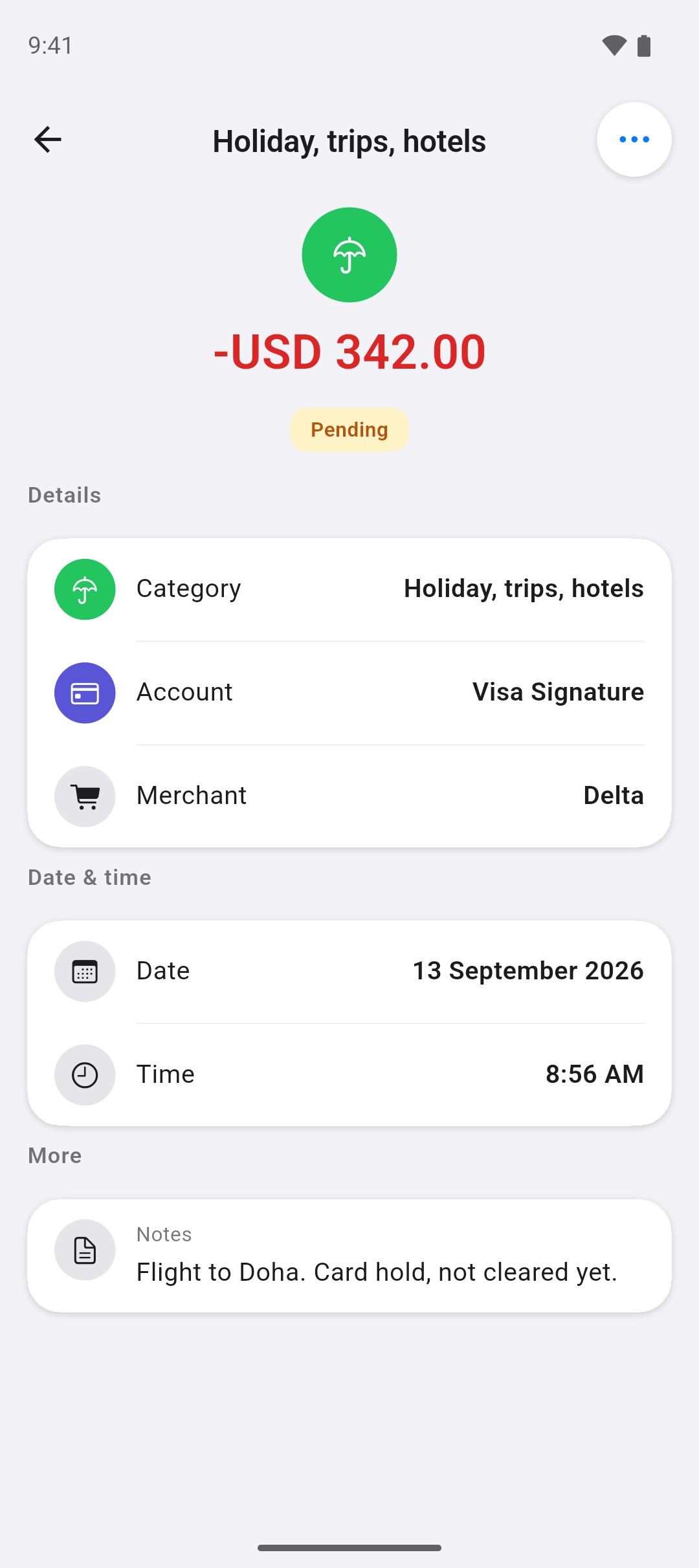
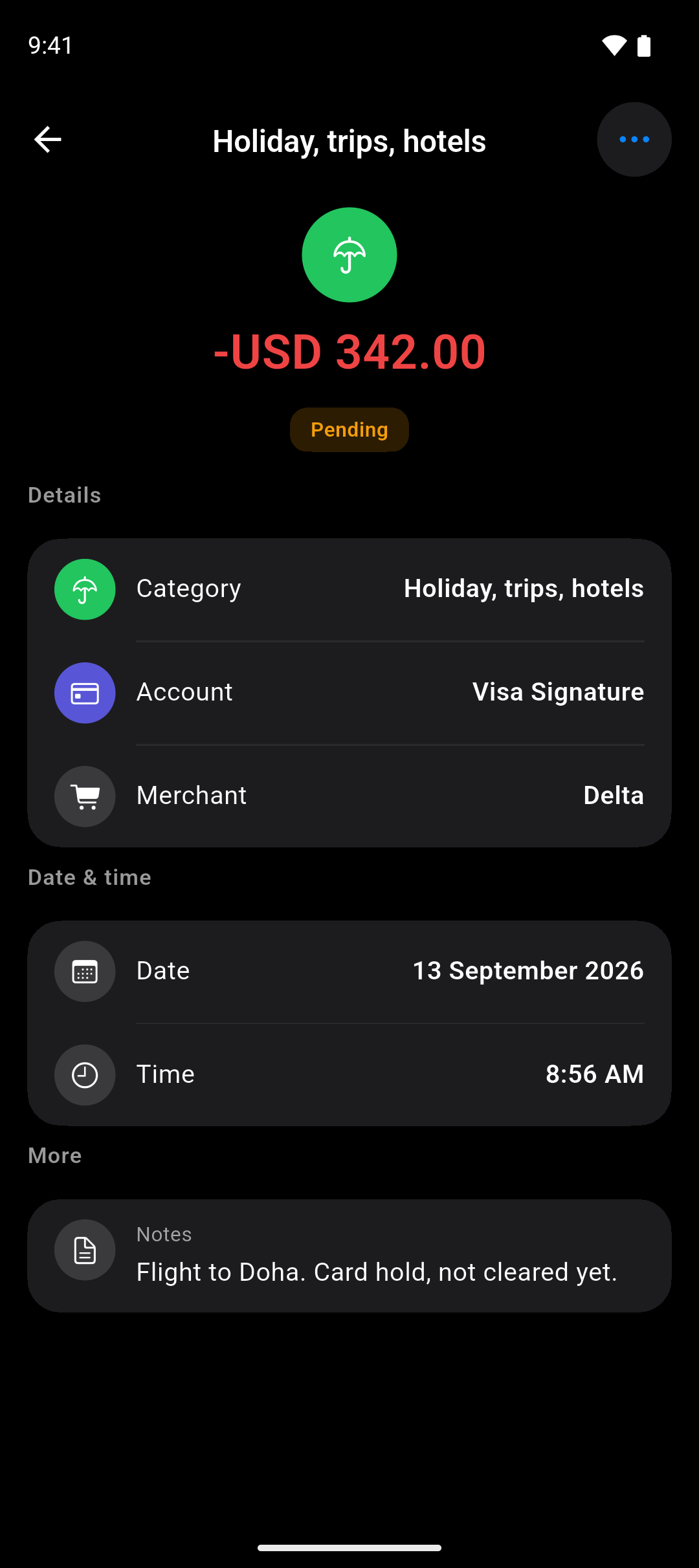
Open a record for its account, merchant, note and whether it has cleared yet.
Simple, but there when you need it
Turn sections on or off until the app shows only what you care about.
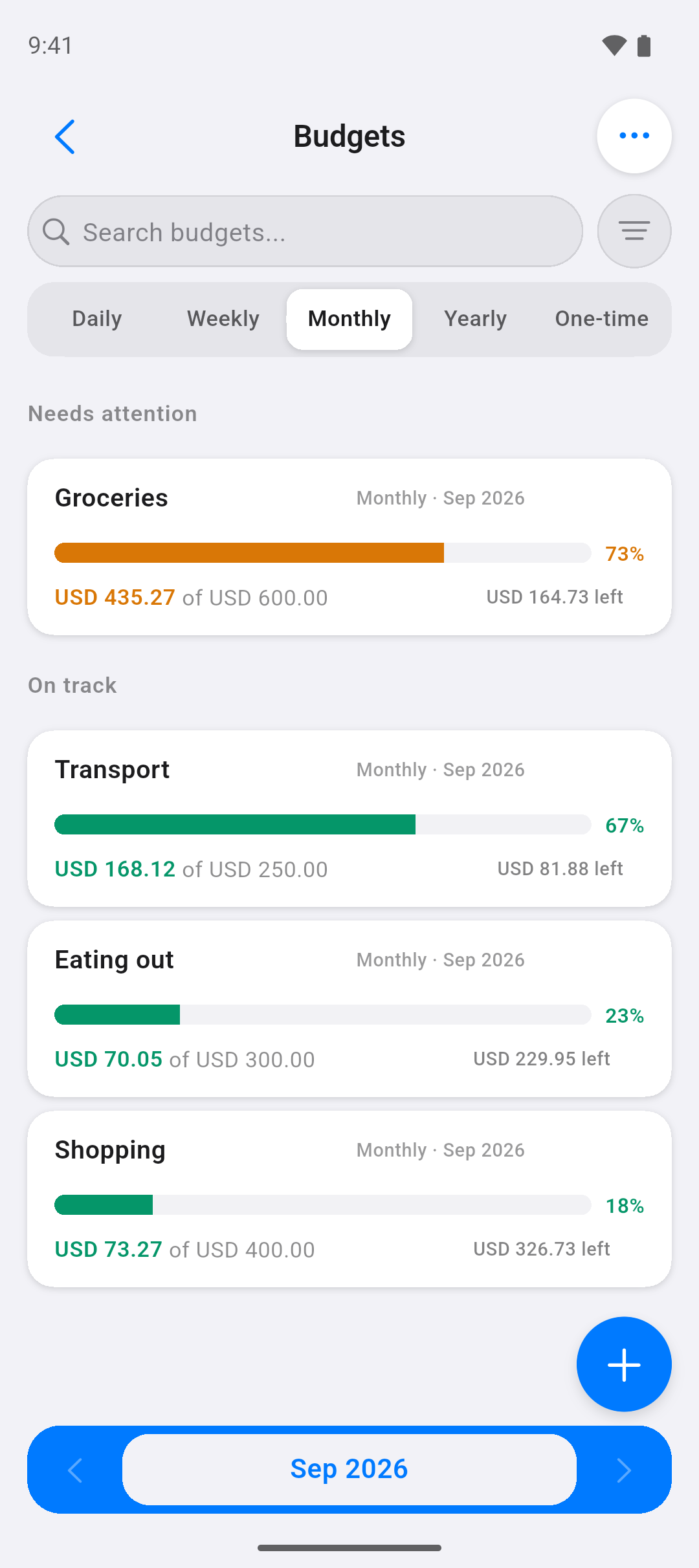
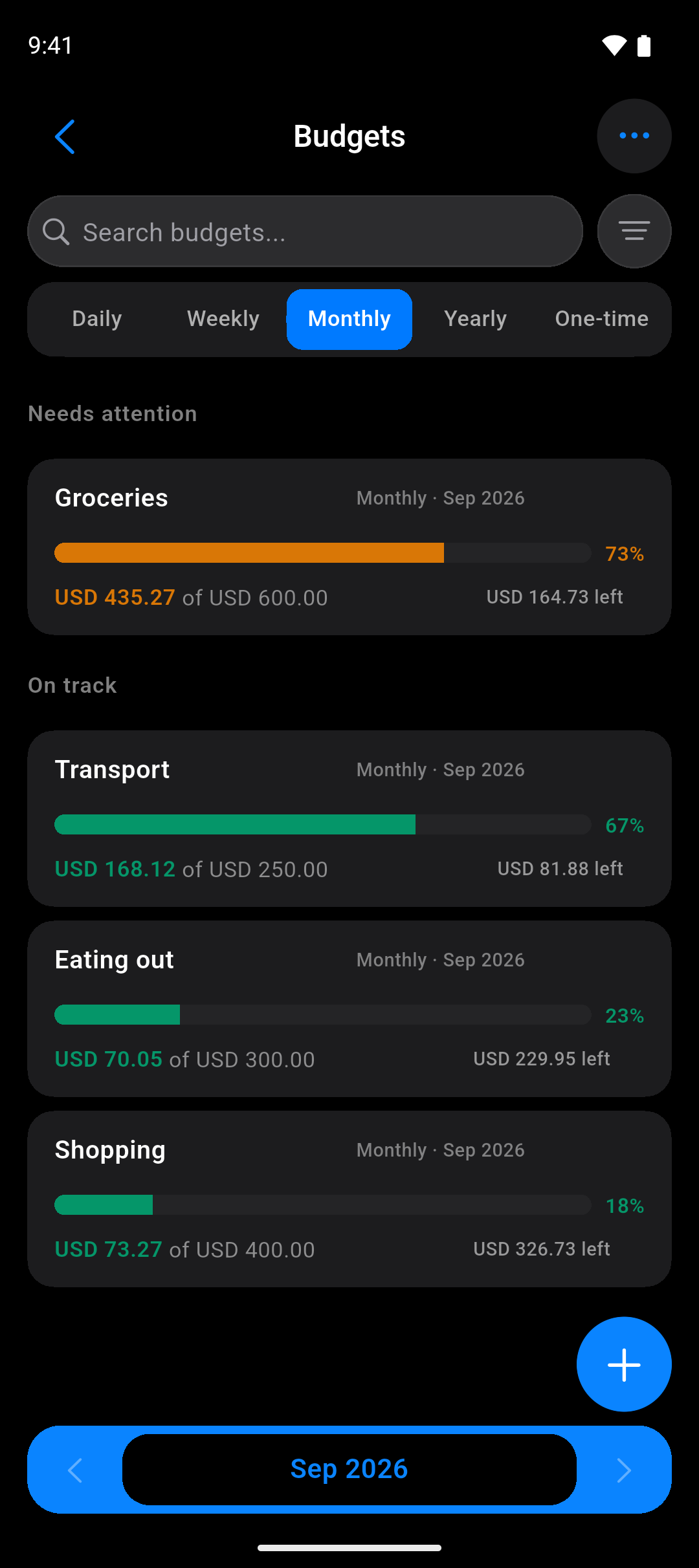
Budgets
A limit per category, and a nudge before you pass it — not after.
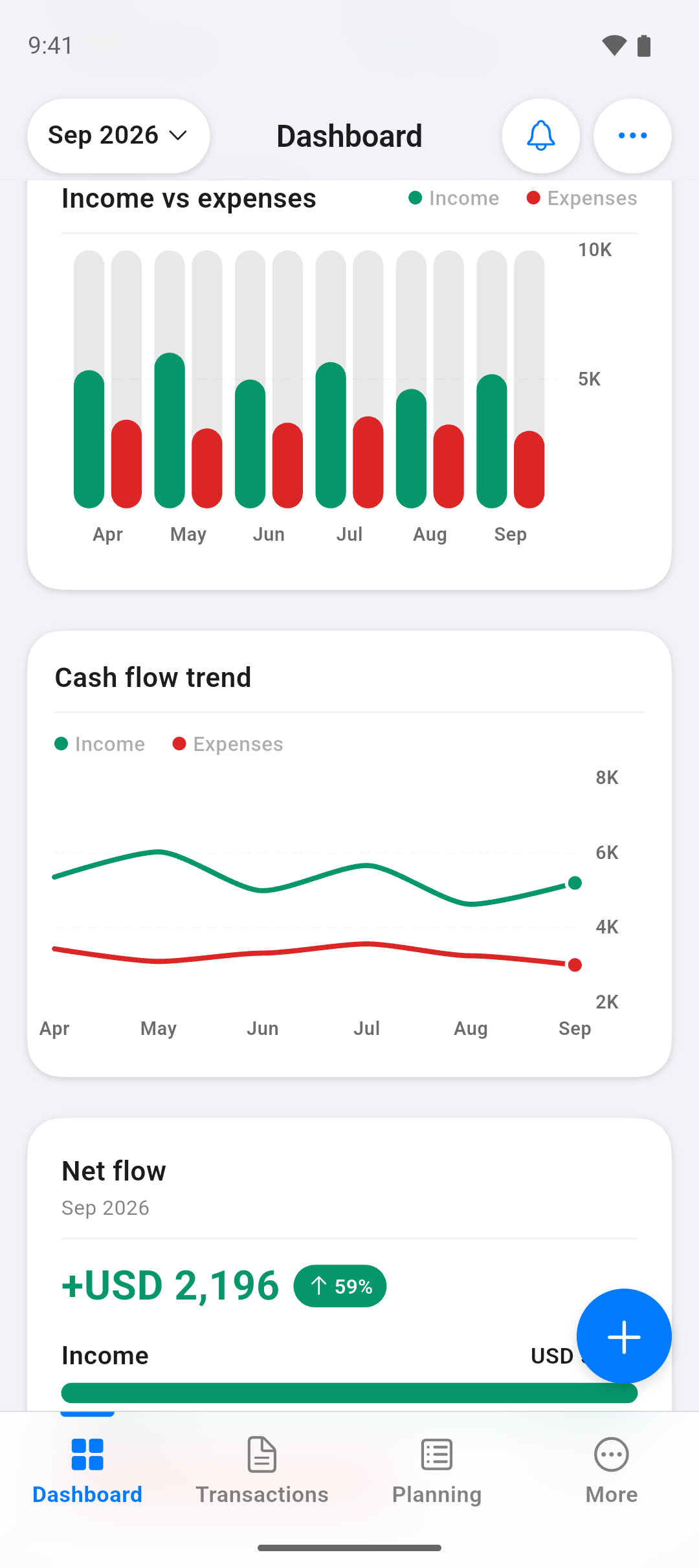
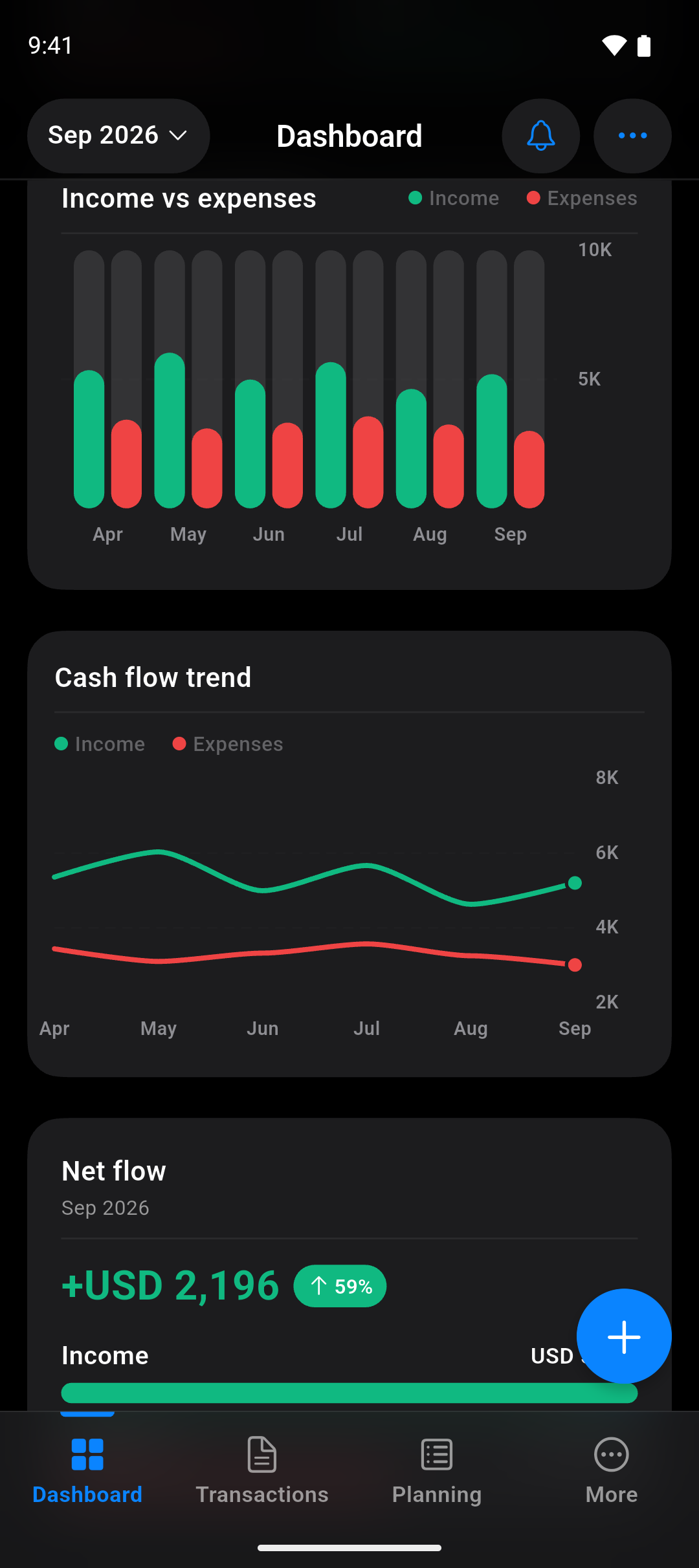
Charts
Spending, cash flow and category trends over the months you've tracked.
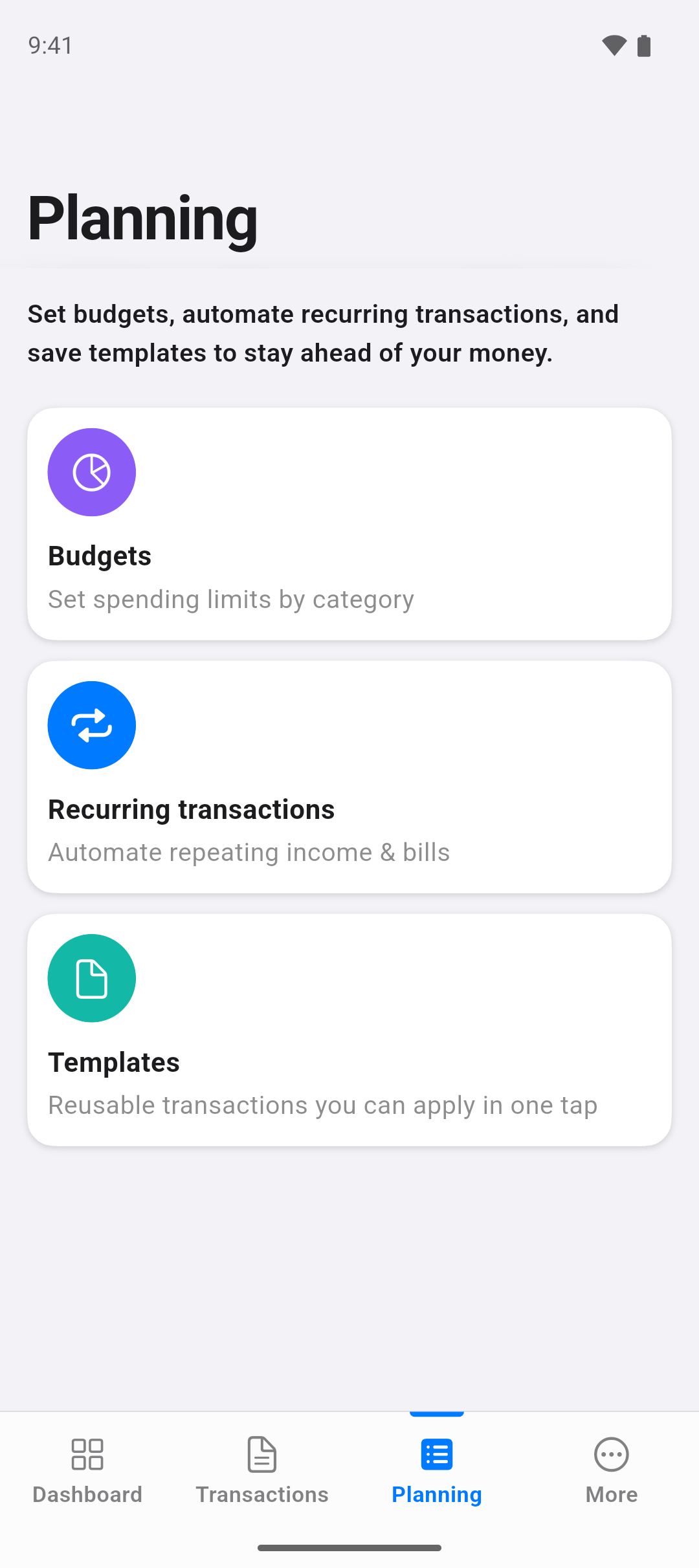
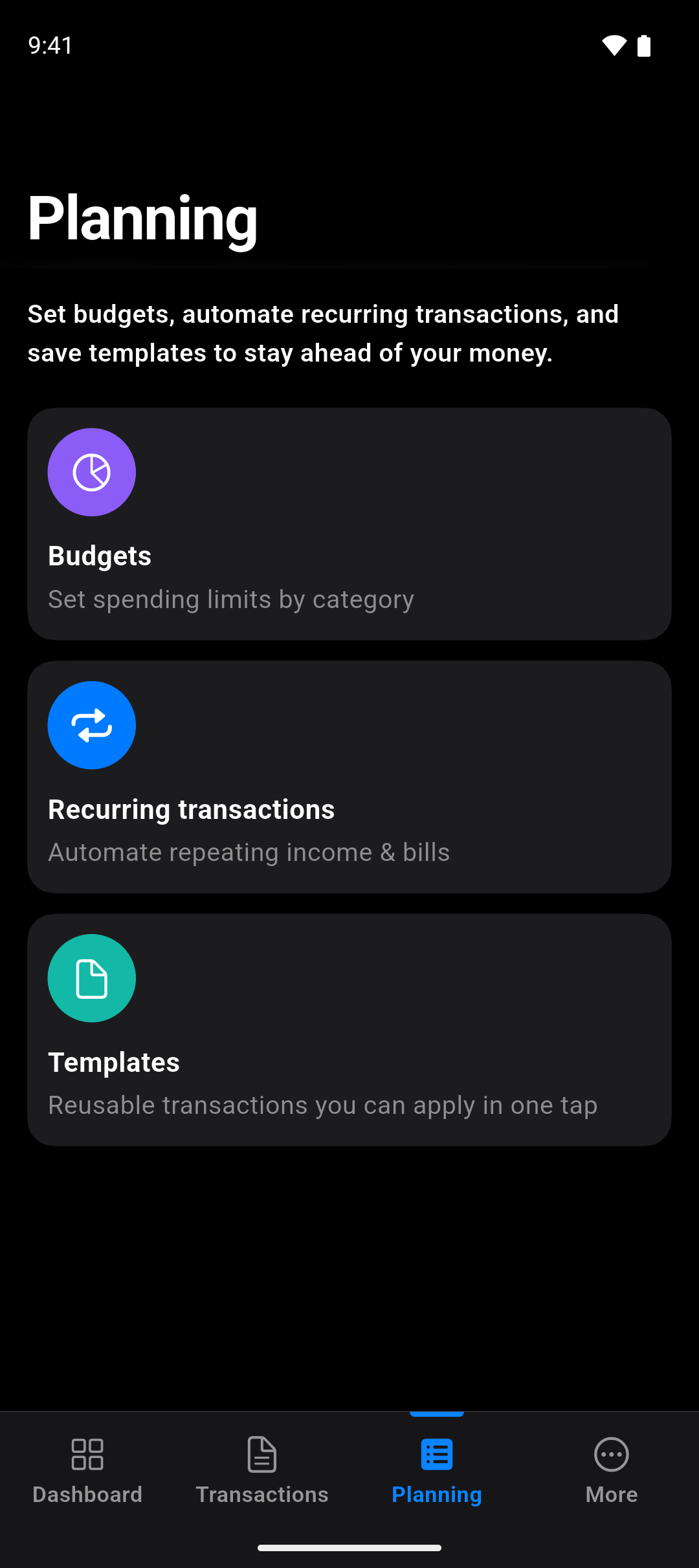
Planning
Recurring bills, planned payments and reusable templates.
Make it yours
Two people can use Expenselix and see quite different apps. Nothing is fixed in place.
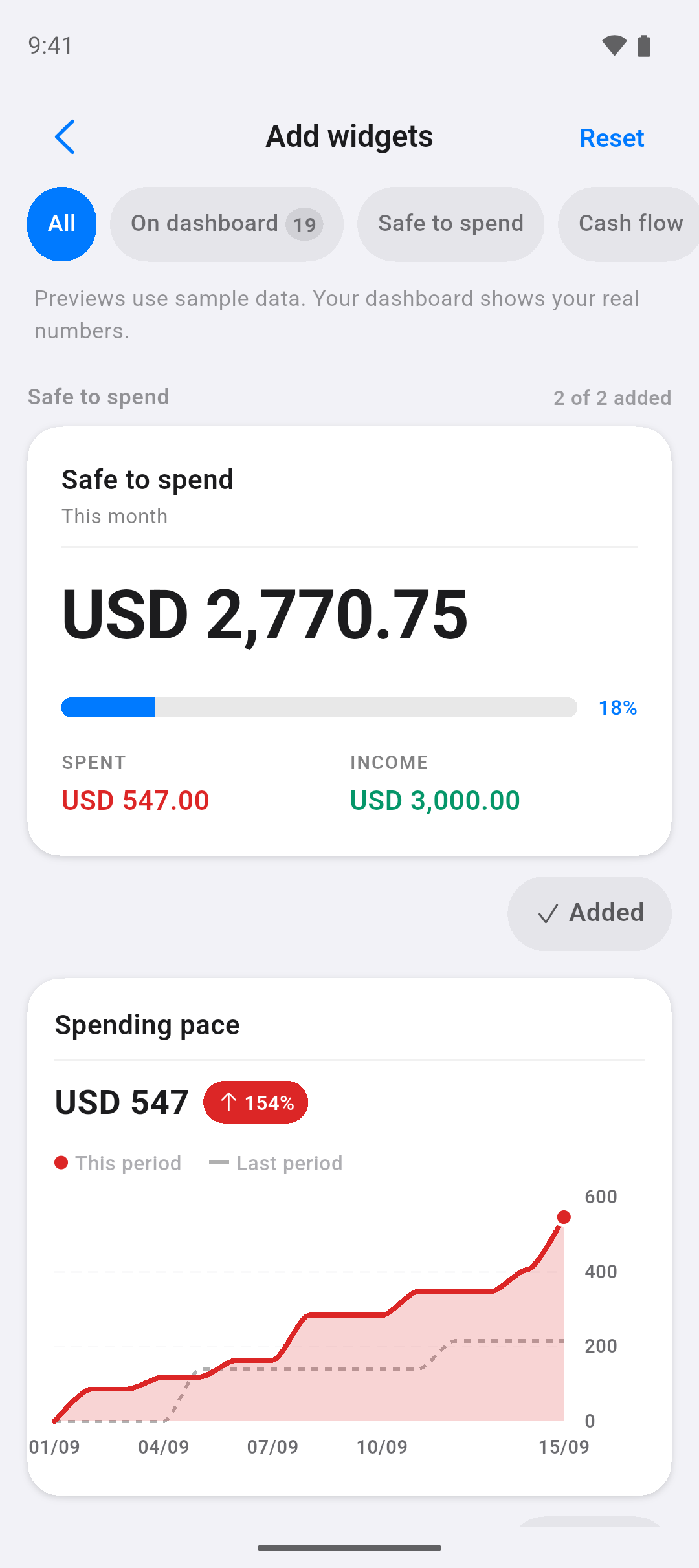
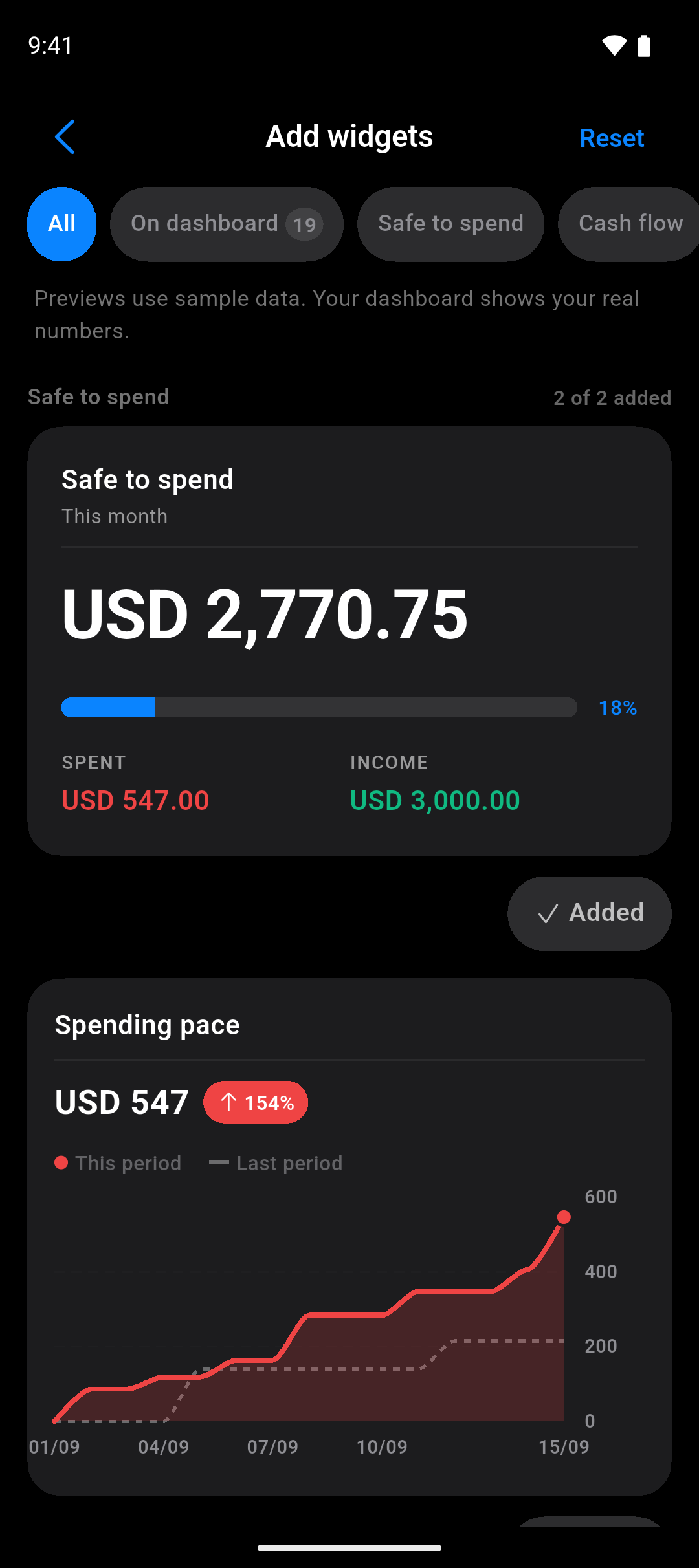
Pick your dashboard
Browse the widgets, preview each one with sample data, and add only what you want.
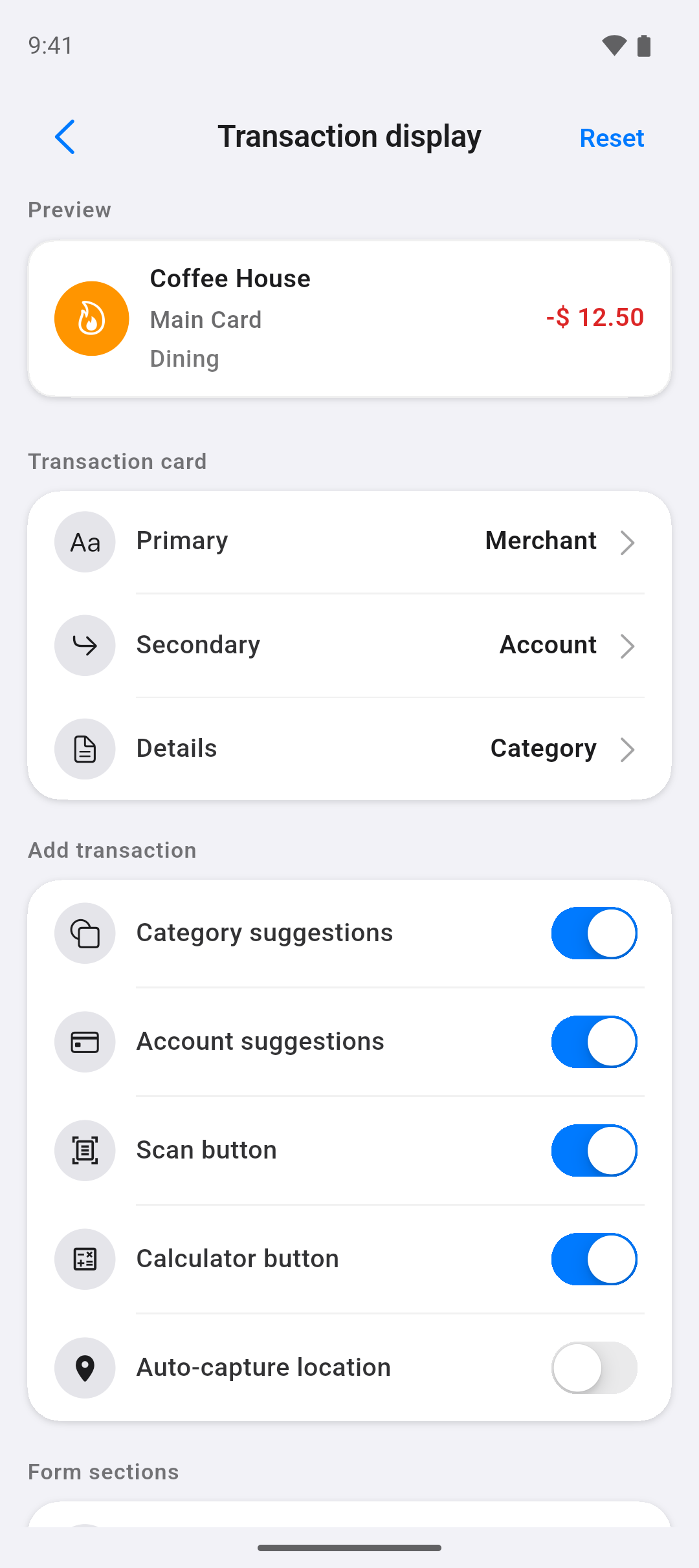
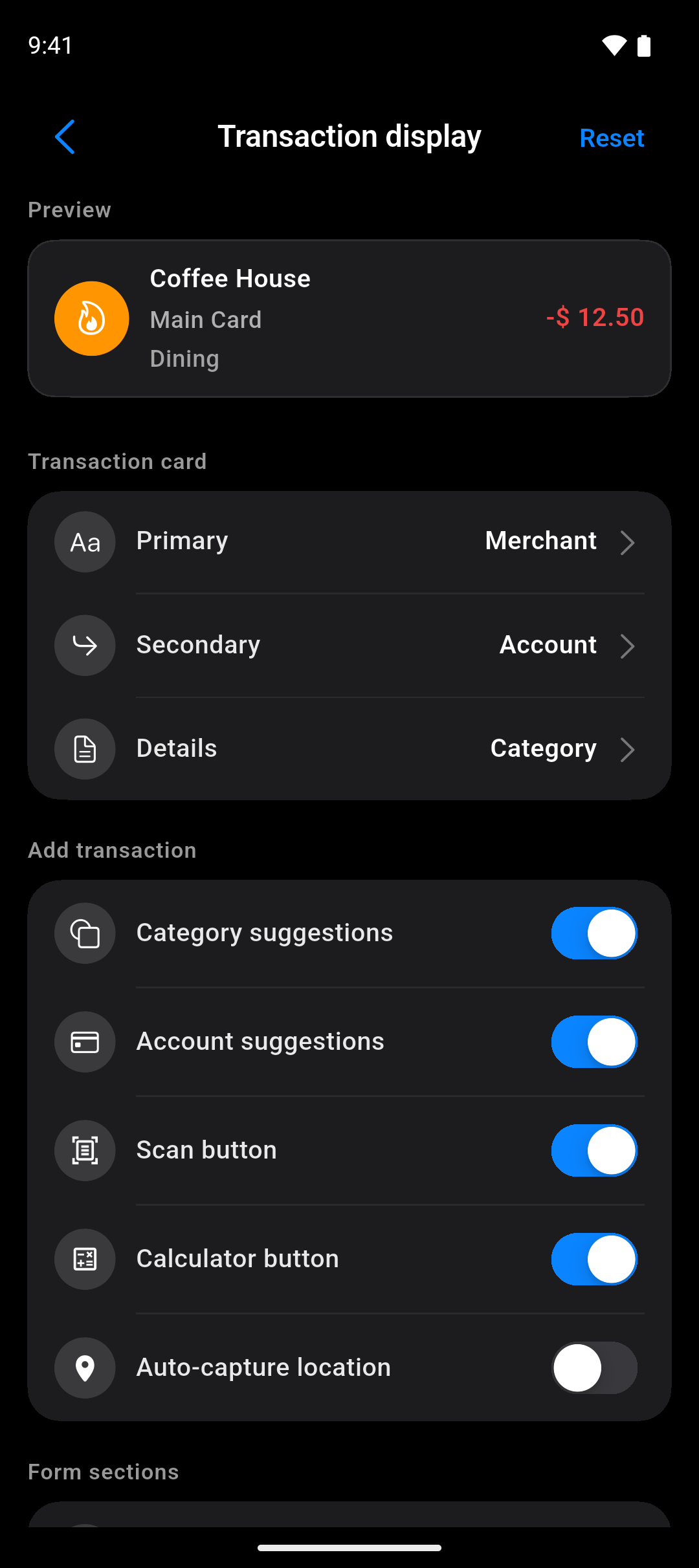
Choose what a record shows
Decide which three details land on the card. The preview updates as you change it.
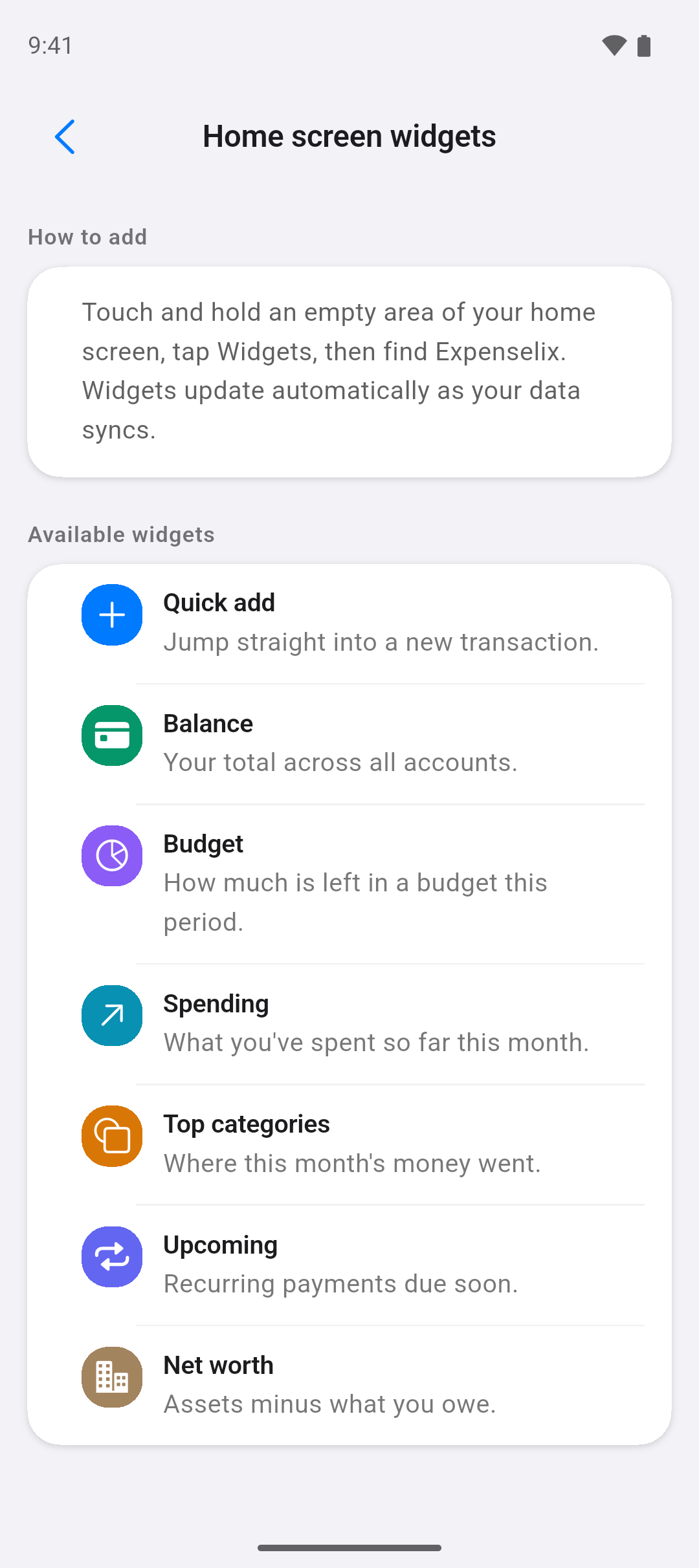
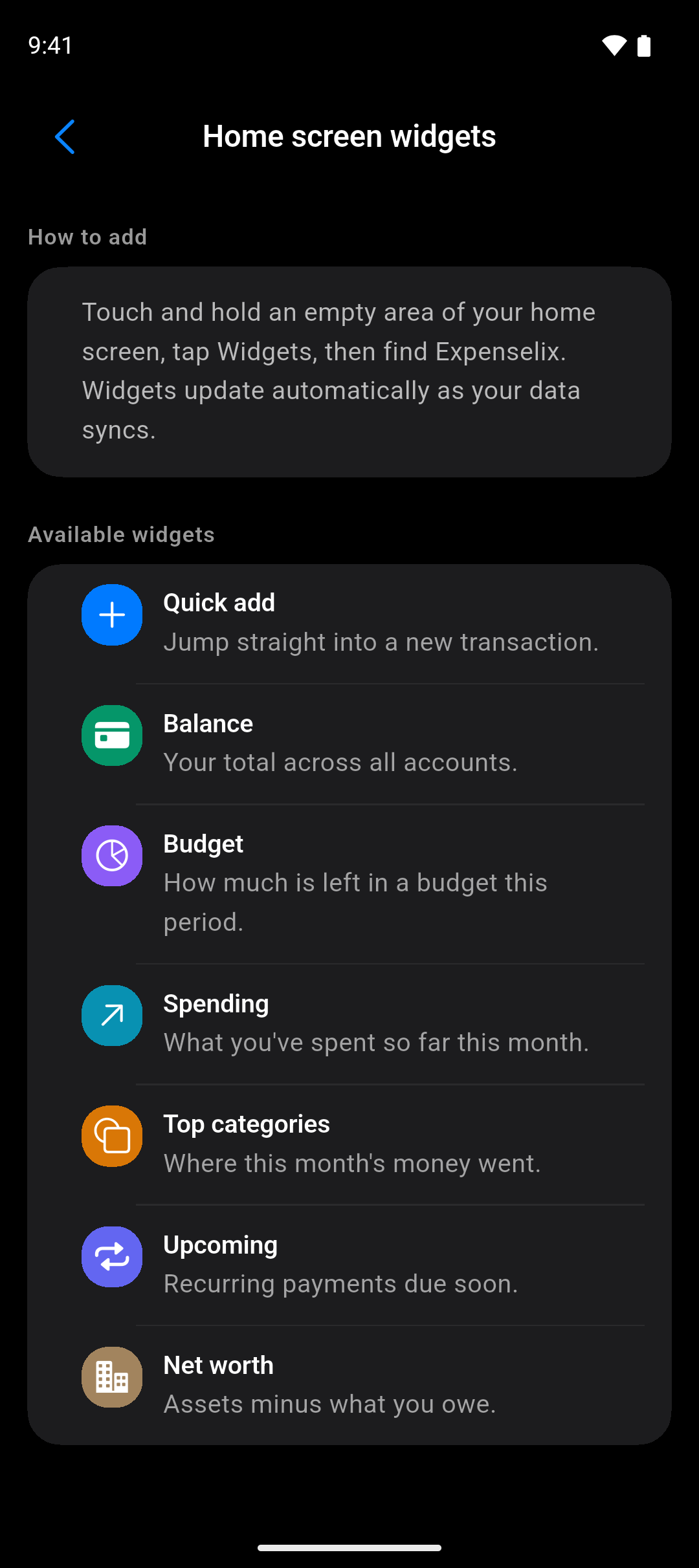
On your home screen
Seven widgets for iPhone and Android — balance, budget, spending, what's due next.
Everything else it does
The rest of the app, in one list. Every line below is already built — nothing here is a plan.
Scan a receipt
The camera reads the total, date and merchant. The image never leaves your phone to be read.
Works offline
Everything is stored on the device first and syncs when you're back on a network.
Any currency
Accounts in different currencies, converted at the rate from the transaction's own date.
Bills that repeat
Recurring transactions and planned payments, with a reminder before each one is due.
Attachments
Keep the receipt, the invoice or a photo on the transaction it belongs to.
Tags and merchants
Label records your own way, and let a merchant fill in its usual category and account.
Templates
Save a transaction you enter often and apply the whole thing in one tap.
Home-screen widgets
Balances and spending on your home screen, on both iPhone and Android.
Transfers and splits
Move money between your own accounts, or split one payment across several categories.
Import and export
Bring your history in from a CSV, and take everything back out as CSV whenever you like.
App lock
Require Face ID, Touch ID or a fingerprint before your balances are shown.
Make it yours
Light or dark, an accent colour, and a dashboard you can reorder or cut down.
How the beta works
Three steps. The only one that takes your time is the first.
- 1
Join the list
Your email and which phone you carry. That's the whole form — no name, no password.
- 2
We send your invite
A TestFlight link on iPhone, or a Google Play testing link on Android, as soon as the next round of testers goes out.
- 3
Tell us what broke
Send feedback straight from Settings. Every report gets read, and what you track stays yours at launch.
Free for testers · We email you once, when your invite is ready