Upgrade to Pro or restore a purchase
Unlock Pro features, or bring back a subscription you already bought.
4 steps
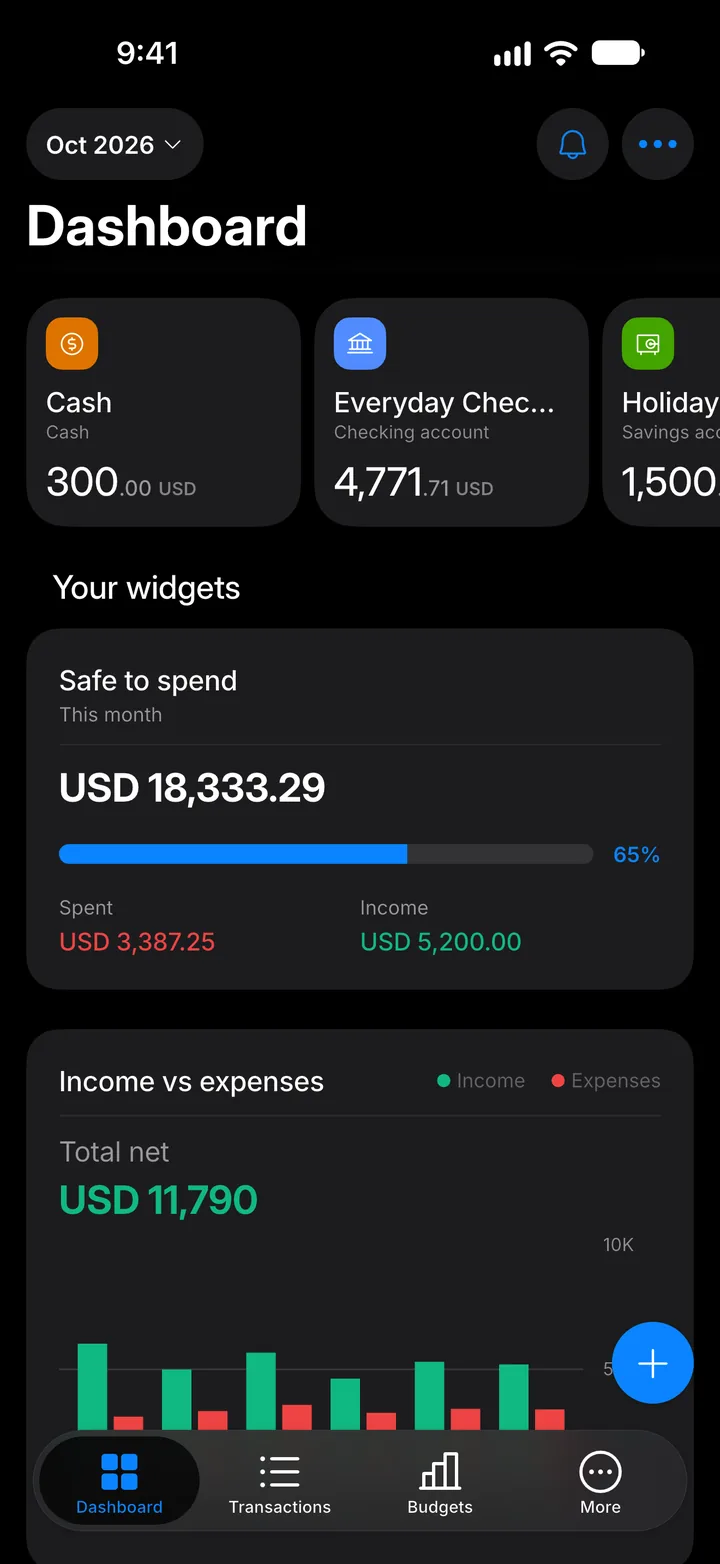
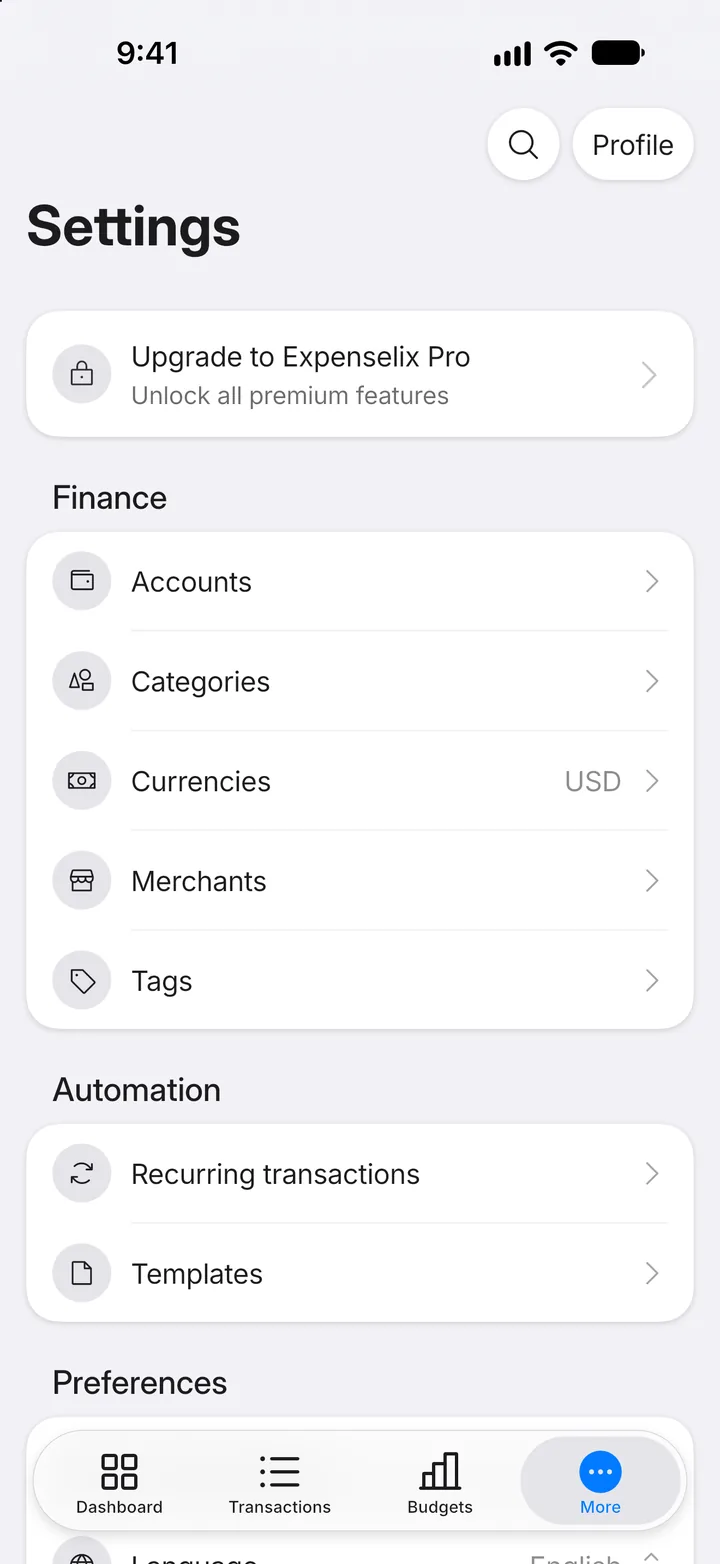
Step 1: Open More
Tap the More tab.
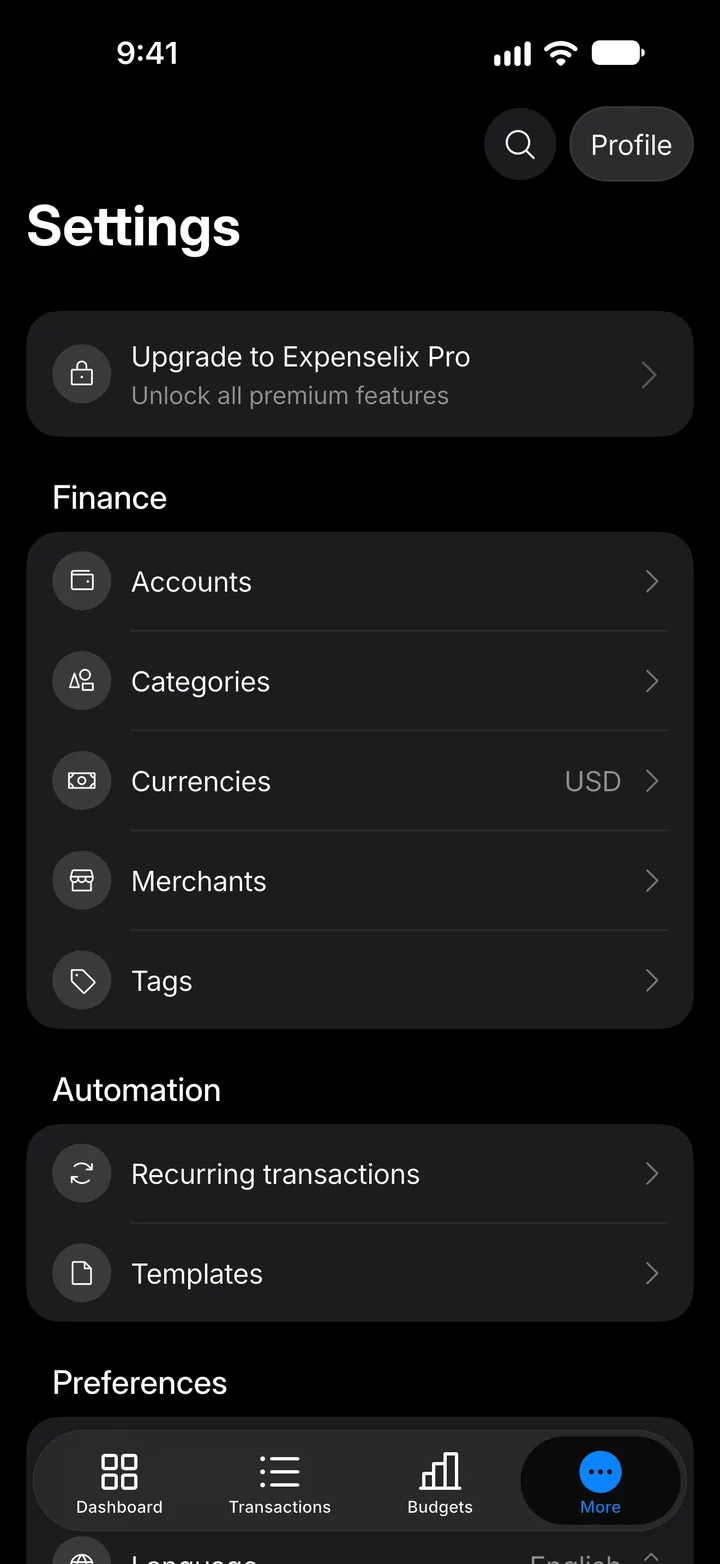
Step 2: See the plans
Tap Upgrade to Expenselix Pro.
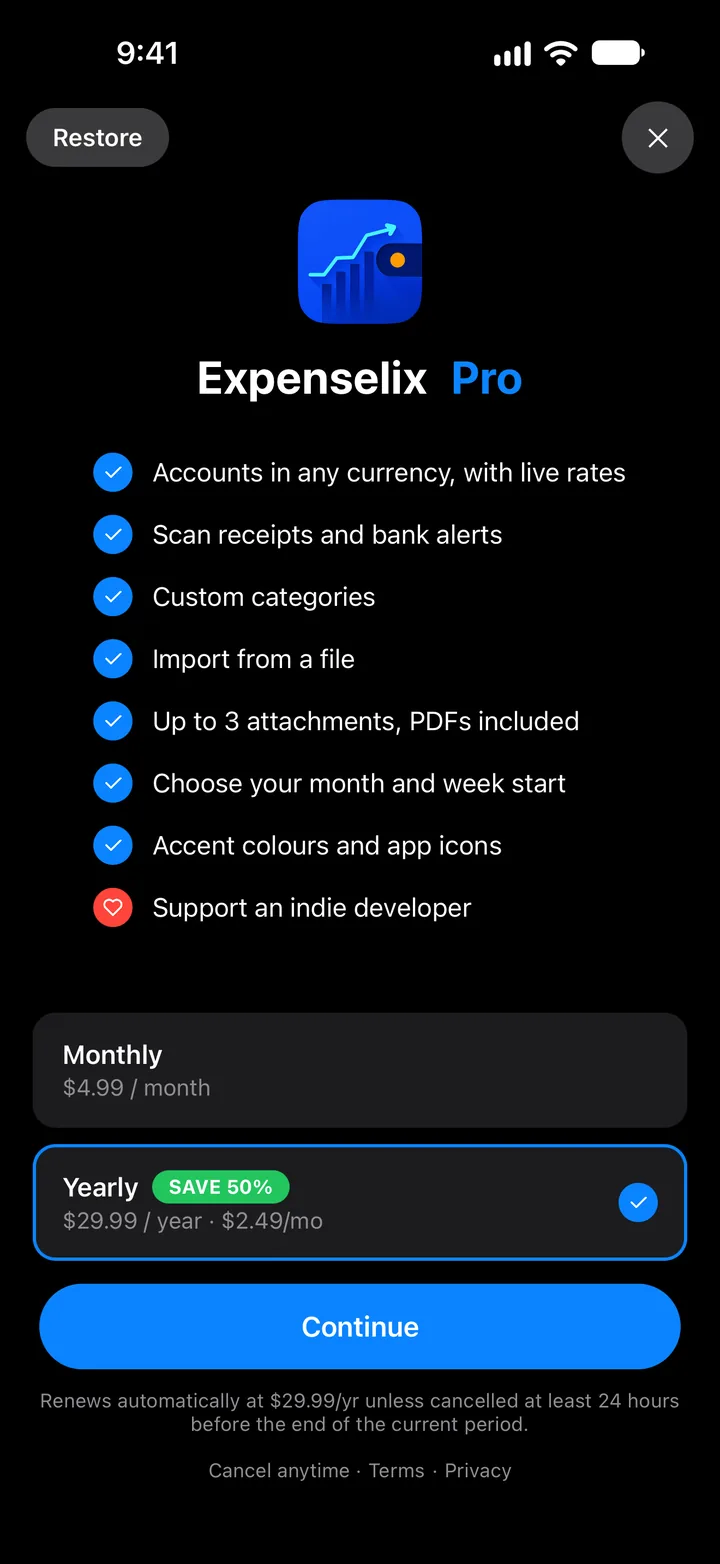
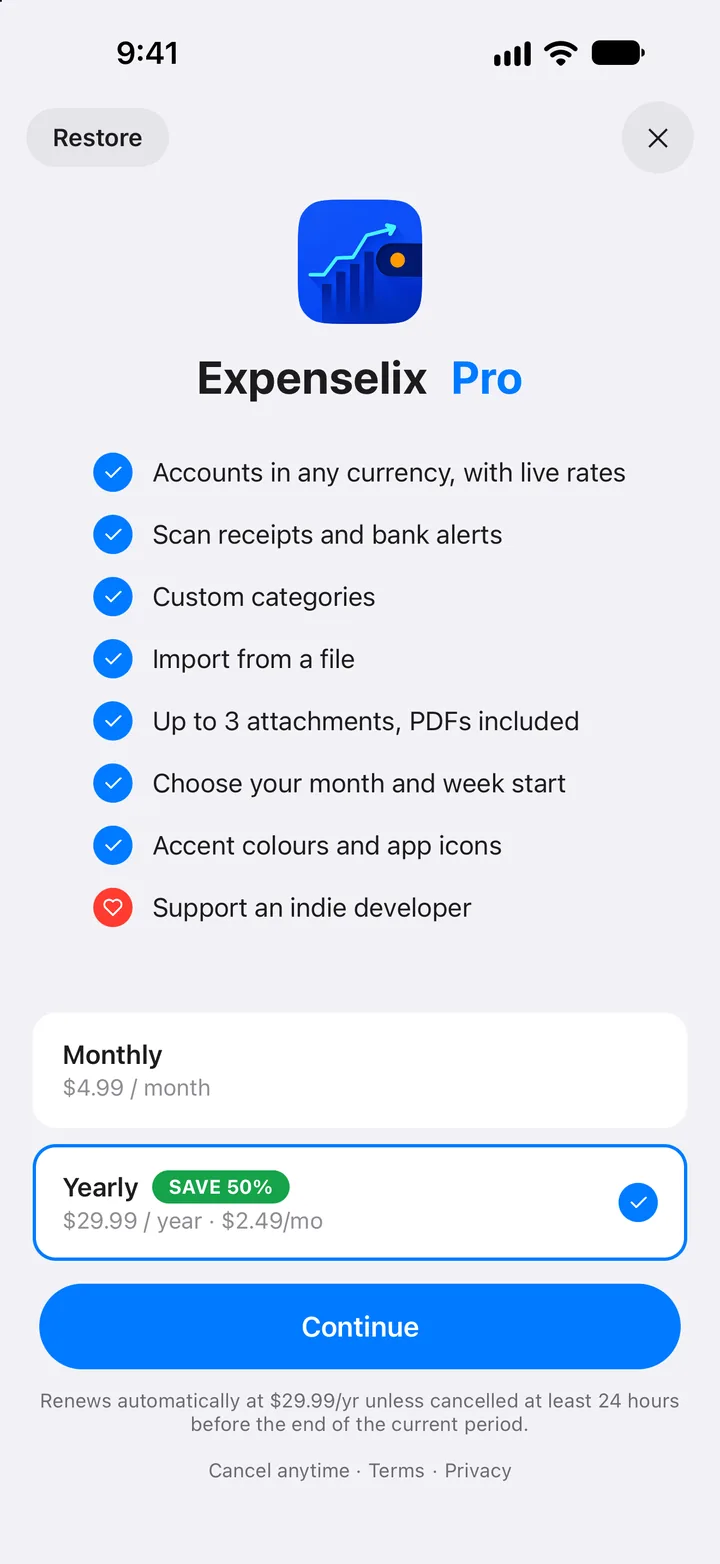
Step 3: Choose a plan
Pick monthly or yearly and tap Continue. Already subscribed on another phone? Tap Restore at the top.
Step 4: Manage your subscription
Once you're on Pro, the same card opens your subscription. Tap Manage subscription to change or cancel it, or Restore purchases if Pro doesn't show up.