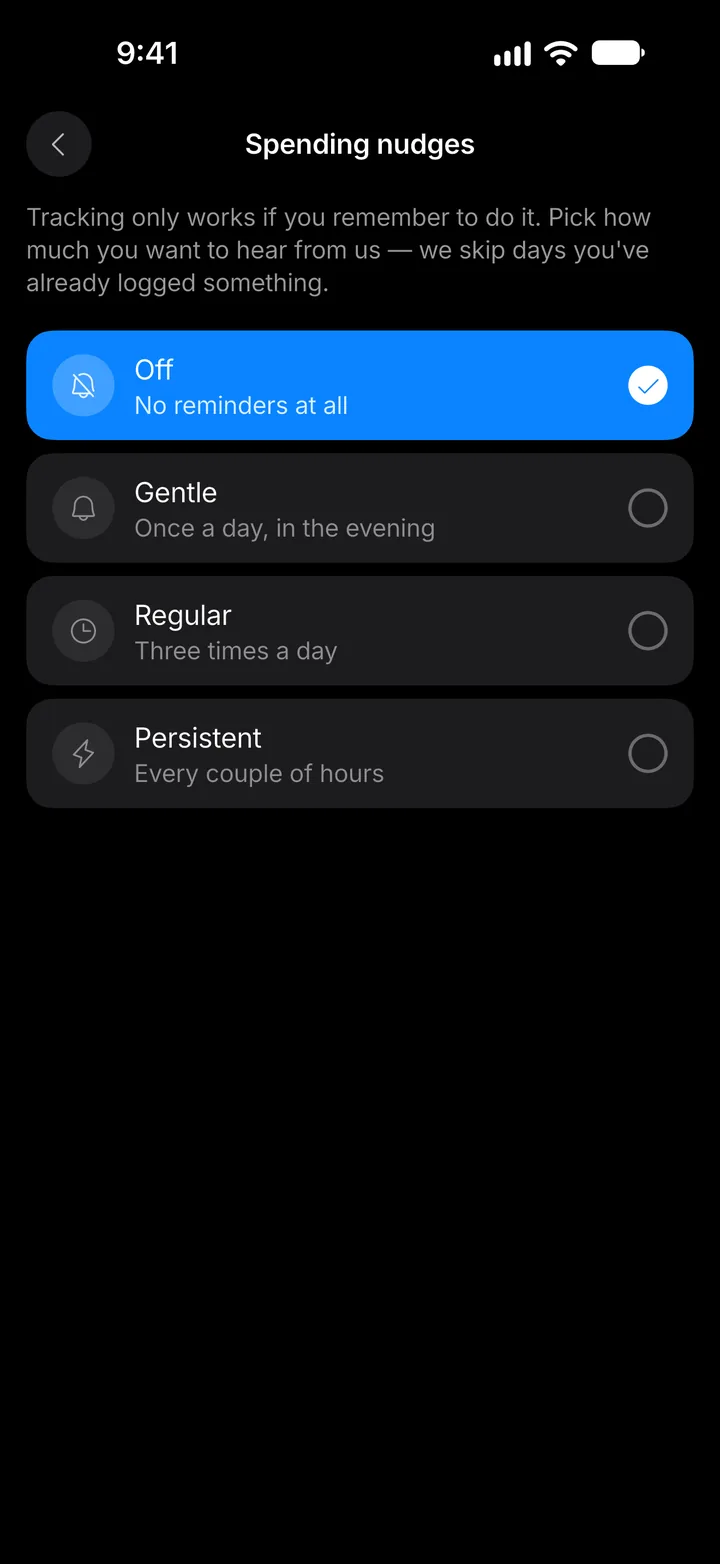
Choose your notifications
Decide which alerts Expenselix sends and how often it nudges you.
4 steps
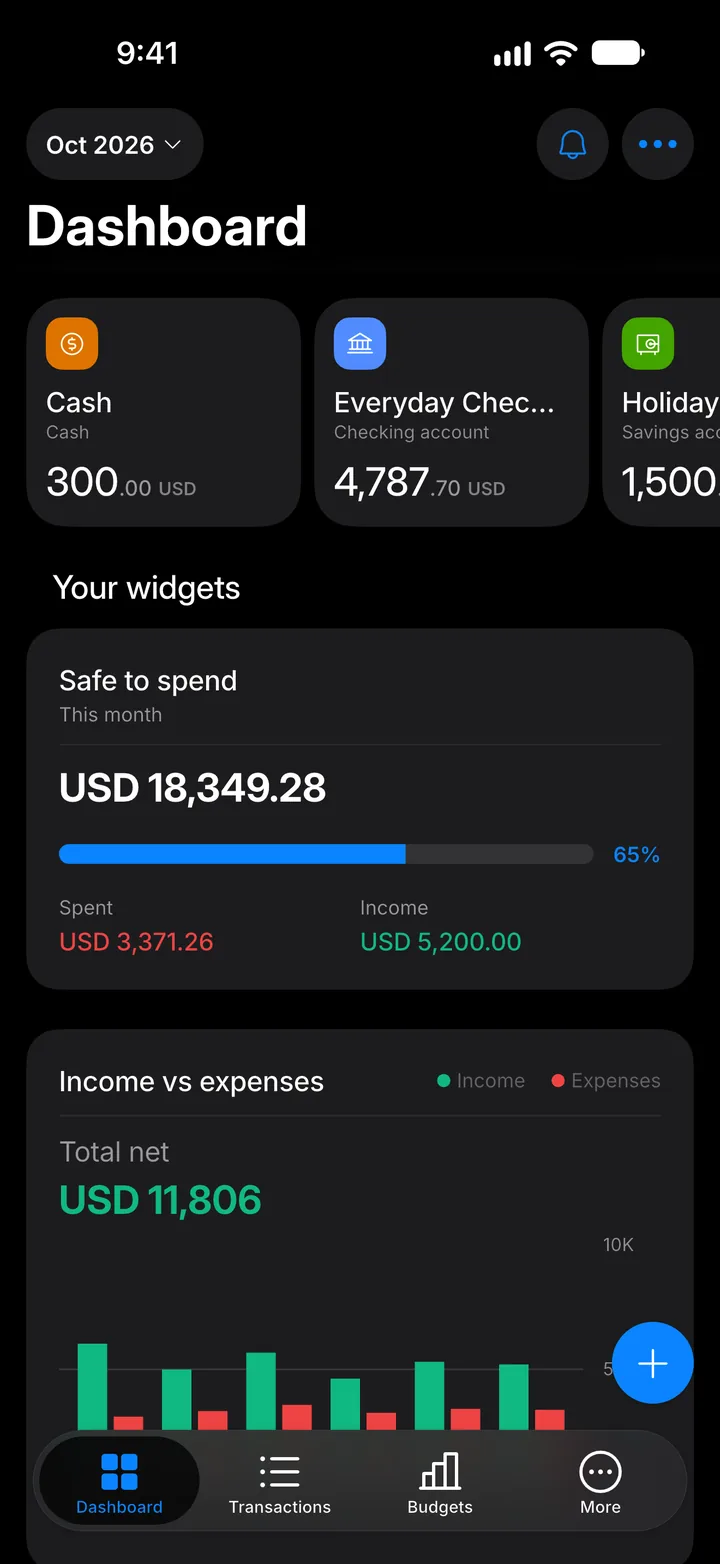
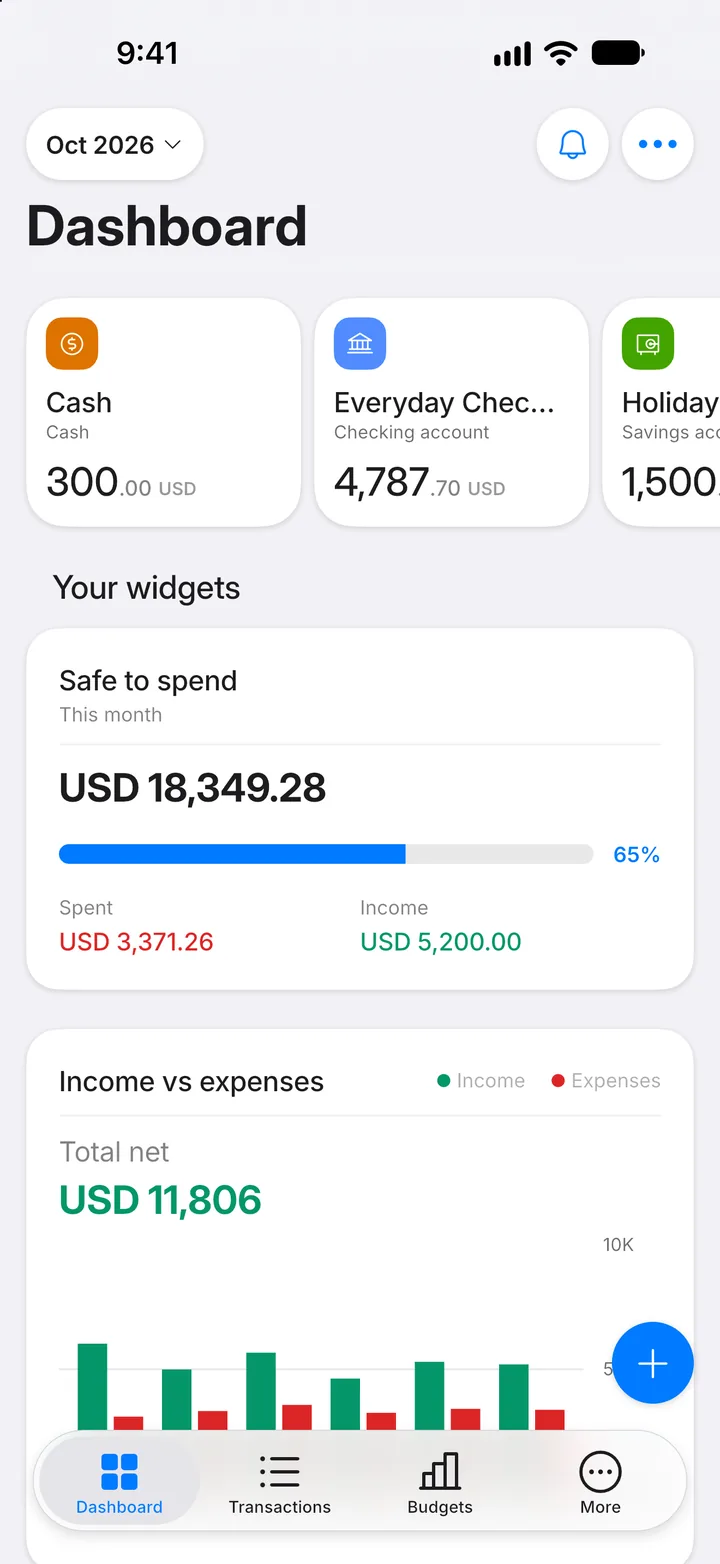
Step 1: Open More
Tap the More tab.
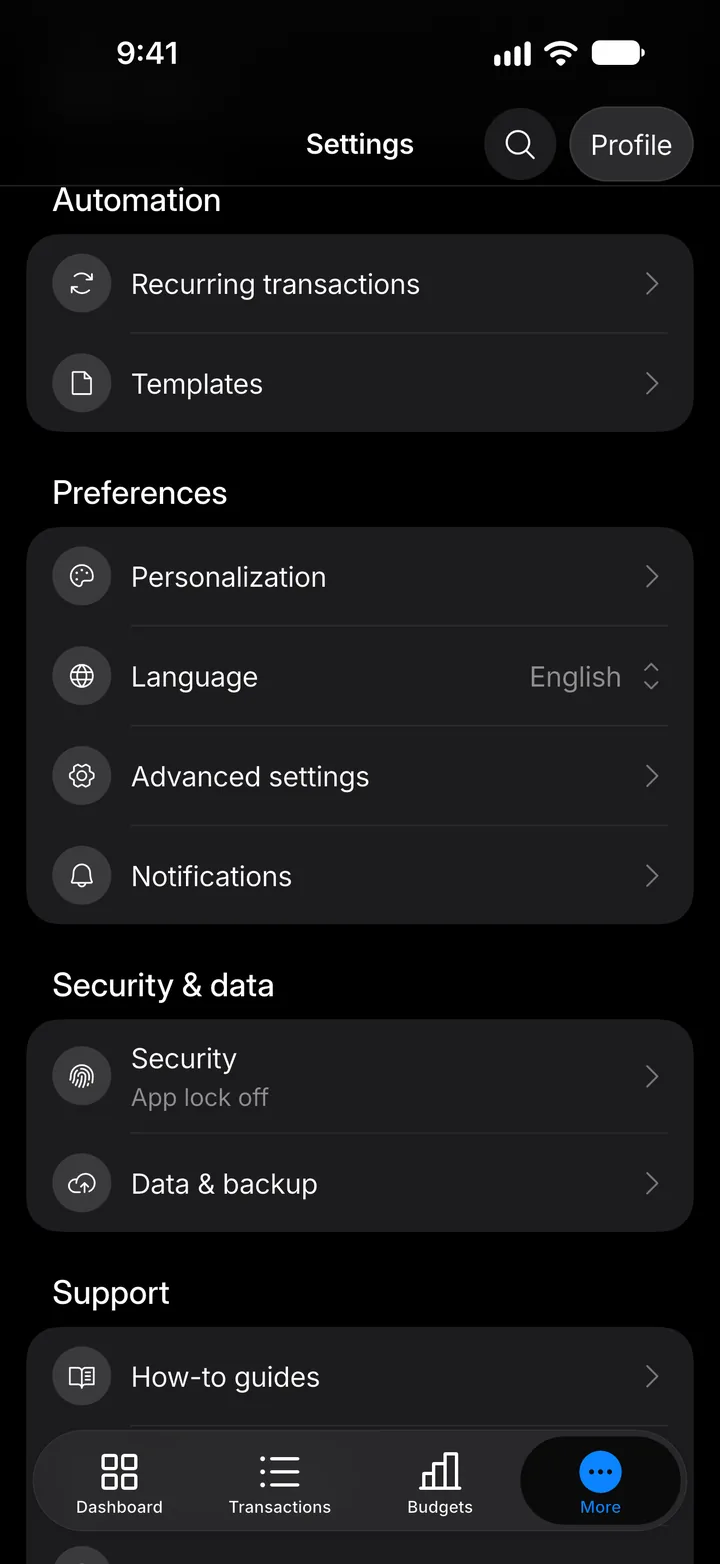
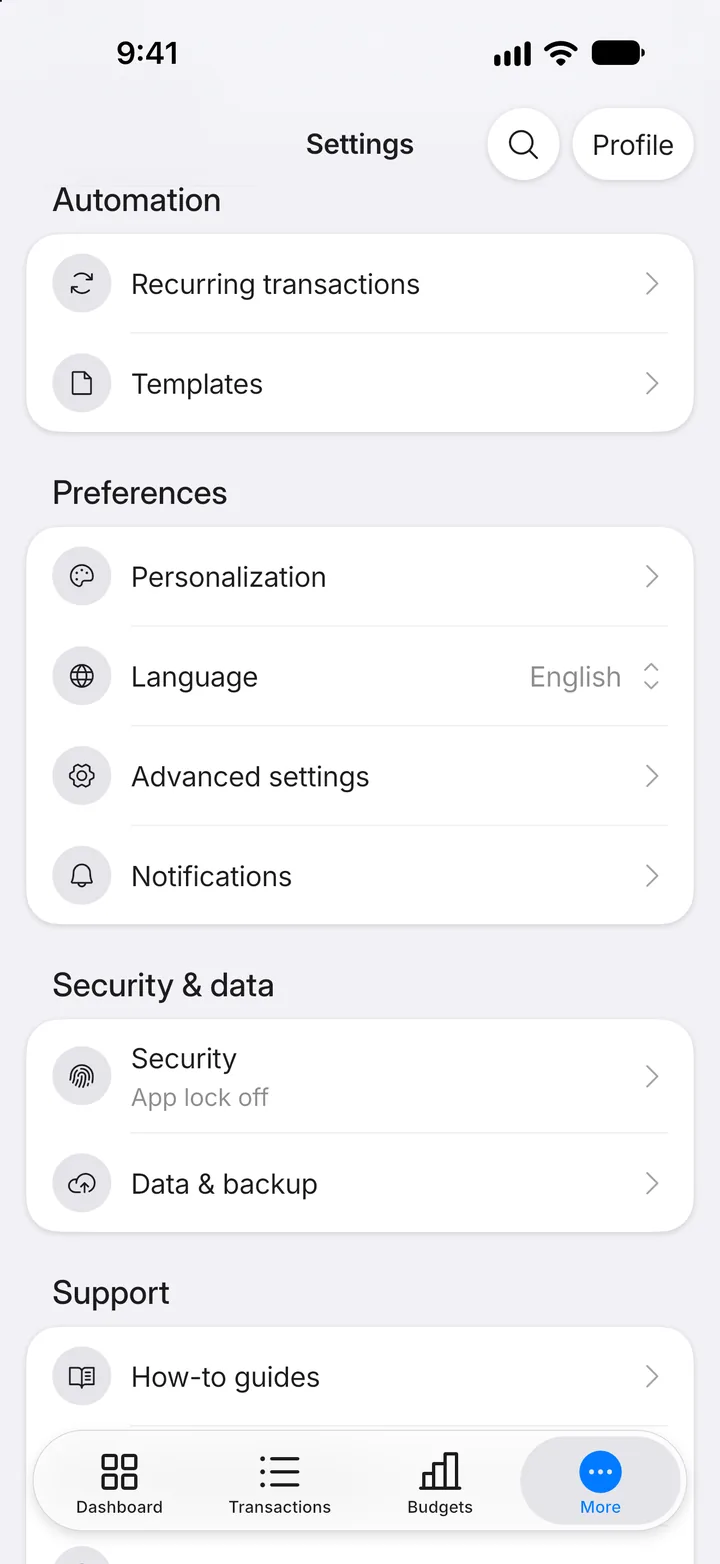
Step 2: Open Notifications
Tap Notifications.
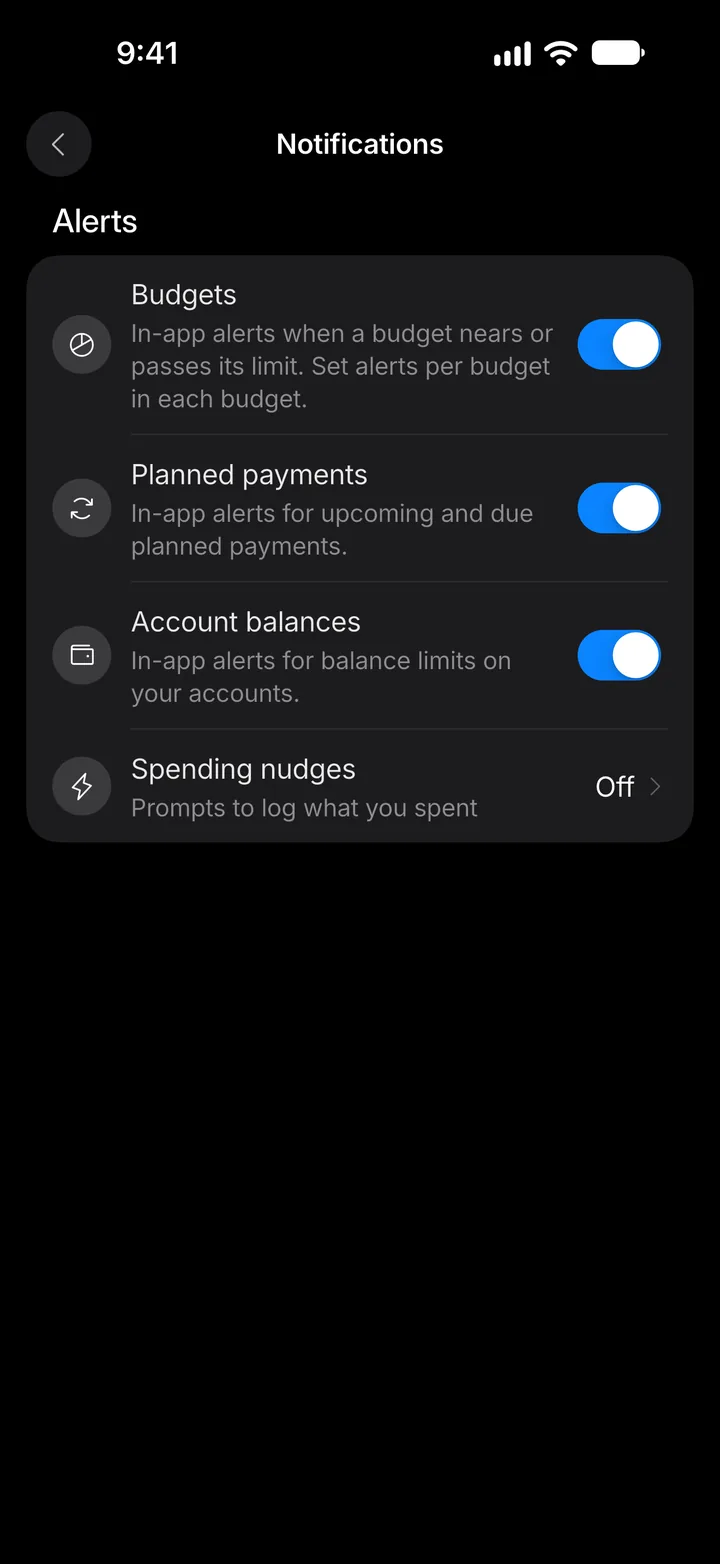
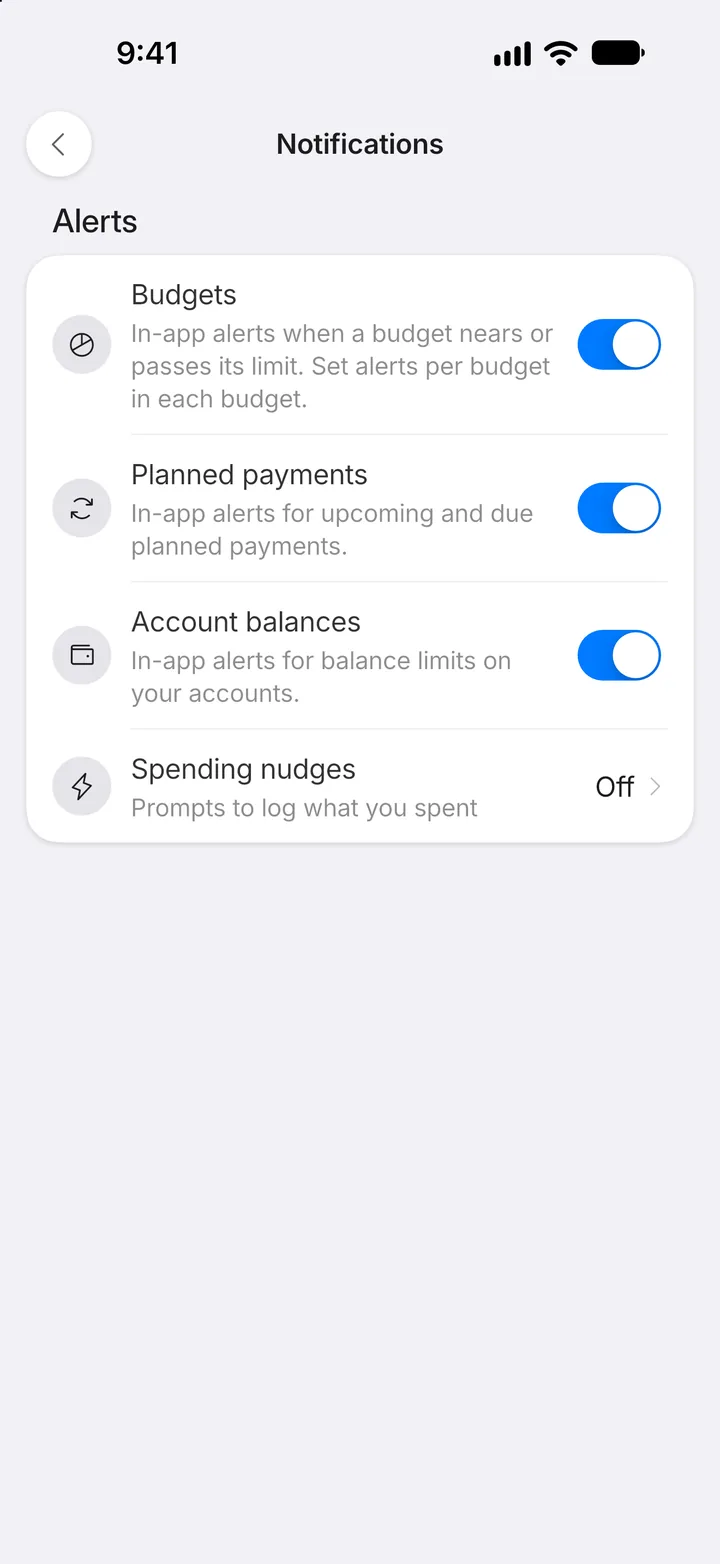
Step 3: Pick your alerts
Under Alerts, switch on the alerts you want. Tap Spending nudges for reminders to log your spending.
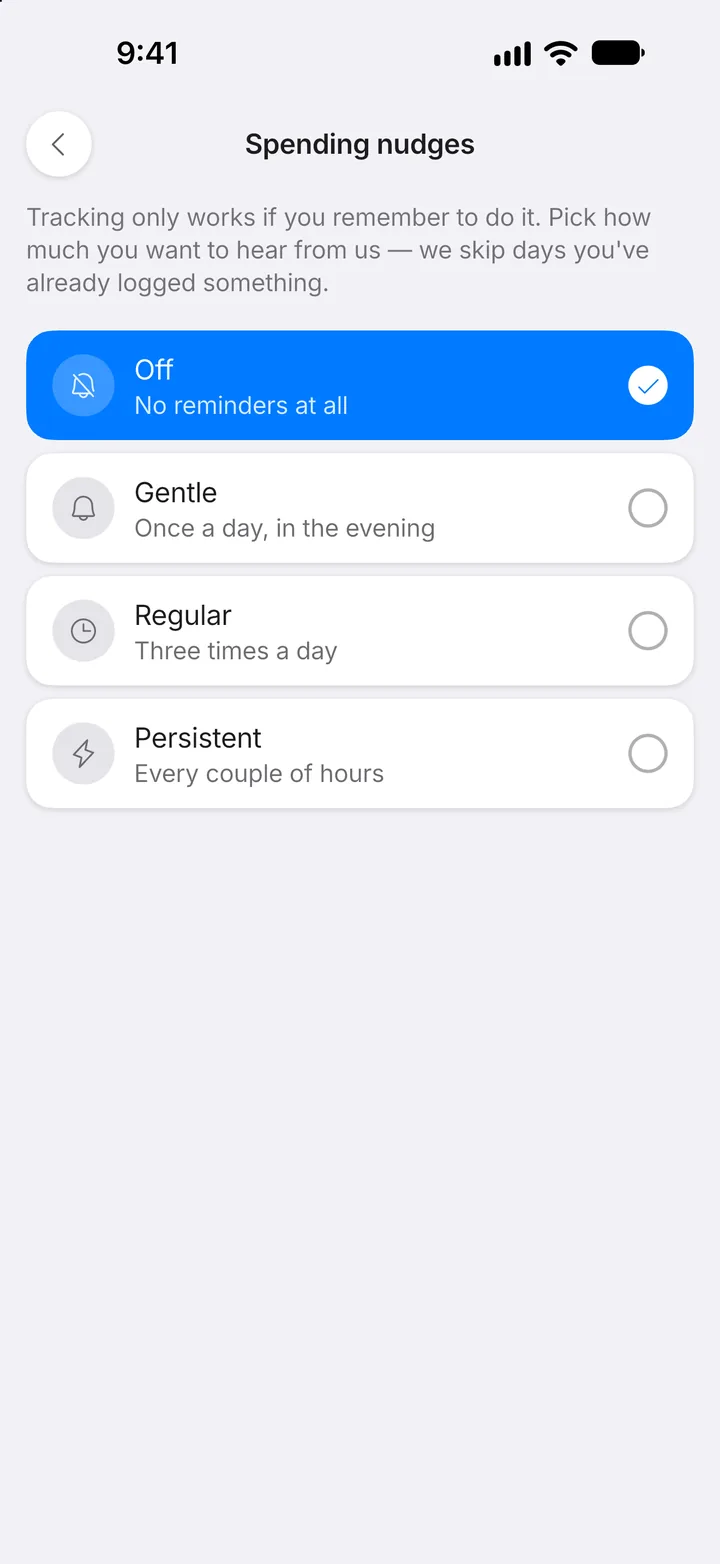
Step 4: Choose how often
Pick how often you'd like a nudge, or Off for none.