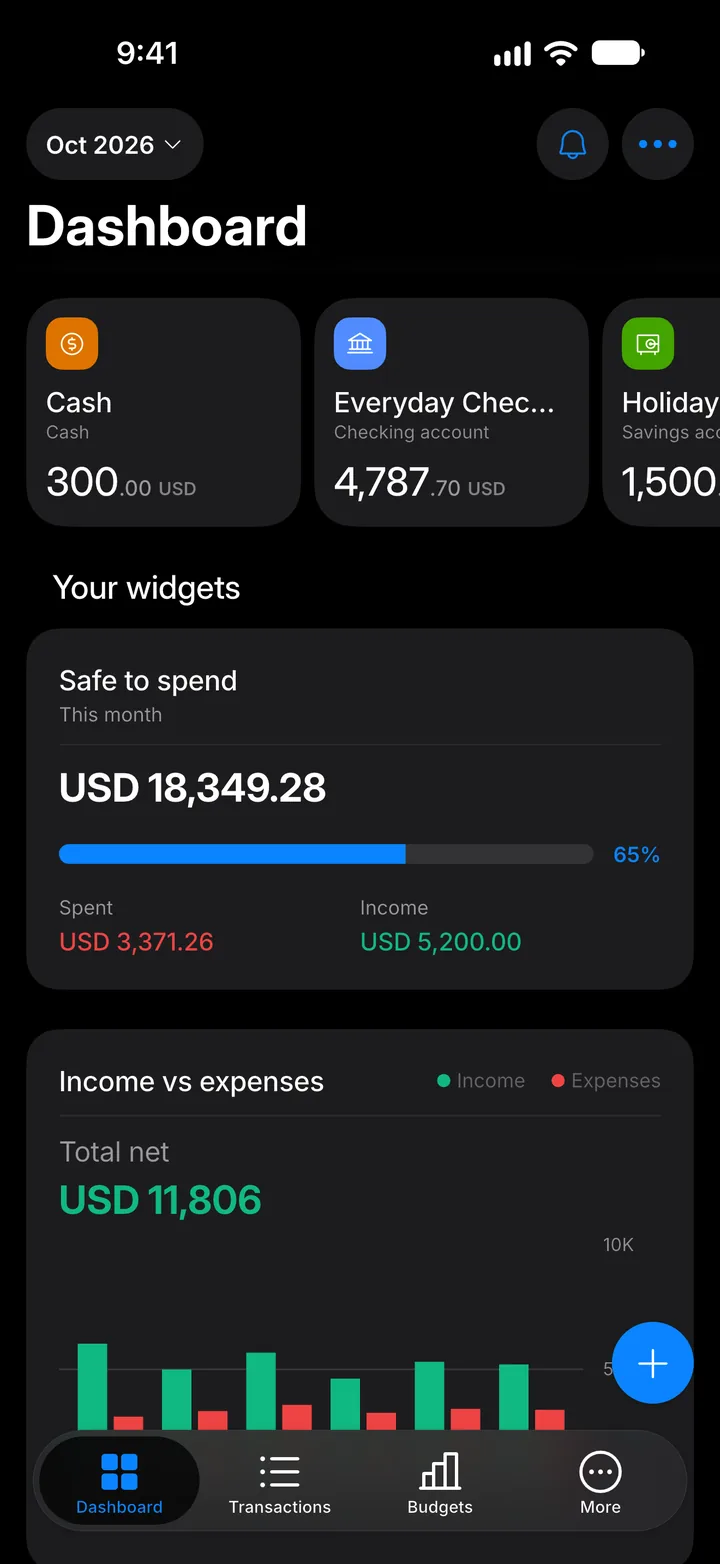
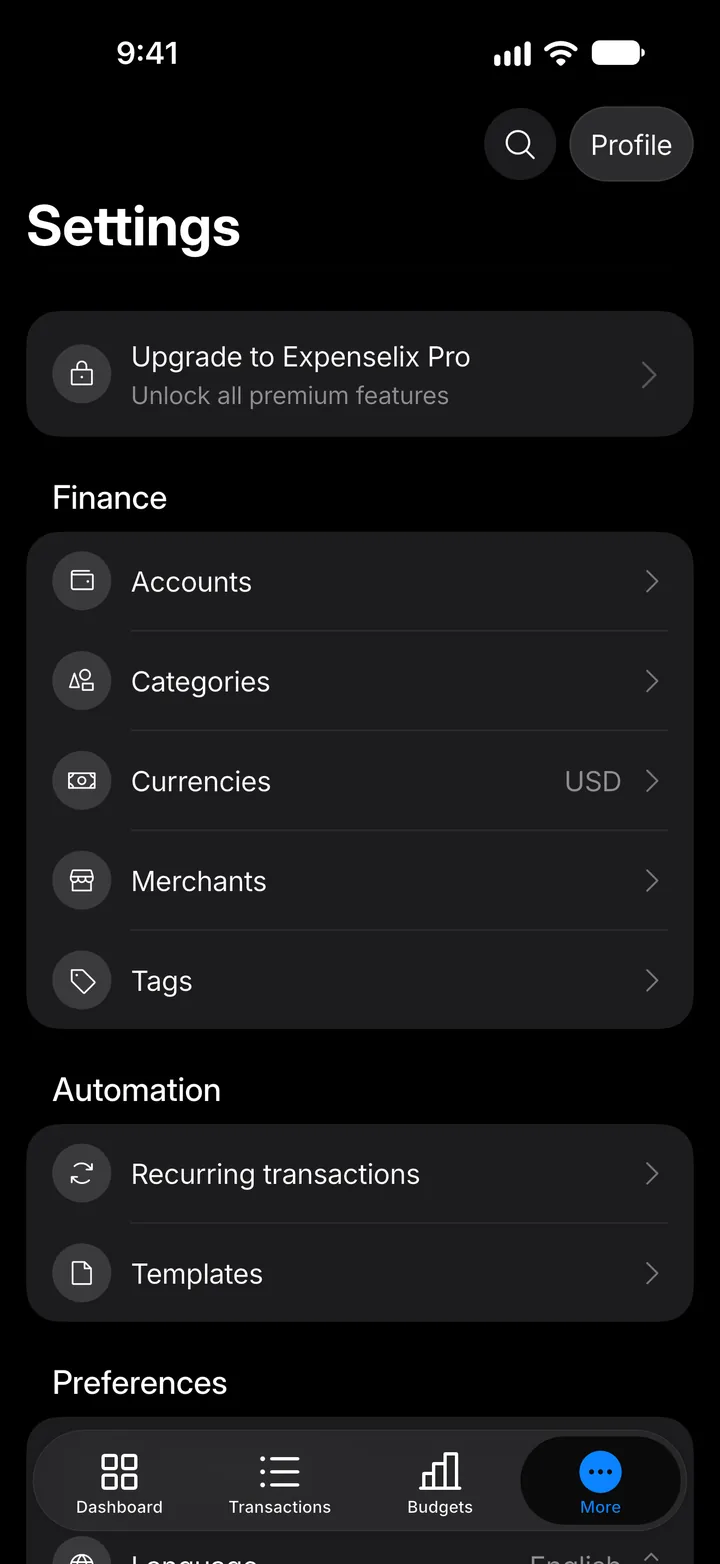
Your base currency
See the currency your totals are shown in, and the other currencies you use.
4 steps
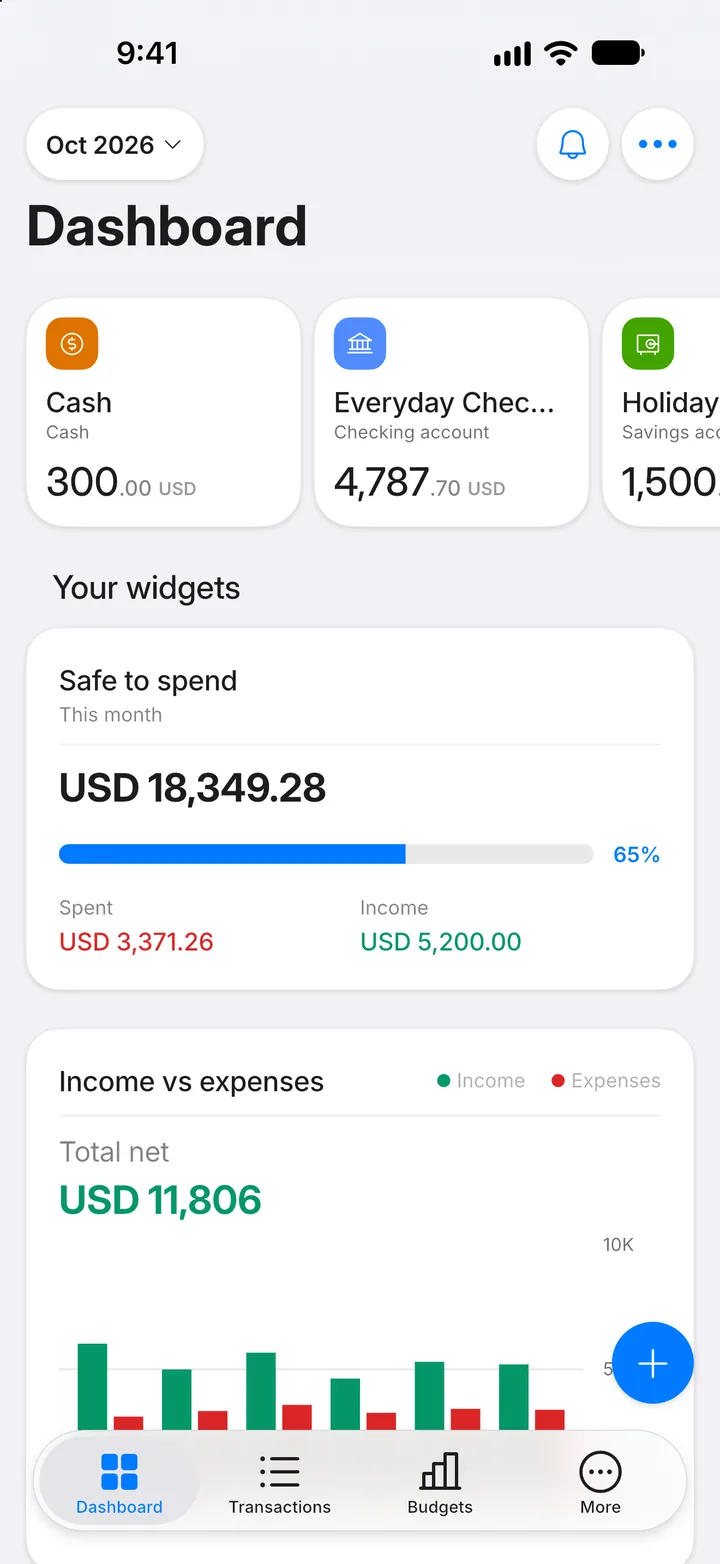
Step 1: Open More
Tap the More tab.
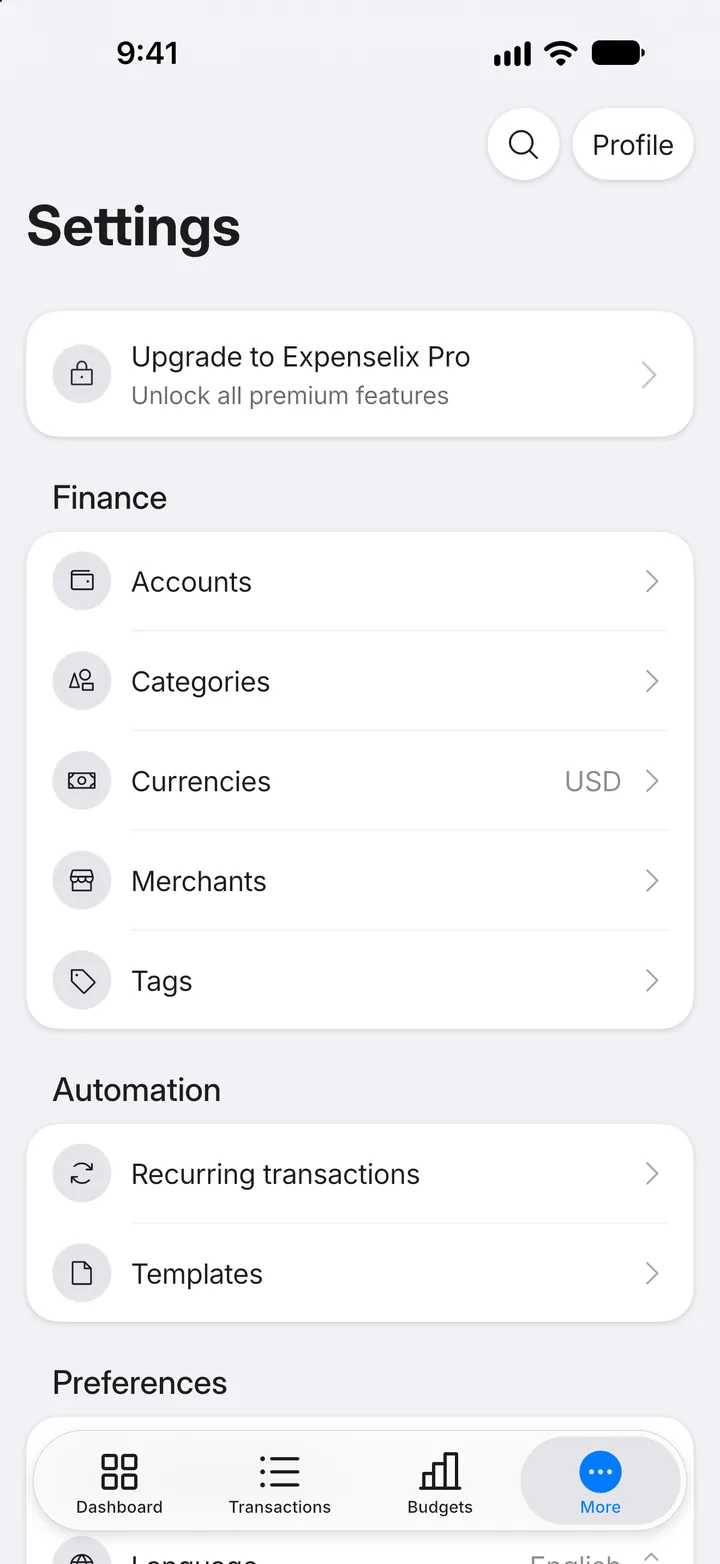
Step 2: Open Currencies
Tap Currencies.
Step 3: Check your base currency
Your Base currency is the one totals, budgets and reports use. It can't be changed once you've added a transaction.
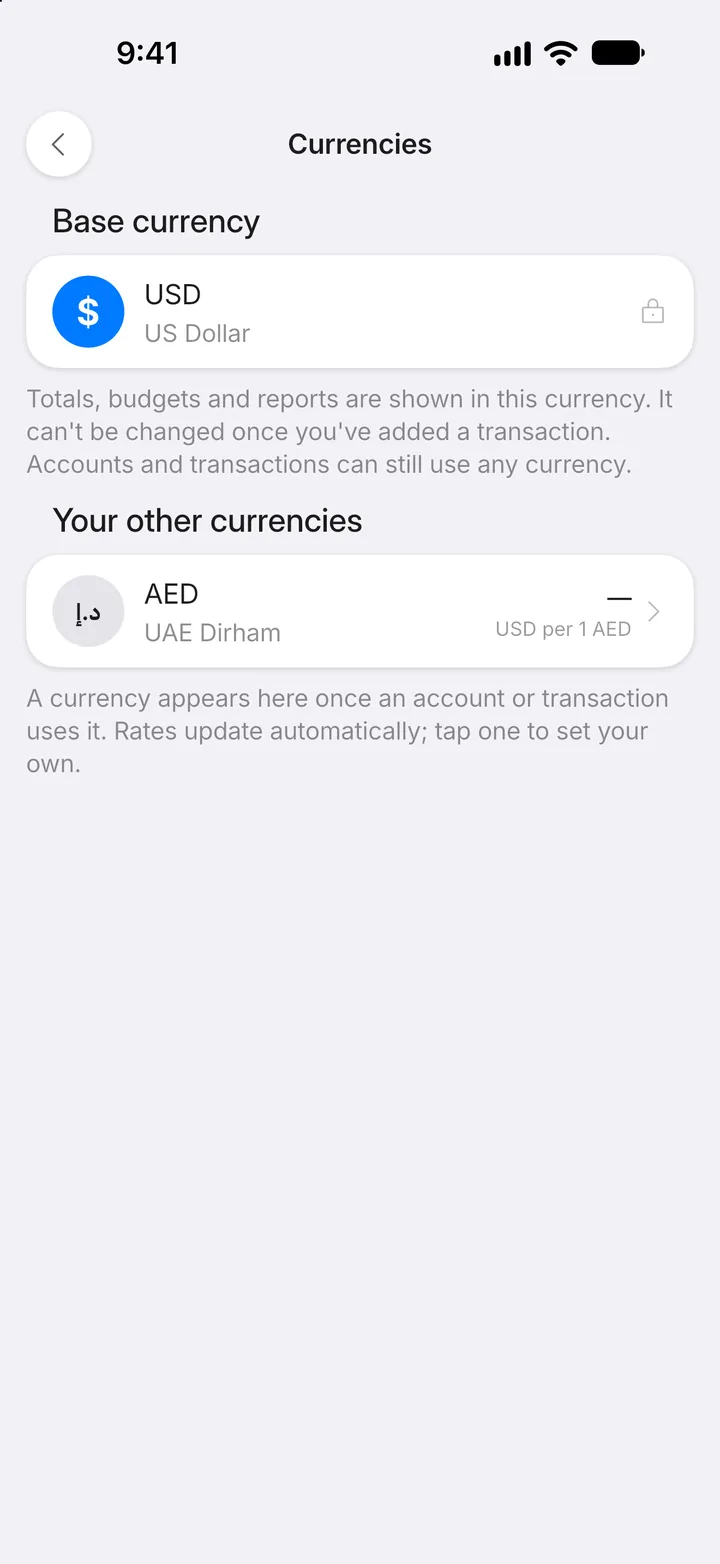
Step 4: Other currencies
Any other currency you use appears below it automatically, when an account or transaction uses it. Tap one to set its exchange rate.