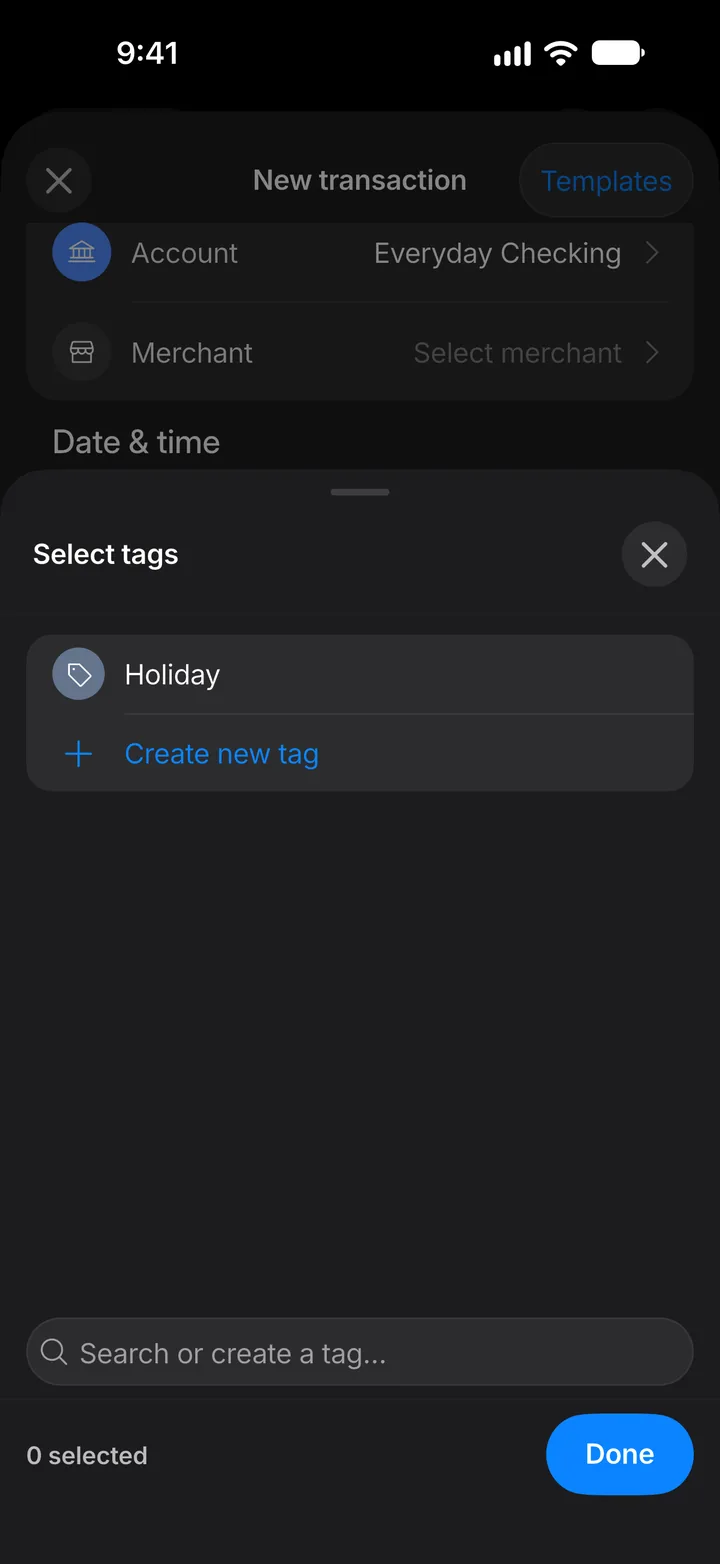
Tag your transactions
Tags group transactions across categories, like everything from one trip.
8 steps
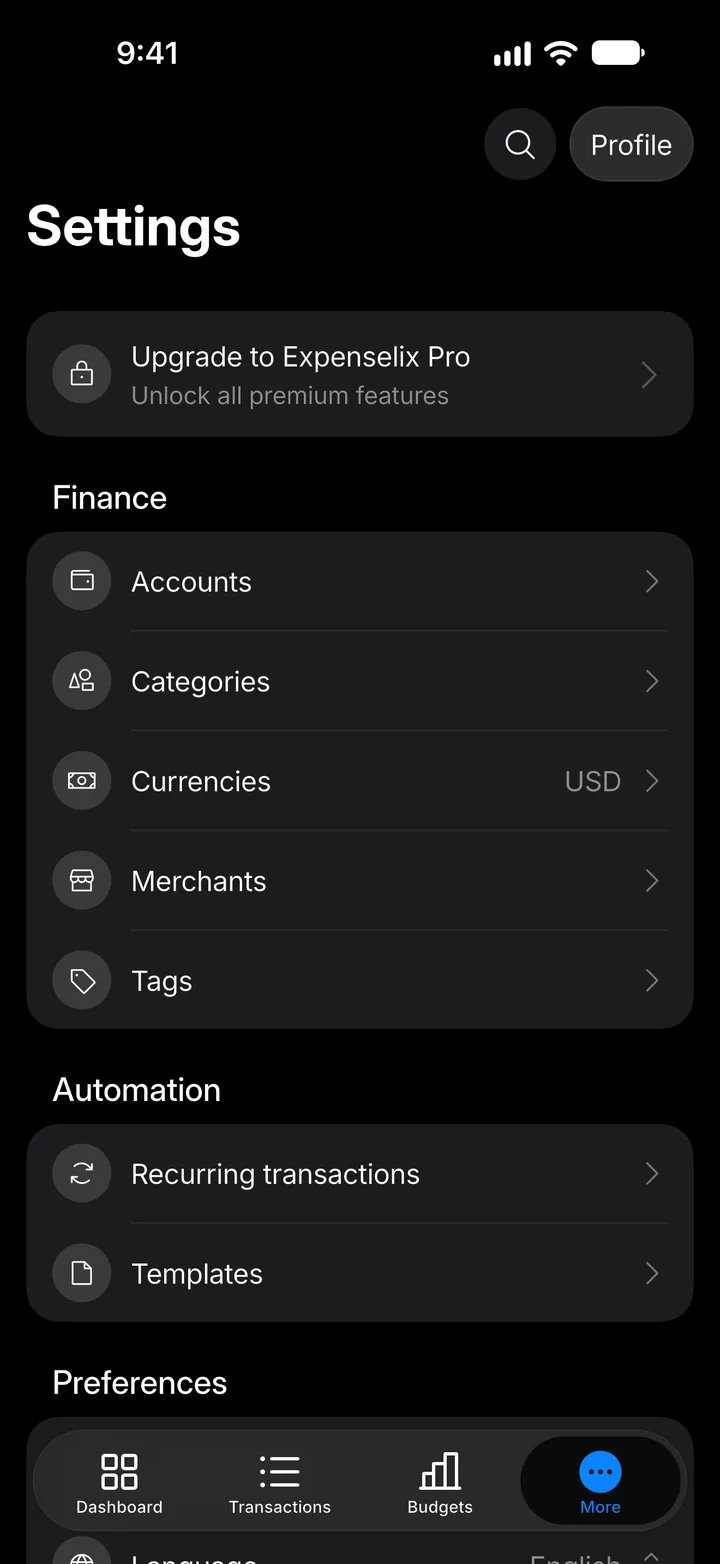
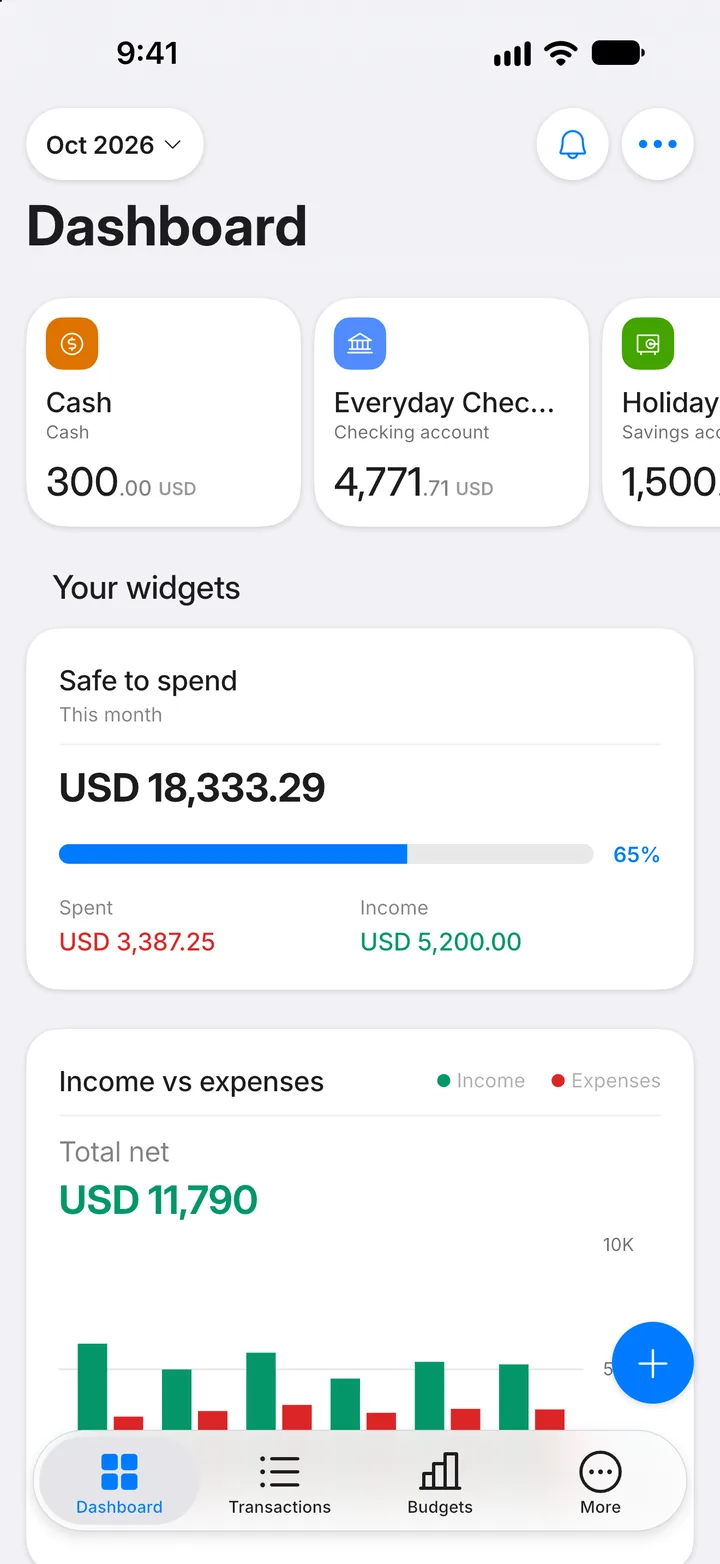
Step 1: Open More
Tap the More tab.
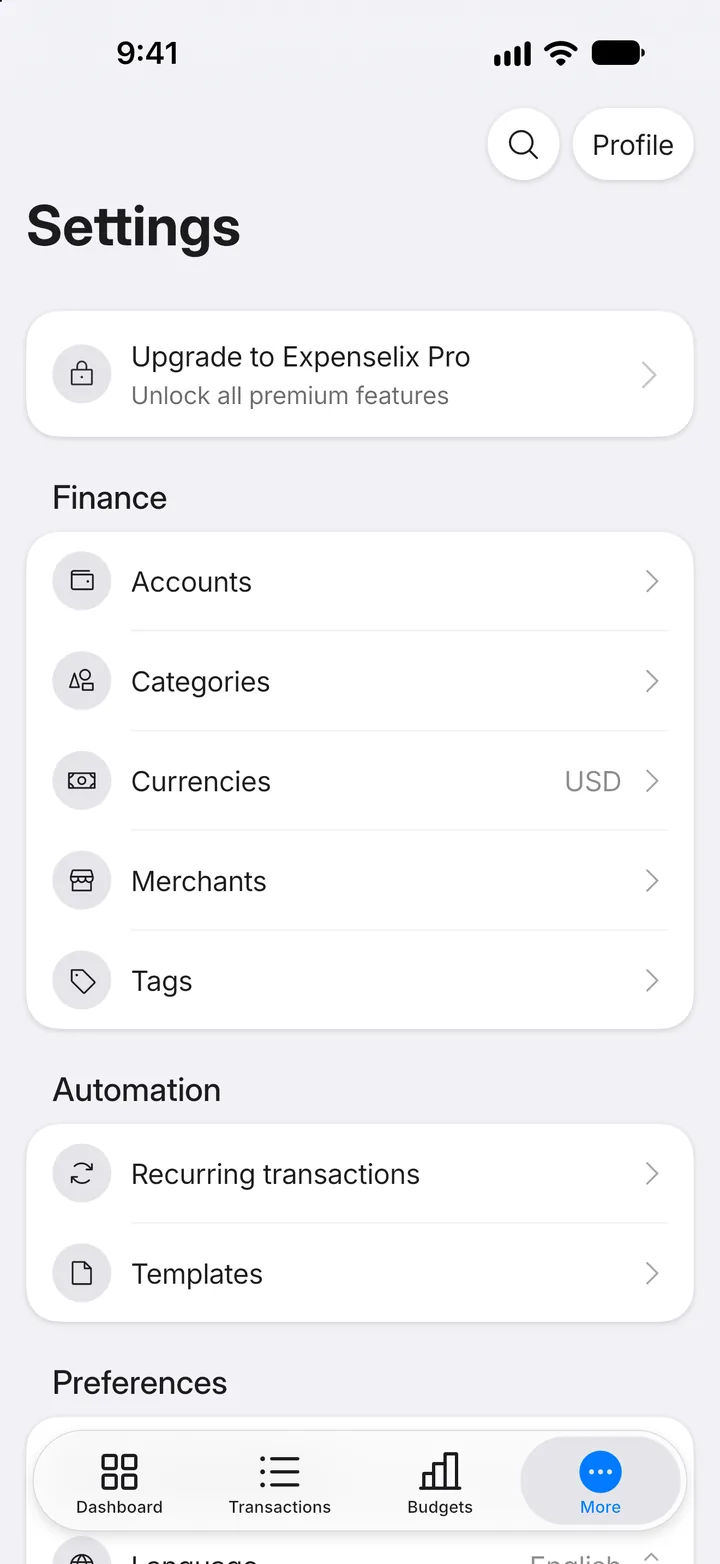
Step 2: Open Tags
Tap Tags.
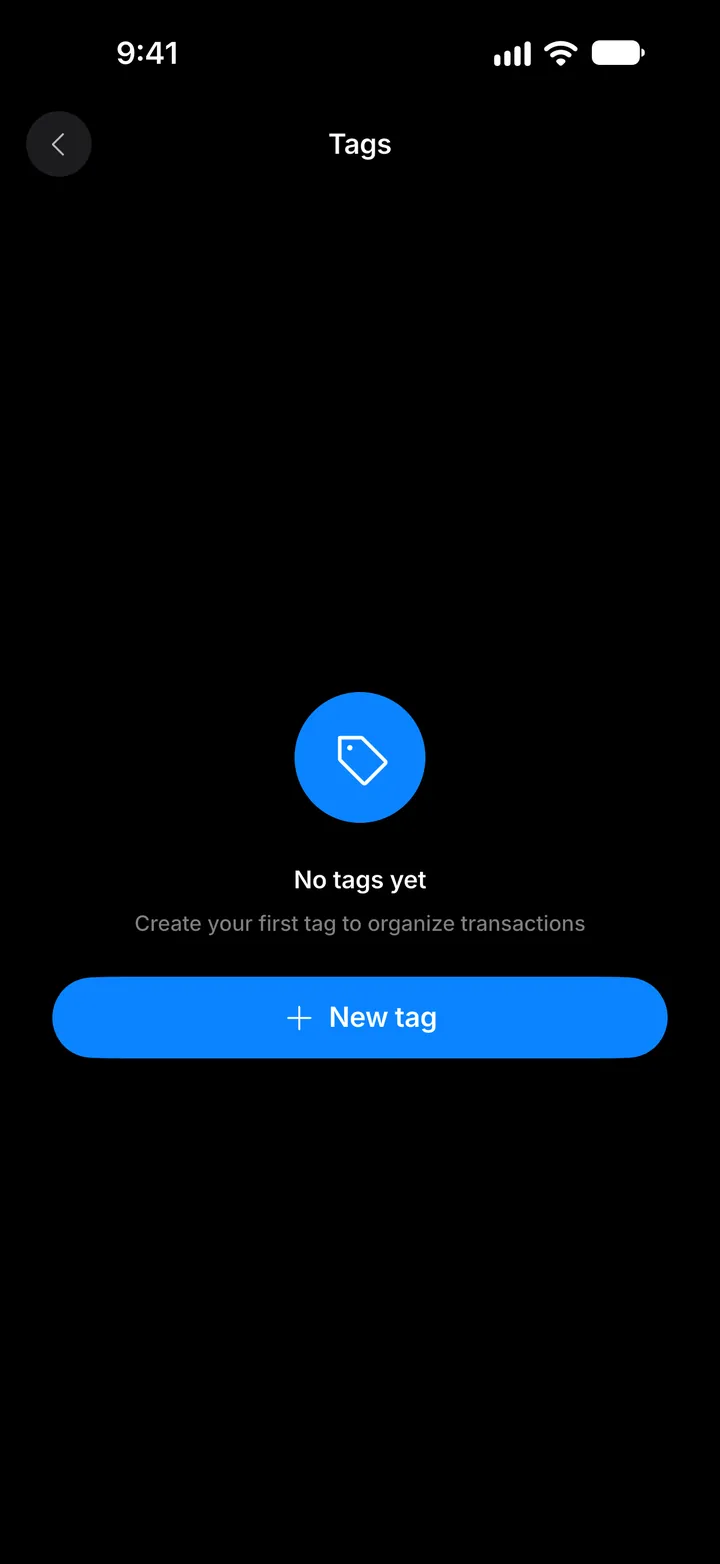
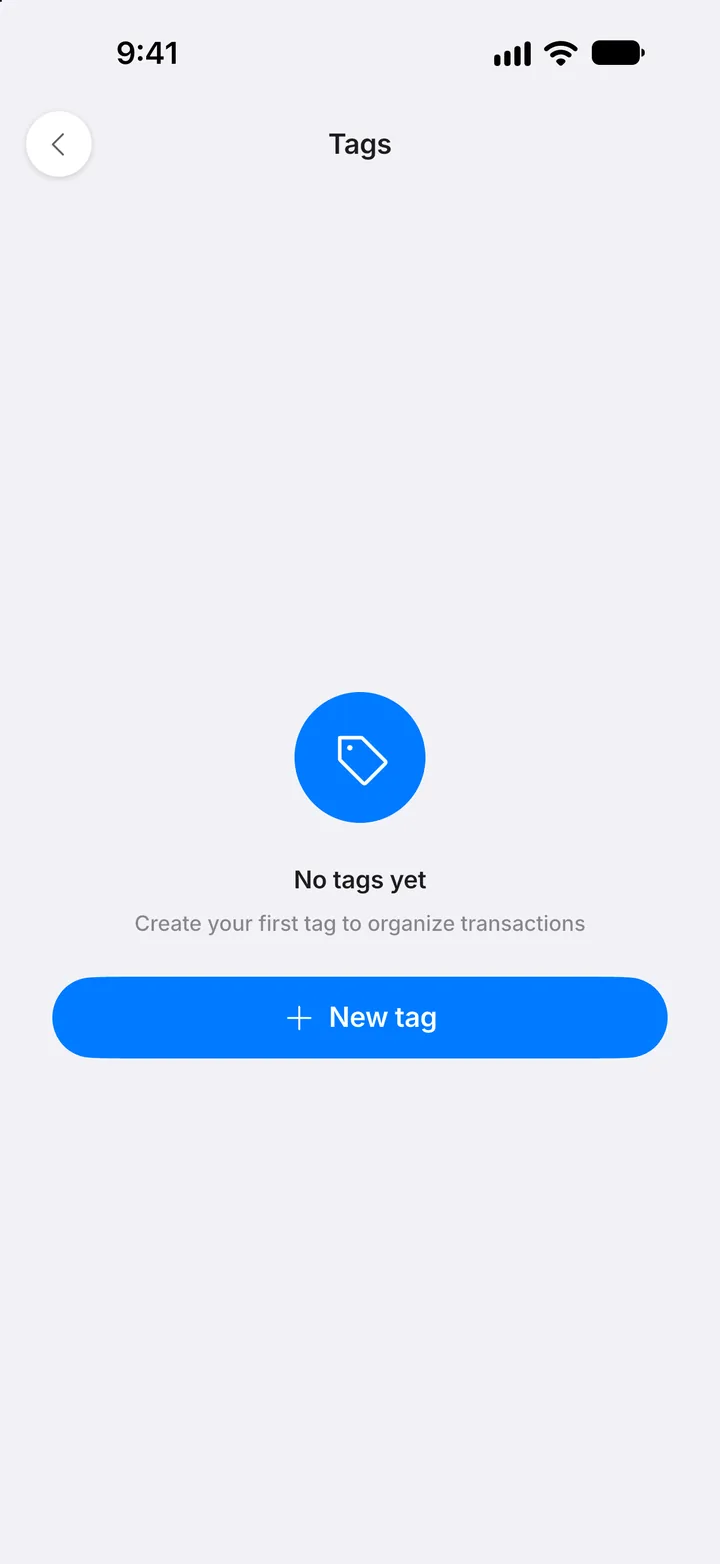
Step 3: Create a tag
Tap New tag.
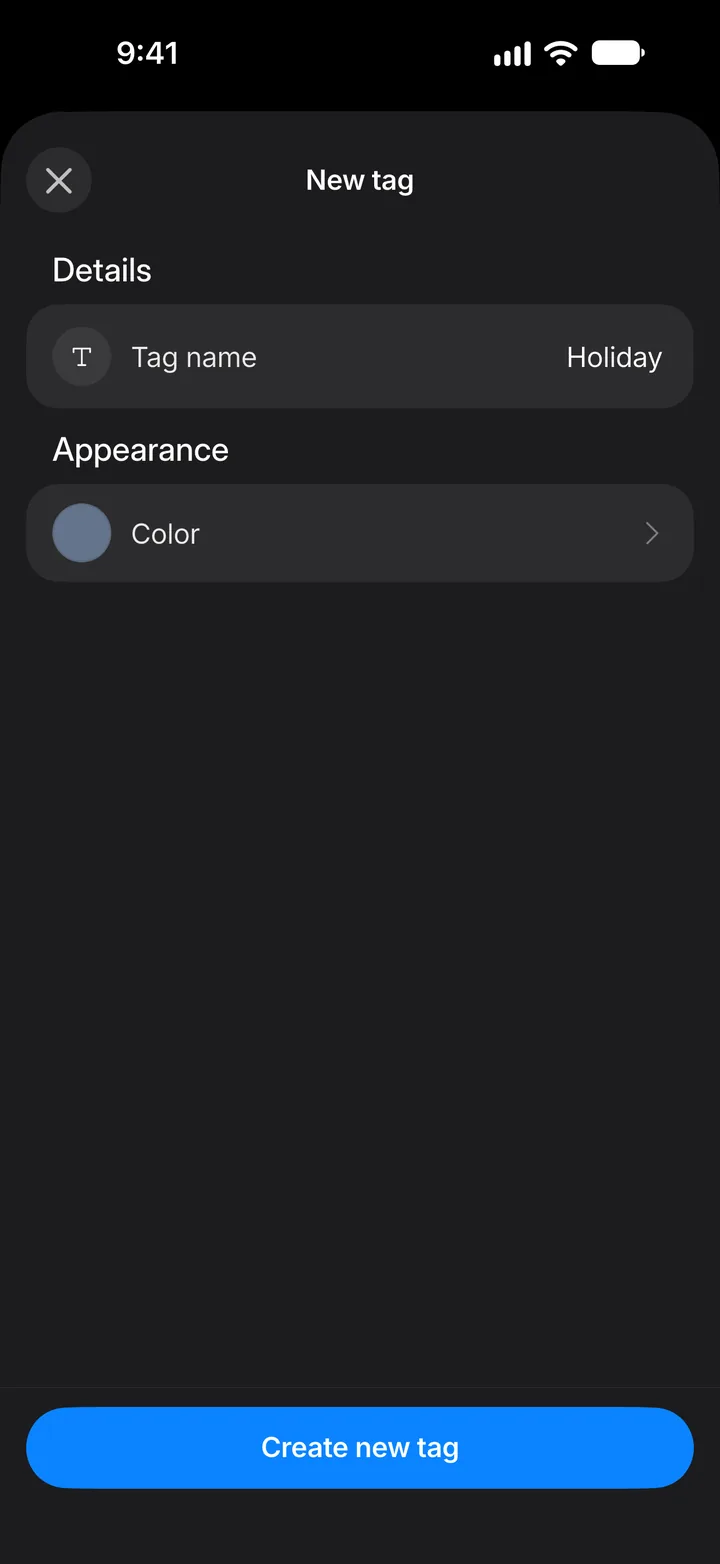
Step 4: Name it
Tap Tag name and type a name. You can pick a color too.
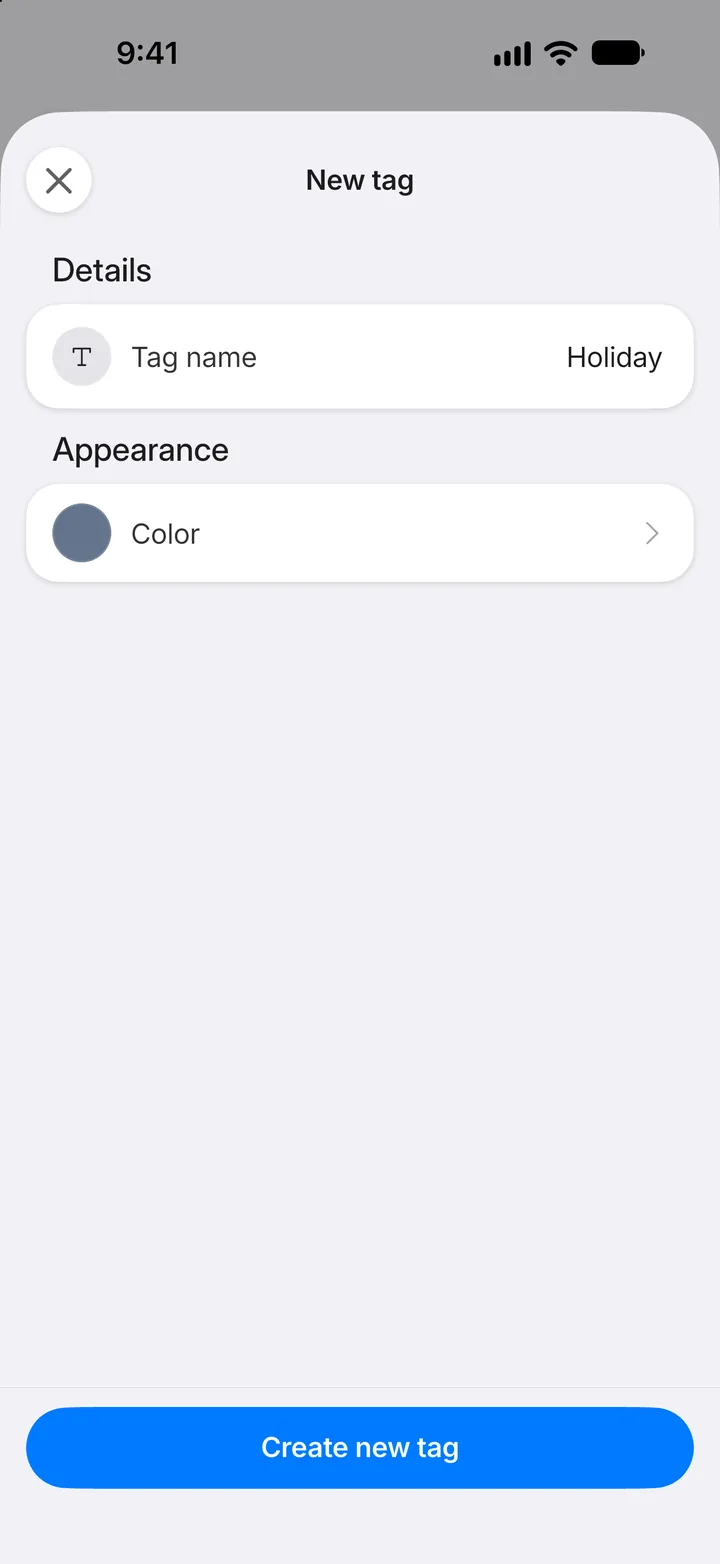
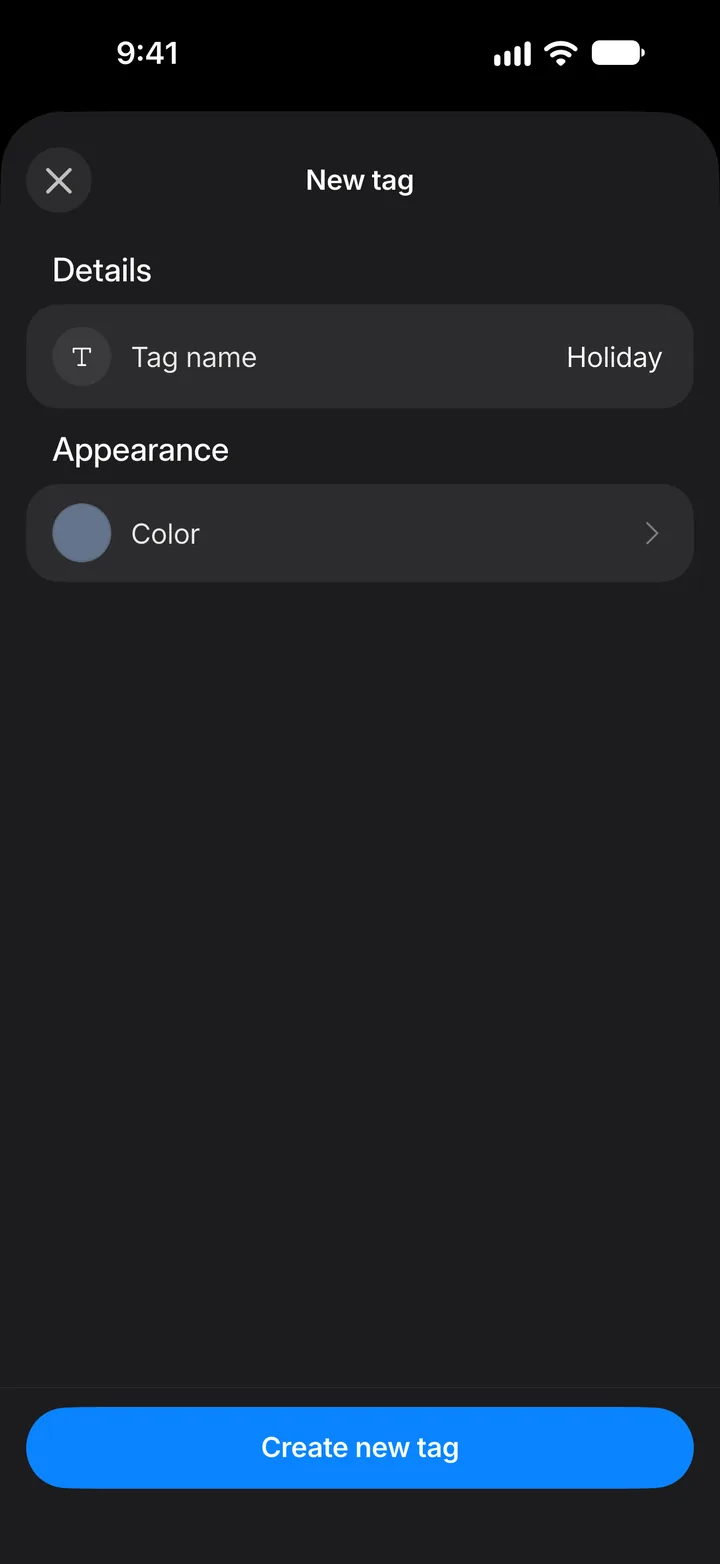
Step 5: Save it
Tap Create new tag.
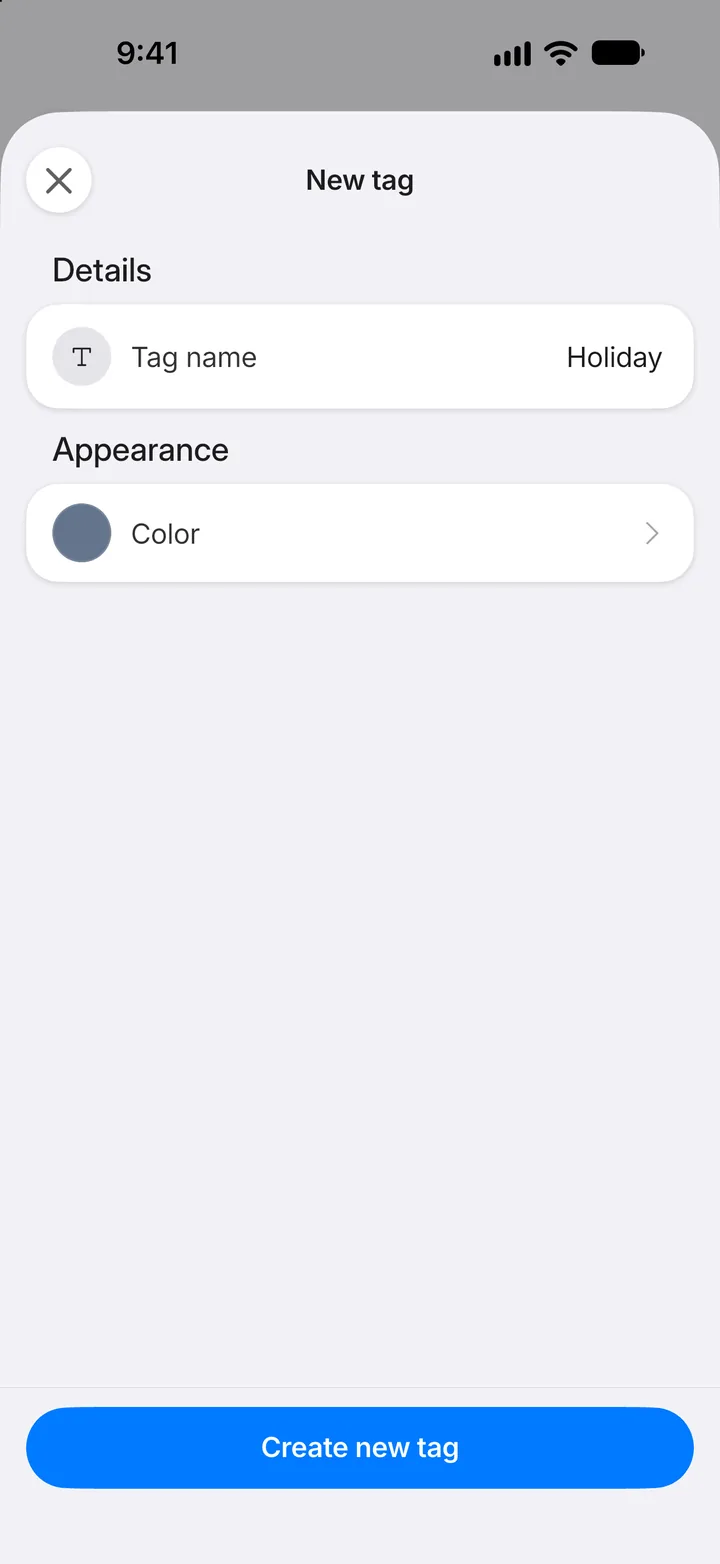
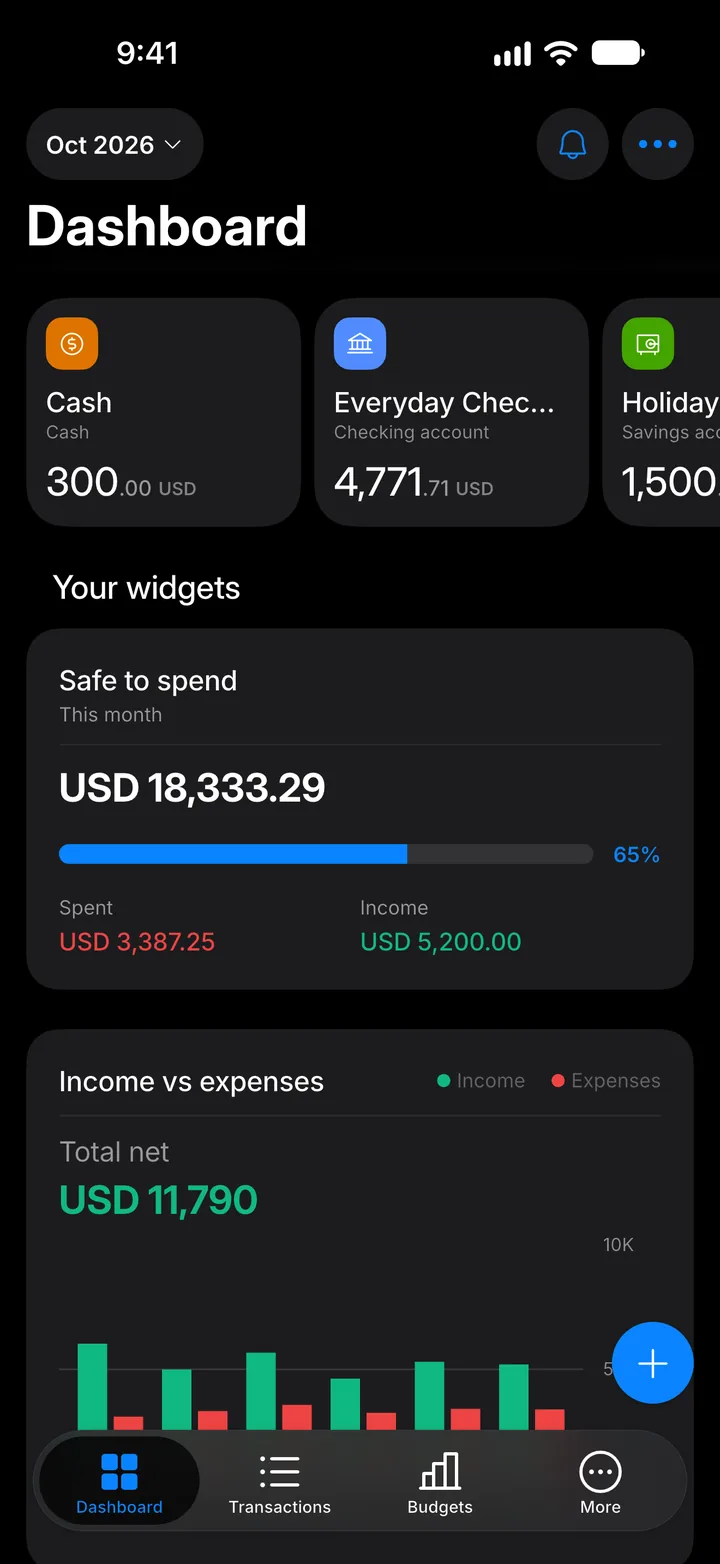
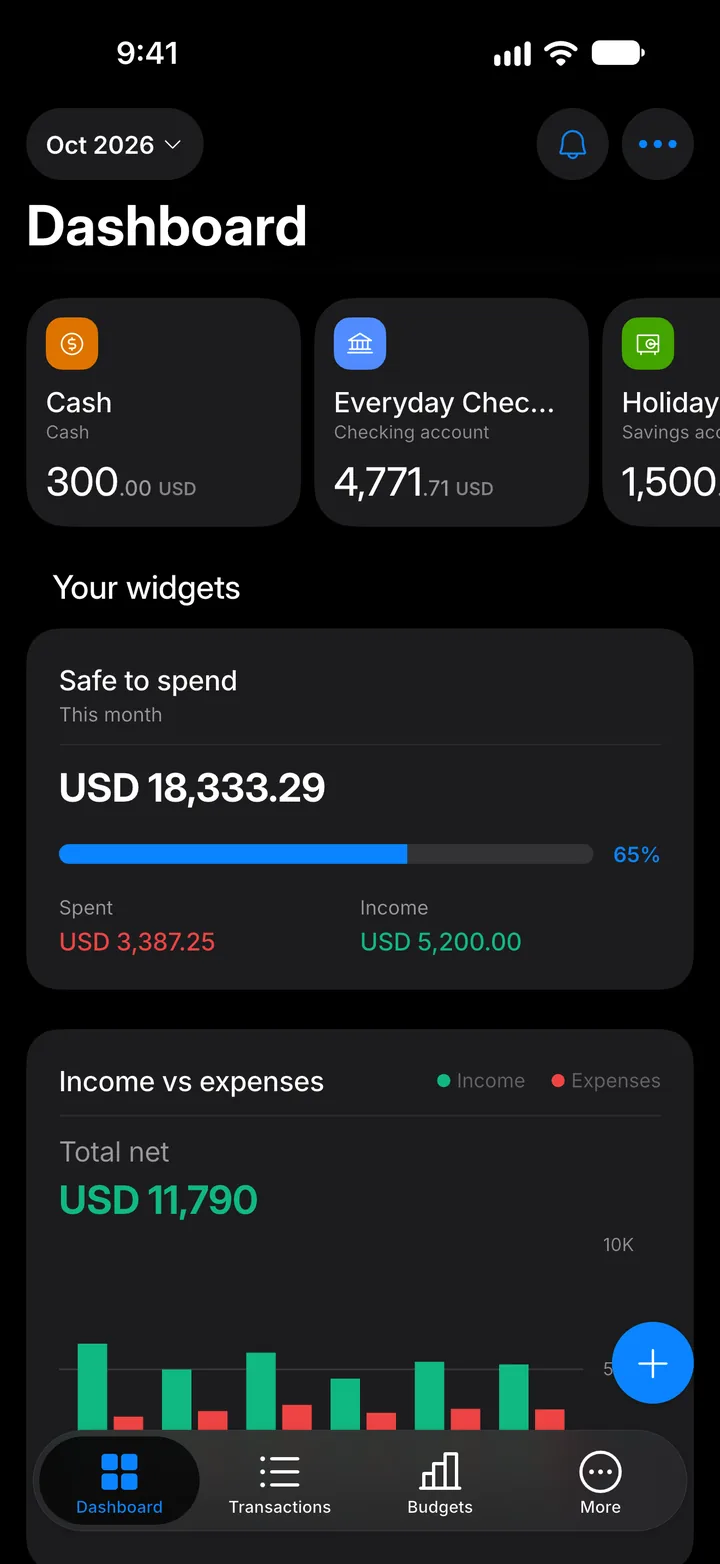
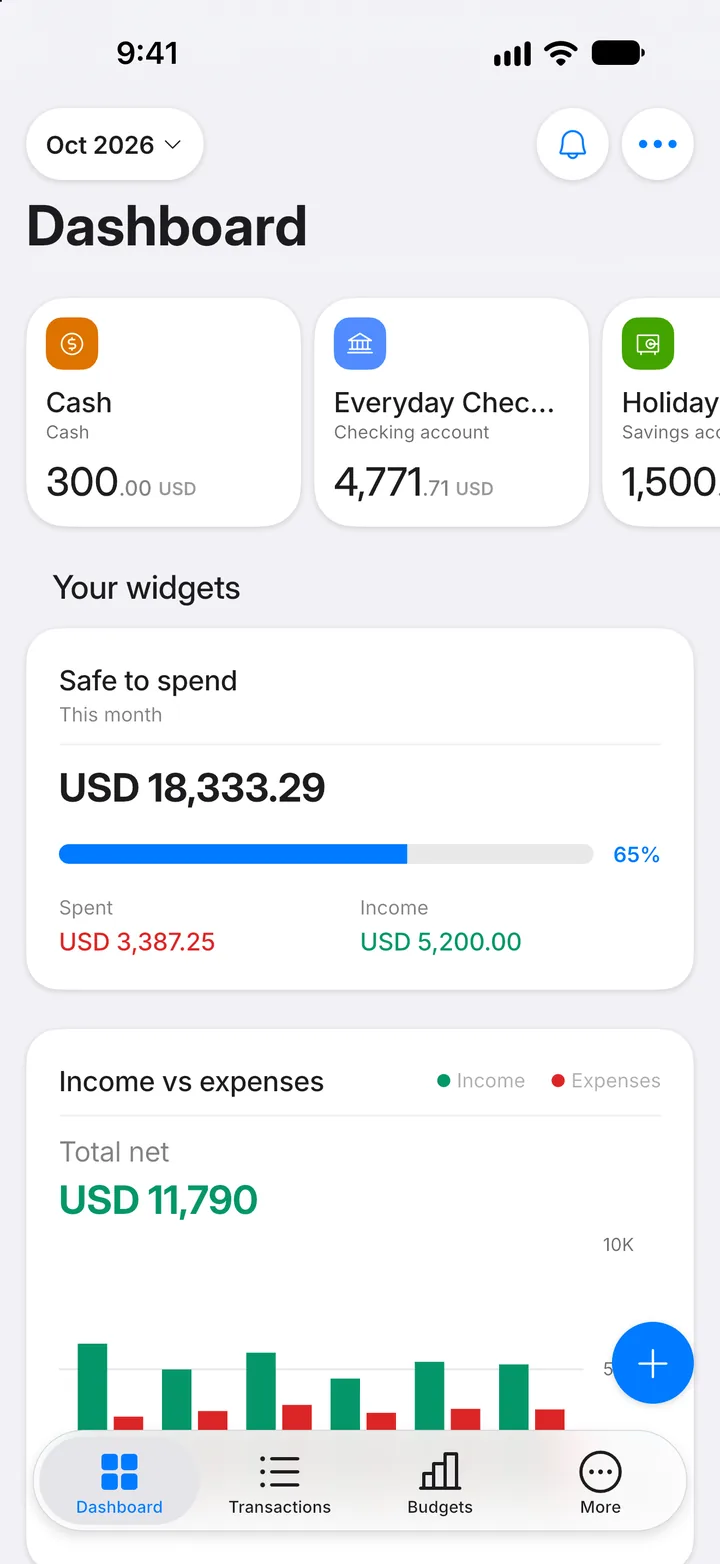
Step 6: Add it to a transaction: tap +
On the Dashboard, tap the + button.
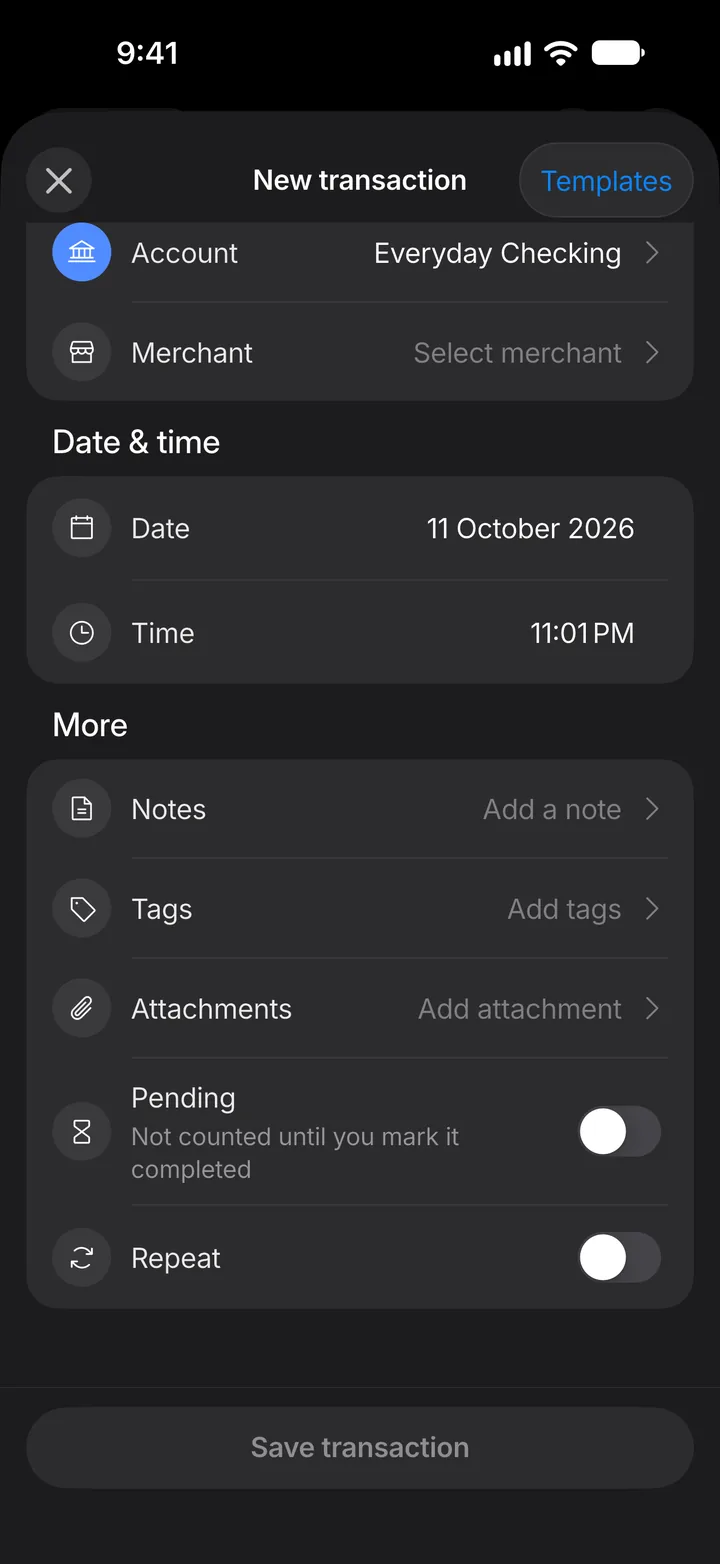
Step 7: Open Tags
Scroll down and tap Tags.
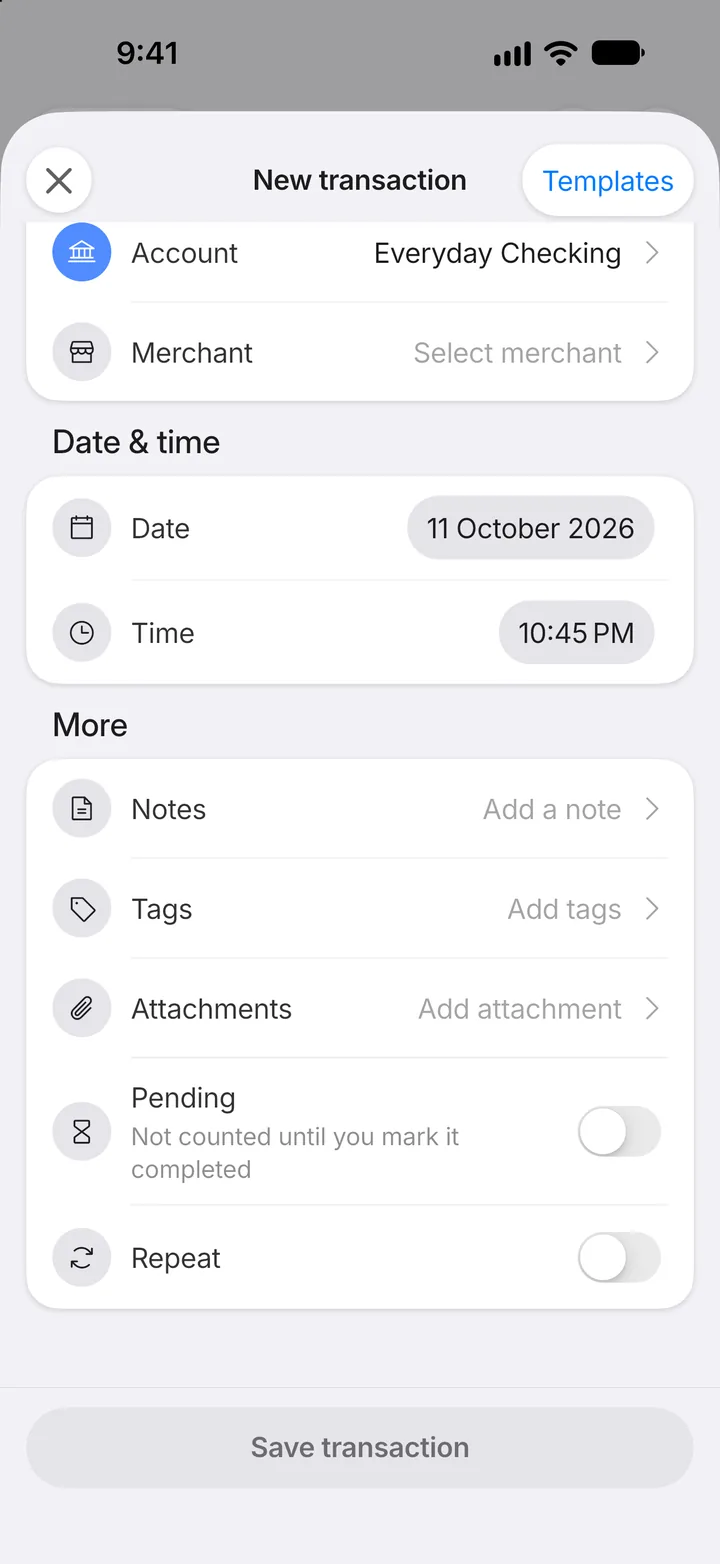
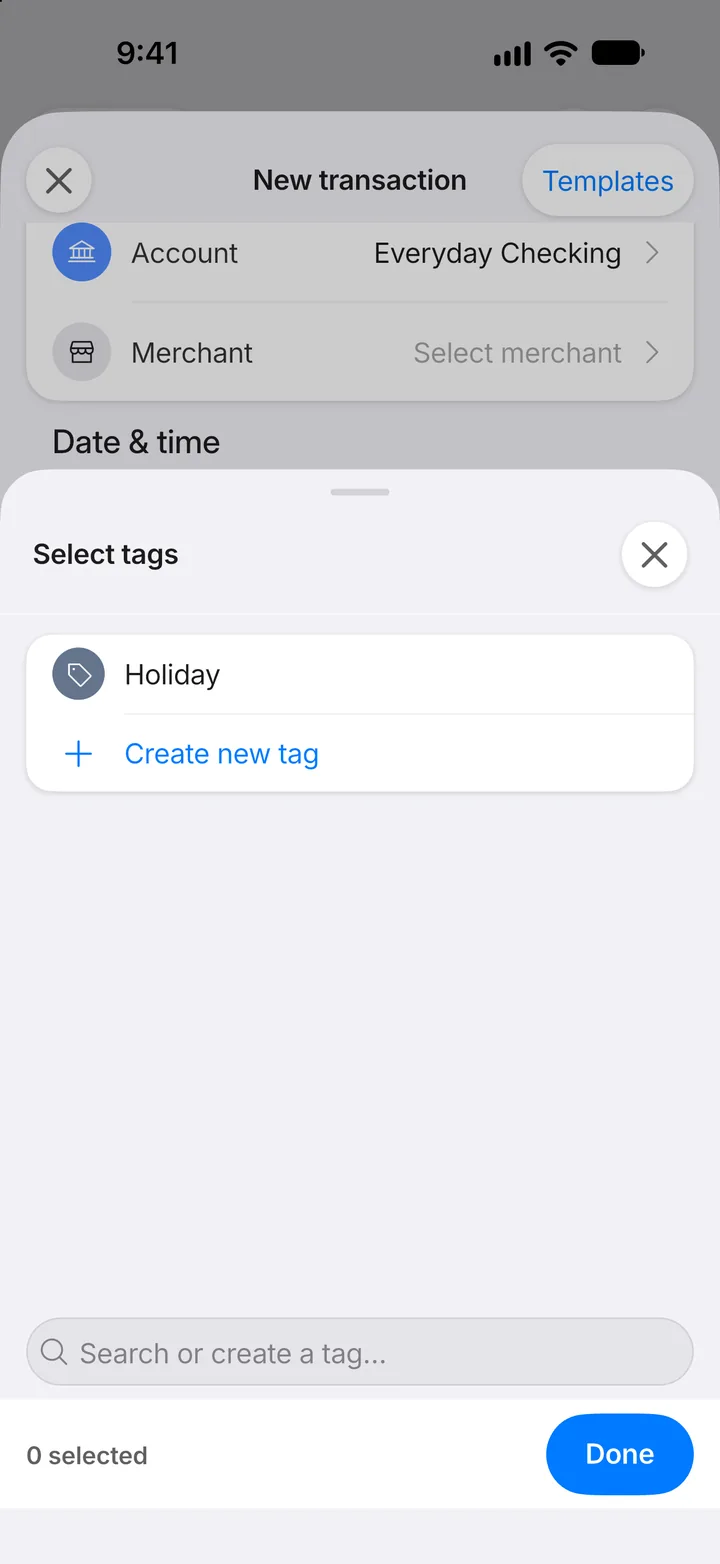
Step 8: Pick your tag
Tap the tag to add it, then tap Done. You can also type a new name here to create a tag on the spot.