Correct an account's balance
Make an account match your bank when the numbers have drifted apart.
8 steps
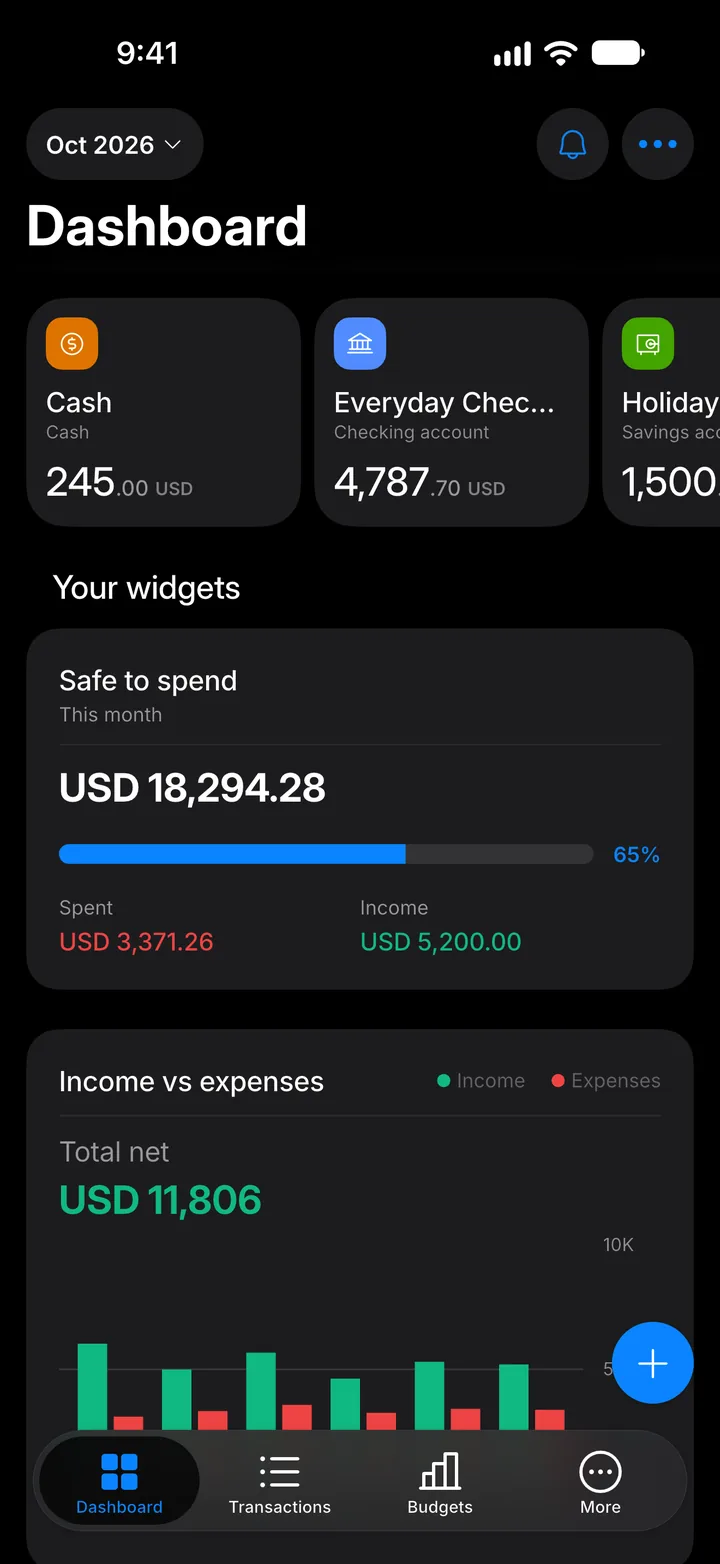
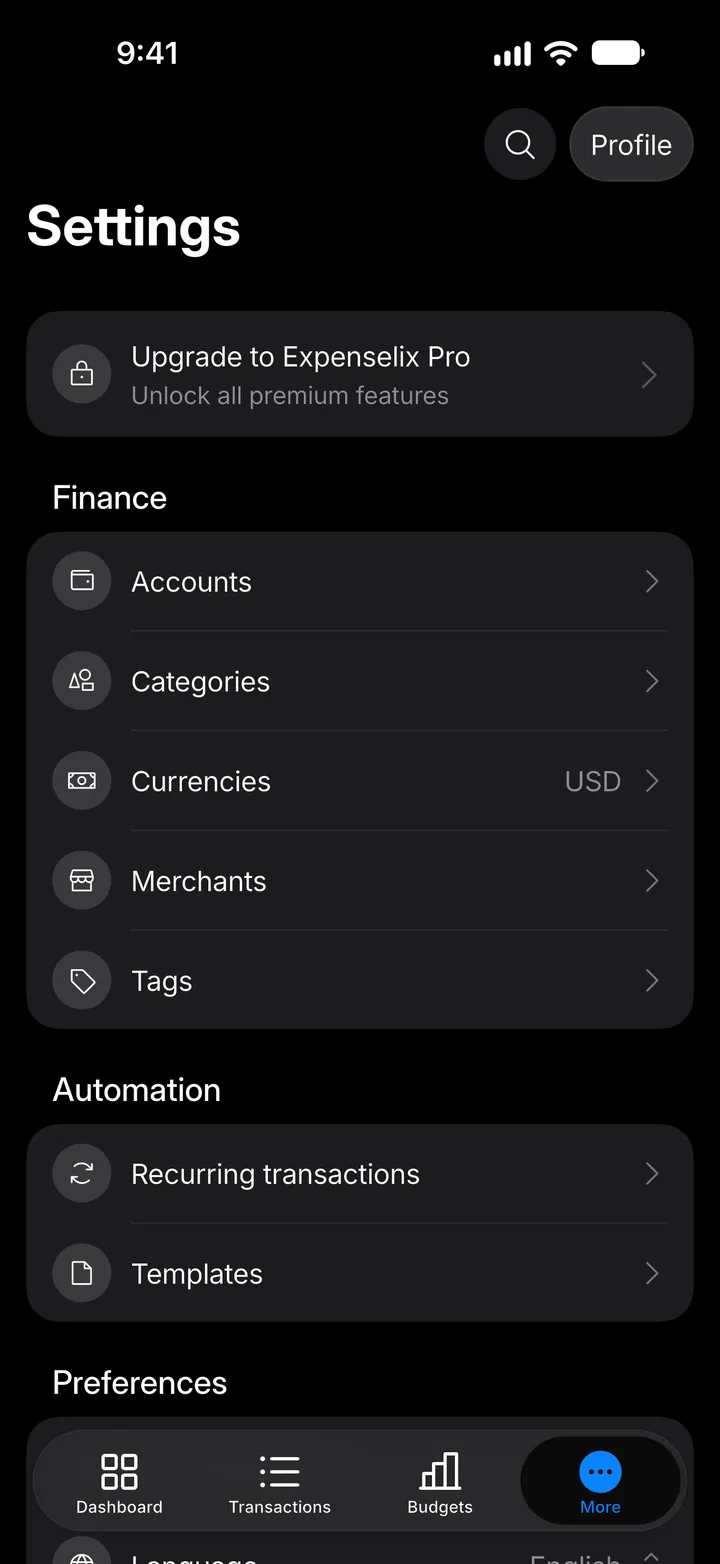
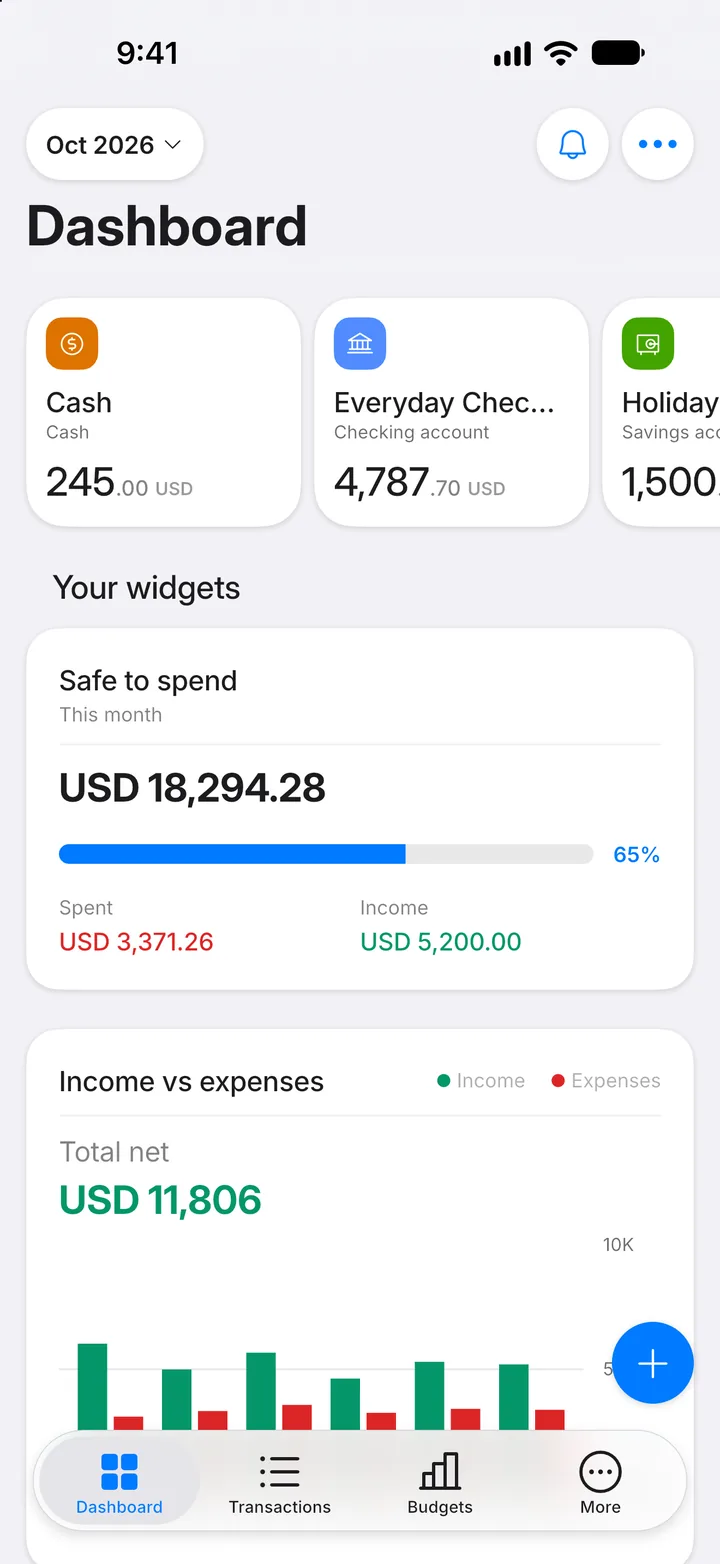
Step 1: Open More
Tap the More tab.
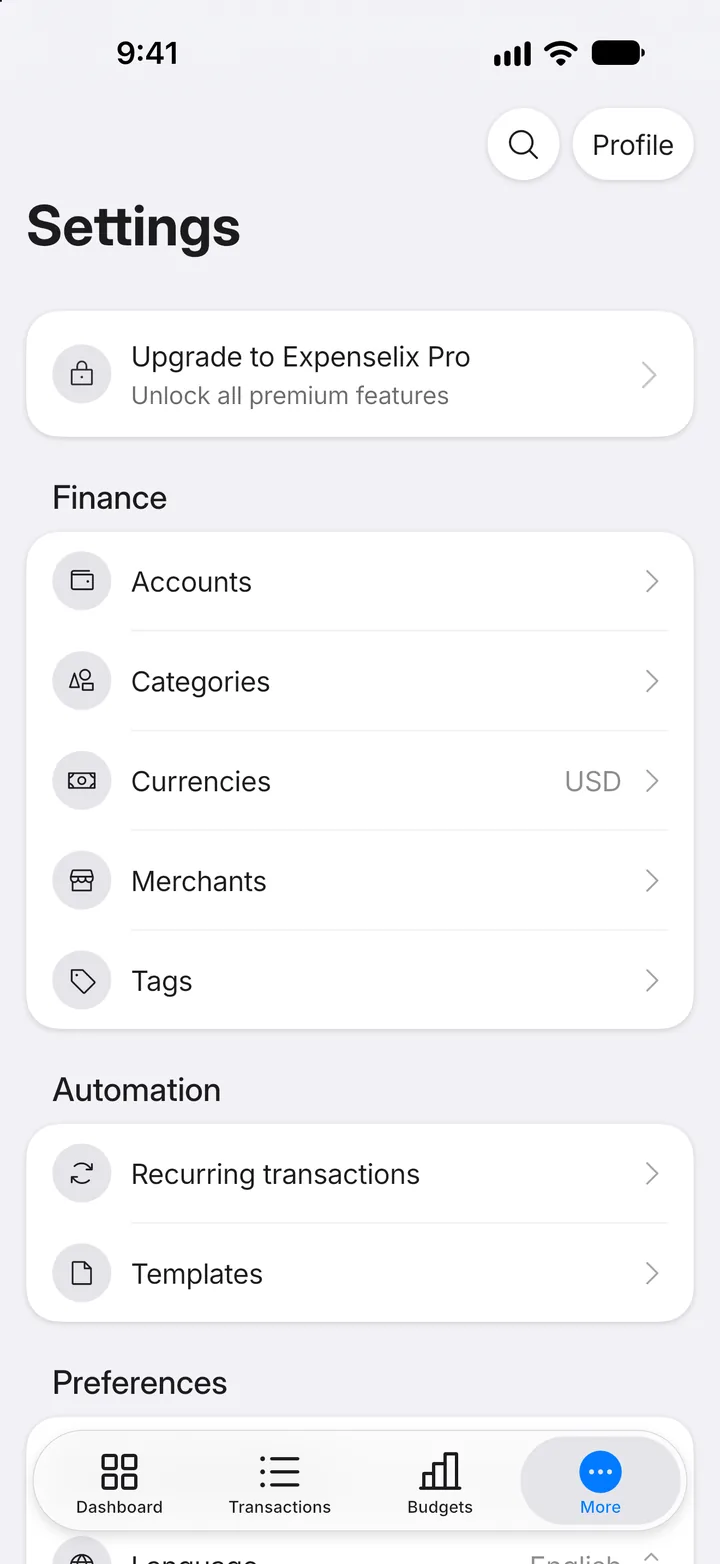
Step 2: Open Accounts
Tap Accounts.
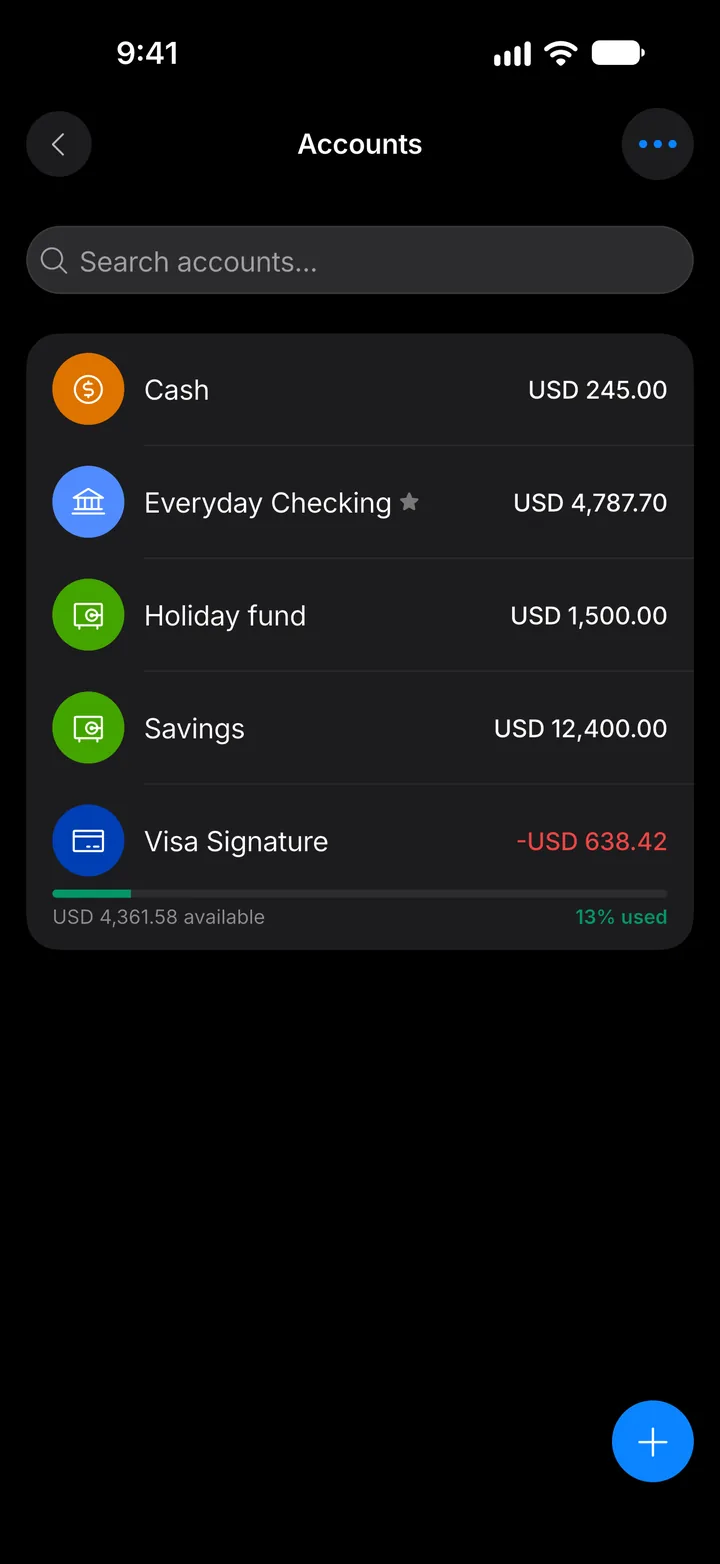
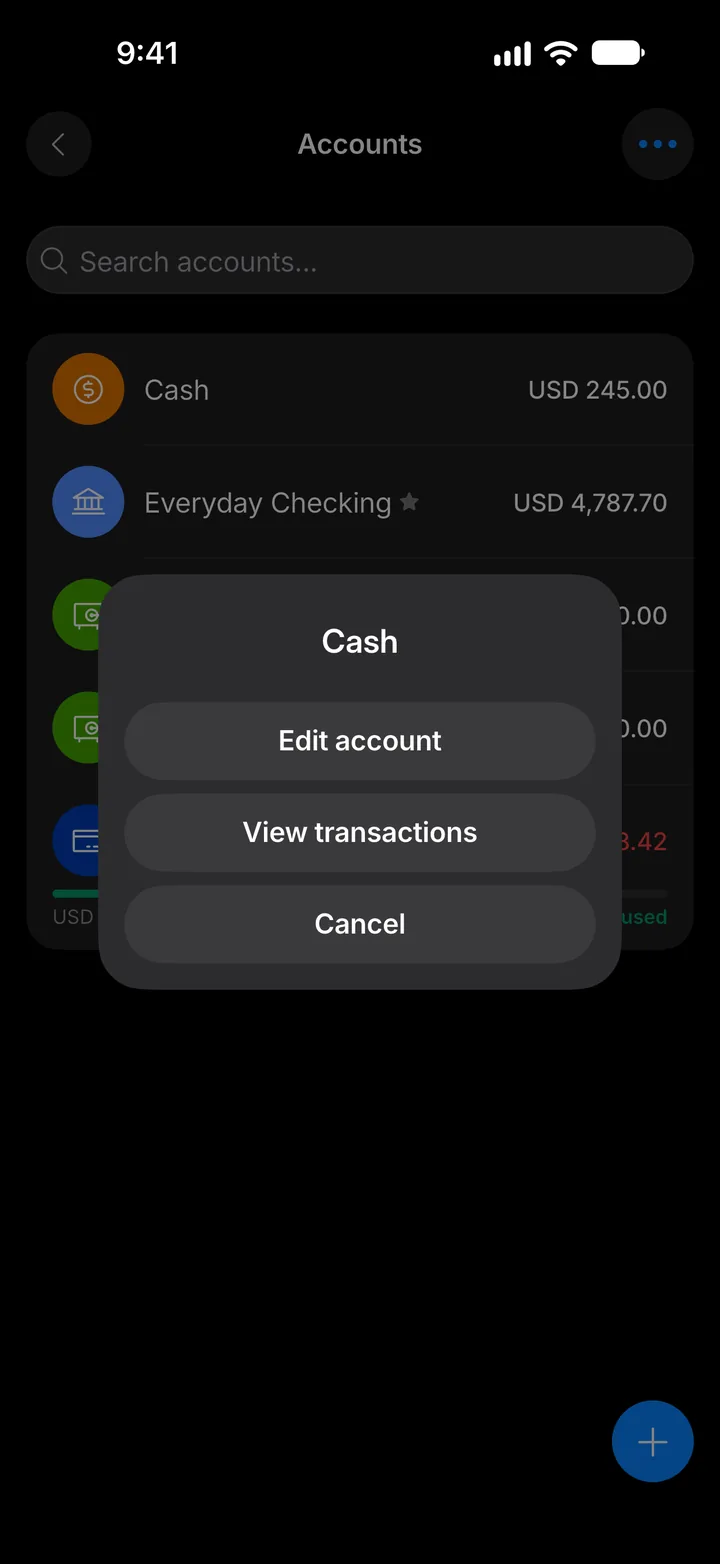
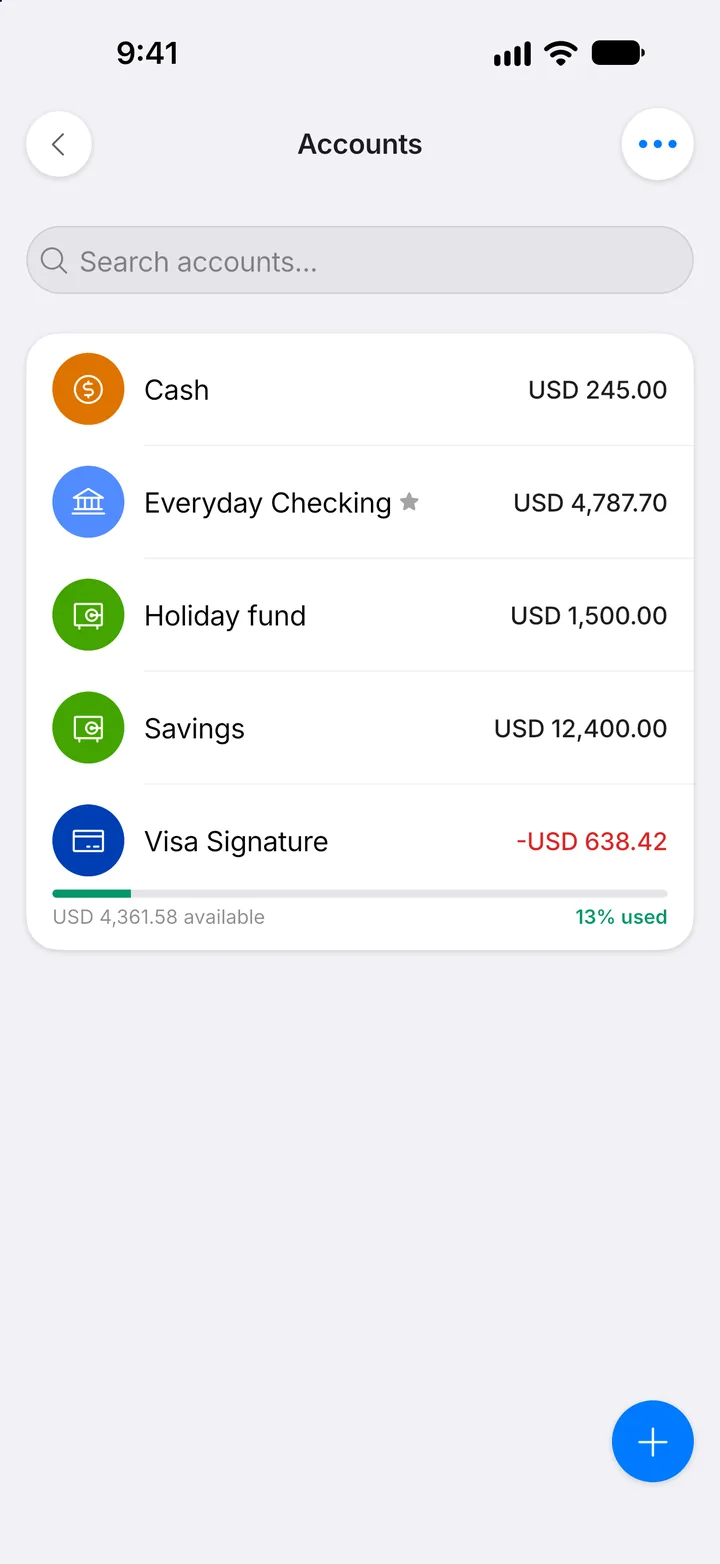
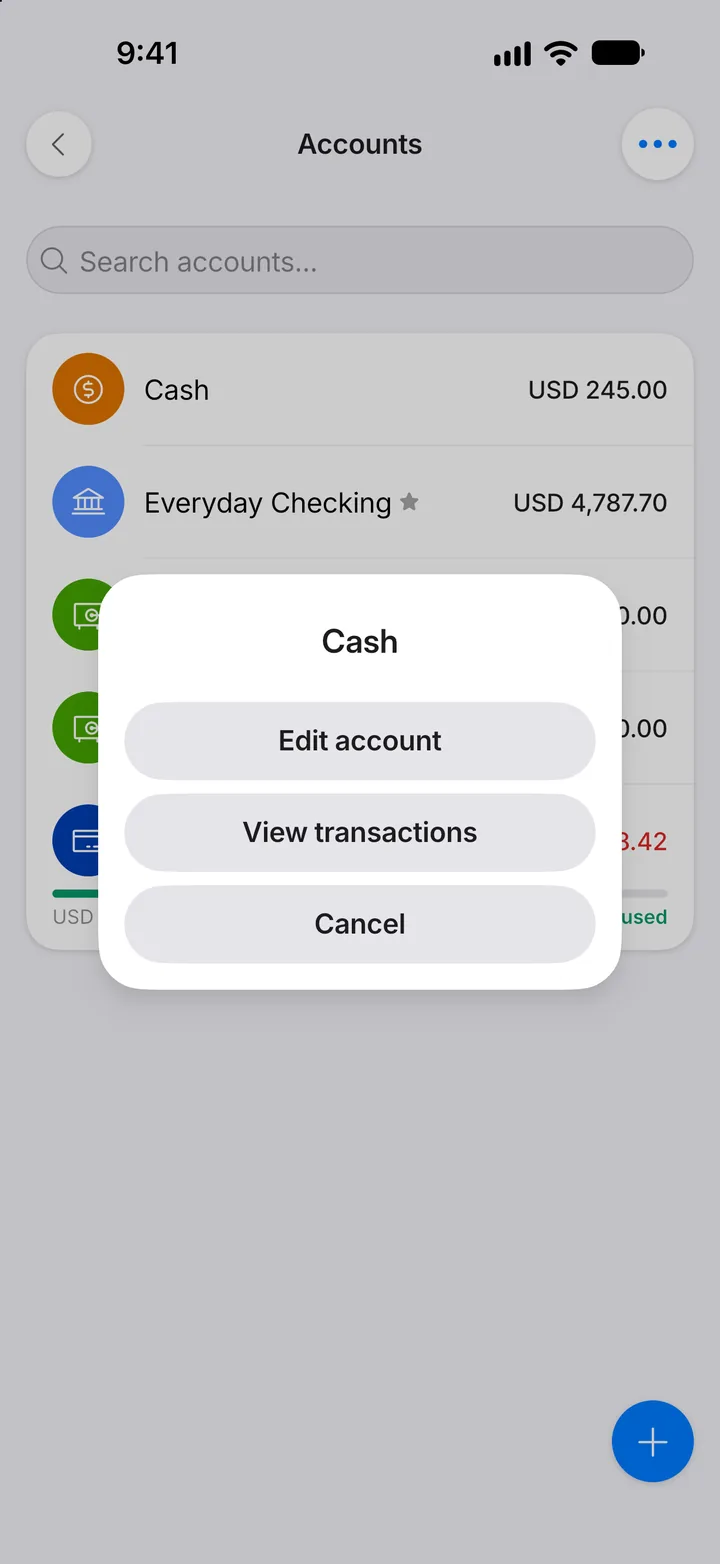
Step 3: Choose the account
Tap the account to correct.
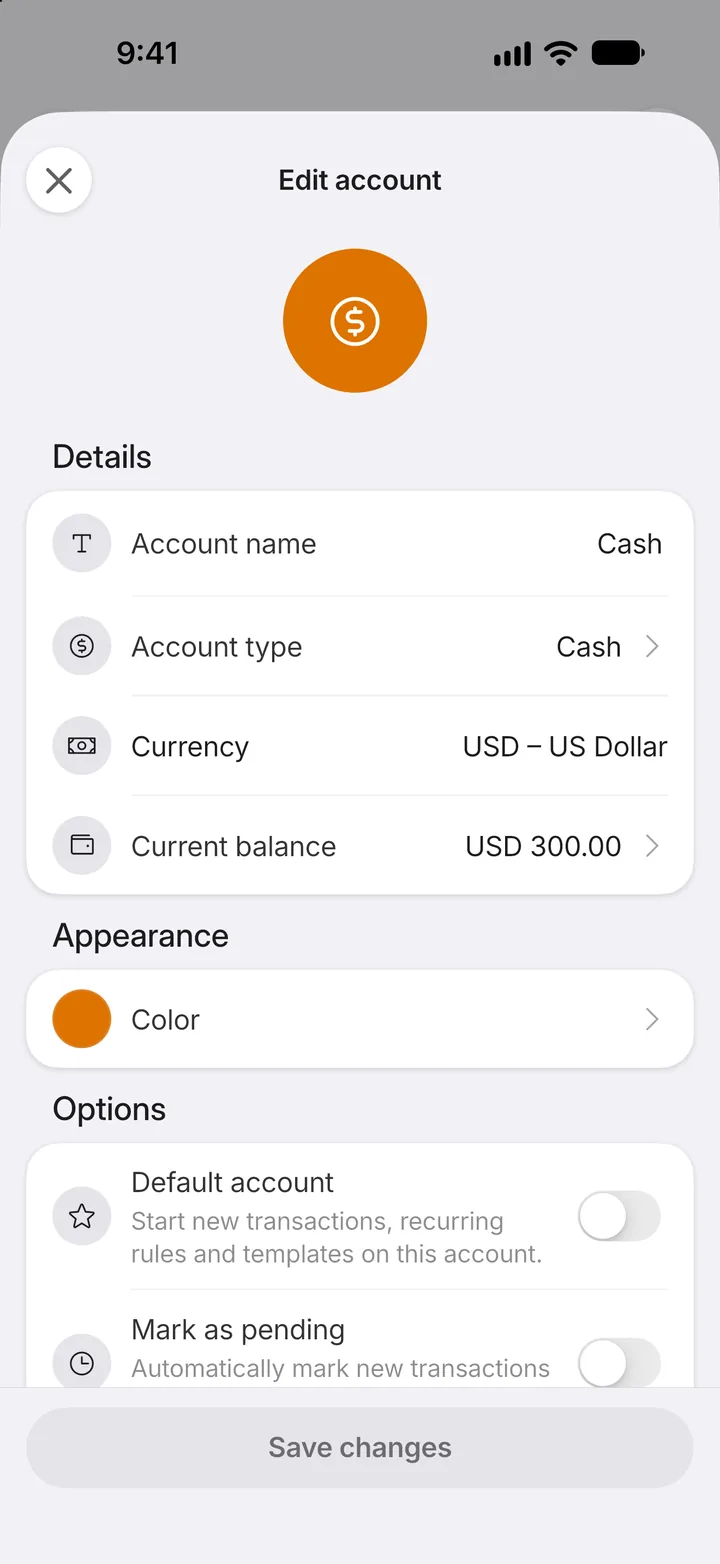
Step 4: Edit it
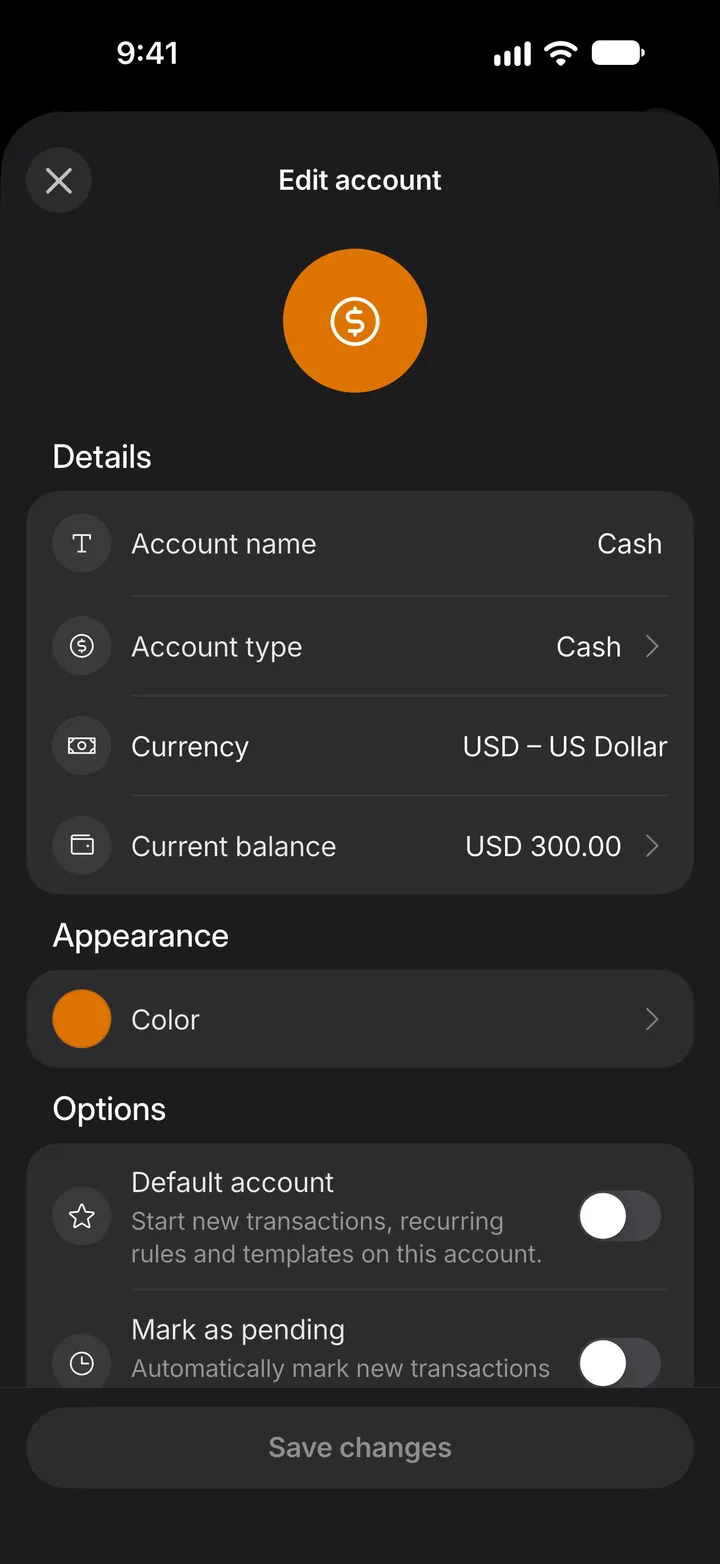
Tap Edit account.
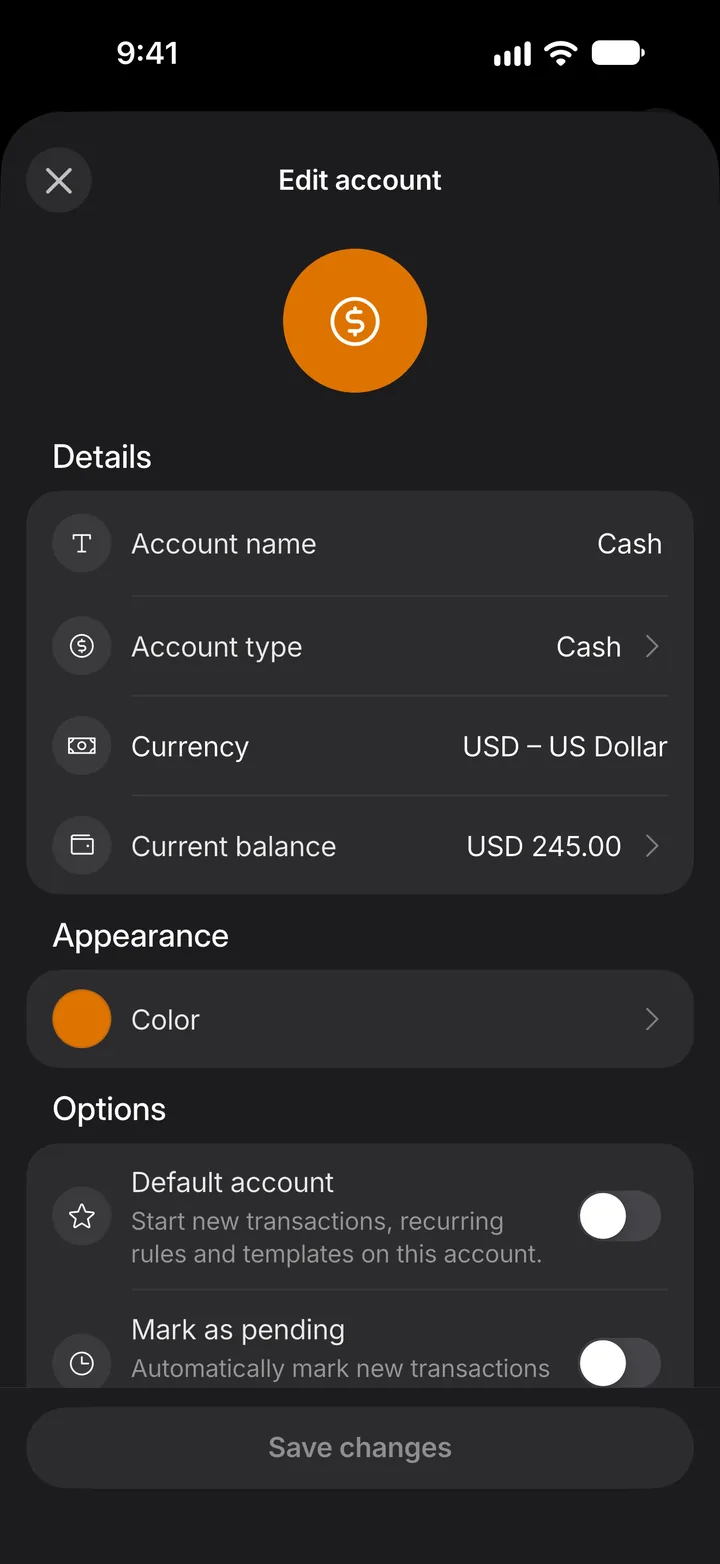
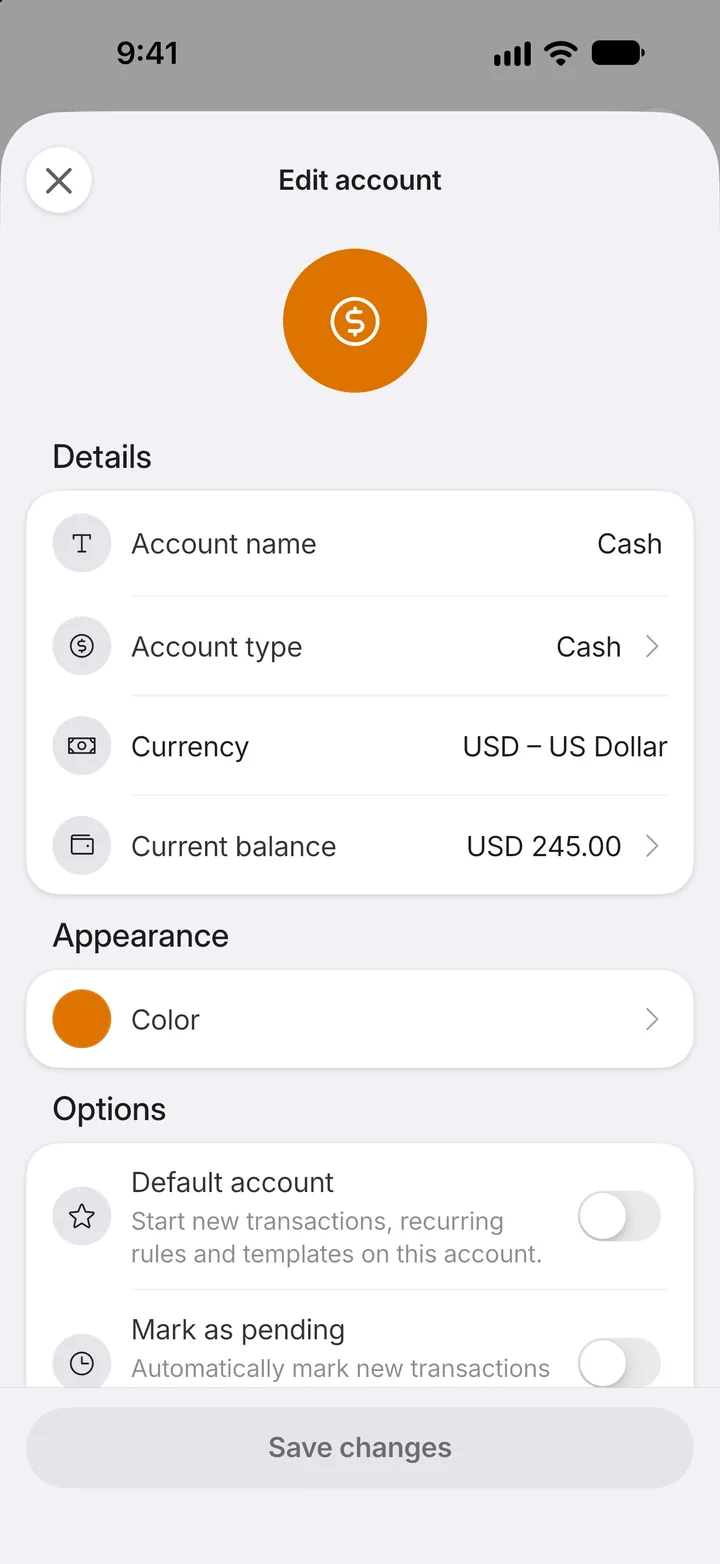
Step 5: Open the balance
Tap Current balance.
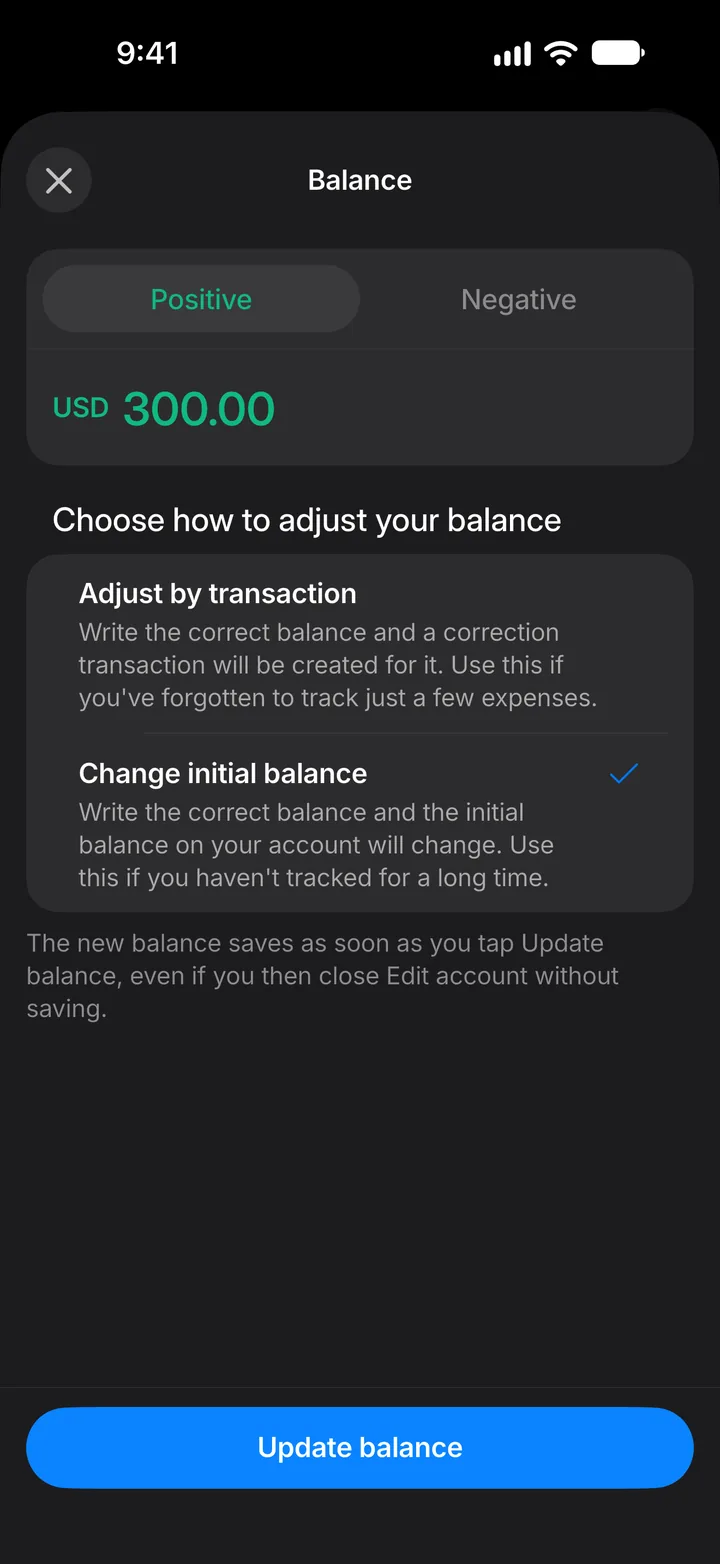
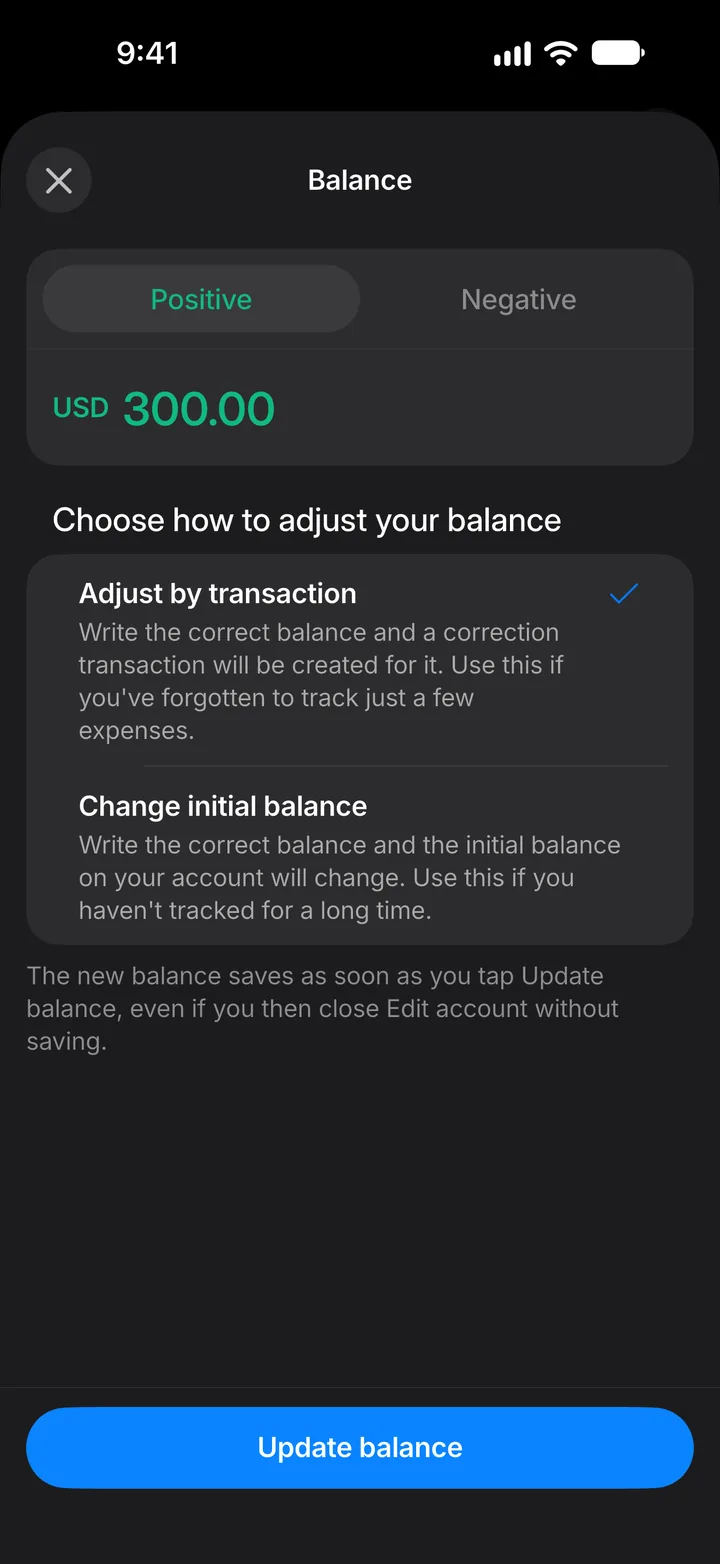
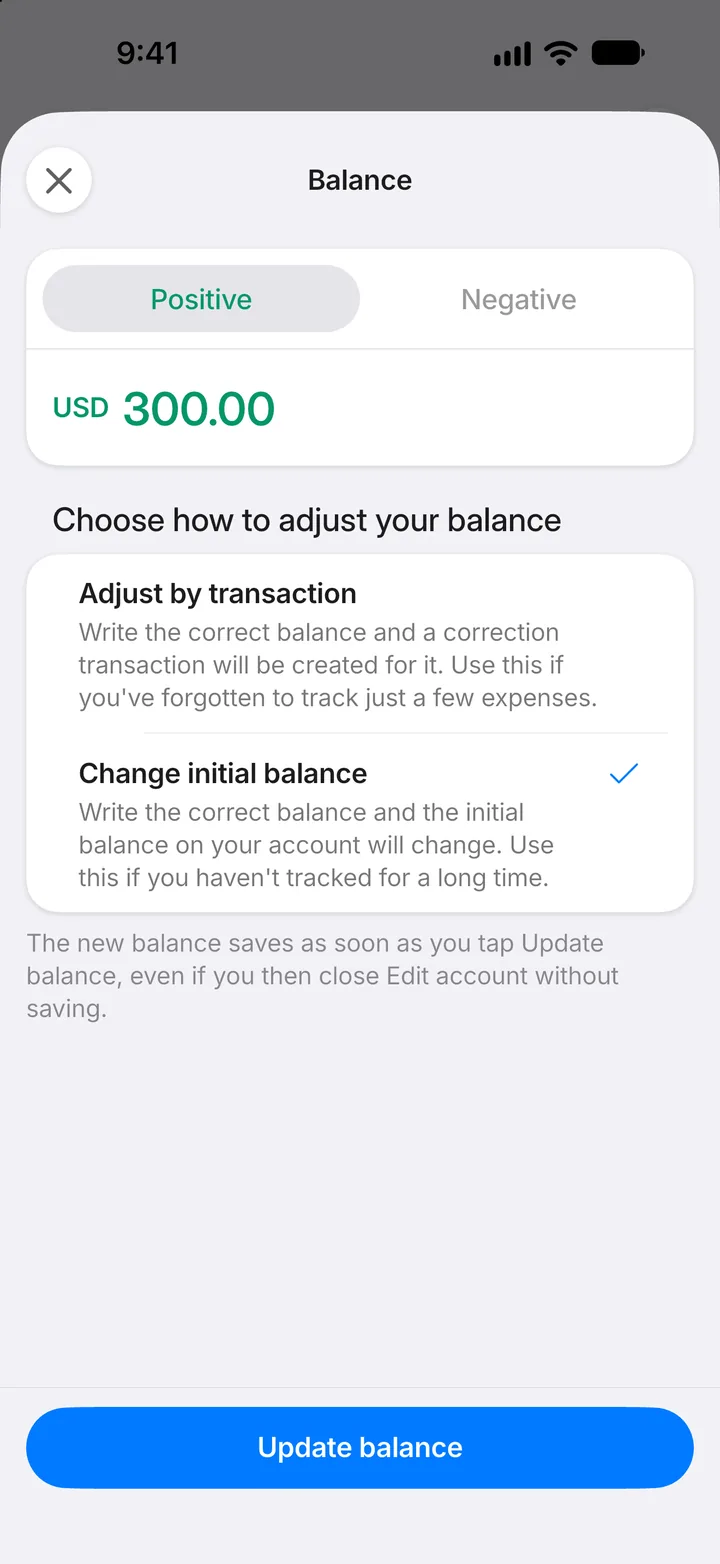
Step 6: Enter the right balance
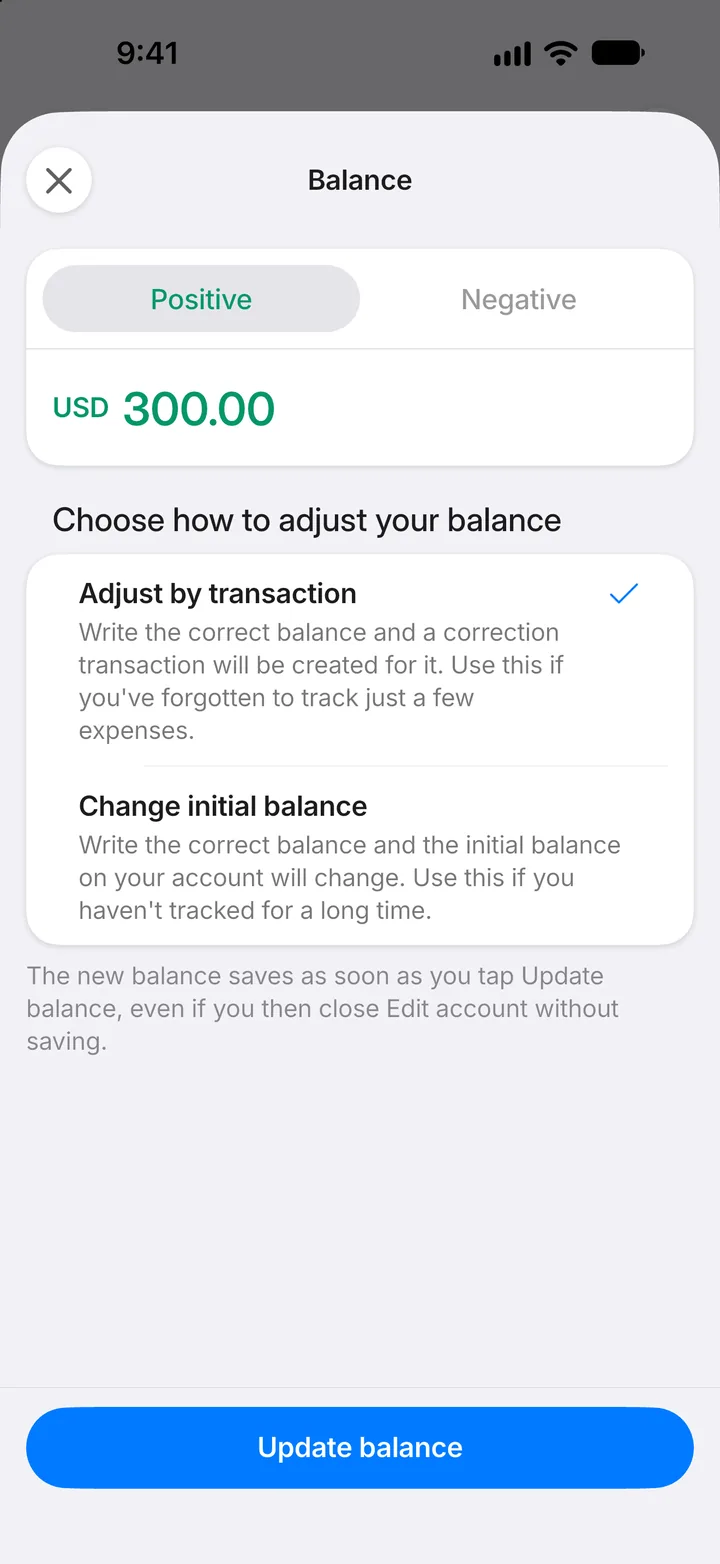
Type what your bank says, then choose Adjust by transaction to record the difference as a transaction. Change initial balance changes the starting balance instead.
Step 7: Update it
Tap Update balance.
Step 8: Done
The balance is corrected straight away.