Add a merchant
Add a shop or service you pay often, and its transactions get the right category automatically.
7 steps
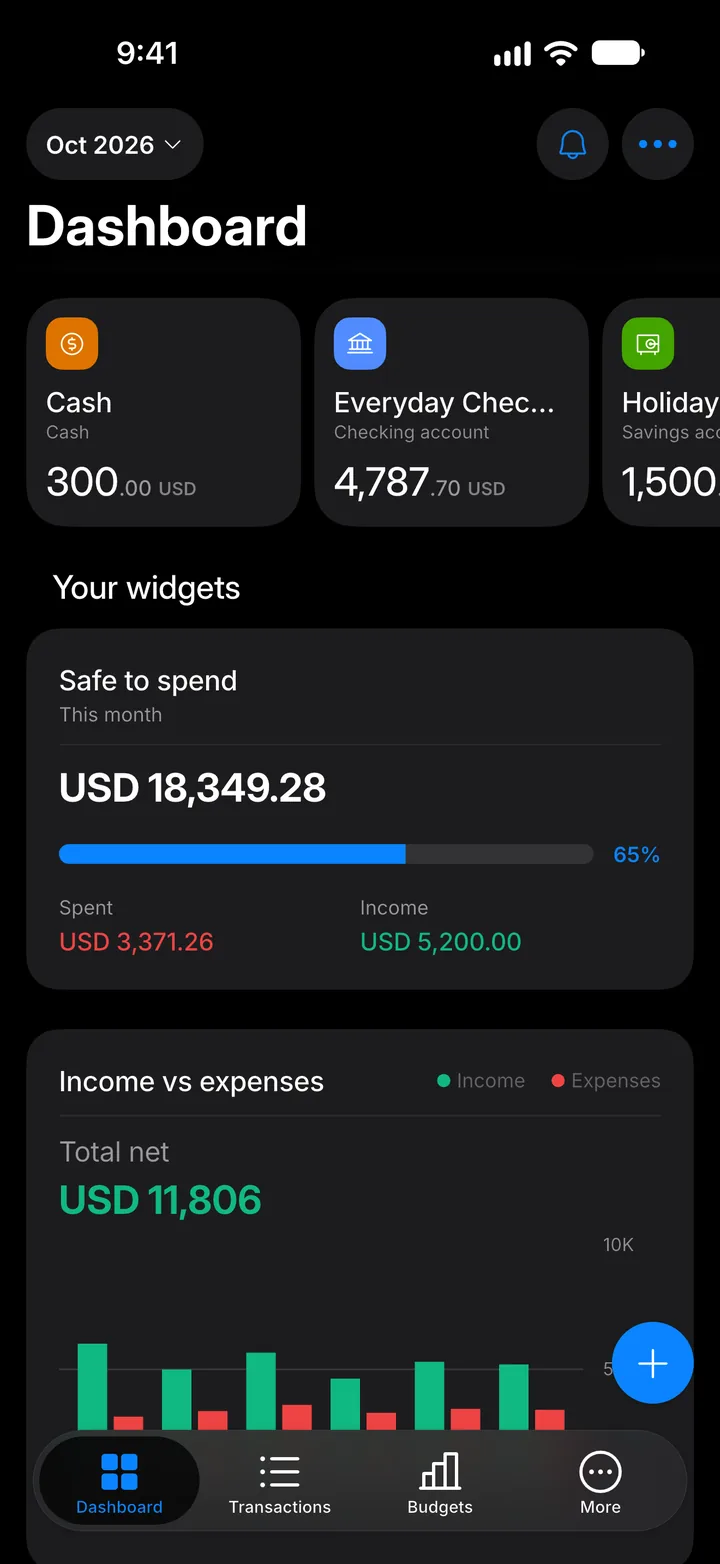
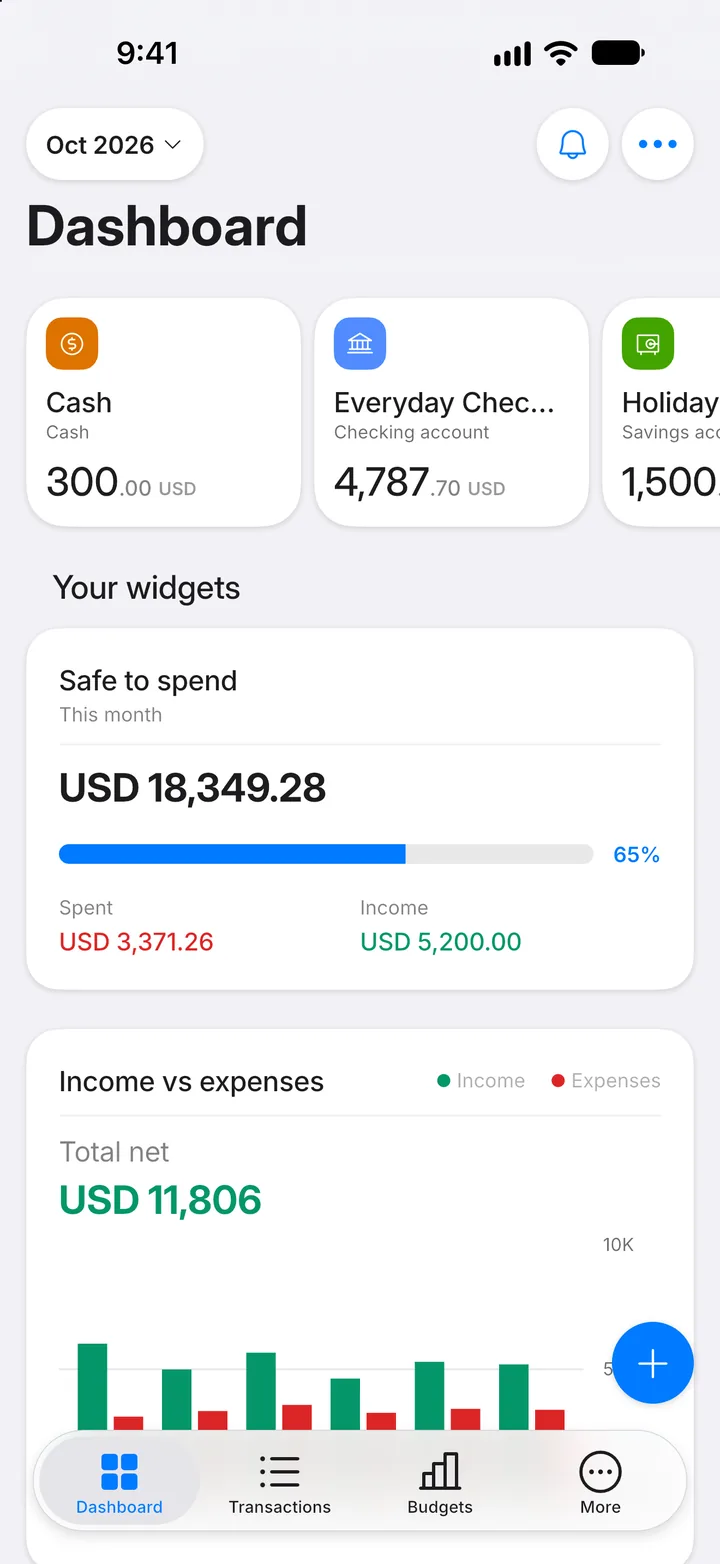
Step 1: Open More
Tap the More tab.
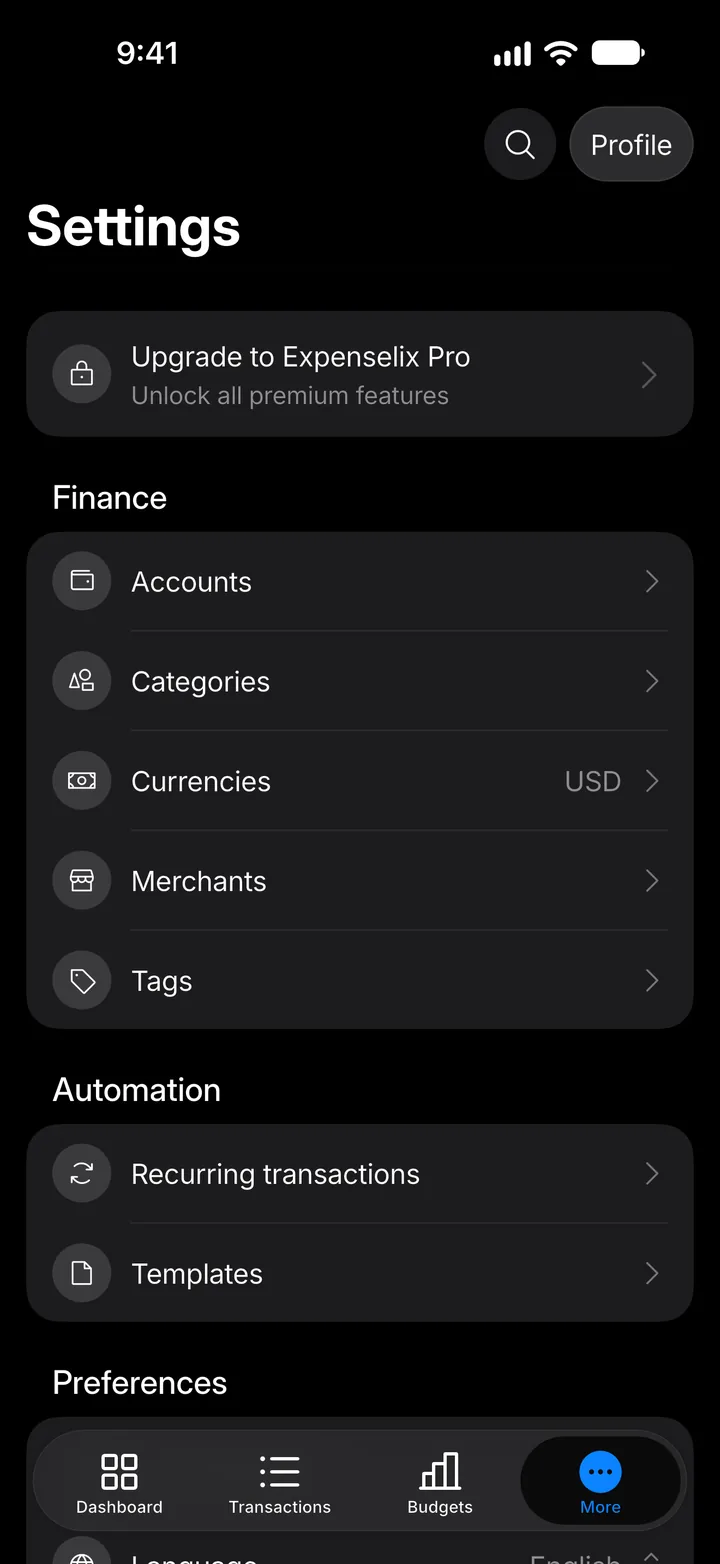
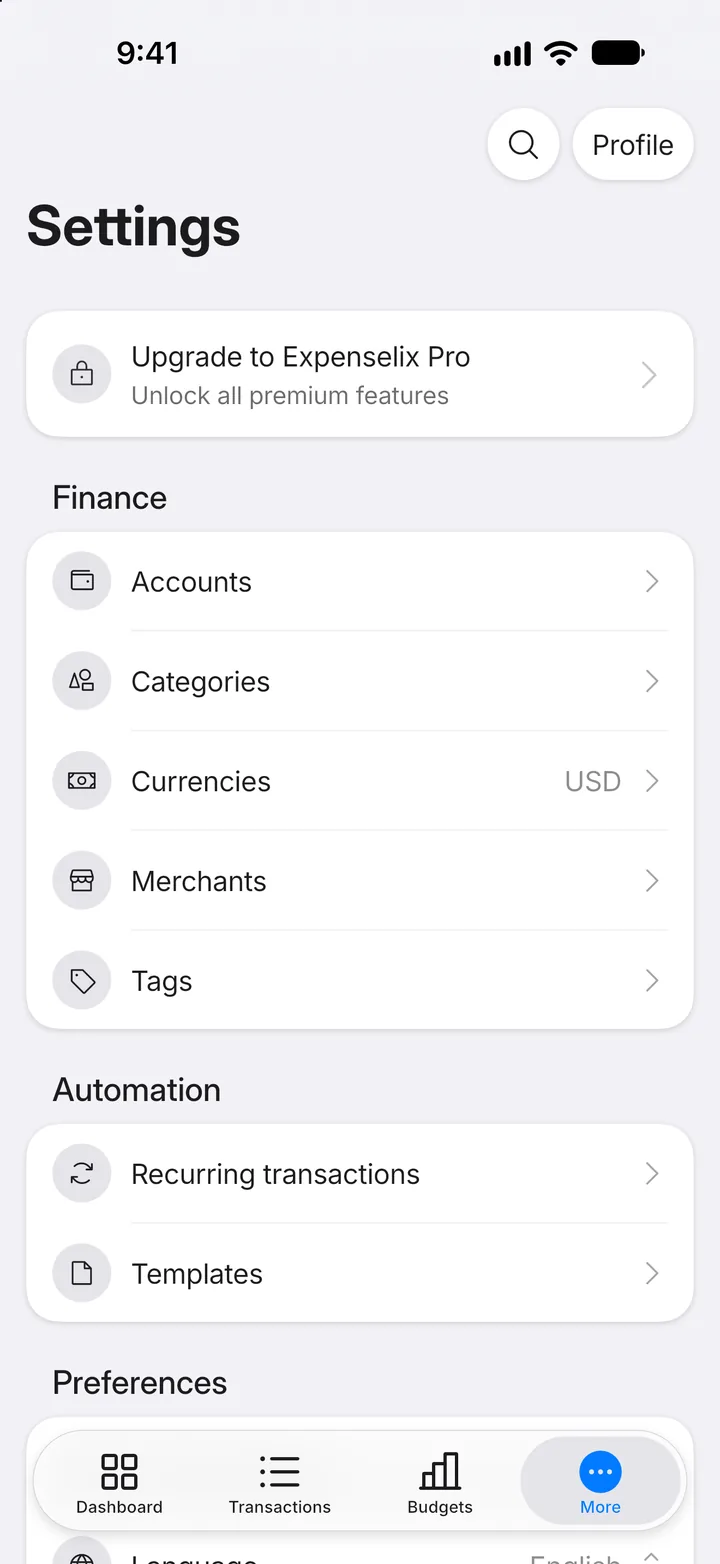
Step 2: Open Merchants
Tap Merchants.
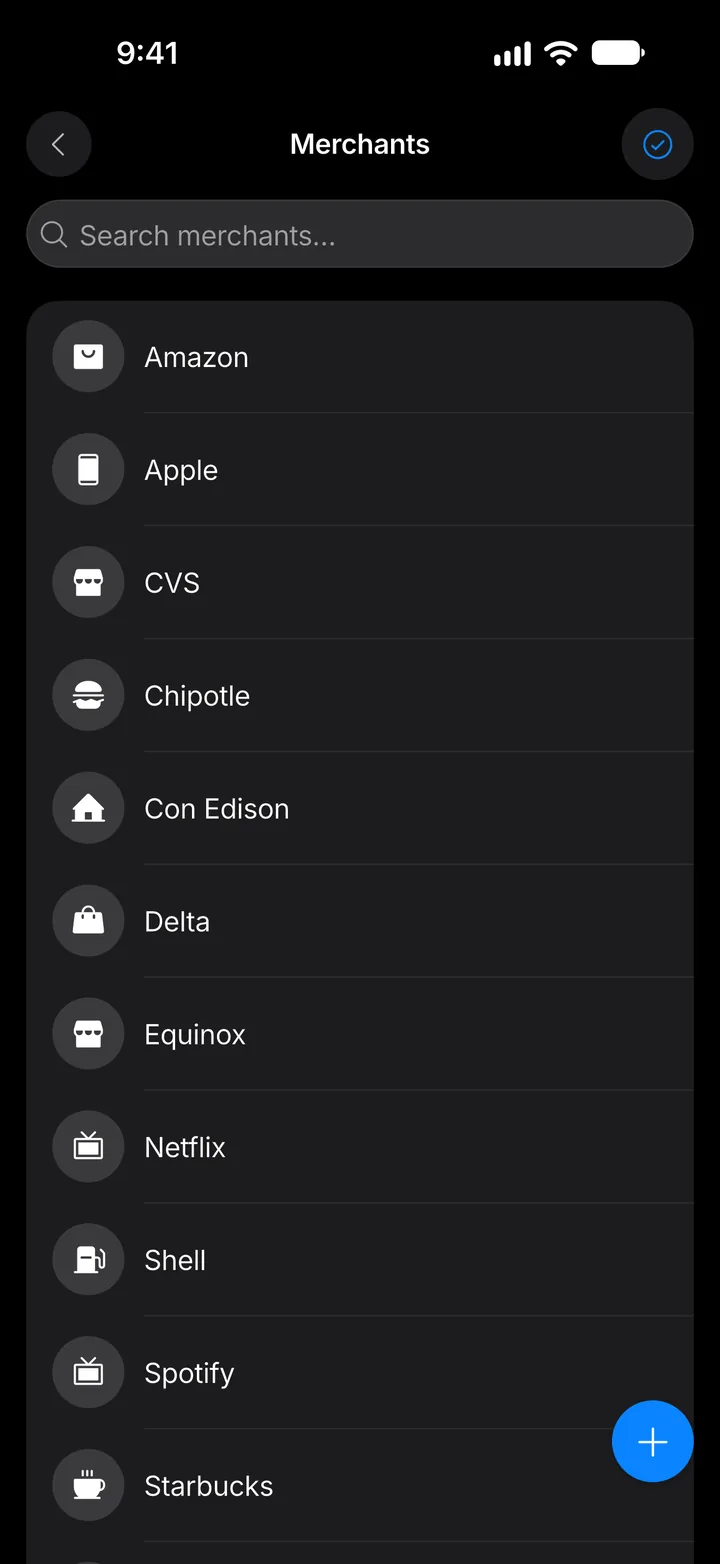
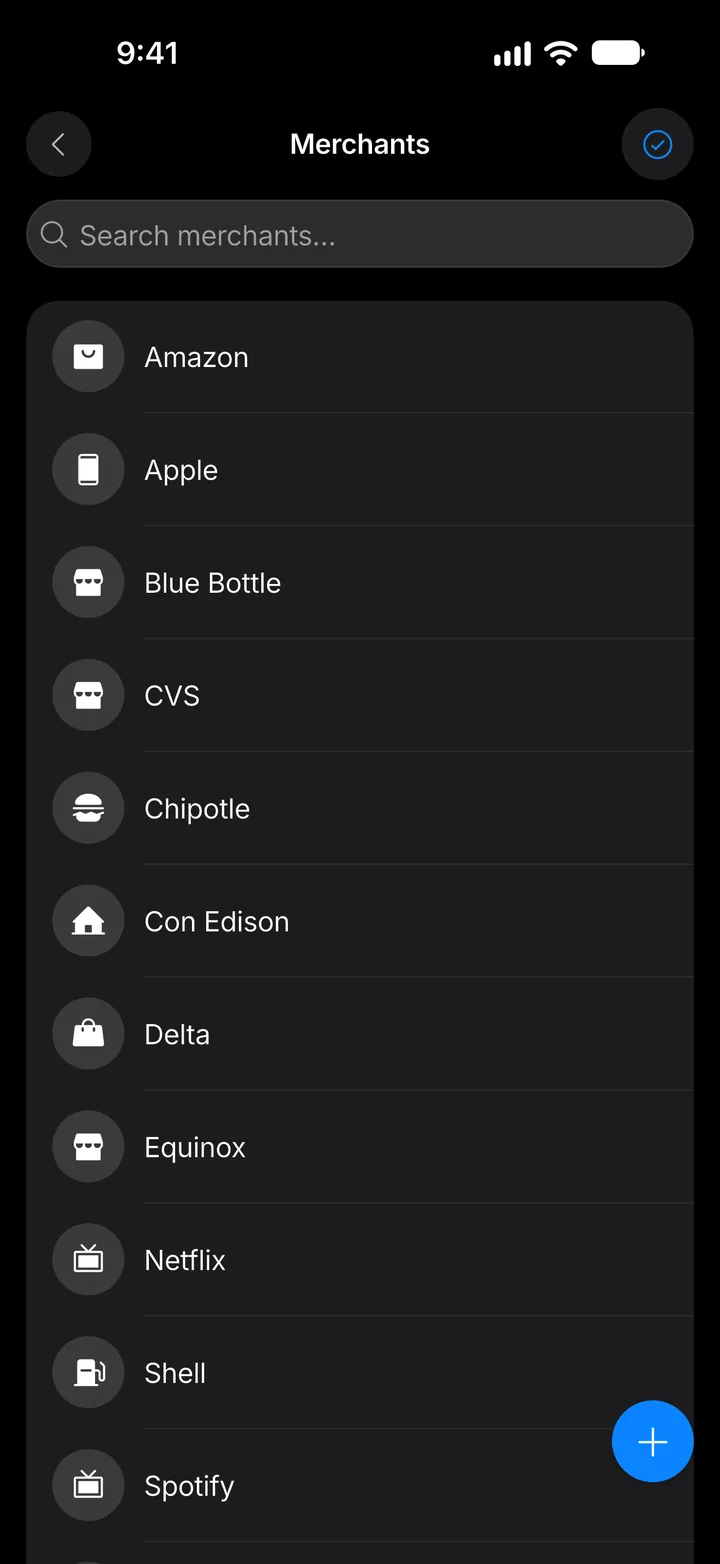
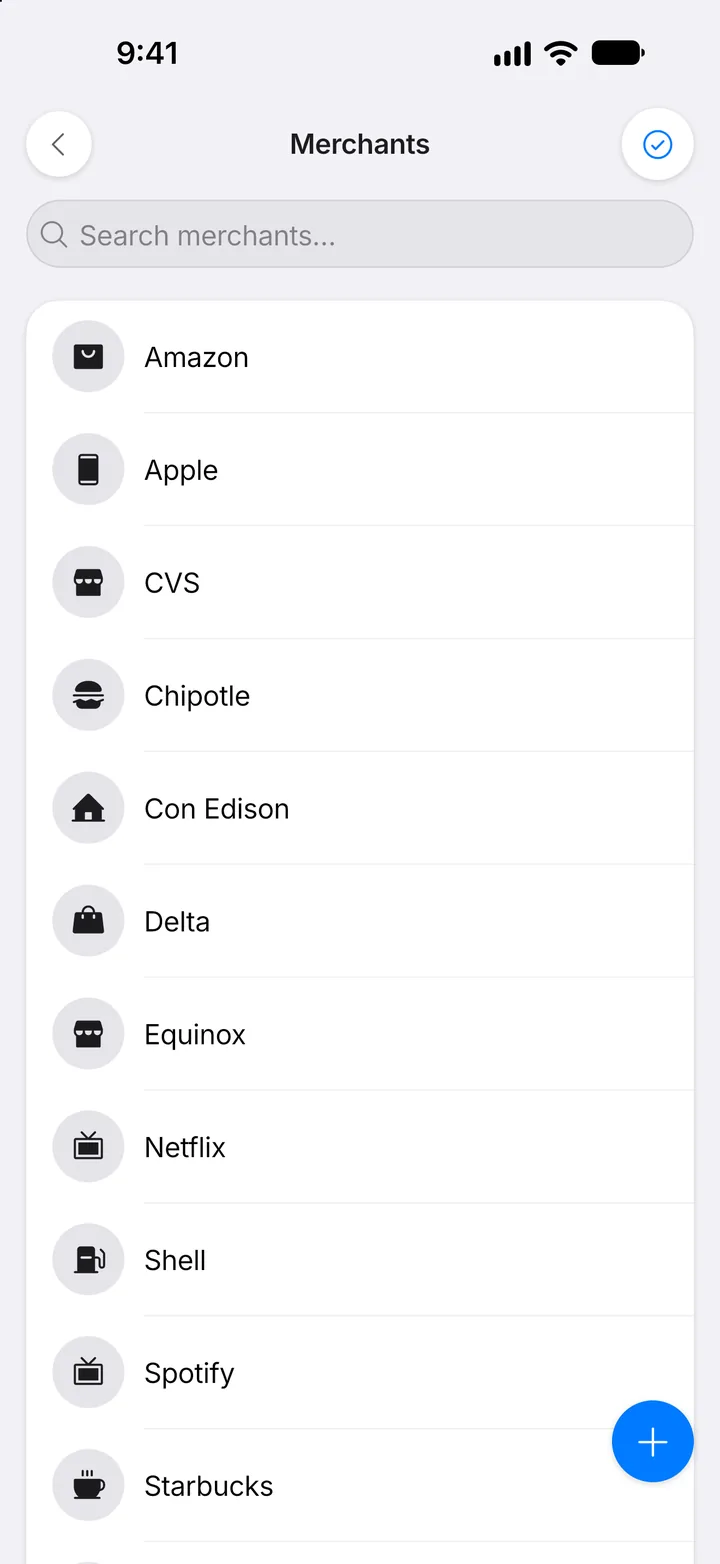
Step 3: Tap +
Tap the + button.
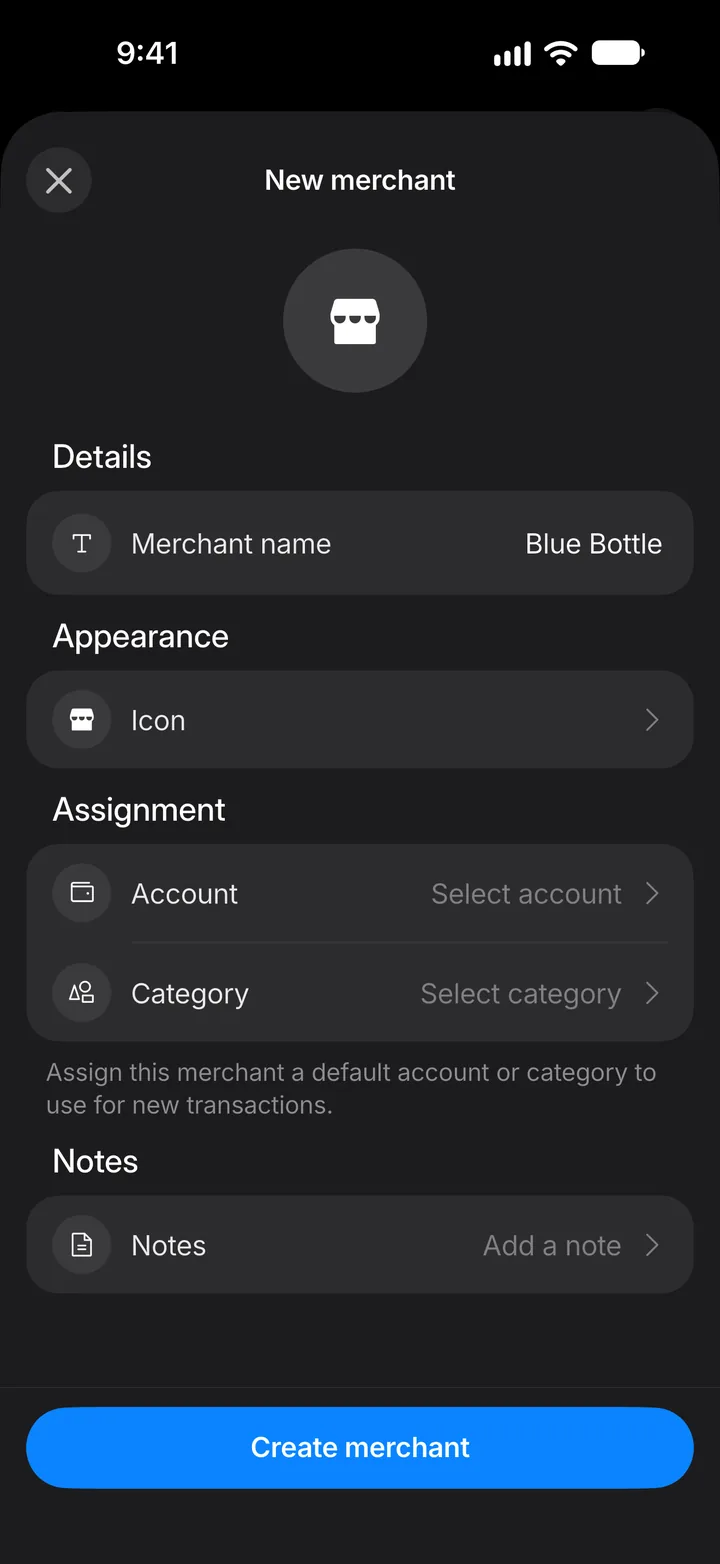
Step 4: Name it
Tap Merchant name and type the name.
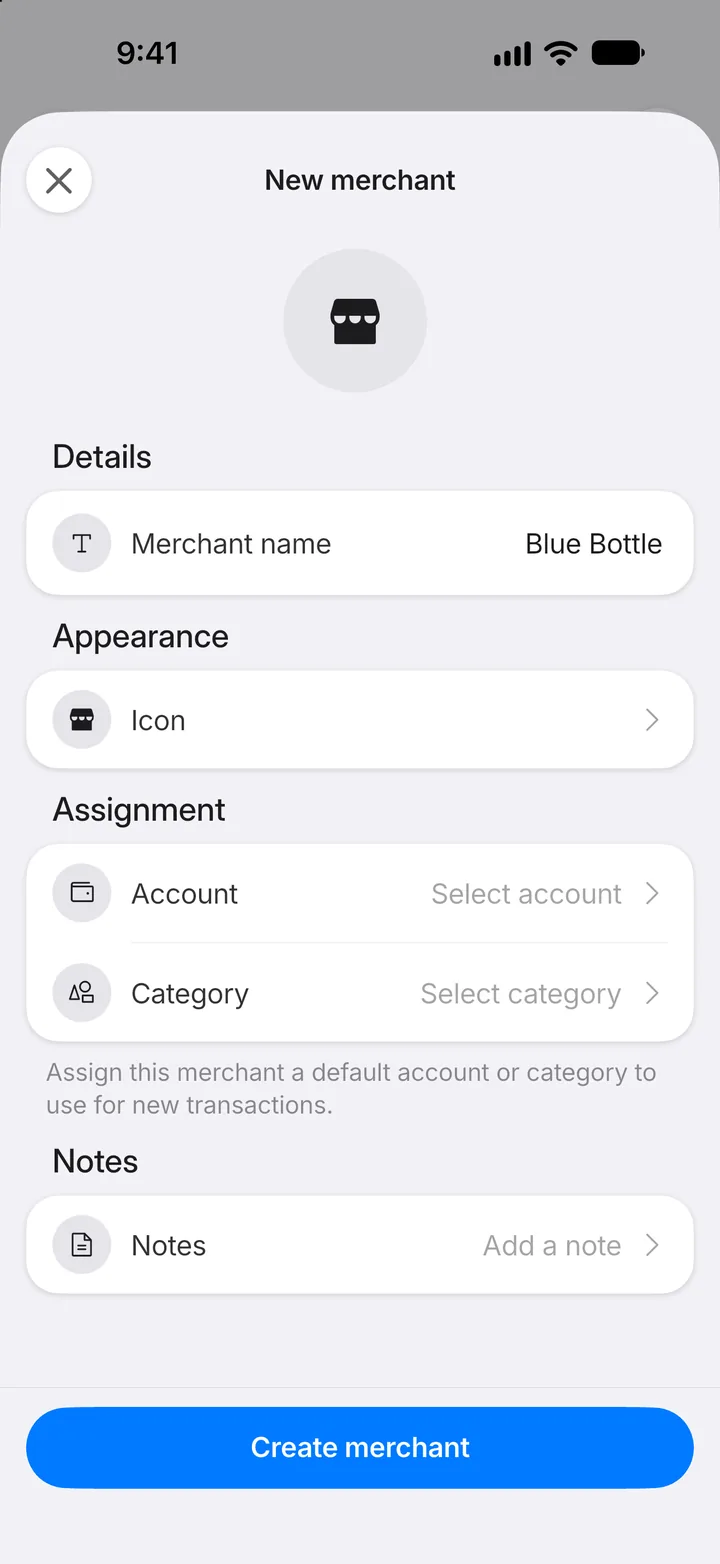
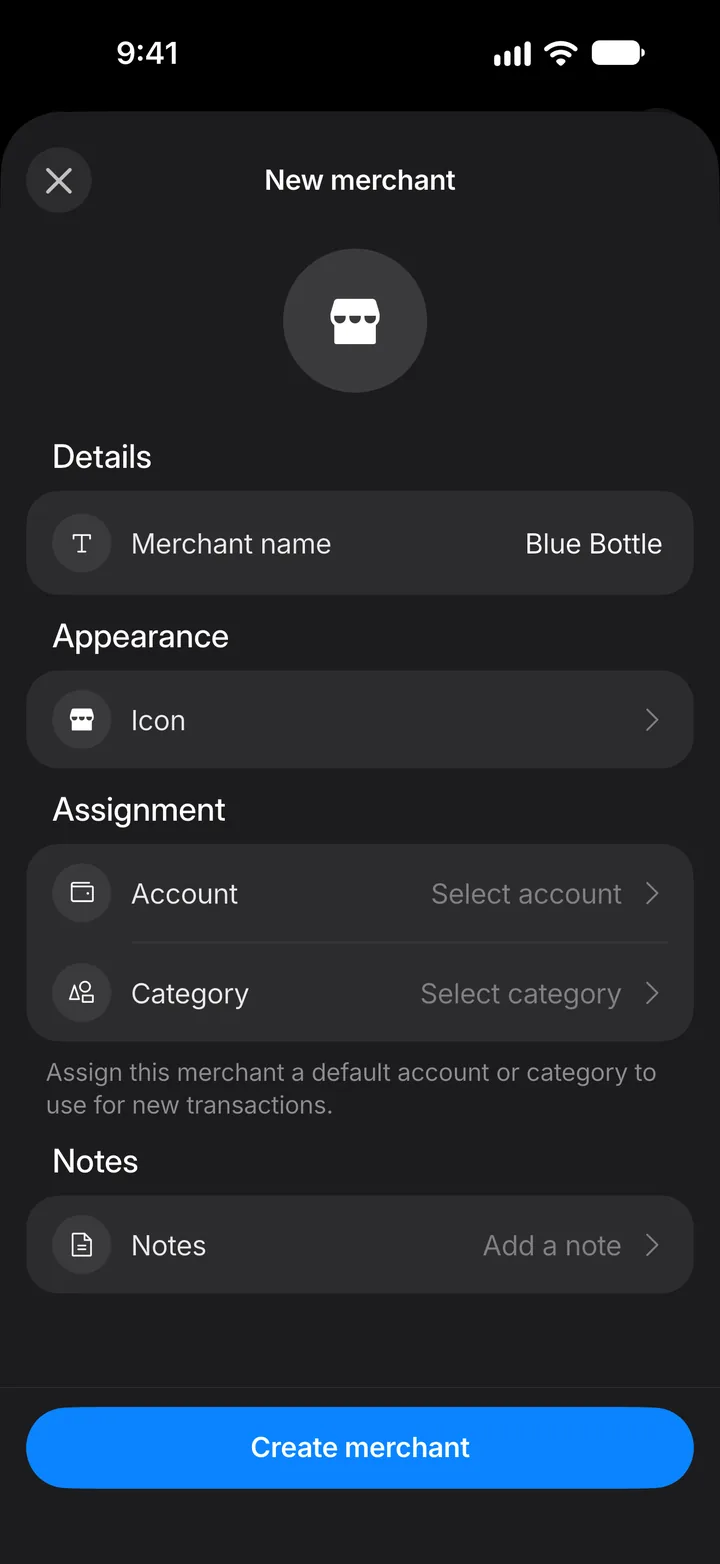
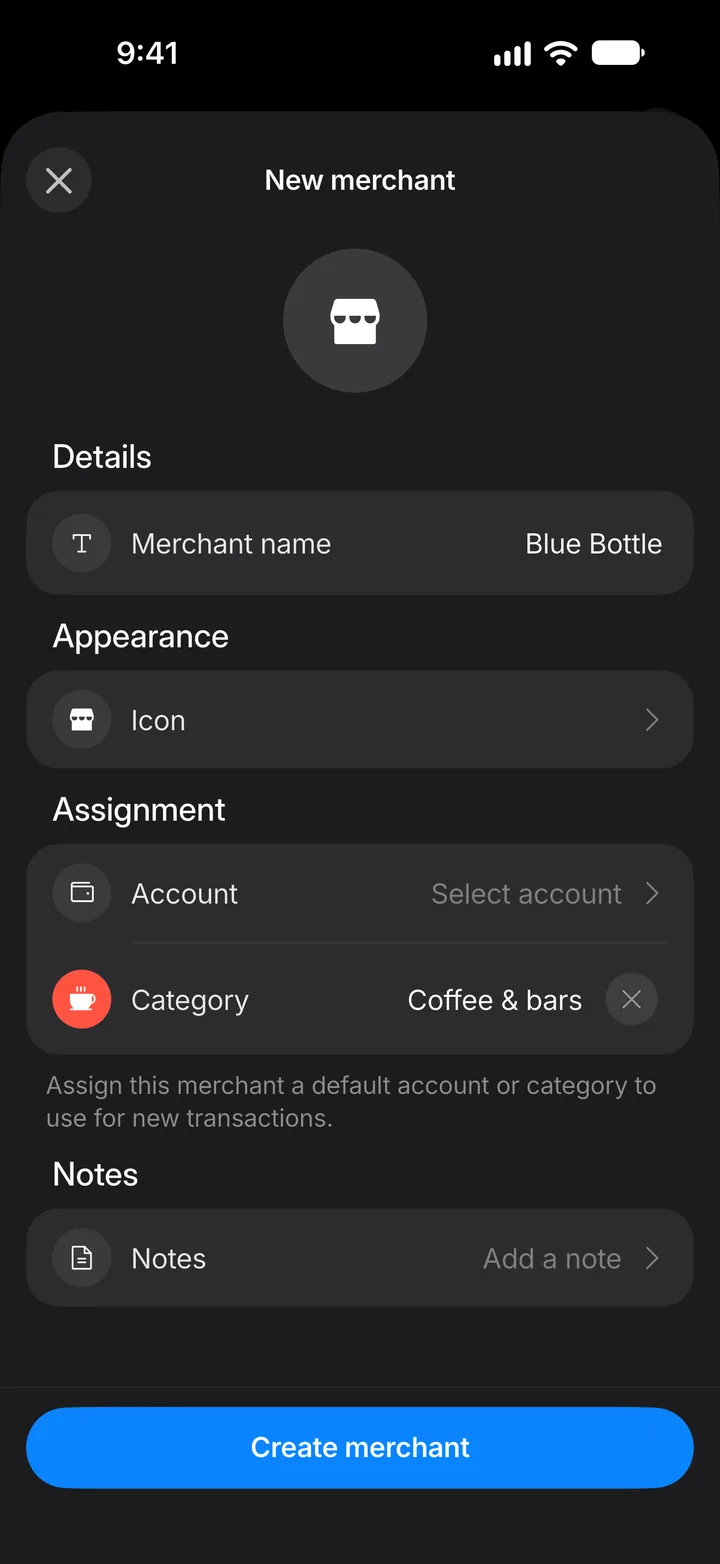
Step 5: Set a default category
Under Assignment, tap Category and choose one. You can set a default account the same way.
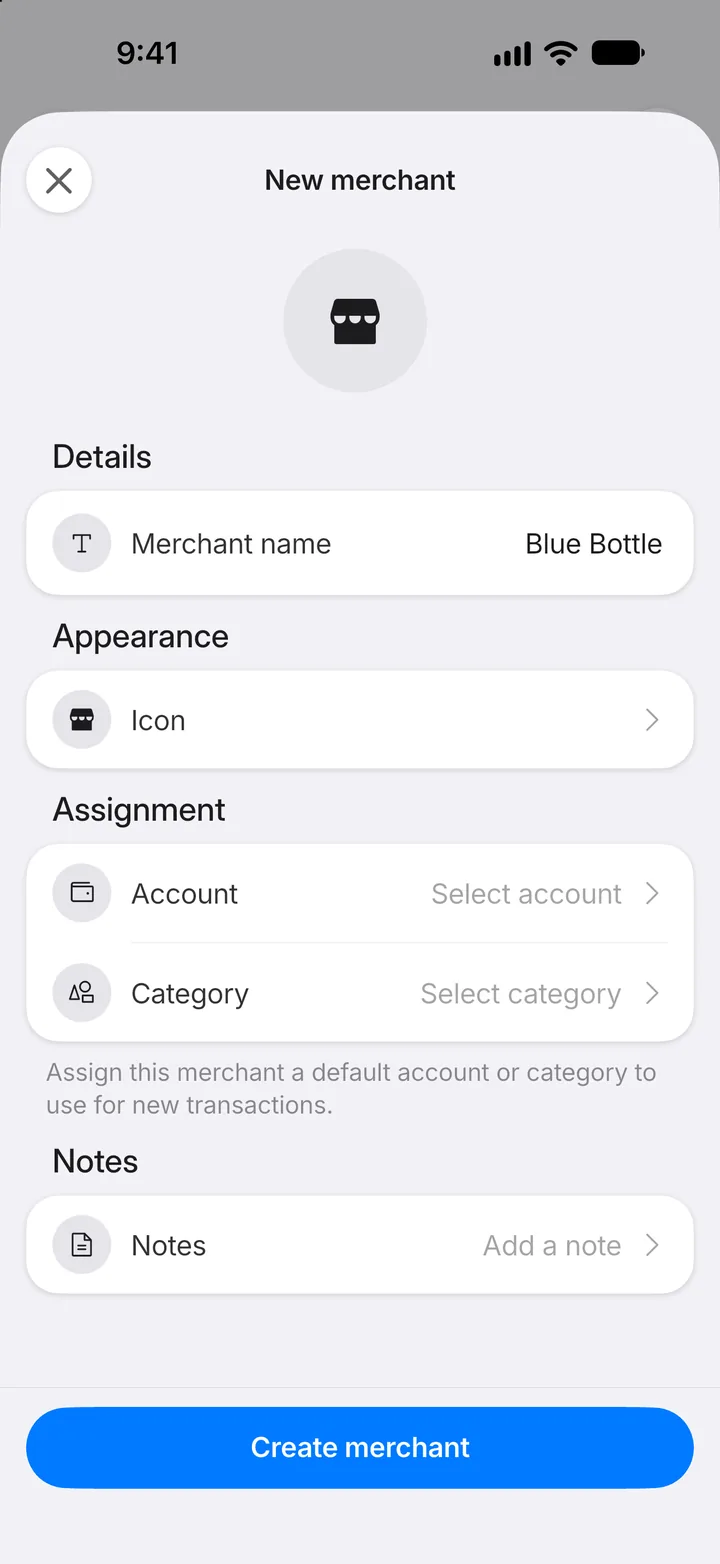
Step 6: Create the merchant
Tap Create merchant.
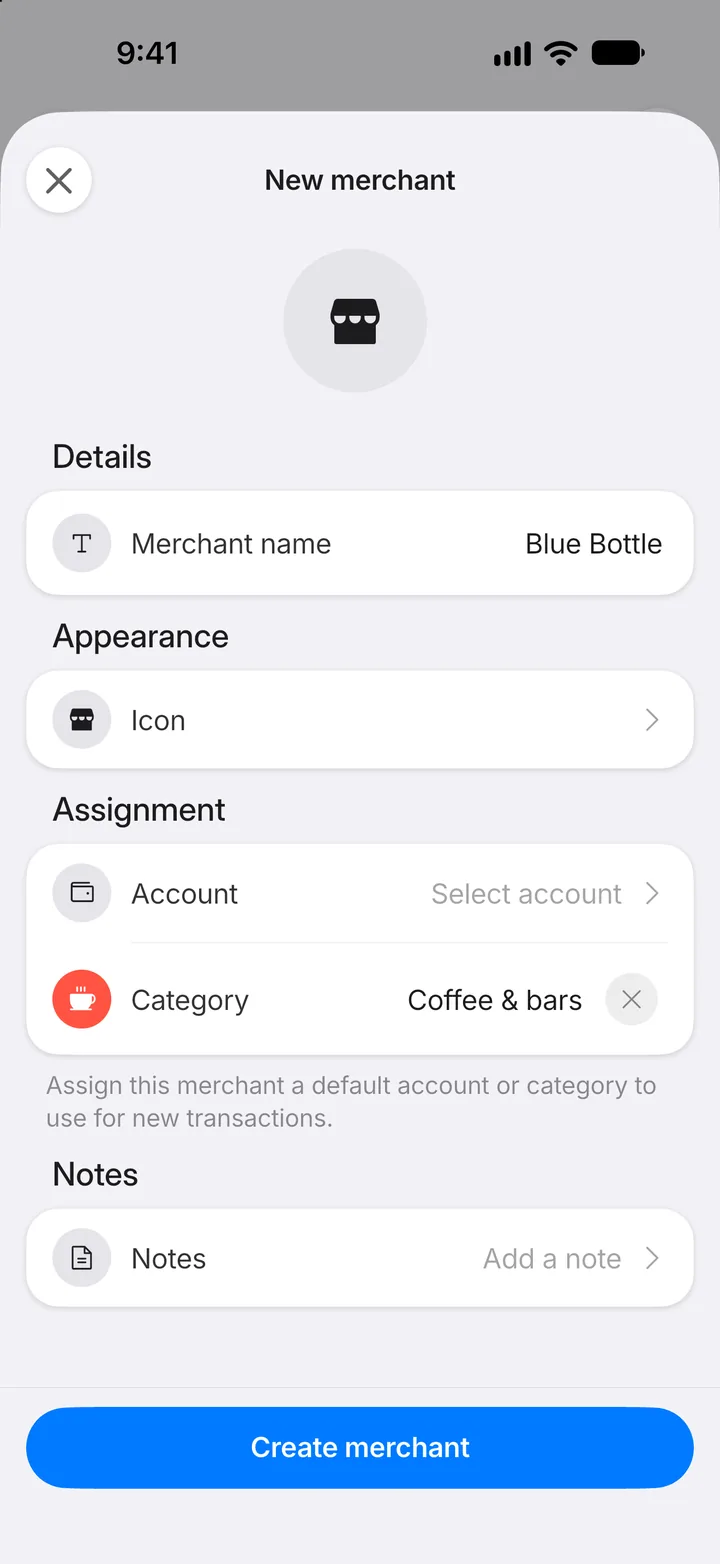
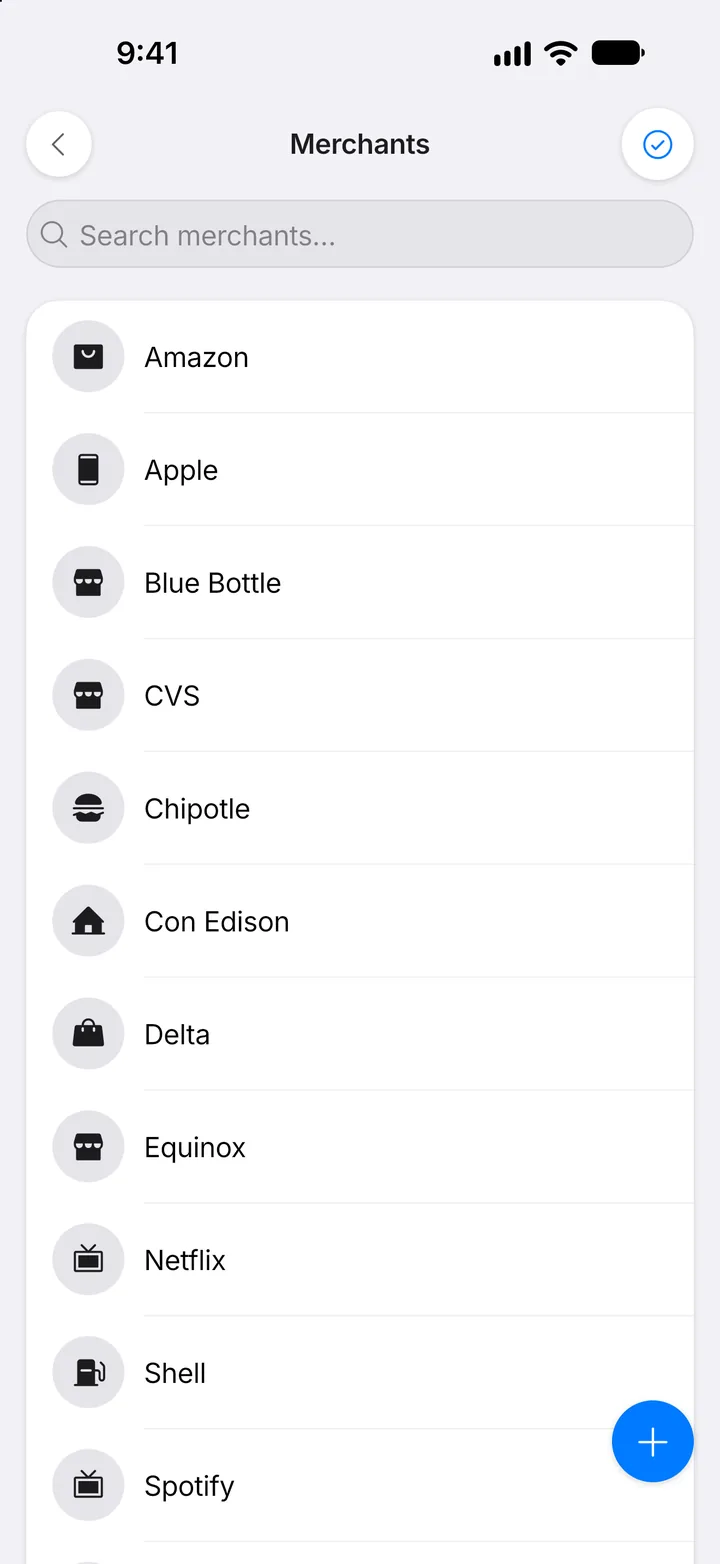
Step 7: It's on the list
From now on, choosing this merchant on a transaction fills in its category for you.