Get reminded before a payment is due
Turn on a notification for a recurring payment, on the day or a few days before.
7 steps
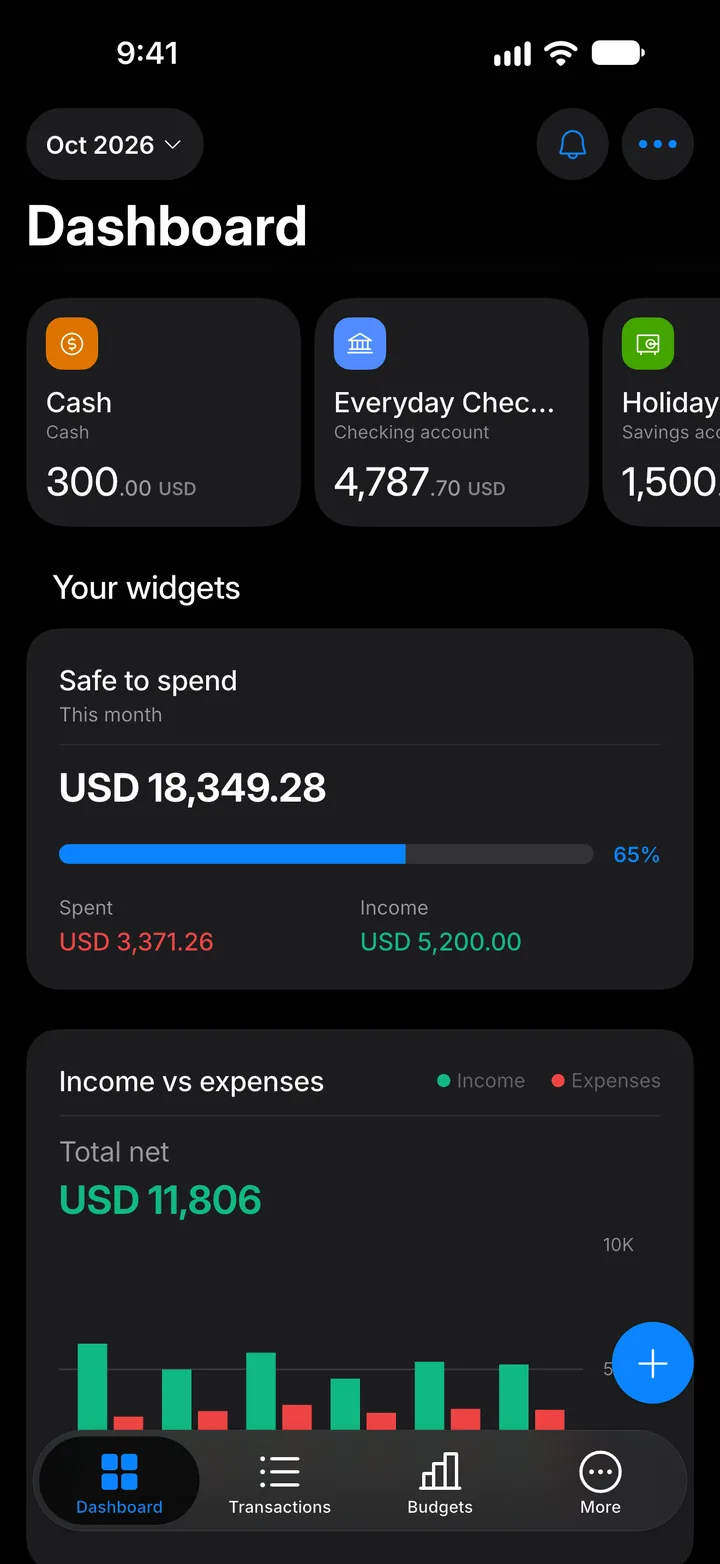
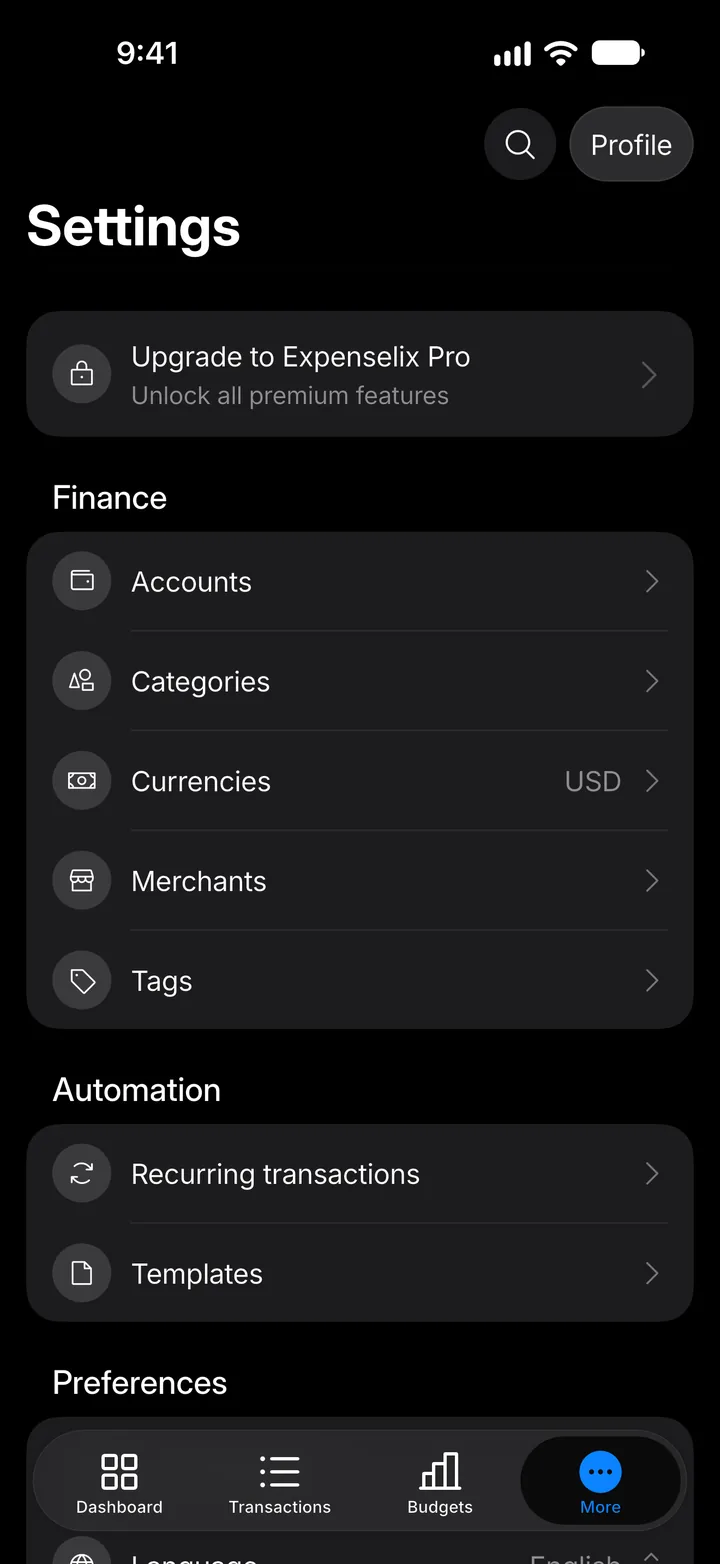
Step 1: Open More
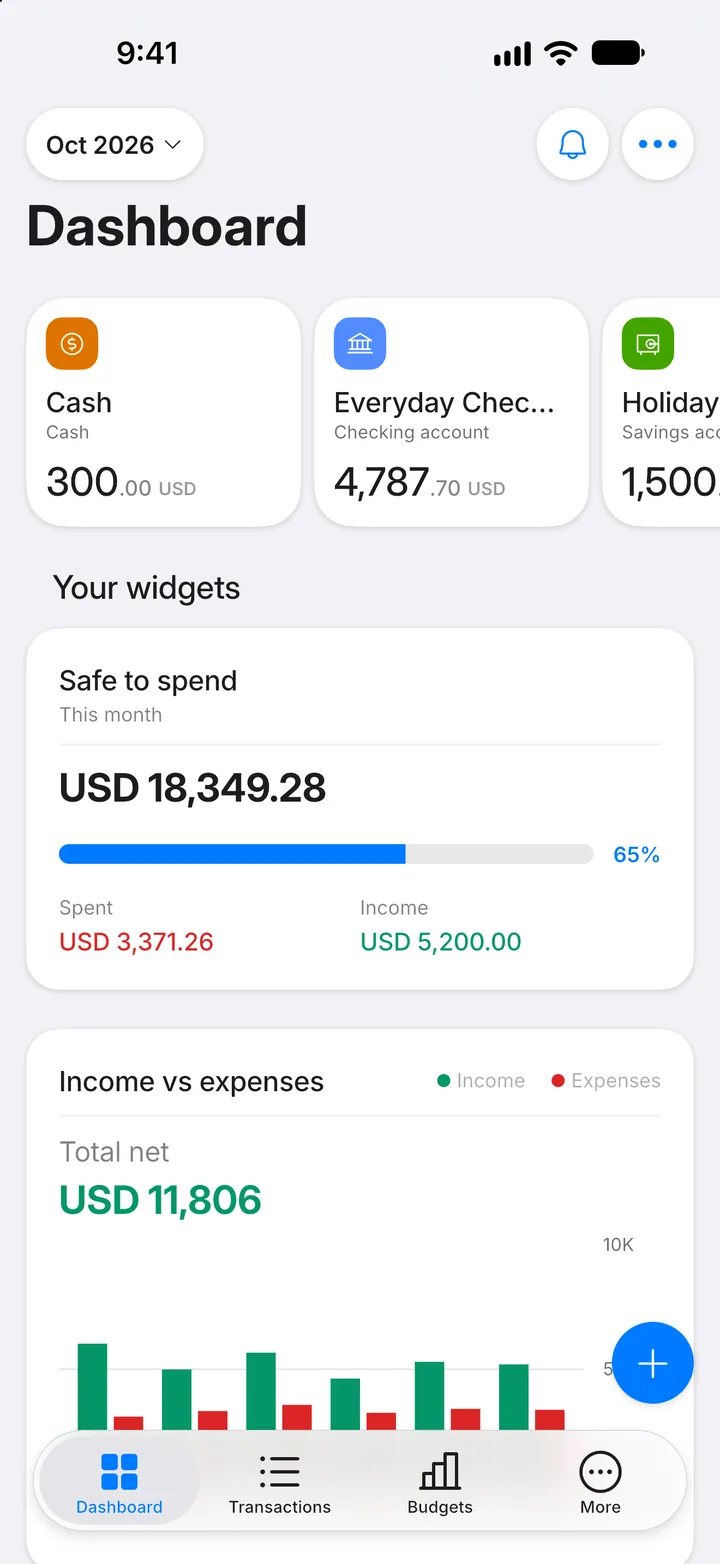
Tap the More tab.
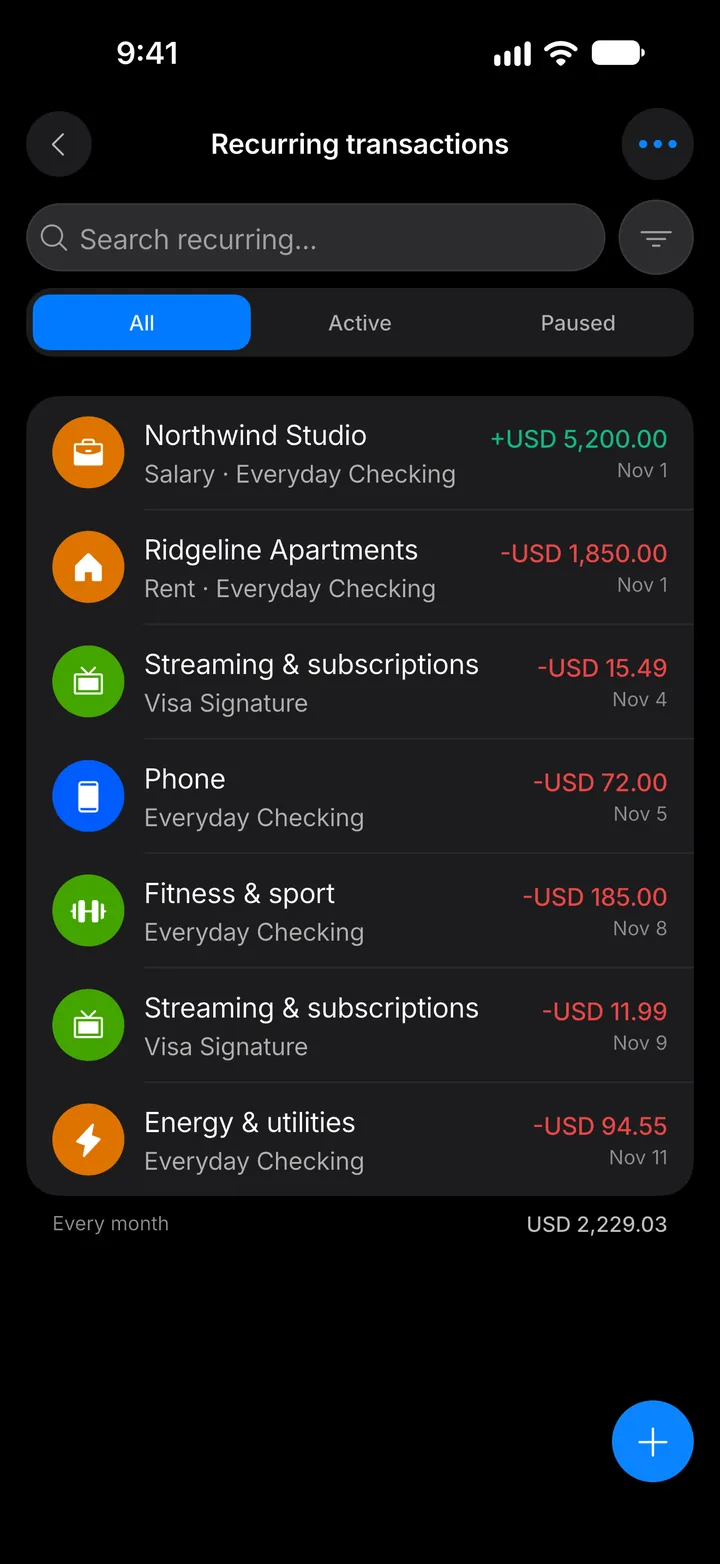
Step 2: Open Recurring transactions
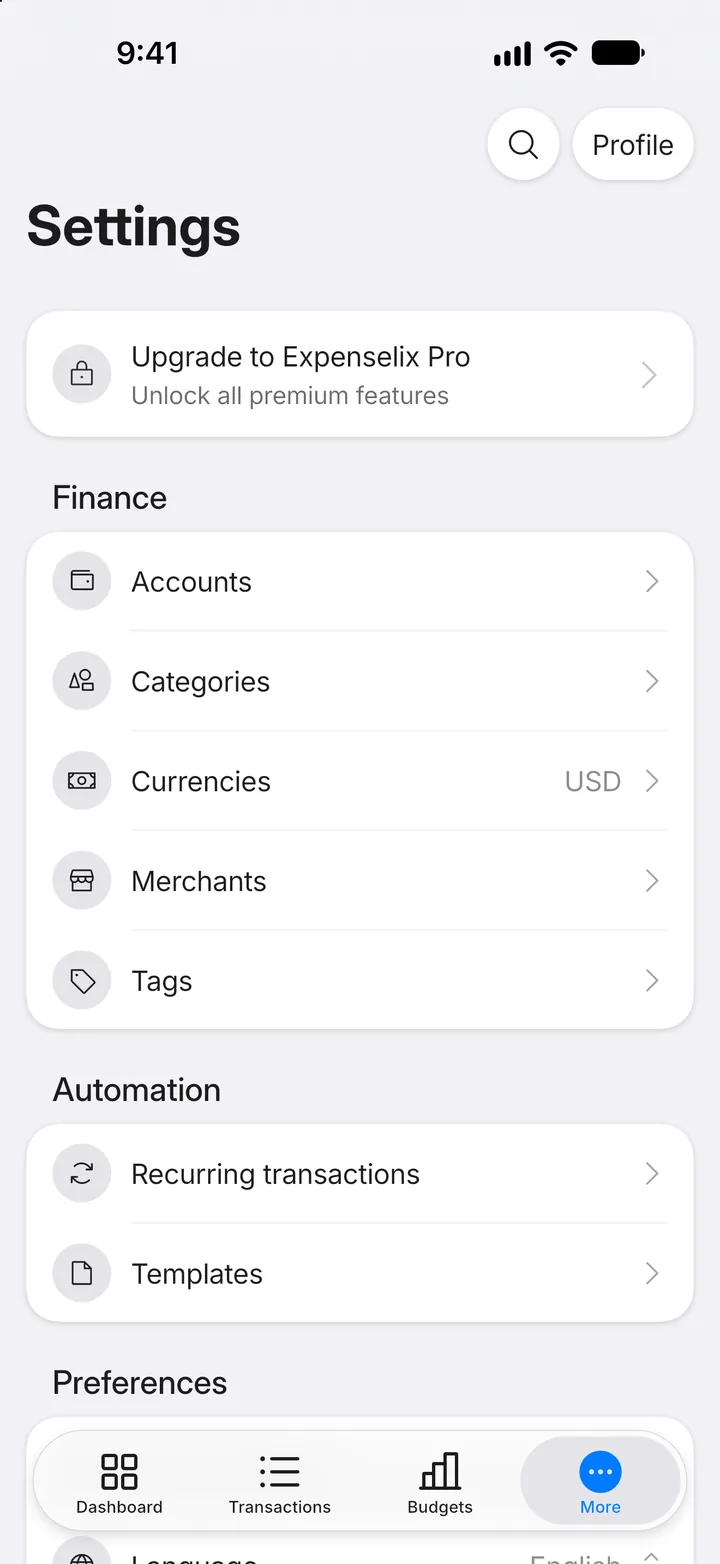
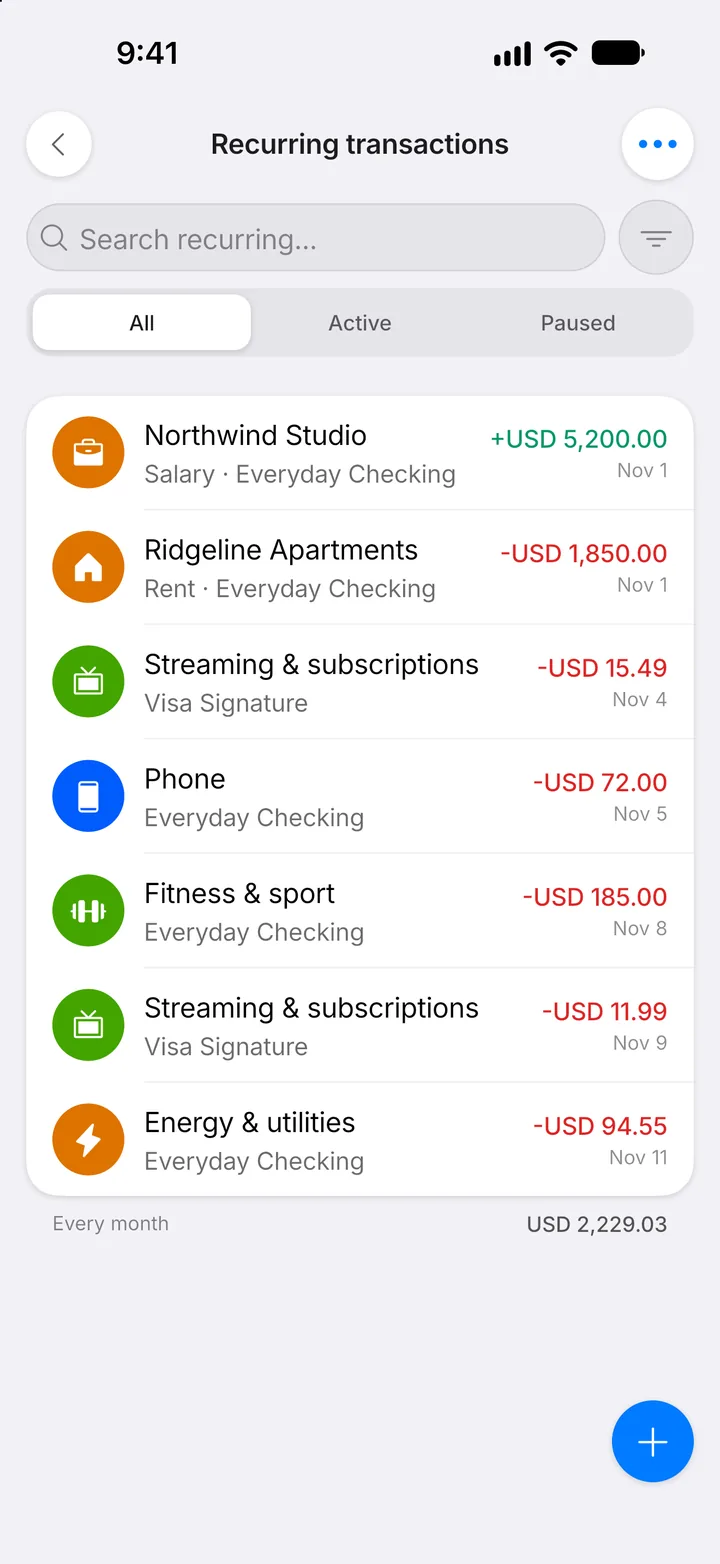
Tap Recurring transactions.
Step 3: Open the payment
Tap the recurring payment you want a reminder for.
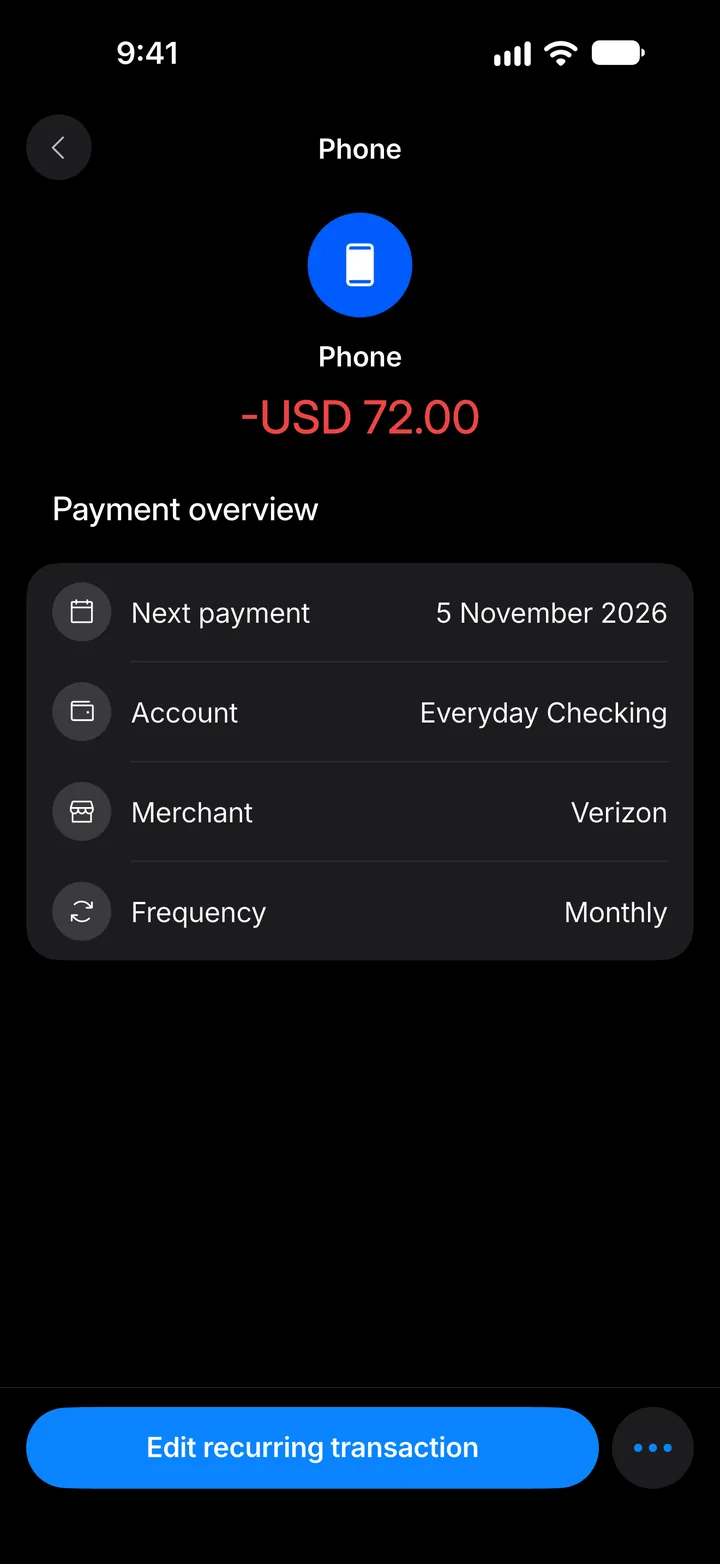
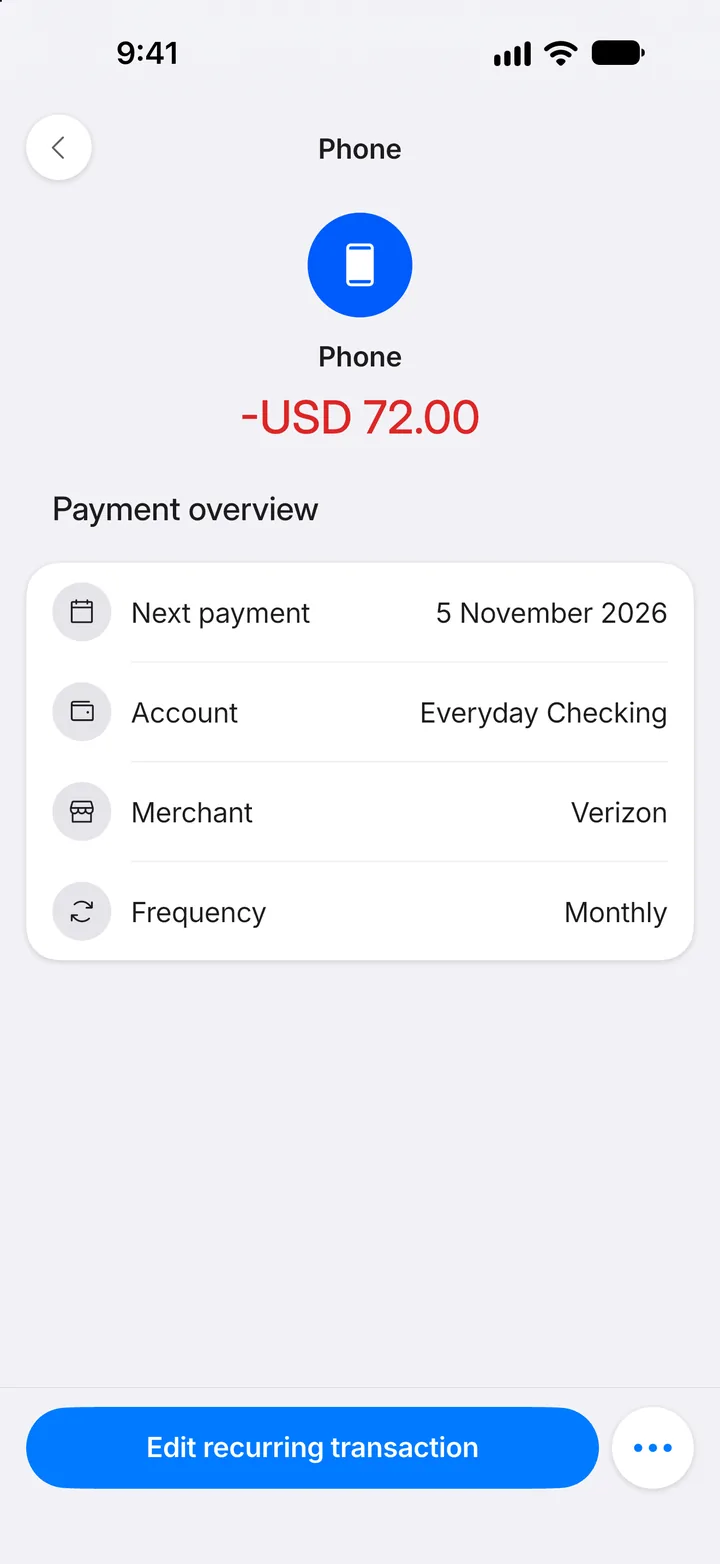
Step 4: Edit it
Tap Edit recurring transaction.
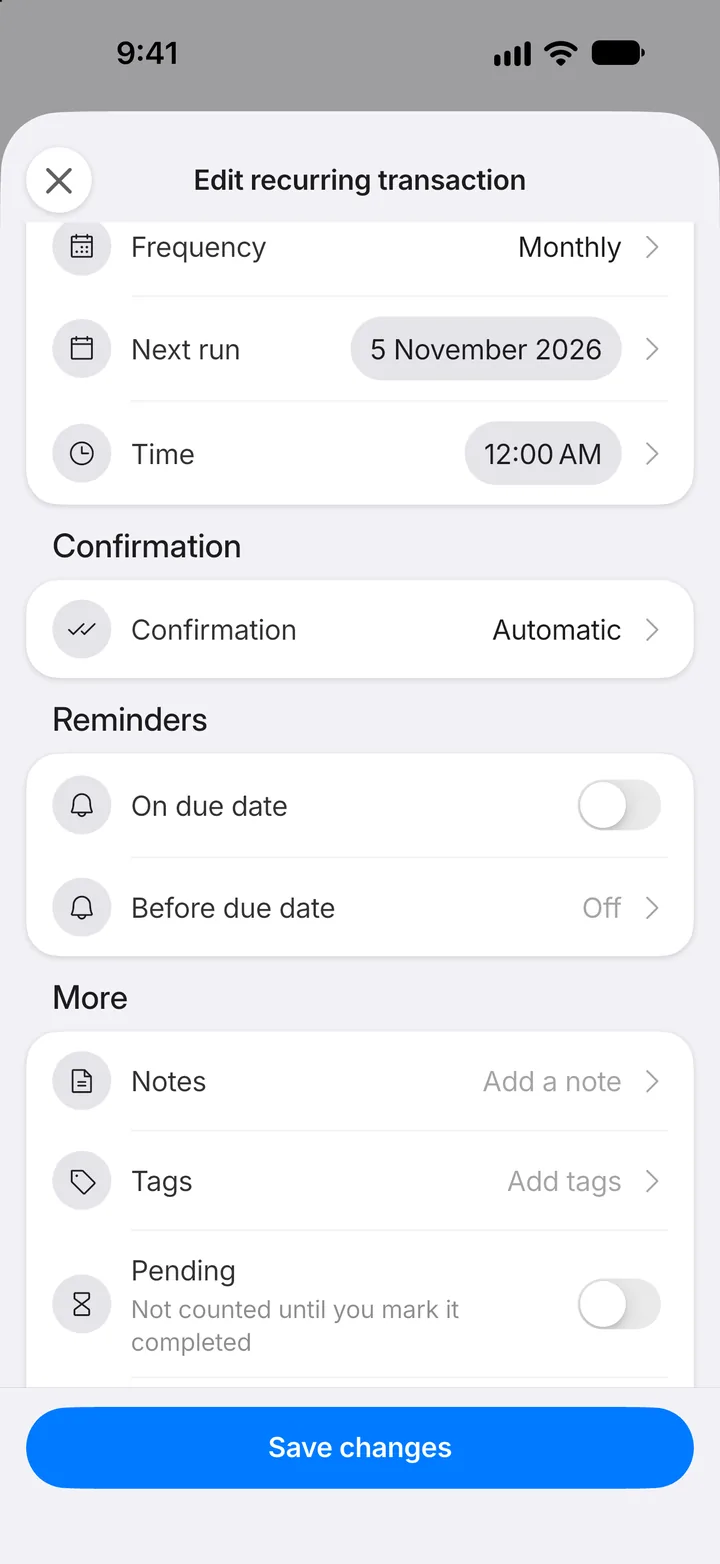
Step 5: Turn on reminders
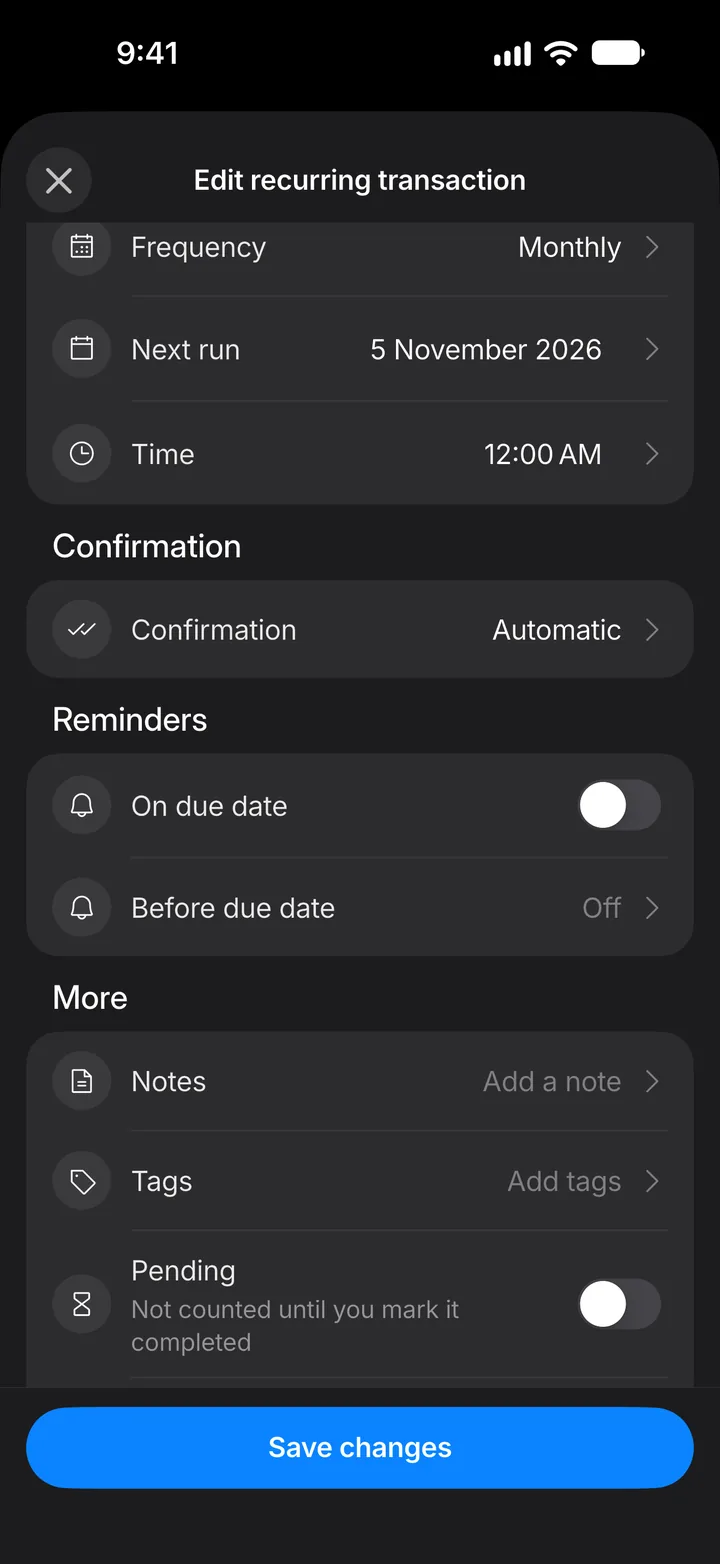
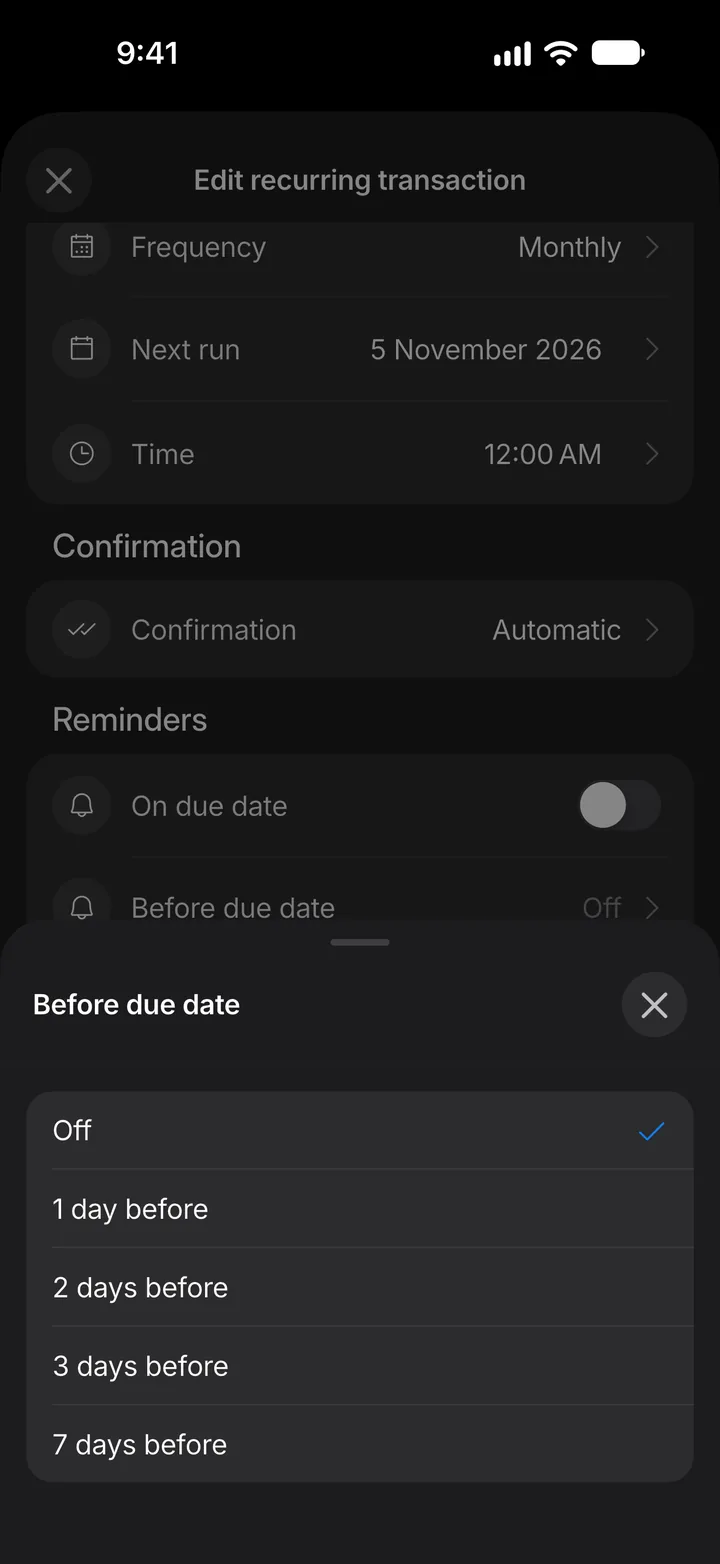
Under Reminders, switch on On due date, or tap Before due date to be reminded earlier.
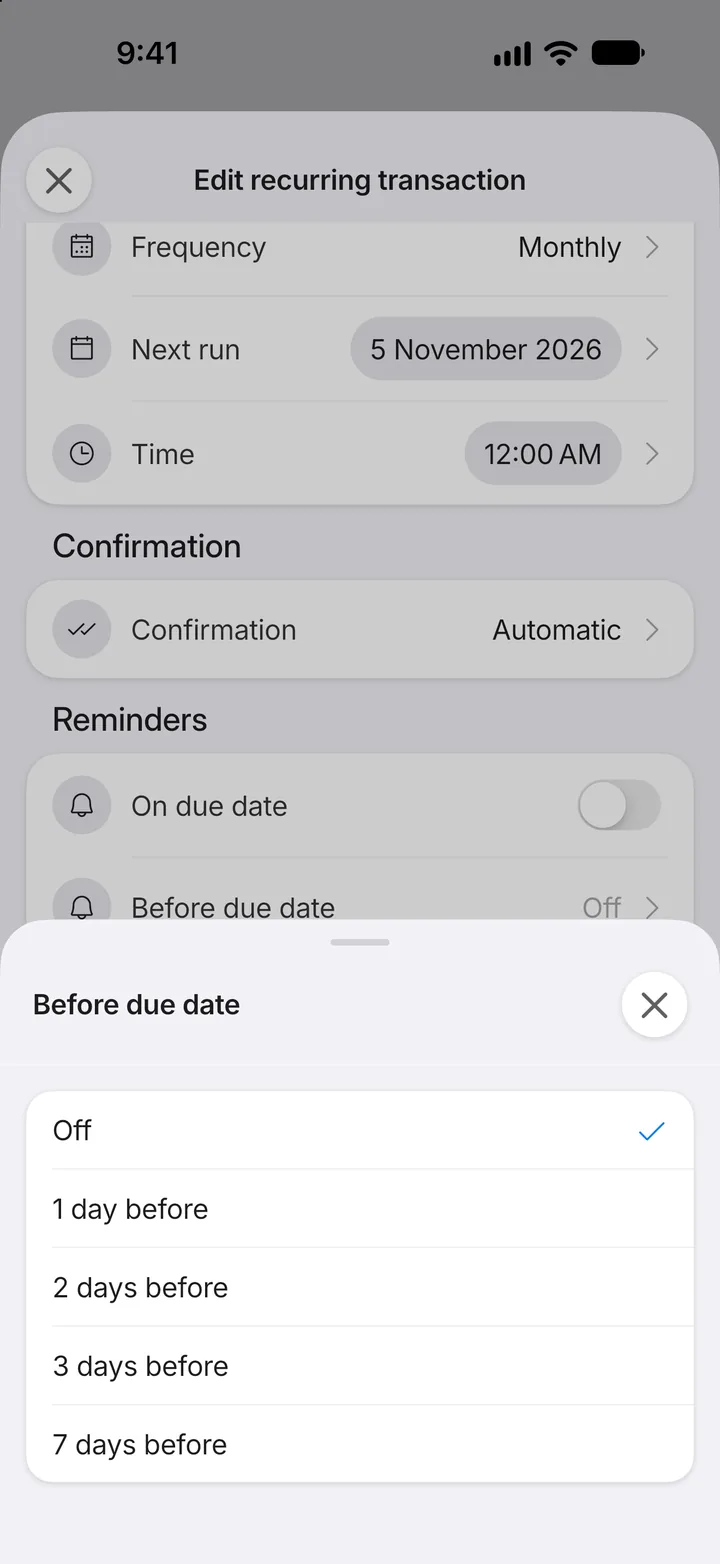
Step 6: Choose how early
Pick how many days before the due date you'd like the reminder.
Step 7: Save
Tap Save changes. The first time, your phone asks to allow notifications; allow them so reminders can reach you.