Track a budget
See how much is left in a budget and which transactions count towards it.
4 steps
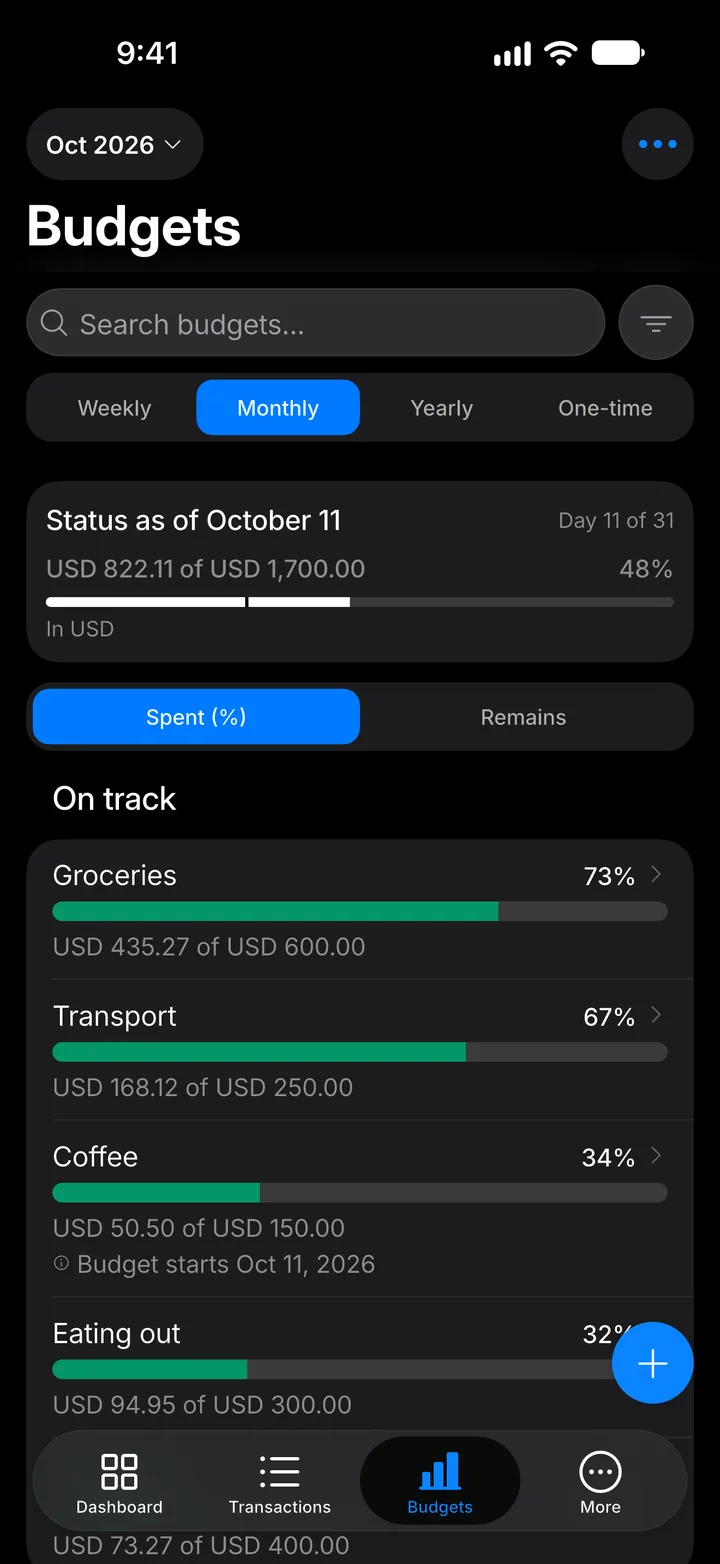
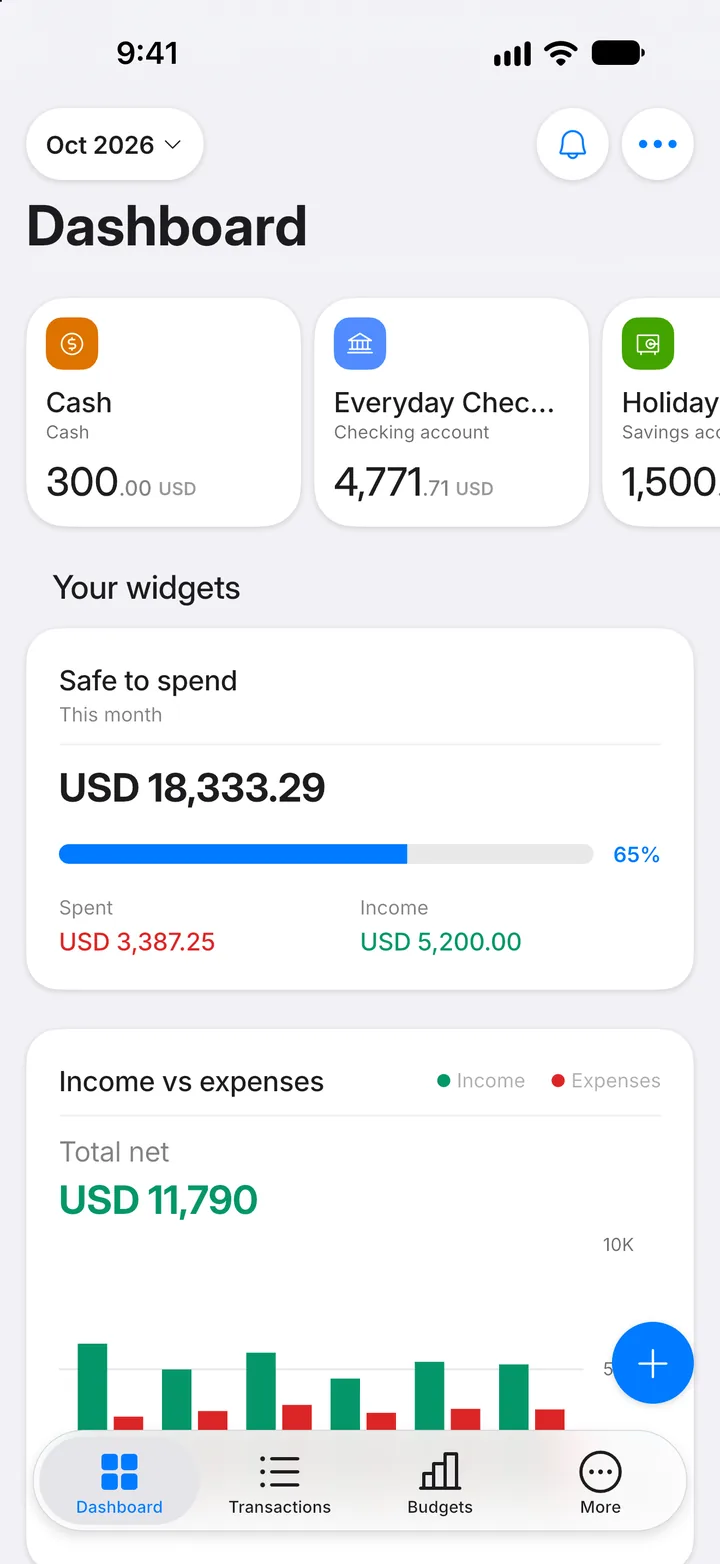
Step 1: Open Budgets
Tap the Budgets tab. Each budget shows how much you've spent of its limit.
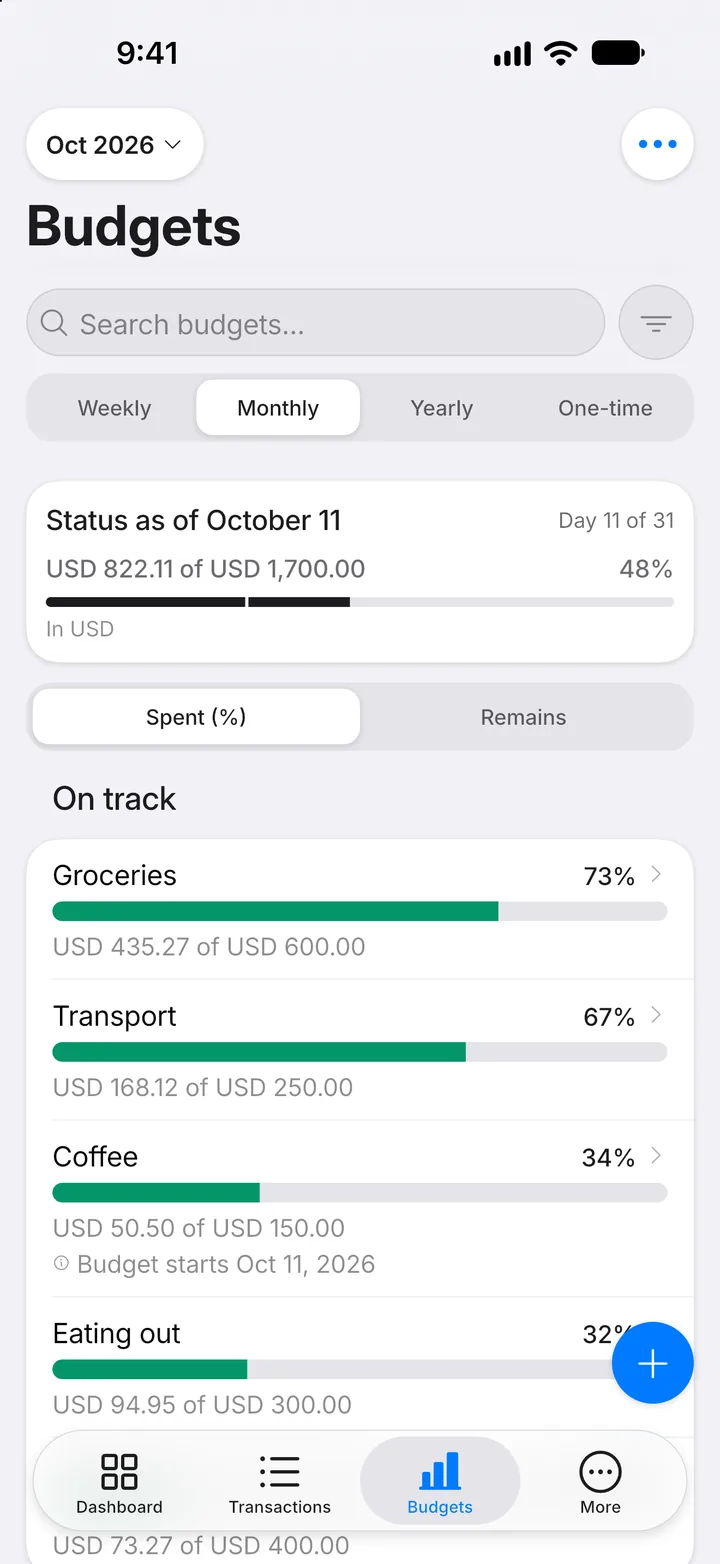
Step 2: Open a budget
Tap the budget you want to look at.
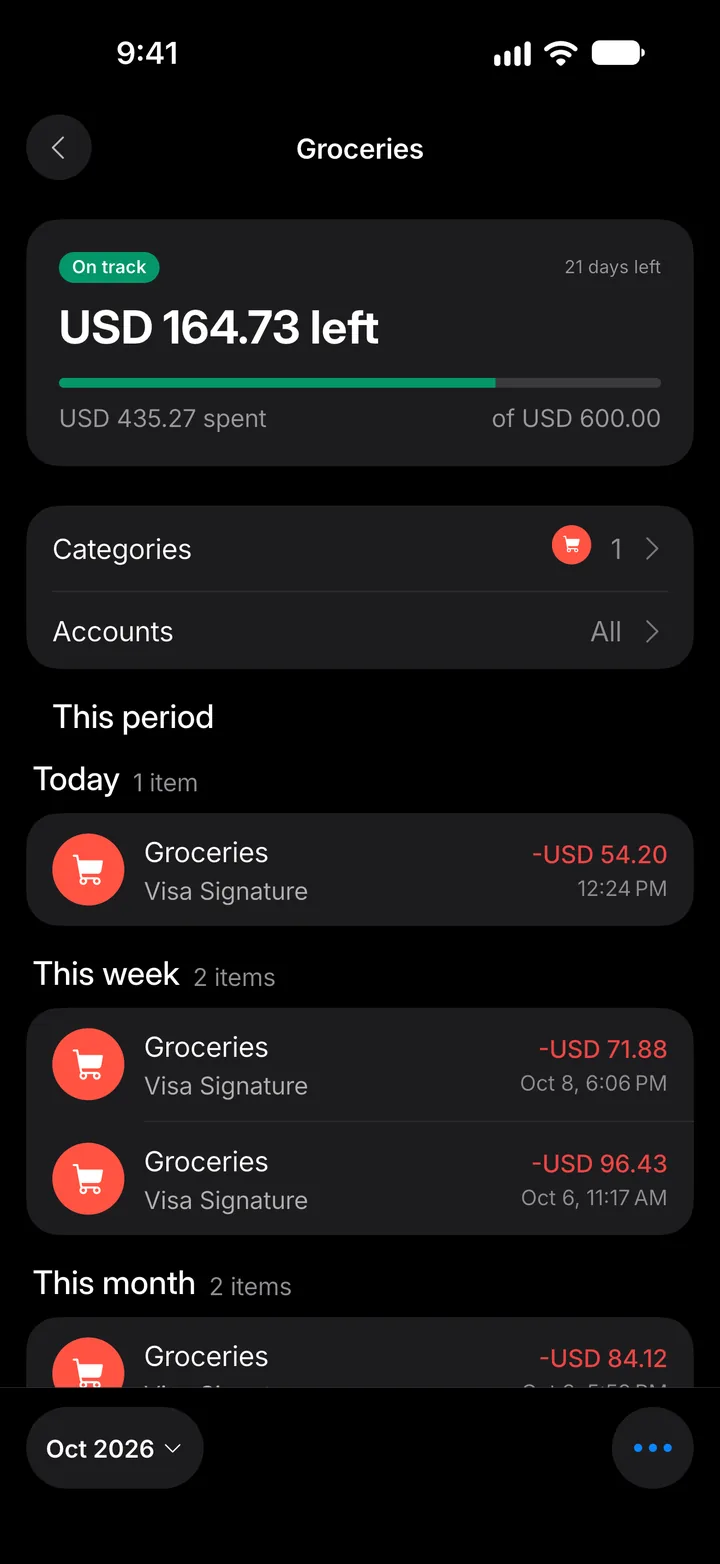
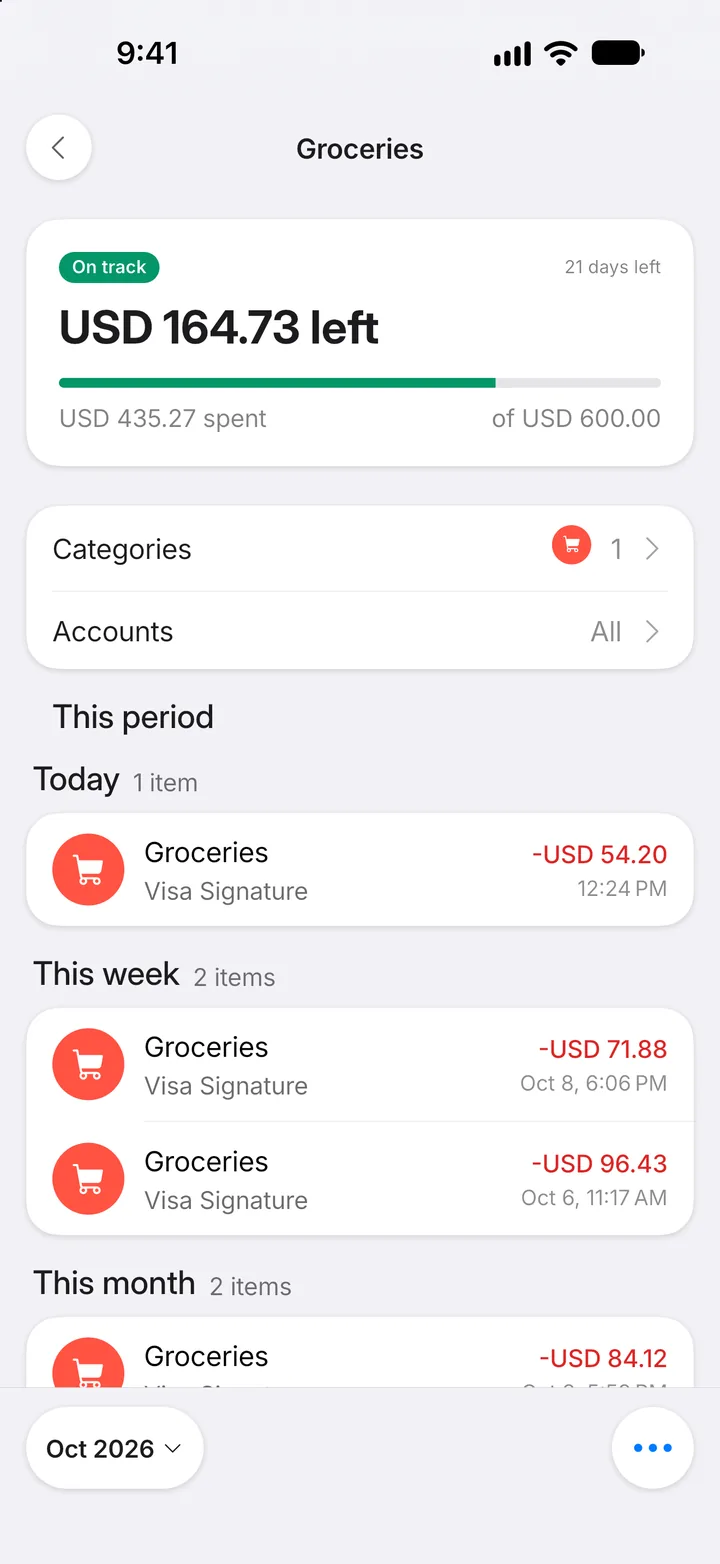
Step 3: Read the details
The top shows what's left and how many days remain. Below it are the transactions counted This period. Tap Categories to see the split.
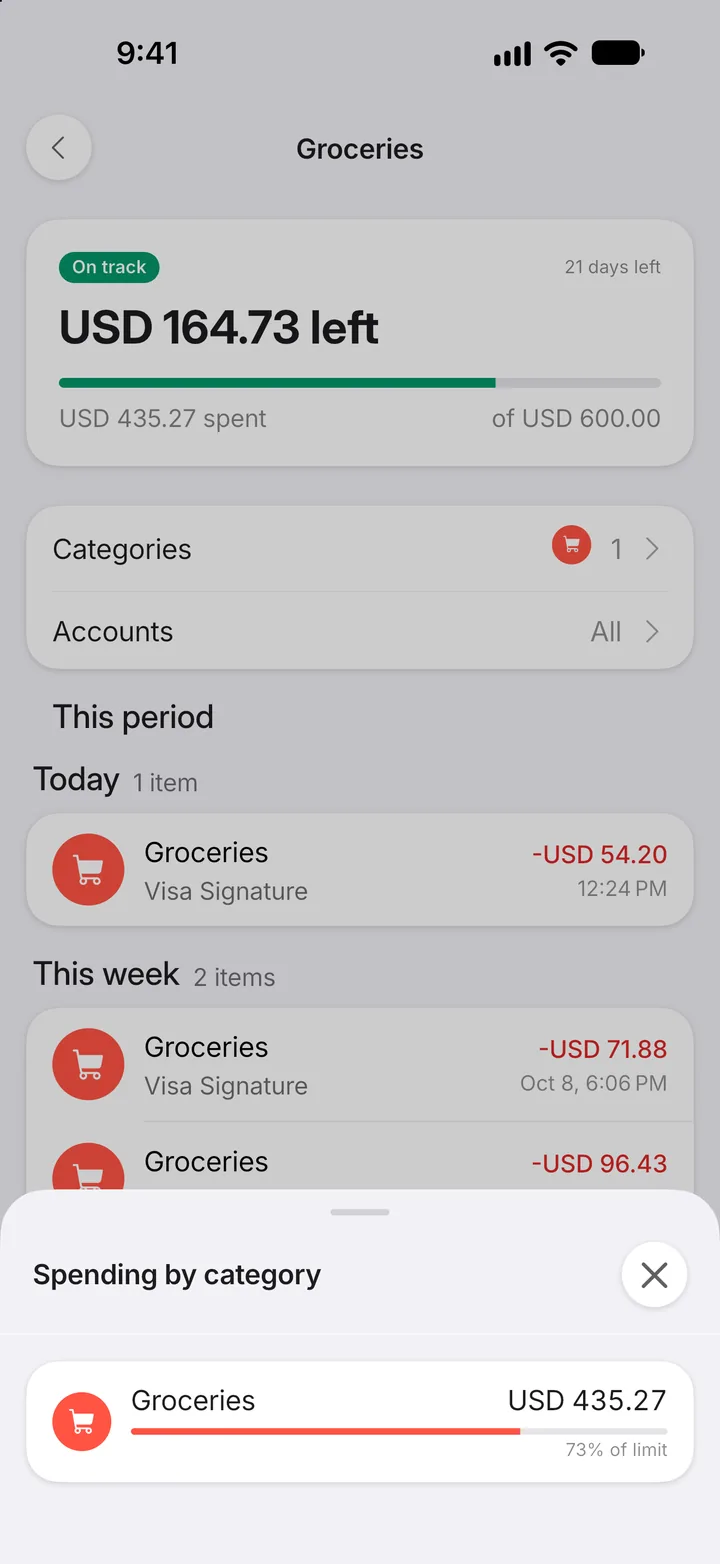
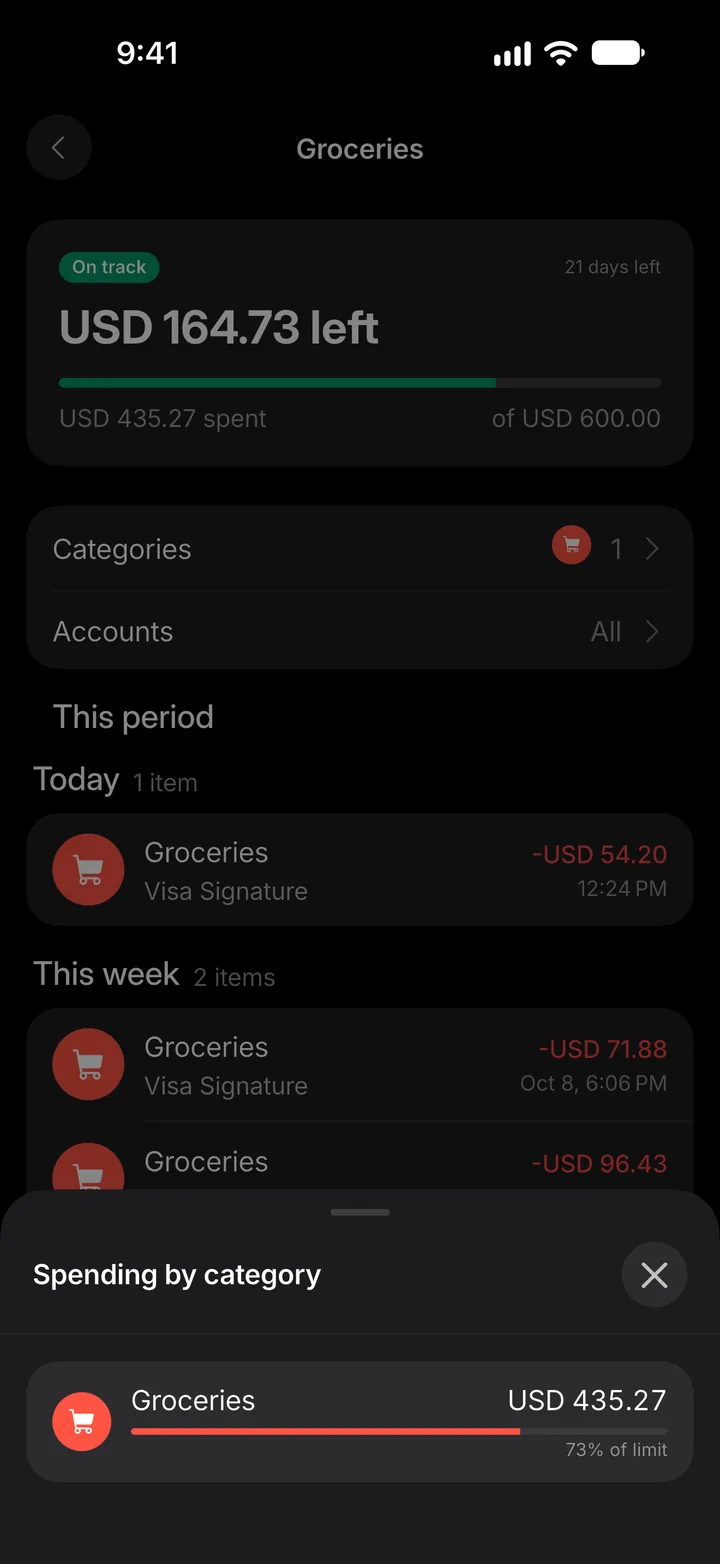
Step 4: See where it went
Spending is broken down by category, so you can see what's using up the budget.