Add an account
Add a bank account, card, savings or cash, so every transaction has somewhere to go.
10 steps
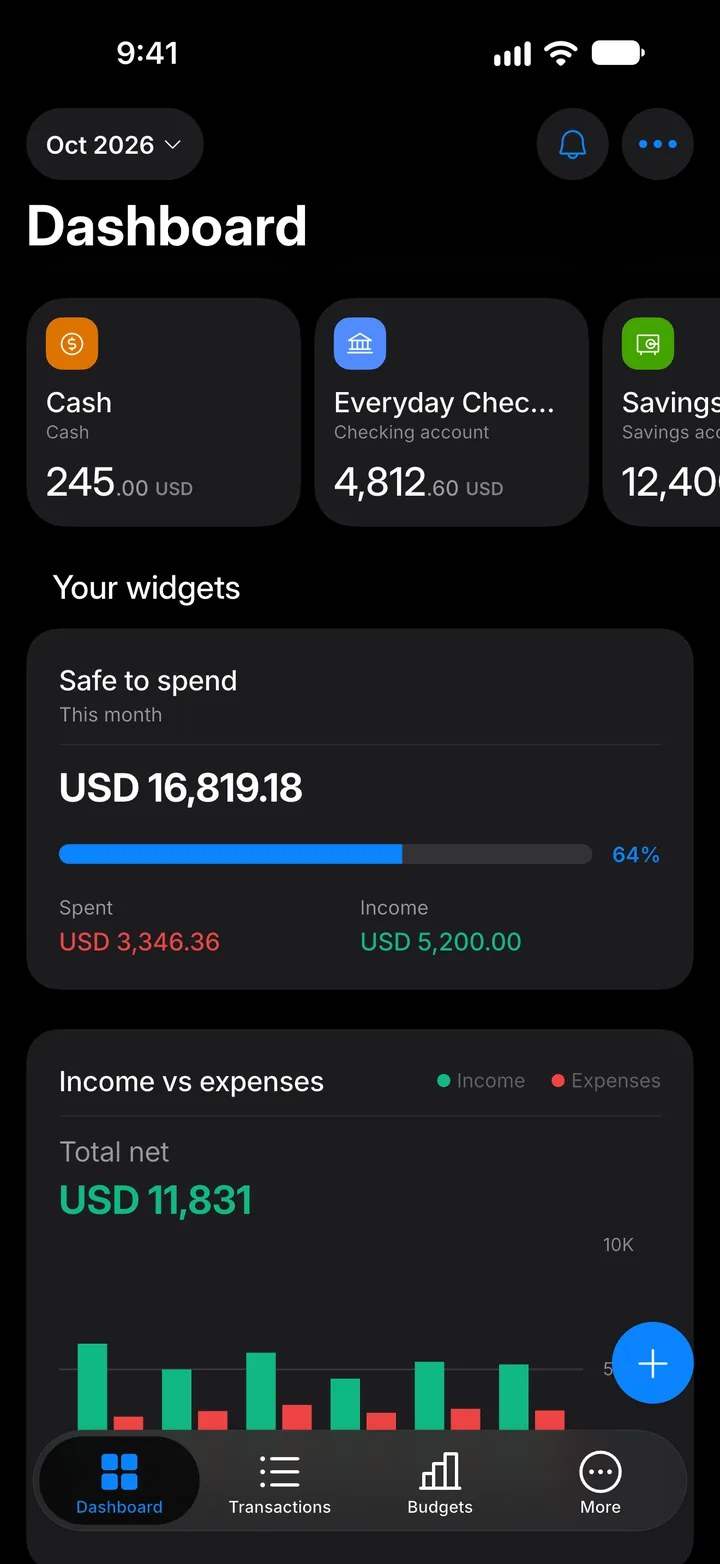
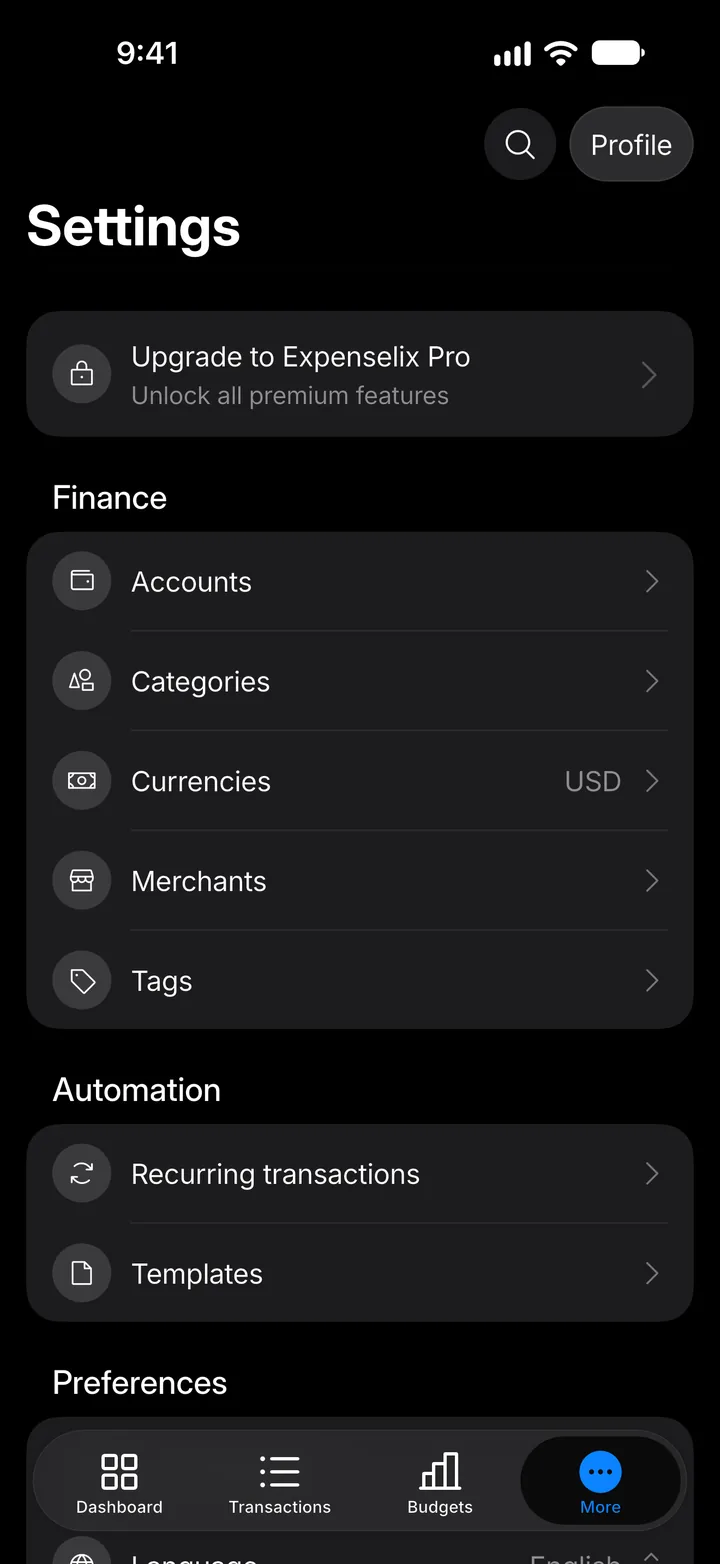
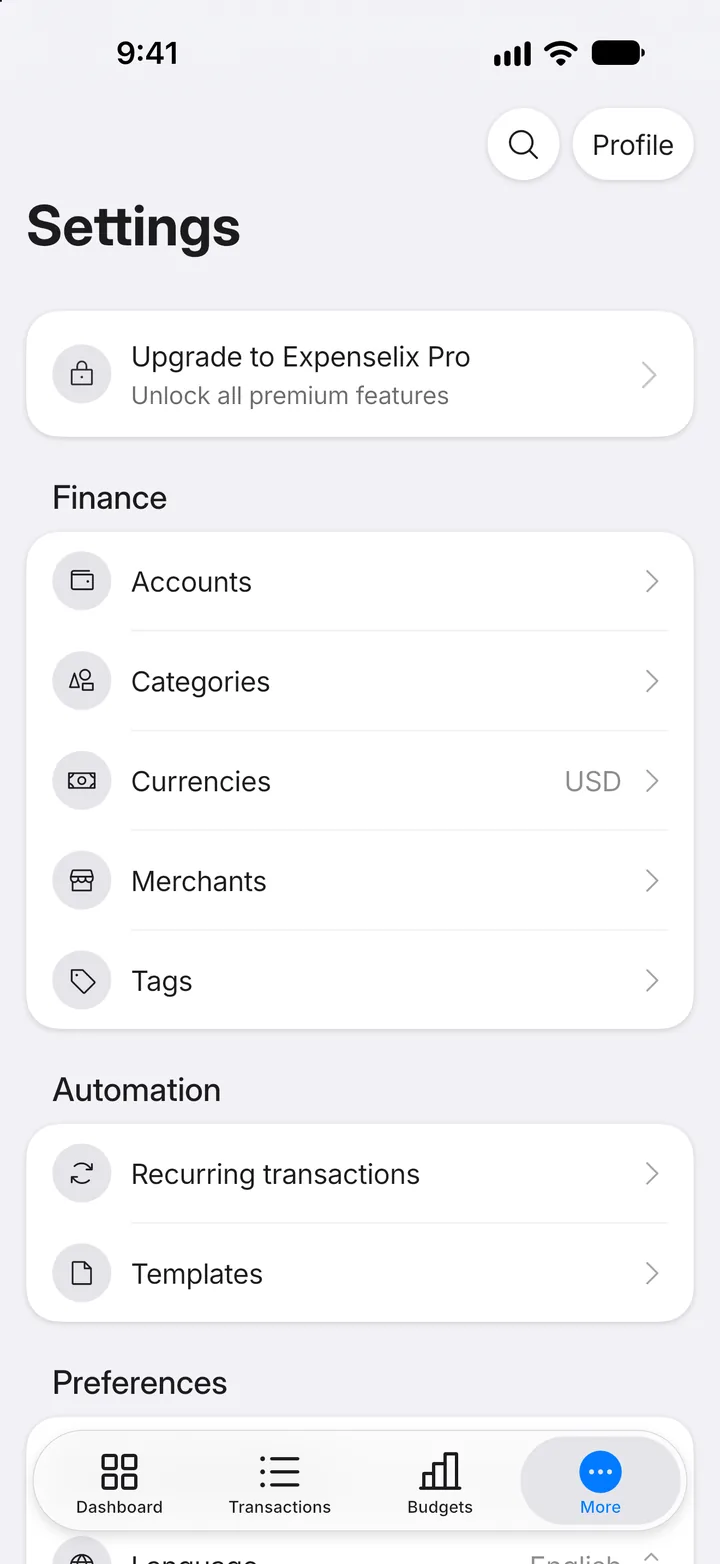
Step 1: Open More
Tap the More tab.
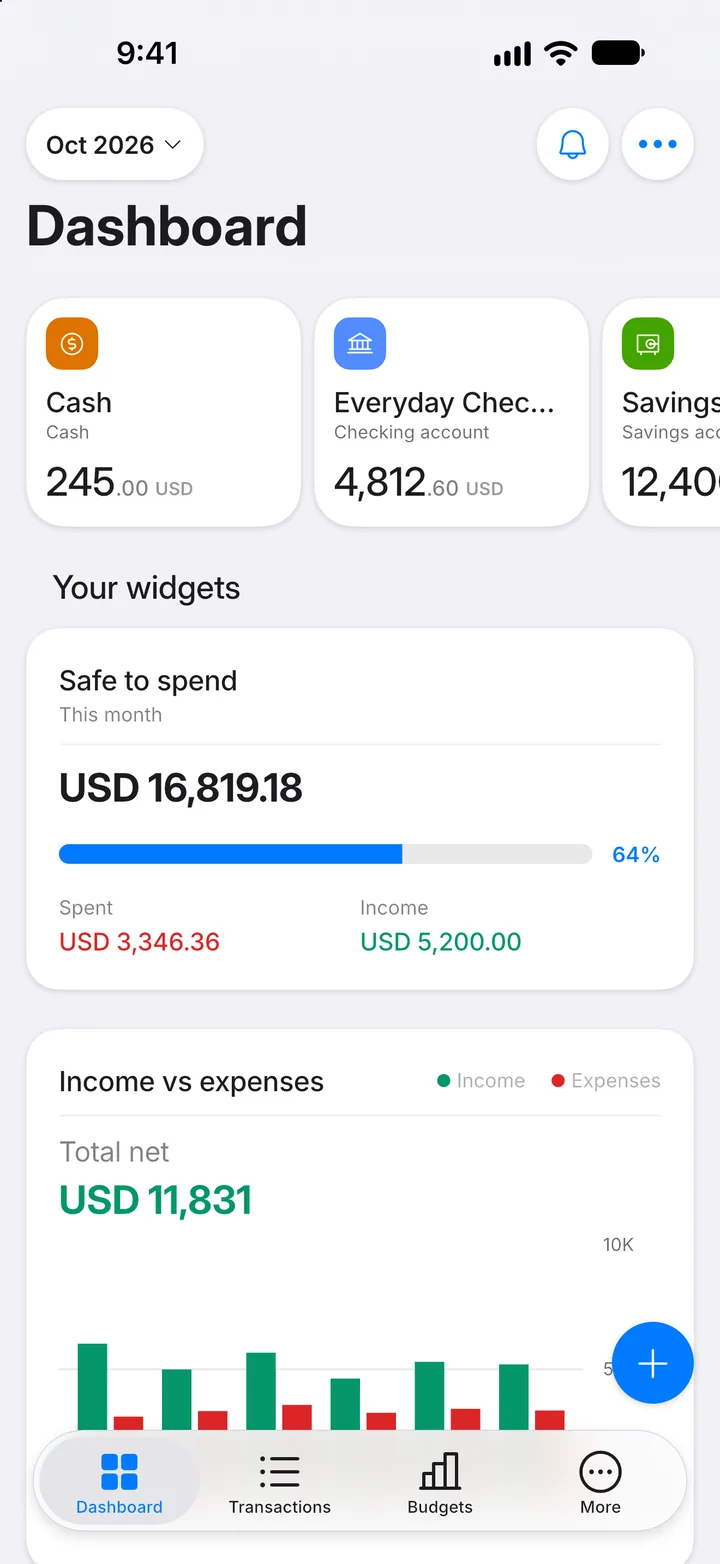
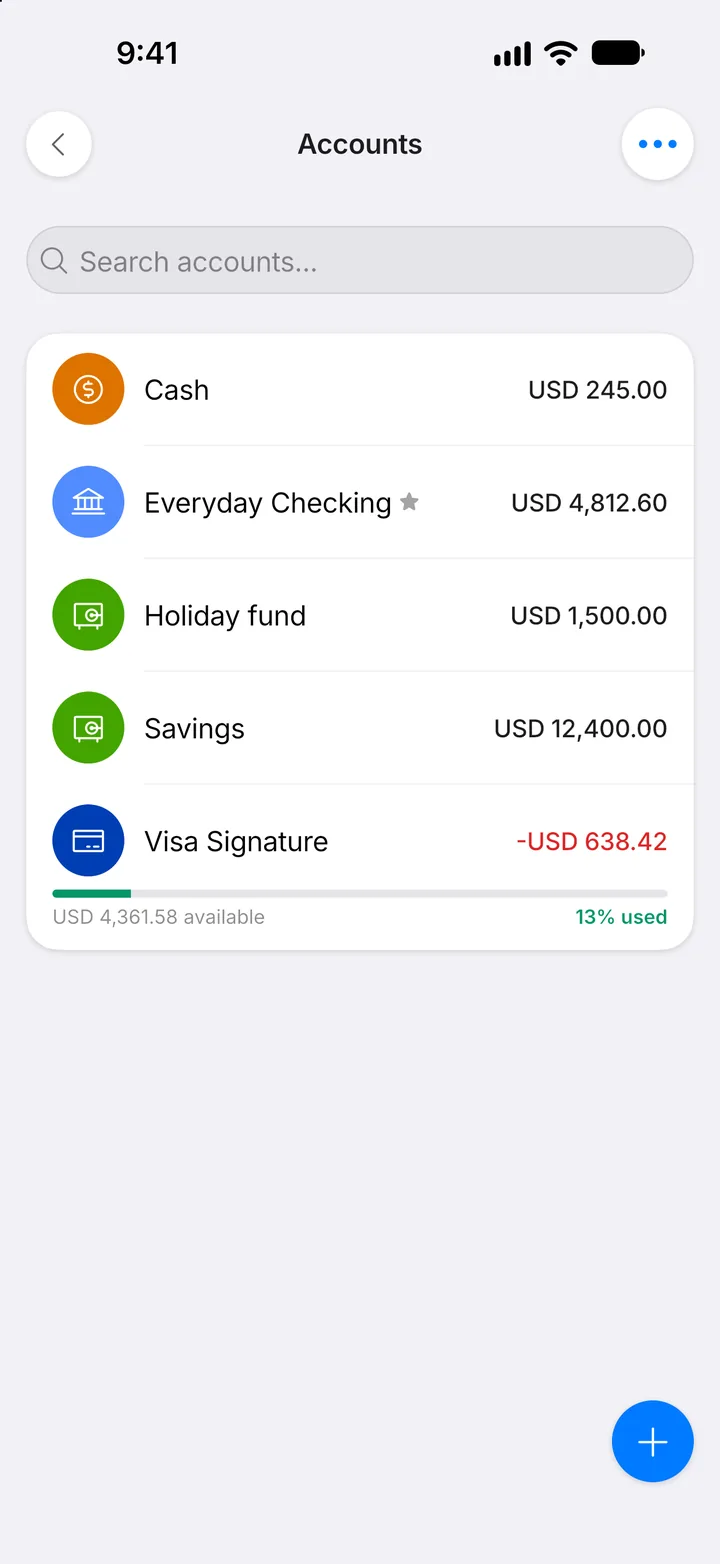
Step 2: Open Accounts
Tap Accounts.
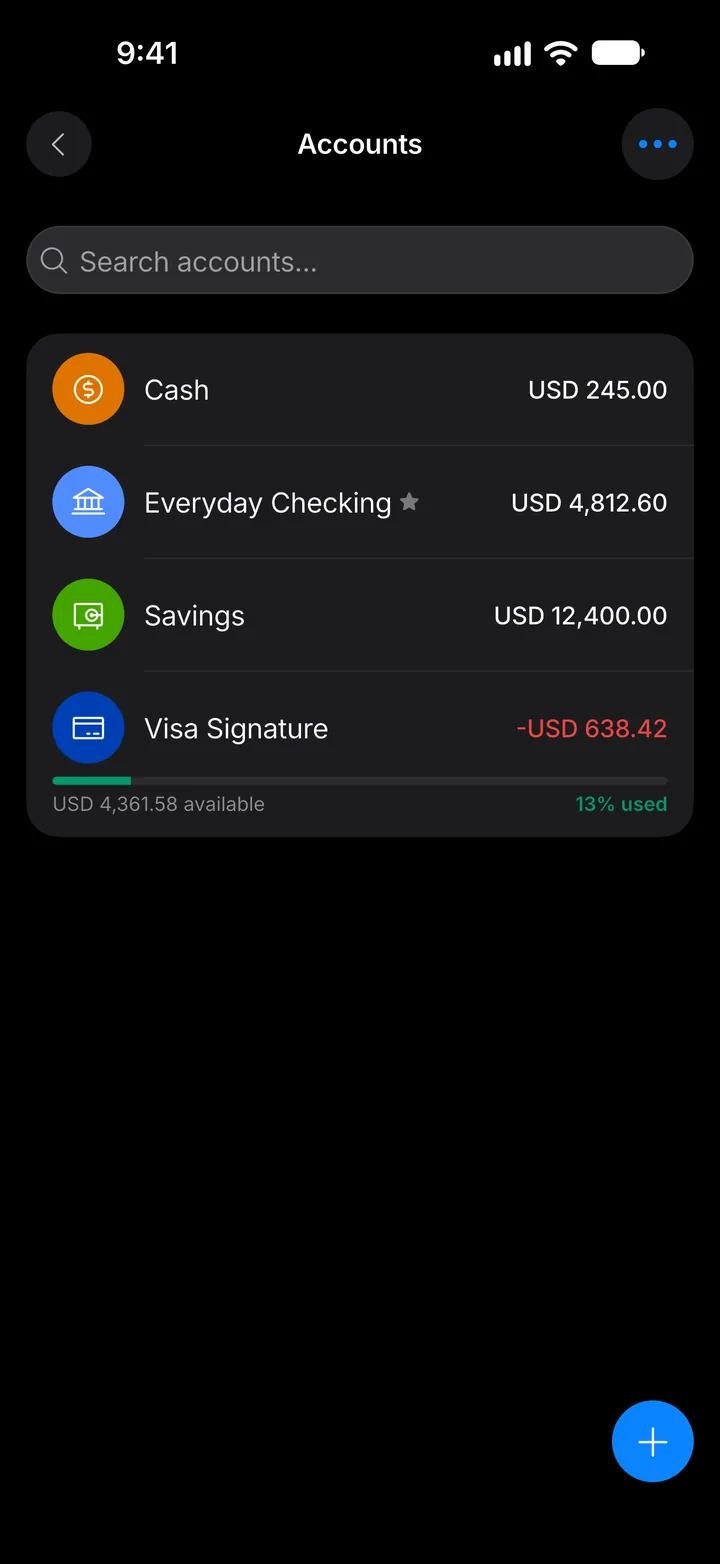
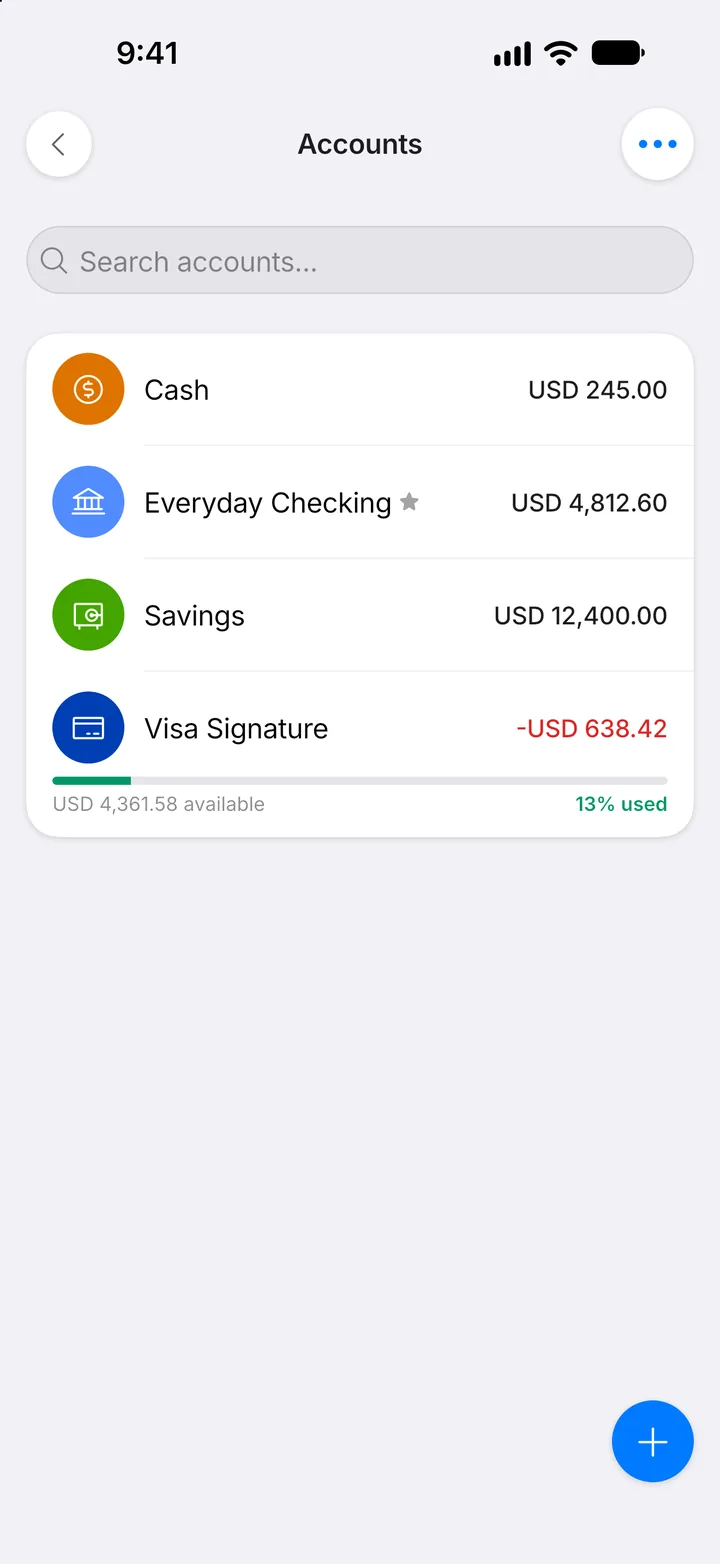
Step 3: Tap +
Tap the + button.
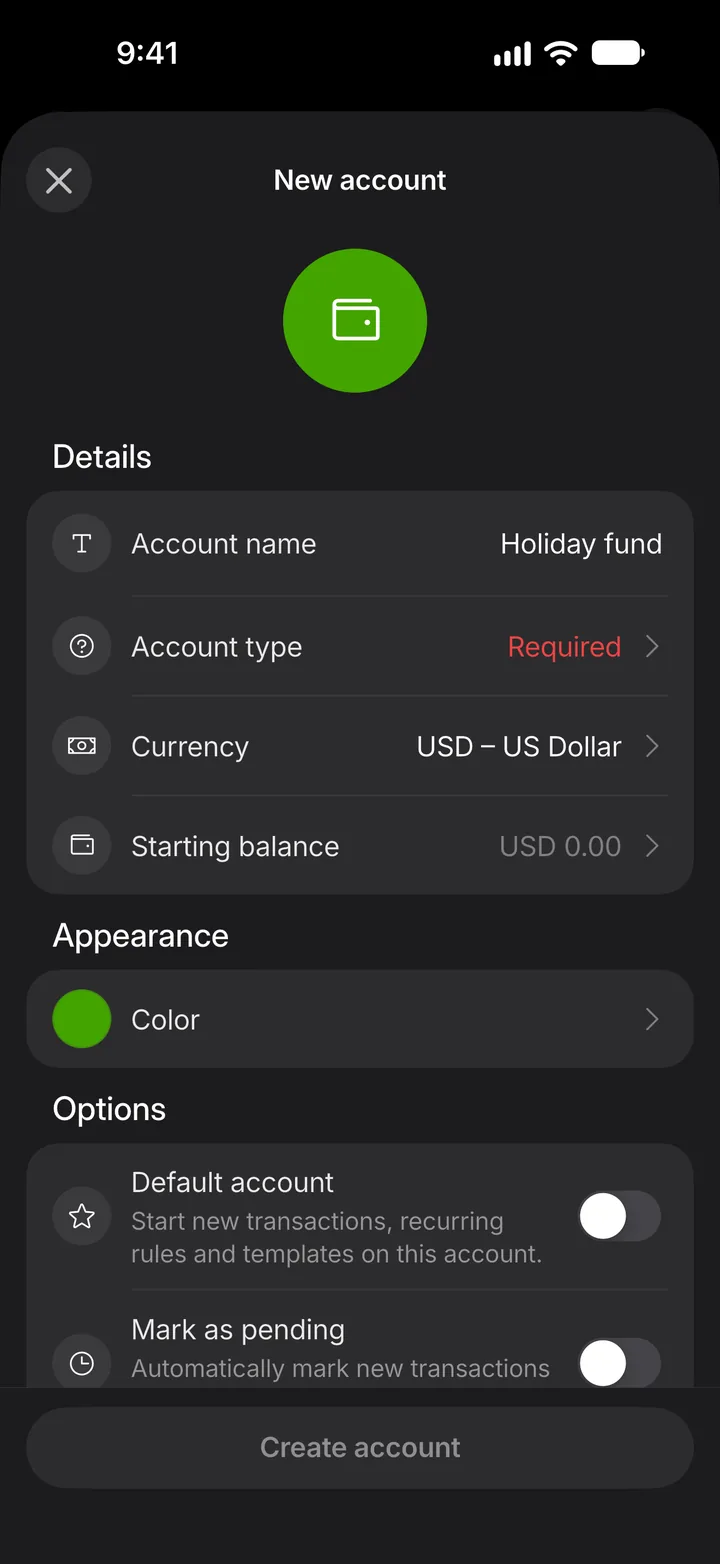
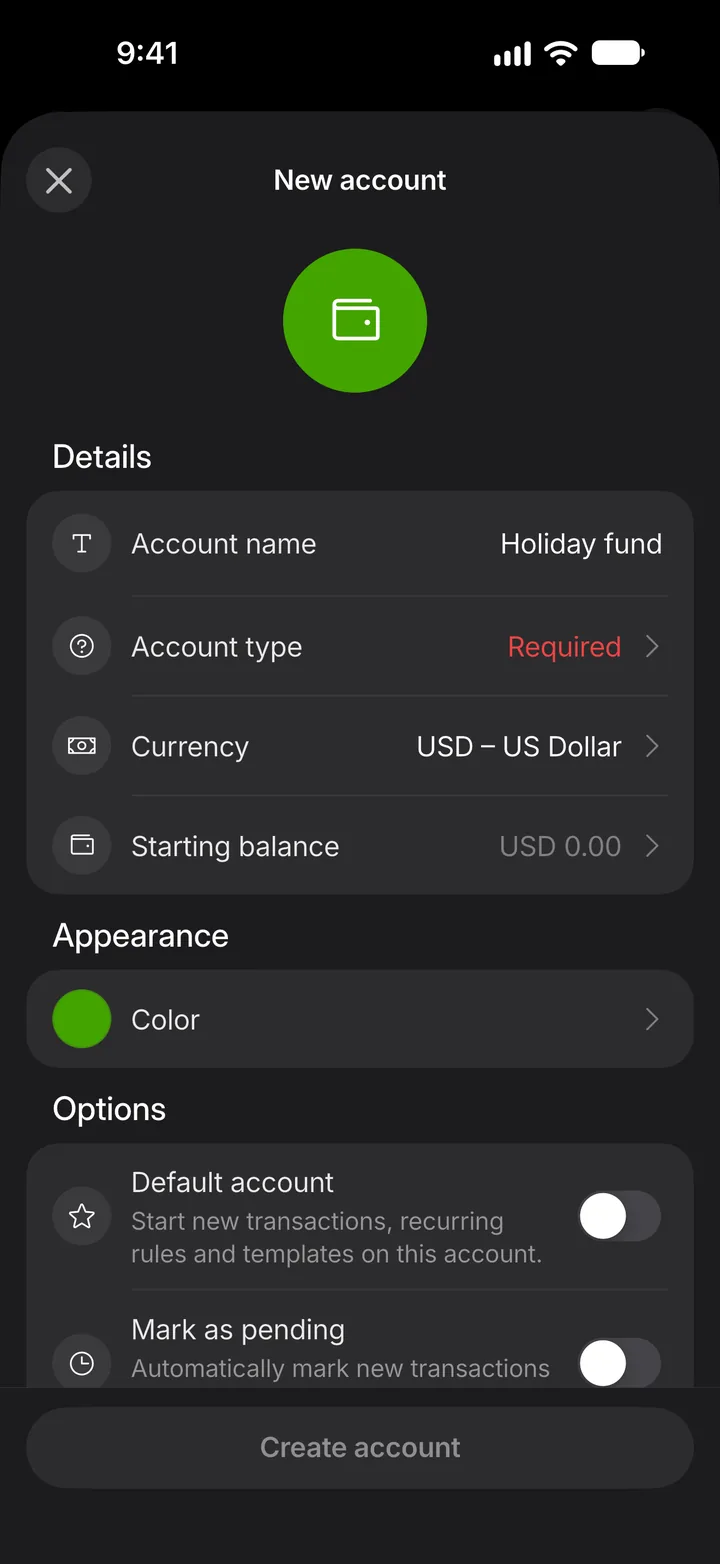
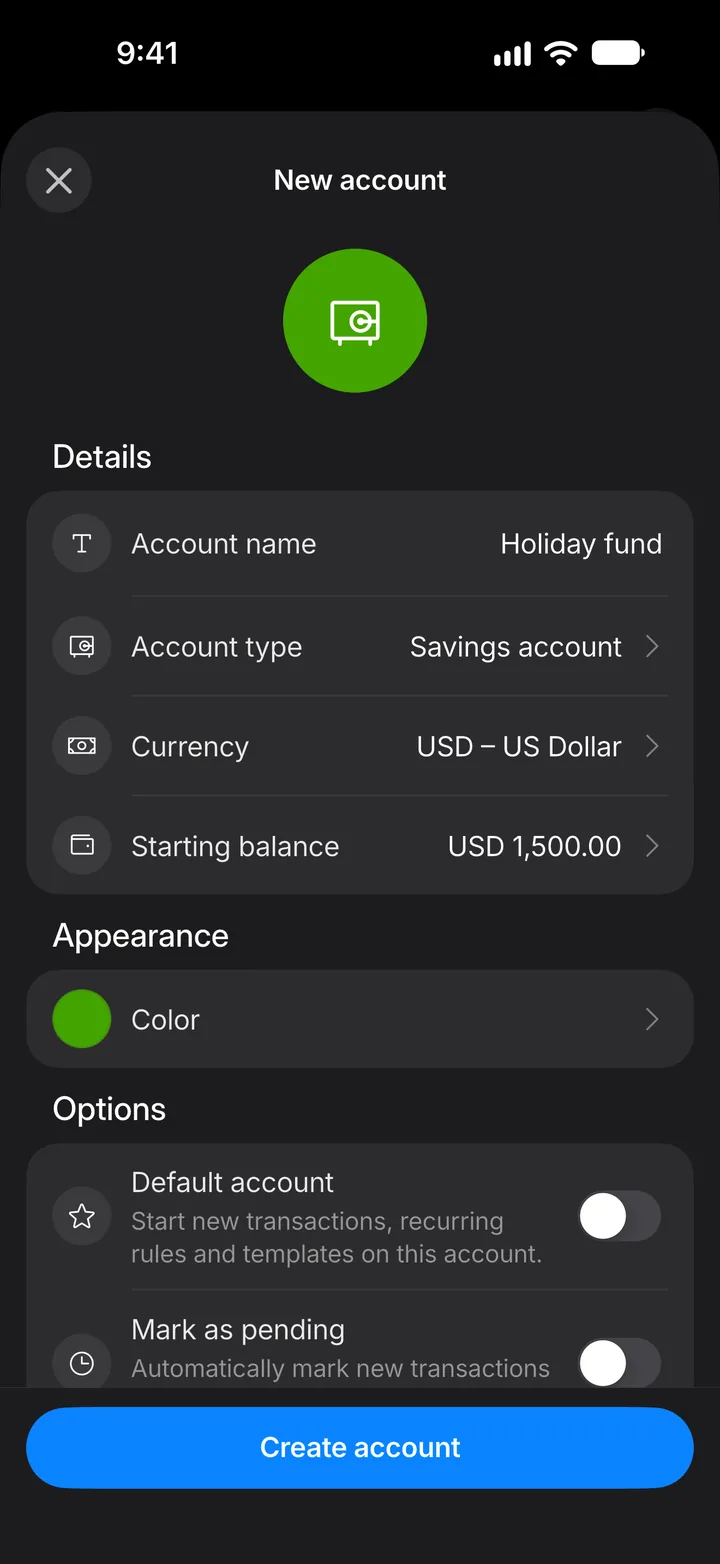
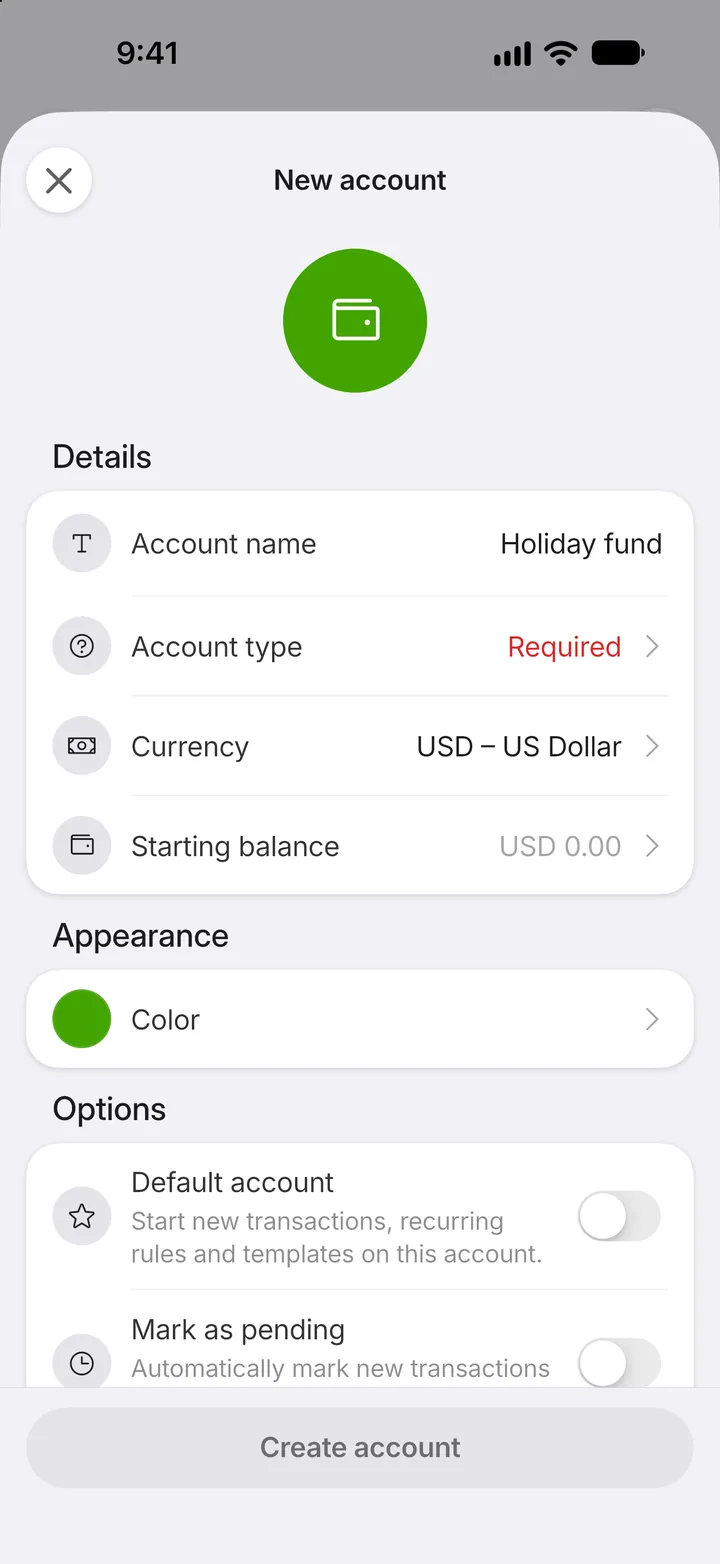
Step 4: Name it
Tap Account name and type a name you'll recognize.
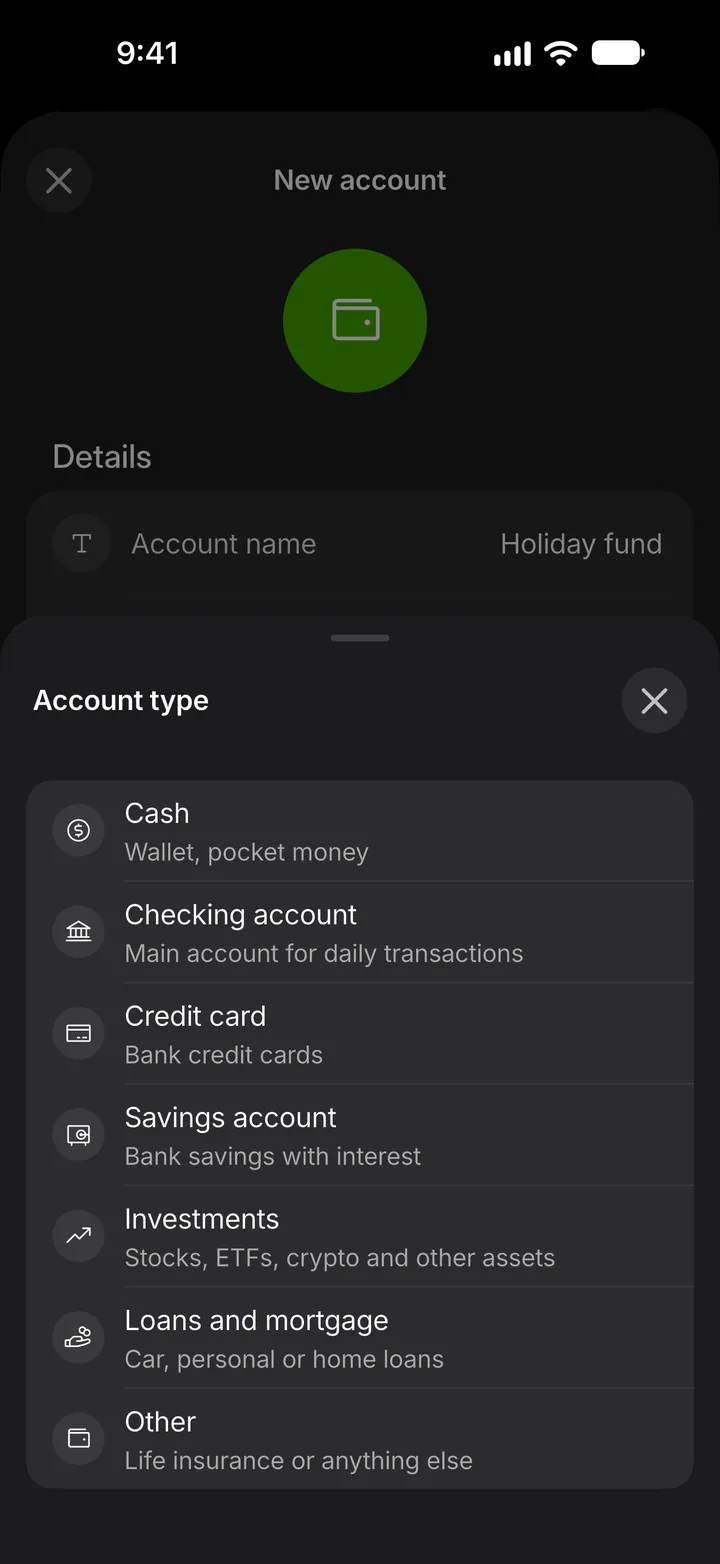
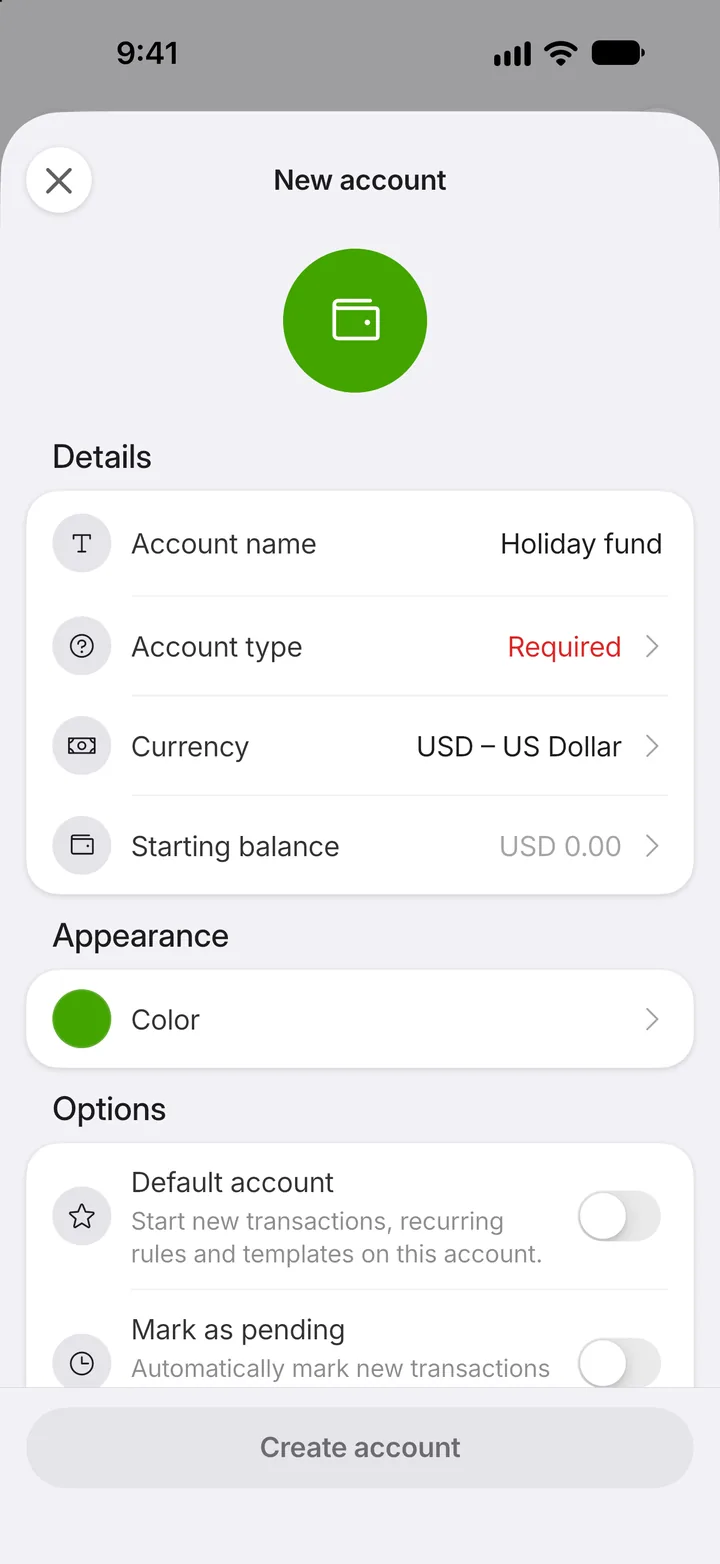
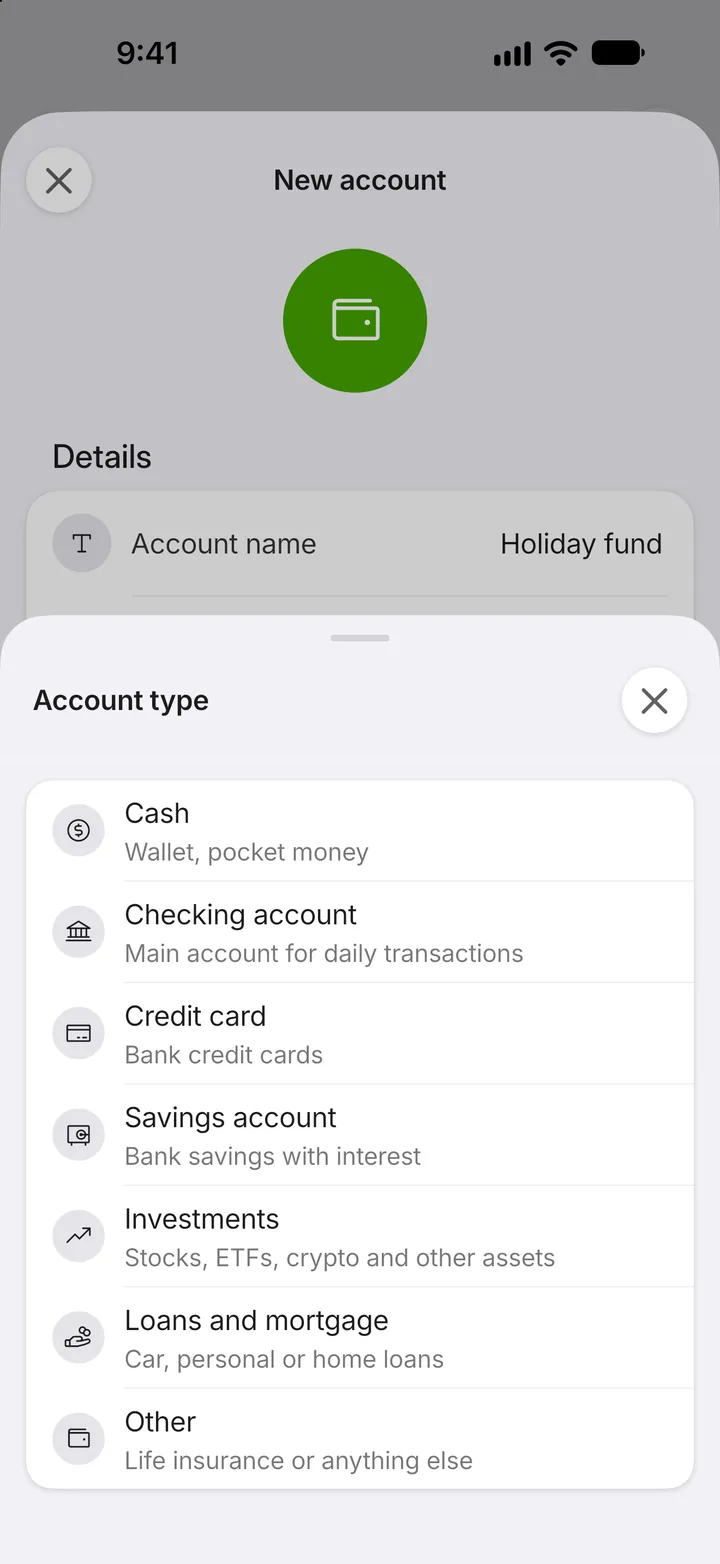
Step 5: Choose the type
Tap Account type.
Step 6: Pick one
Choose the type that fits. Credit cards and loans also ask for a limit.
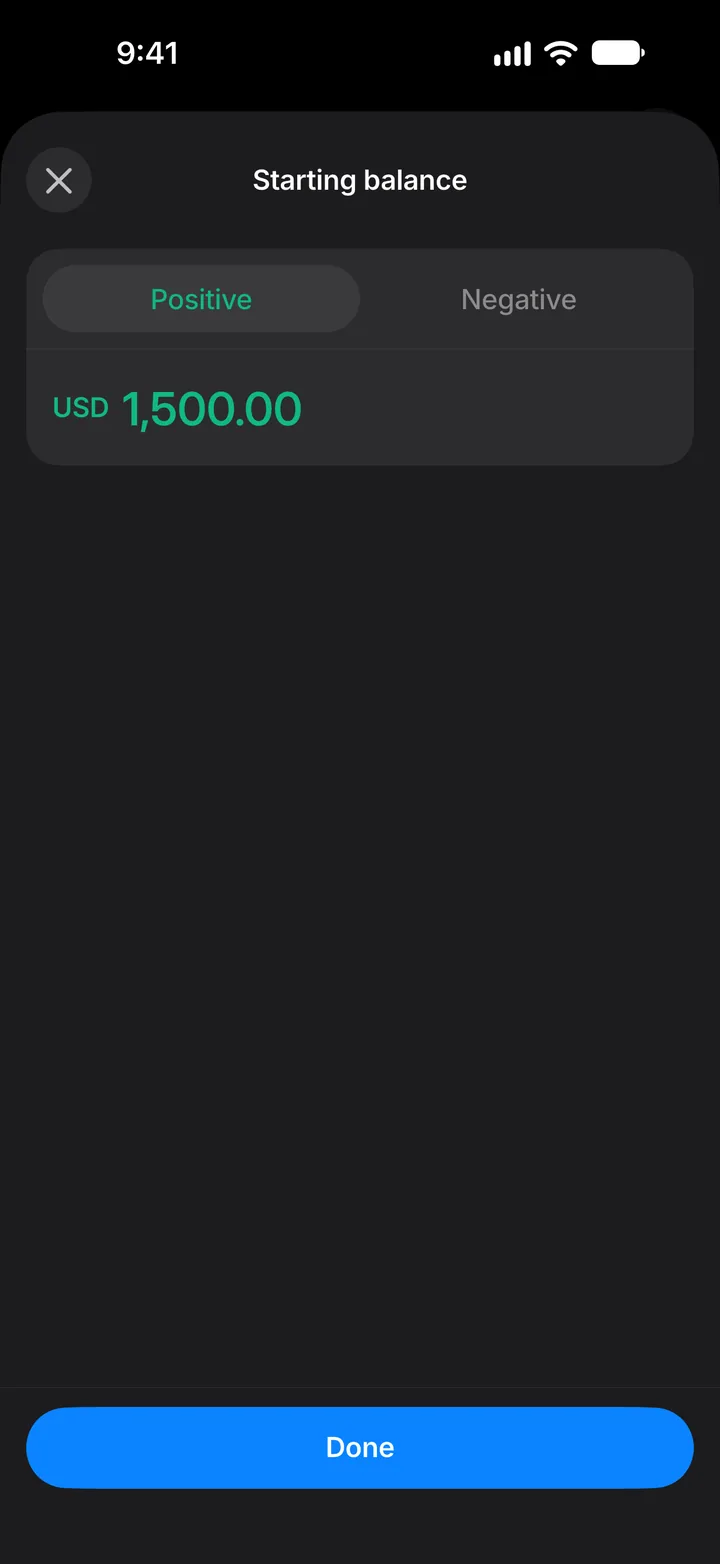
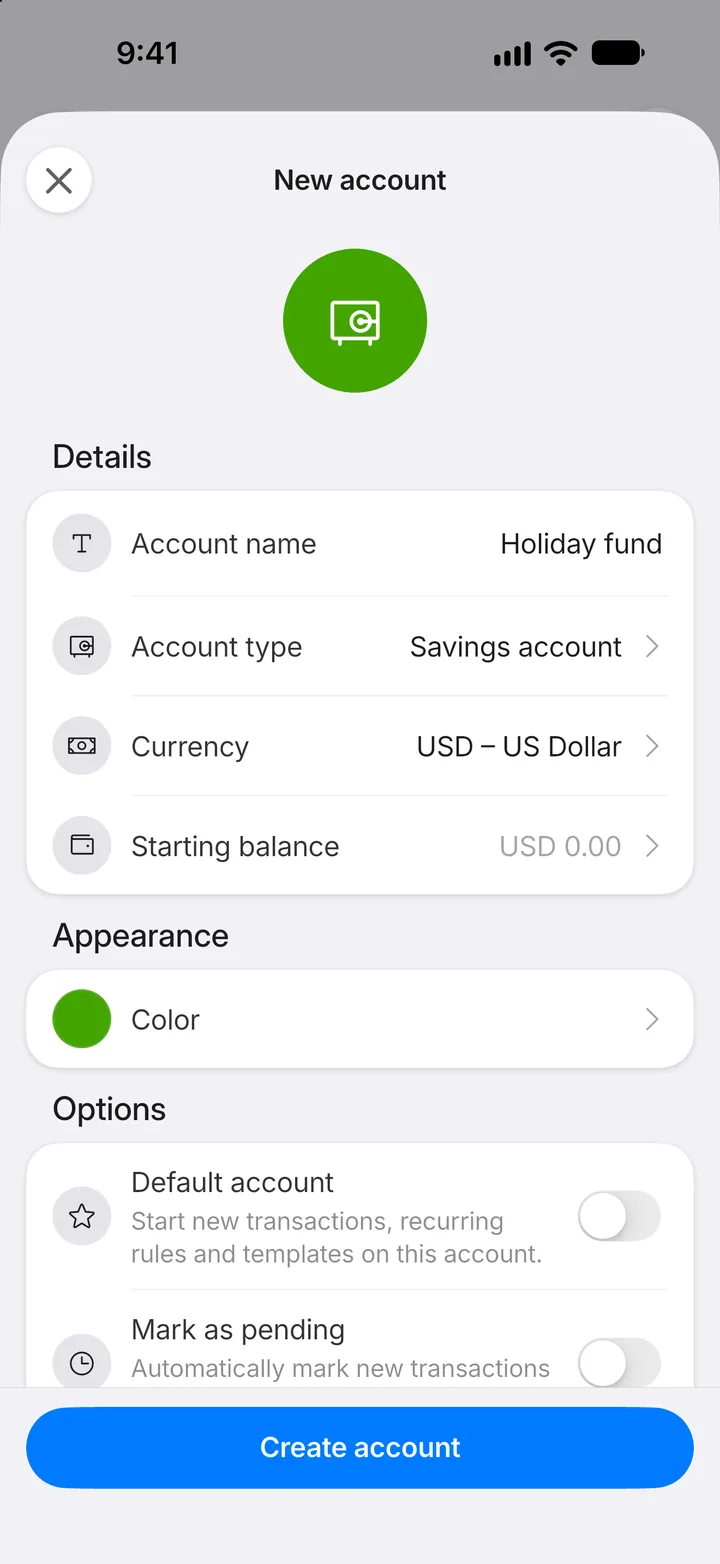
Step 7: Set the starting balance
Tap Starting balance to enter how much is in the account today.
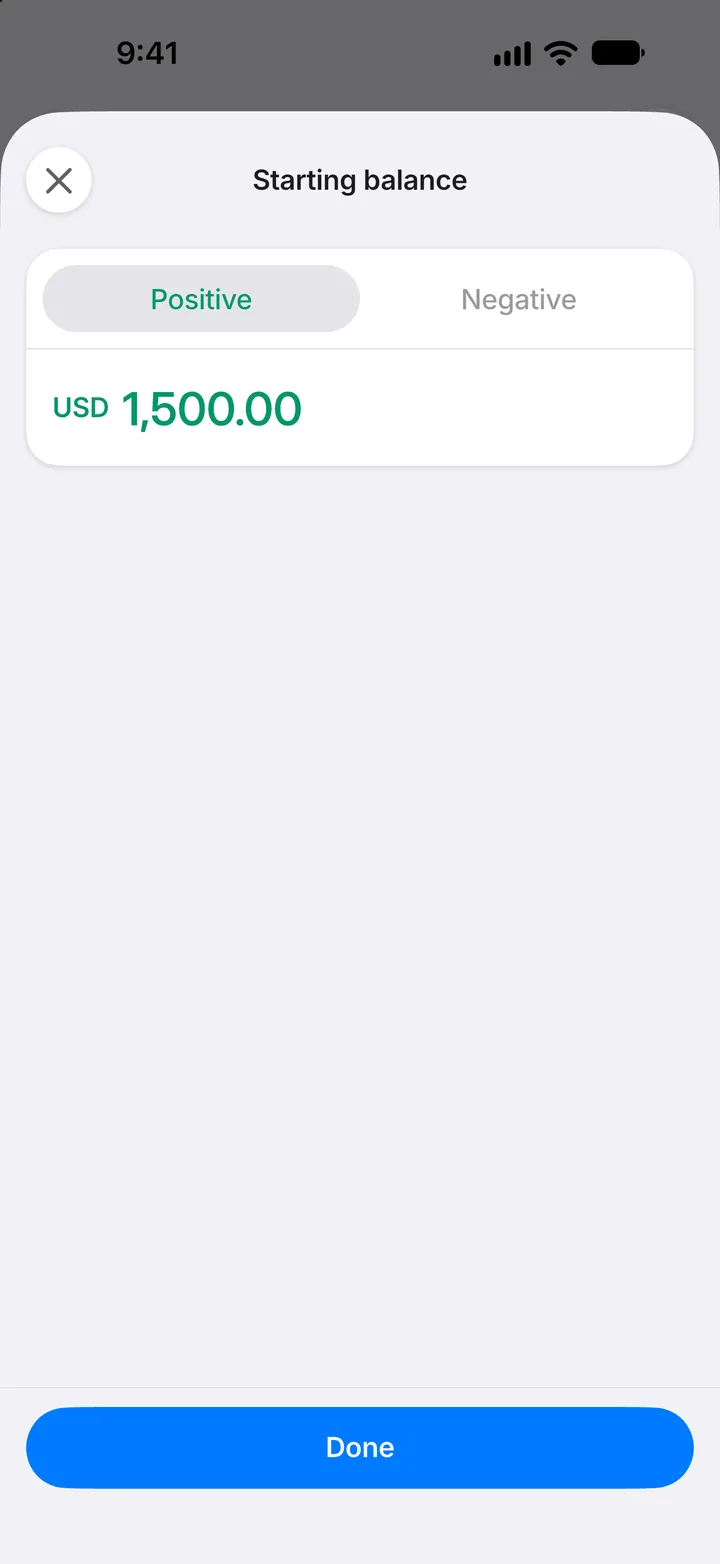
Step 8: Enter the amount
Type the balance, then tap Done.
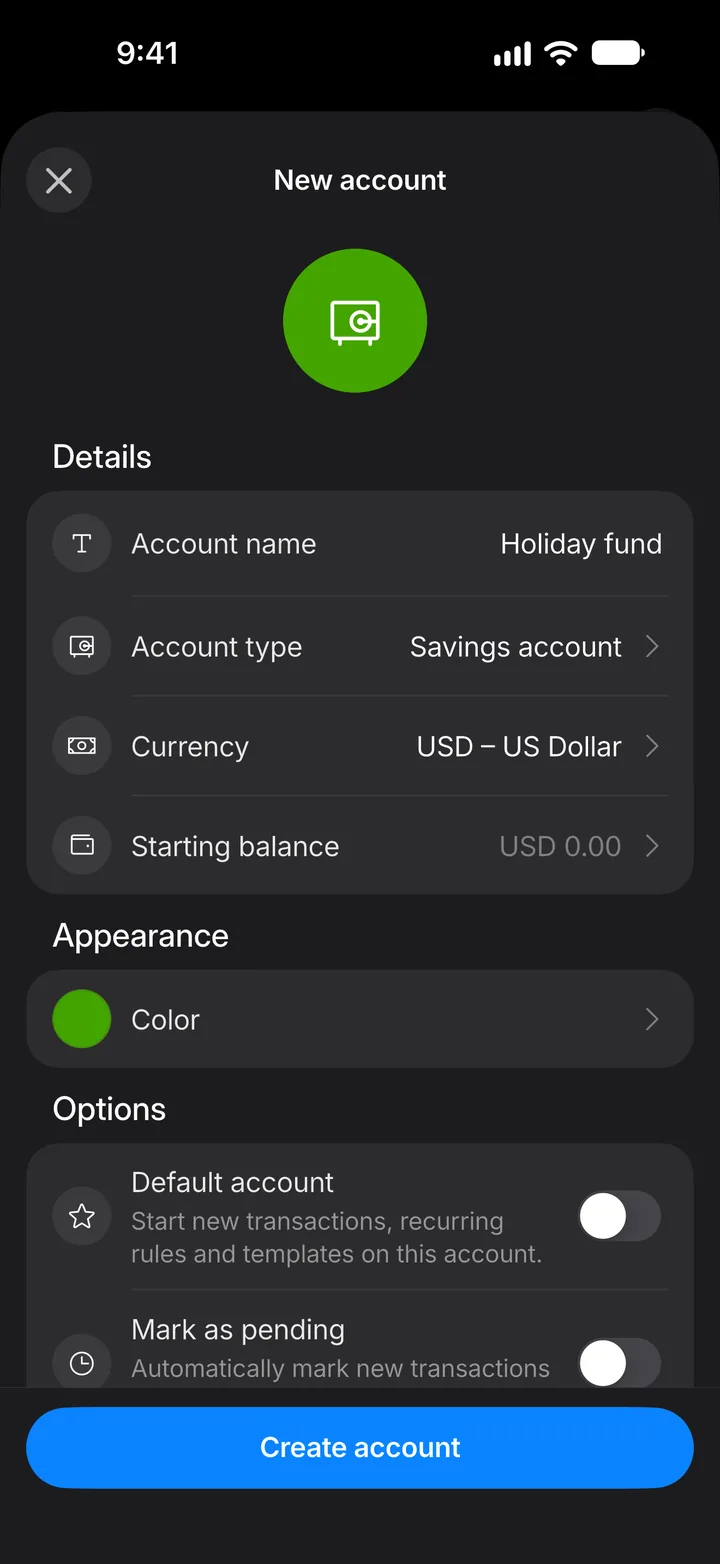
Step 9: Create the account
Tap Create account.
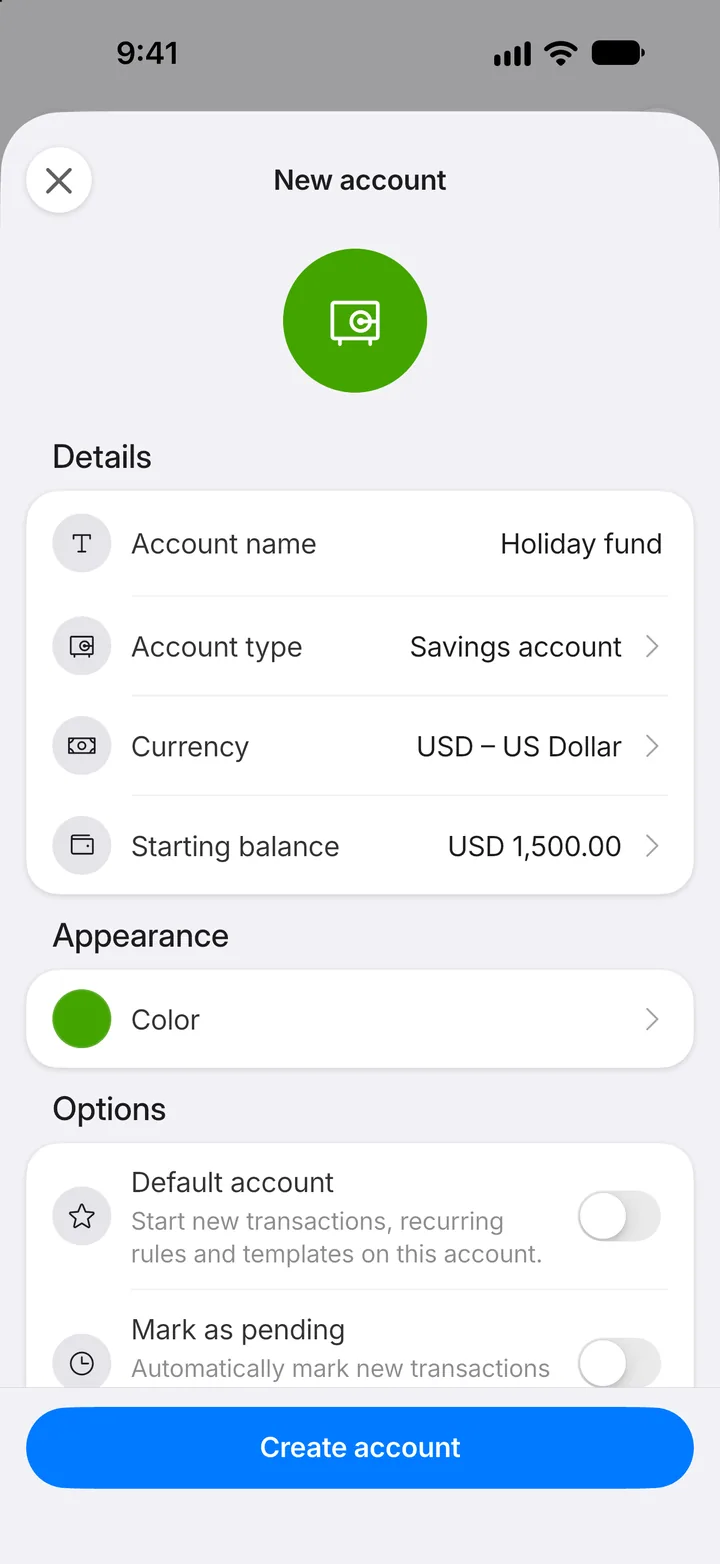
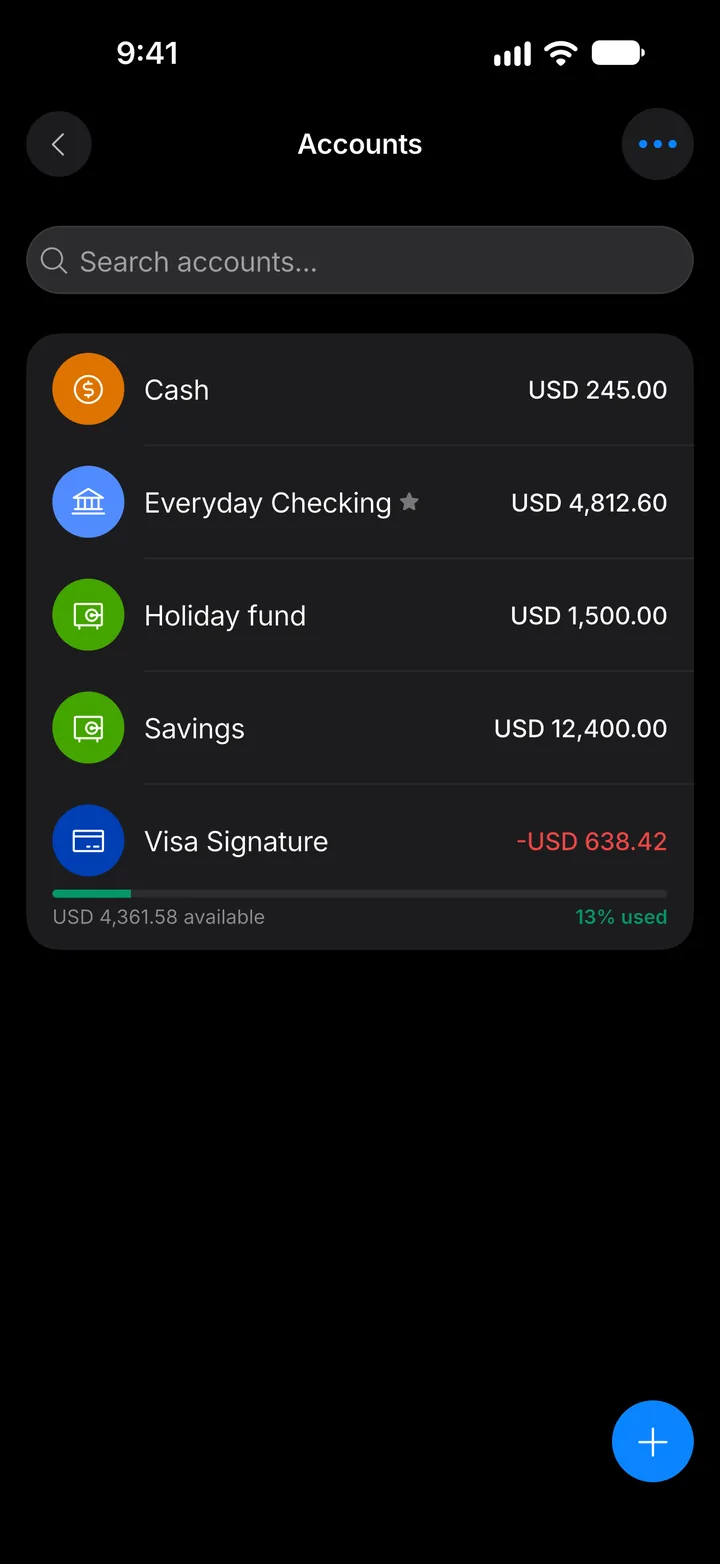
Step 10: It's ready
Your new account appears in the list, and you can pick it when you add a transaction.